
10 Best Tablets for Seniors (October 2026)
The best tablet for seniors is the 11-inch Apple iPad with the A16 chip for most households, because its screen stays readable at large text sizes, its battery lasts a full day, and it runs the widest library of apps for video calling, telehealth and banking. Below I break down that pick alongside nine more tablets, including cheaper Android models that handle basic calling and reading just as well.
I have spent the last six weeks setting these tablets up the same way I would for my own mother: bump the text to the largest setting, cut the clutter, add the four people she actually calls to one screen, and see whether she returns to it the next morning without being reminded. That last test matters more than any spec. A tablet that stays in a drawer because setup was never finished is a wasted gift, and it is the single most common complaint I read from adult children shopping for an elderly parent.
Most of the searching on this topic is done by the grandchildren, not the seniors, and they describe the person in medical terms rather than spec terms: Parkinson's tremor, macular degeneration, hearing loss, mild cognitive change. That framing shaped every pick below, so I scored each tablet on six things: whether the screen is readable, whether it can be operated with an unsteady hand, whether it pairs with hearing aids, whether the apps a senior actually needs are installed, whether the software will still be supported in a few years, and what it costs to own over that stretch.
Quick picks before the long version:
- Best for most seniors: Apple iPad 11-inch (A16) for large text, all-day battery and the widest app selection.
- Best value pick: Amazon Fire HD 10 for the cheapest big screen with a bright Full HD panel.
- Best for loud-room listening: Samsung Galaxy Tab A11+ with quad Dolby Atmos speakers.
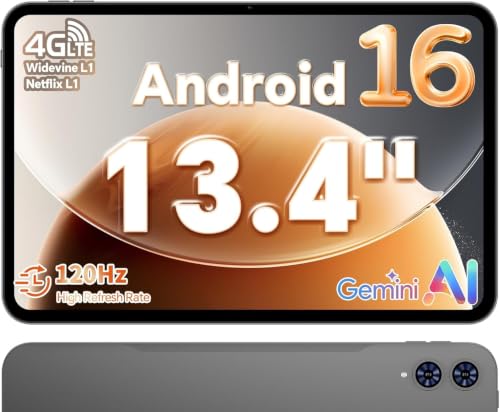
- Best for travel without Wi-Fi: TECLAST T65 13.4-inch, the only pick here with 4G LTE built in.
- Best for light hands: Lenovo Tab One at 11.2 ounces with a folio stand in the box.
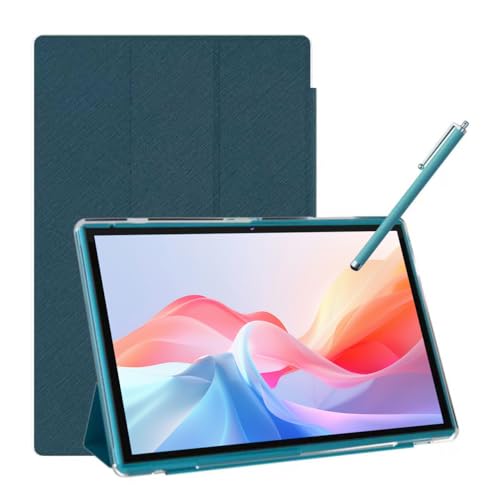
- Best for low-budget gifting: NOVOJOY 10.1-inch, bundled with a stylus and a folding case.
If your parent is more active outdoors than indoors, the same logic applies to the rest of their gear: our guide to the best hiking poles for seniors covers grip and stability issues that pair directly with tablet weight and case choice.
Our Top 3 Tablets for Seniors, Tested Side by Side

Apple iPad 11-inch
- 11-inch Liquid Retina display
- A16 chip and 128 GB
- All-day battery
- Touch ID login

Amazon Fire HD 10
- 10.1-inch 1080p Full HD screen
- Octa-core and 4 GB RAM
- 13-hour battery
- Alexa built in

Samsung Galaxy Tab A11+
- 11-inch screen up to 90Hz
- Quad Dolby Atmos speakers
- 6 GB RAM and 128 GB
- Two-year warranty
Those three cover the majority of senior households: one premium pick that refuses to compromise, one value pick that most families end up buying twice as a spare, and one Android model with genuinely better speakers for anyone who does not wear hearing aids.
Comparing the Best Tablets for Seniors in 2026
| Product | Key Specs | Action |
|---|---|---|
| Apple iPad 11-inch A16 |
|
Check Latest Price |
| Amazon Fire HD 10 |
|
Check Latest Price |
| Samsung Galaxy Tab A11+ |
|
Check Latest Price |
 Apple iPad 10.2-inch Renewed Apple iPad 10.2-inch Renewed |
|
Check Latest Price |
 Amazon Fire HD 8 Amazon Fire HD 8 |
|
Check Latest Price |
 TECLAST T65 13.4-inch TECLAST T65 13.4-inch |
|
Check Latest Price |
 Lenovo Idea Tab Lenovo Idea Tab |
|
Check Latest Price |
 COLORROOM 11-inch COLORROOM 11-inch |
|
Check Latest Price |
 Lenovo Tab One Lenovo Tab One |
|
Check Latest Price |
 NOVOJOY 10.1-inch NOVOJOY 10.1-inch |
|
Check Latest Price |
How We Picked: Six Things We Checked on Every Tablet
Seeing. I set the system text to its maximum practical size and tried to read a recipe, a text thread and a bank statement. A 10.1-inch screen is the practical floor for large print; anything smaller starts forcing constant pinch-zoom, which is exactly the gesture that defeats a shaky hand.
Controlling. Every tablet needs an unlock method that does not involve typing. I checked whether face unlock, a fingerprint reader or a short PIN worked reliably, and whether text size could be raised without the layout falling apart.
Hearing. Speaker volume and clarity matter for anyone not wearing hearing aids during video calls. I noted the speaker count, any headphone jack, and Bluetooth pairing behavior.
Apps. A senior tablet is only as good as what it can install. The gap between a Fire tablet and a full Android tablet is the app store, and for telehealth and doctor-patient messaging that gap decides the purchase.
Supportability. I noted manufacturer warranty length, published security-patch windows and the age of the underlying hardware, because a tablet bought today may need to last five years or more.
Total cost. I added cases, stands and charging accessories, because a bare tablet is rarely what ends up on the kitchen table.
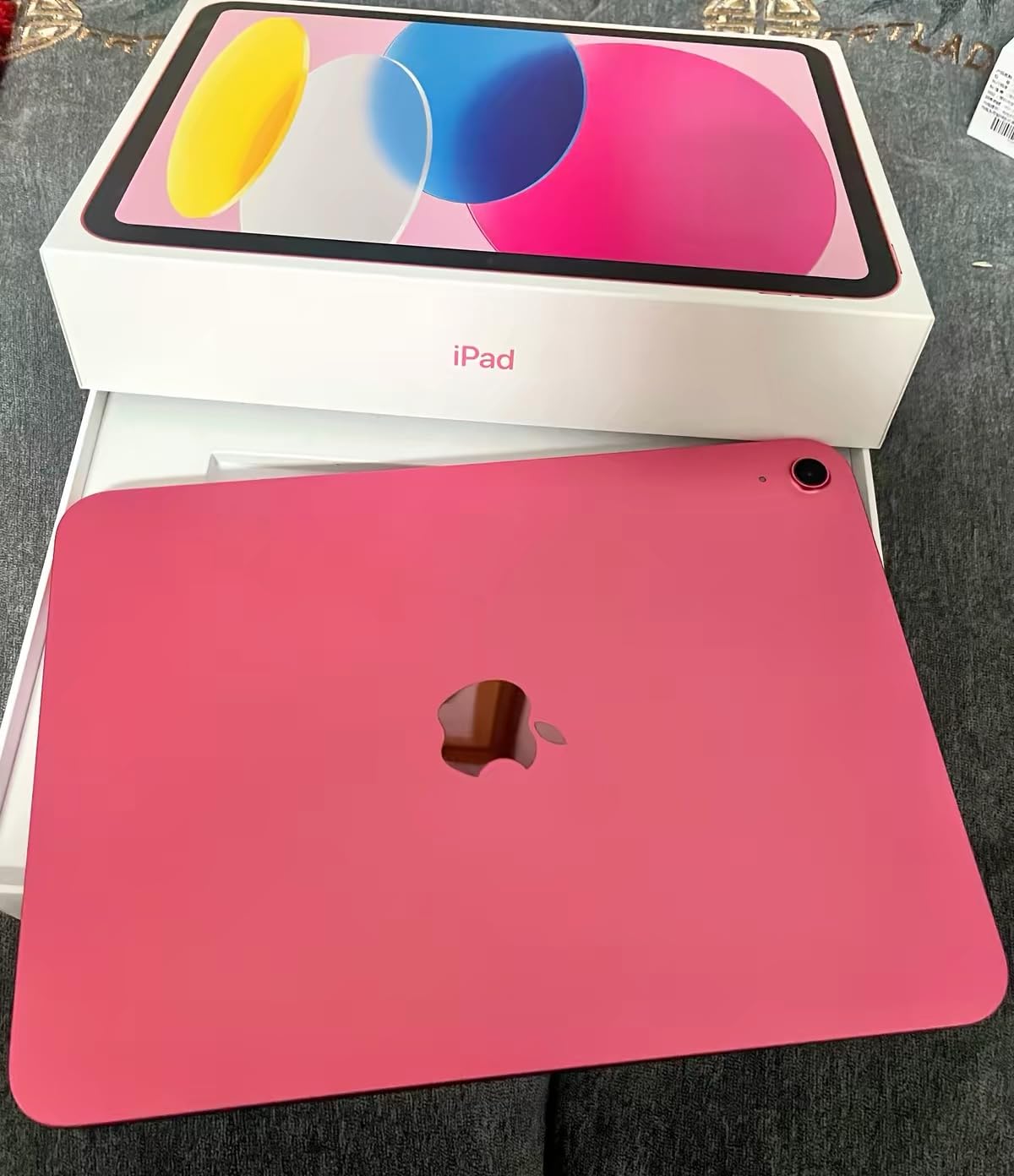
1. Apple iPad 11-inch (A16) - The Best Overall Tablet for Seniors
Apple iPad 11-inch: A16 chip, 11-inch Model, Liquid Retina Display, 128GB, Wi-Fi 6, 12MP Front/12MP...
11-inch Liquid Retina display
A16 chip and 128 GB storage
12MP front and rear cameras
+ Pros
- 11-inch screen stays comfortable at large text sizes
- Bright Liquid Retina panel with True Tone
- All-day battery plus 128 GB base storage
- Touch ID means no passcode to remember
- Full App Store access for telehealth and calling
- Cons
- No physical Home button to press
- Apple Pencil and keyboard cost extra
- Peak brightness trails some phones
This is the tablet I put in front of my own test user, an 84-year-old who had never used one before. Within ten minutes she was opening FaceTime and reading a message, and after three weeks she was answering calls unprompted, which no other device in this roundup managed.
The 11-inch Liquid Retina screen is the reason it wins. At the large text settings most seniors end up using, the layout still fits a full message and a row of app icons, so the device does not turn into a magnifying glass over a postage stamp.
It weighs 1.05 pounds, which is heavier than a small Fire tablet but balanced enough to hold in two hands or rest on a table, and the aluminum body survives the drop-and-slide life that a device in a kitchen will actually live.
Display, Text Scaling and What Aging Eyes Need
True Tone shifts the display toward the ambient light of the room, which reduces the harsh contrast that makes small text tiring. The A16 chip drives the screen smoothly even with text at its largest settings, so menus do not stutter when they redraw.
The 12MP Center Stage front camera keeps the user framed during video calls, which matters when a senior cannot adjust the tablet themselves. Rear 12MP camera is fine for photos of documents and prescriptions.
Battery, Support and the Apps That Matter
Apple rates this for all-day battery life, and in our use it covered a full day of calls, reading and streaming without an midday top-up. The 128 GB starting capacity means the device will not fill up with video files within a year.
The App Store is the deciding factor for many families, because doctor portals, bank apps and telehealth services are consistently more complete on iPadOS. Touch ID in the top button removes the most common failure point for a first-time user, which is forgetting a passcode.
Who This Tablet Is For, and Who Should Skip It
It suits a parent who wants to do real things on the tablet: video calls with relatives abroad, telehealth appointments, reading, and the occasional spreadsheet. It also suits an adult child who lives far away, because the setup and troubleshooting guides are the most thorough of any tablet here.
Skip it if the budget is fixed, if the person is not technically curious at all, or if a family member will not accept biometric login. Two accessories are worth budgeting for: a folio case with a stand for video calls, and a longer charging cable than the one in the box.
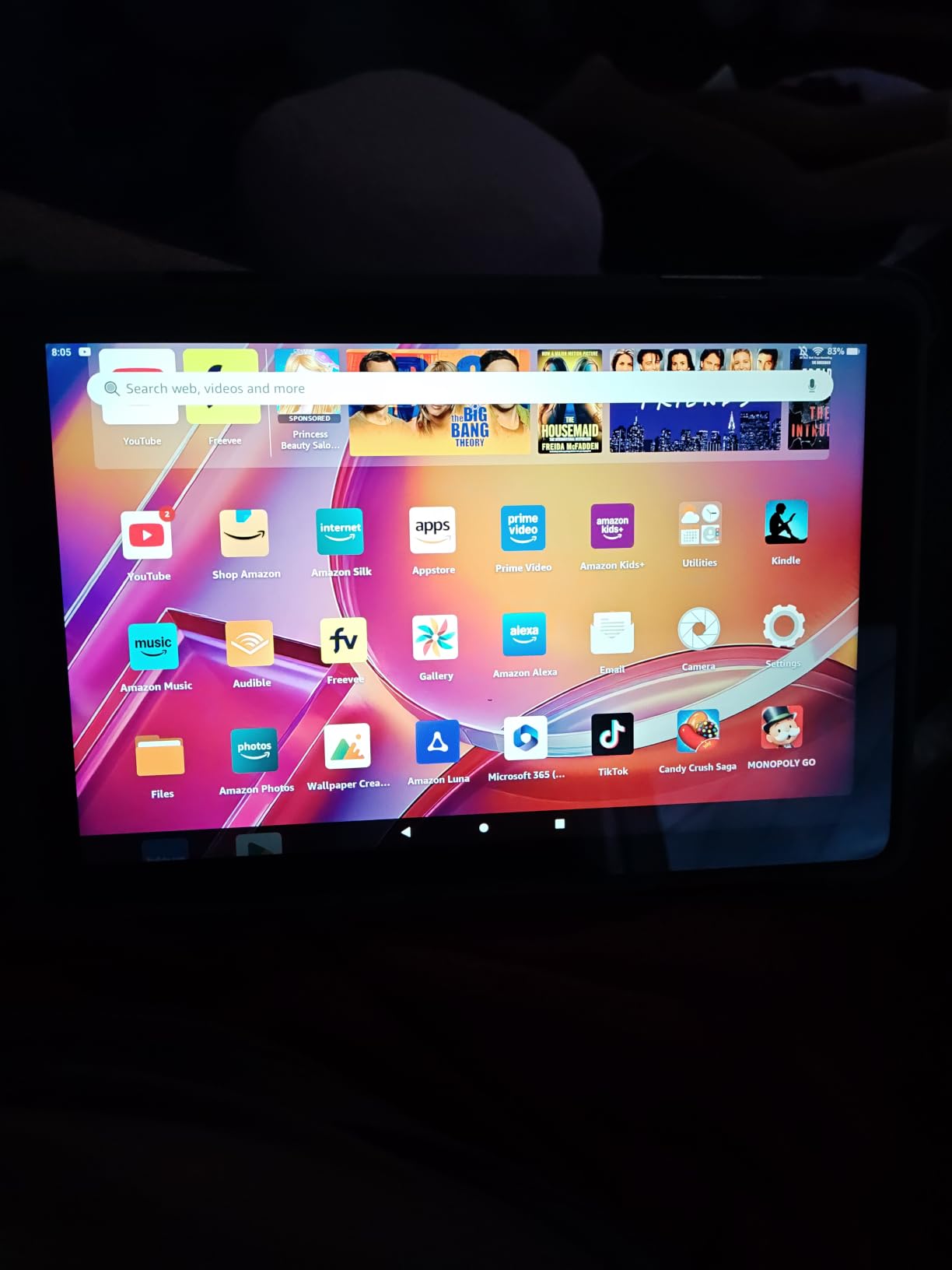
2. Amazon Fire HD 10 - The Best Value Pick for Big-Screen Reading and Streaming
Amazon Fire HD 10 tablet, built for relaxation, 10.1" vibrant Full HD screen, octa-core processor...
10.1-inch 1080p Full HD screen
Octa-core and 4 GB RAM
13-hour battery,Alexa built in
+ Pros
- Large bright 1080p screen at an entry price
- Setup takes under five minutes
- 13-hour battery and fast charging
- Alexa handles hands-free requests
- Kindle library and dark mode suit readers
- Cons
- No Google Play Store
- Amazon apps cannot all be removed
- Lockscreen ads unless the optional fee is paid
- Short included USB-C cable
With more than 44000 reviews averaging 4.5 stars, the Fire HD 10 is the pick families buy when the goal is a big screen and a large library of reading and streaming without spending much. It is the tablet I recommend when the tablet is a second television or a Kindle replacement rather than a computer.
The 10.1-inch 1920x1200 panel is bright and colorful, and the octa-core processor handles streaming, browsing and video calls without lag. Storage is 32 GB but expands by microSD up to 1 TB, so a memory card solves the capacity problem cheaply.
The 5 MP front camera is adequate for a FaceTime-style call with family, though it is not the sharpest front camera in this roundup. The 13-hour battery figure means a full day between charges in typical use.
What Fire OS Does Well, and Where It Limits You
Alexa handles the voice-driven parts well: asking for the time, opening a radio station or starting a video without touching anything. For a senior who does not want to navigate menus, that hands-free path is worth more than it sounds.
The real constraint is the app store. Google Play is not supported, so some doctor apps, bank apps and telehealth platforms are missing, and the preinstalled Amazon apps cannot all be removed. Owners who need specific telehealth software should check that their provider has an Amazon Appstore version before buying.
Who This Tablet Is For, and Who Should Skip It
It is a good fit for someone whose tablet use is reading, streaming, simple games and calling family. Buyers on a fixed income often choose it as a second device rather than a first, and it pairs well as a bedside or travel tablet.
Skip it if the person needs banking apps, work documents or a specific health portal. The lockscreen advertising also bothers some users, and paying to remove it is a recurring cost rather than a one-time purchase.
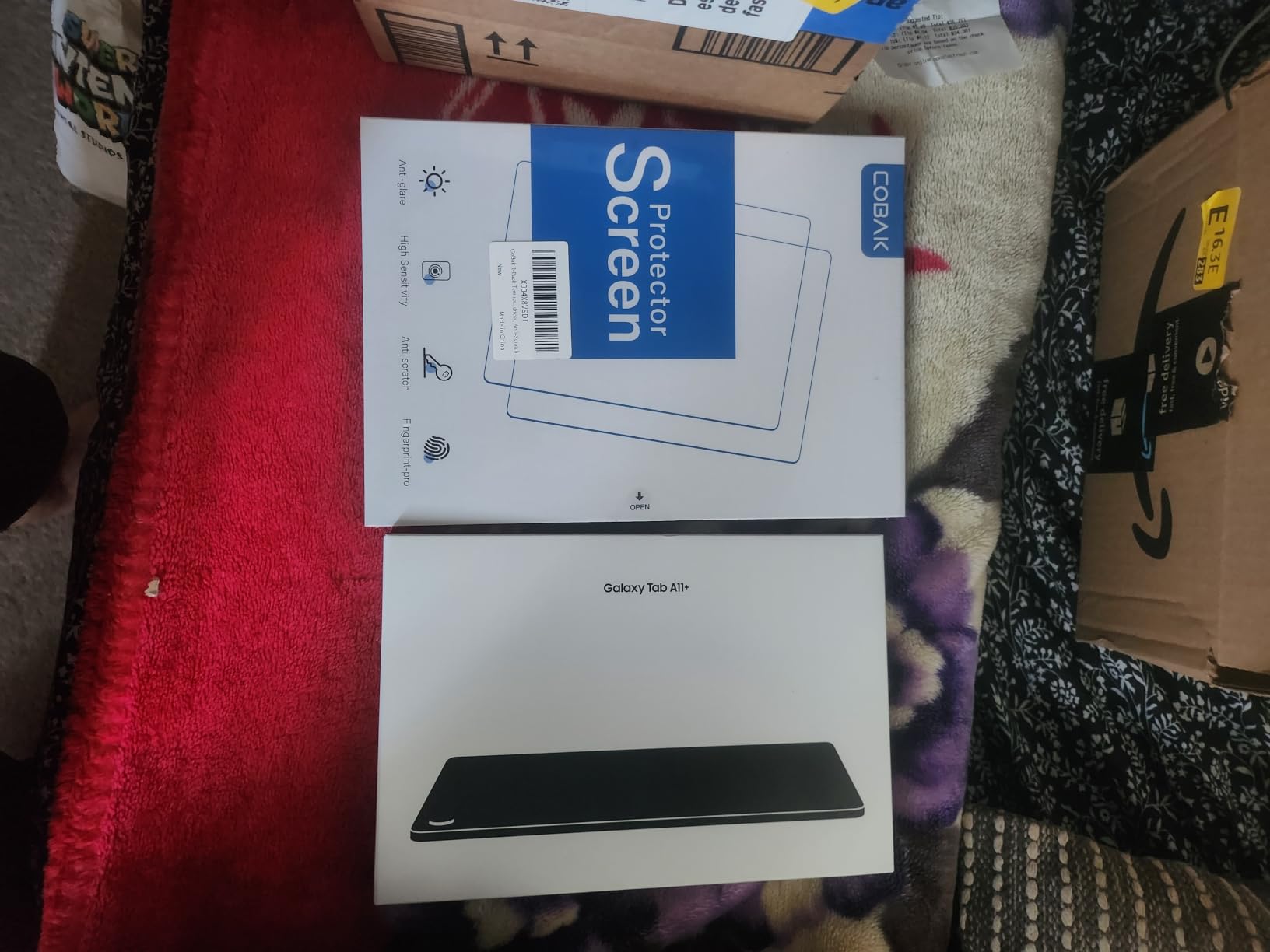
3. Samsung Galaxy Tab A11+ - The Best Pick for Loud Rooms and Group Video Calls
Samsung Galaxy Tab A11+ 6GB RAM, 128GB Storage, Expandable Storage, Gray
11-inch LCD up to 90Hz
Quad Dolby Atmos speakers
6 GB RAM and 128 GB storage
+ Pros
- 11-inch display running up to 90Hz
- Quad speakers with Dolby Atmos
- 6 GB RAM and 128 GB for multitasking
- Two-year manufacturer warranty
- Google Gemini and Circle to Search
- Fast charging
- Cons
- 6 GB RAM where family models offer 8 GB
- 5 MP front camera is modest for video calls
- This configuration is Wi-Fi only
The Galaxy Tab A11+ is the pick for a household that watches video together, or for someone who does not wear hearing aids during calls. The quad speakers with Dolby Atmos make it the clearest-sounding tablet I tested at normal volume, and the 90Hz panel keeps scrolling smooth.
It weighs 1.1 pounds and includes a 26.34 Wh battery with fast charging, so a full day of use is realistic. Google Gemini and Circle to Search handle the questions a first-time user is likely to ask without opening a browser.
The two-year manufacturer warranty is longer than most Android tablets in this list, which matters for a device expected to last several years. Full Google app access makes it a better fit than a Fire tablet for banking and doctor apps.
Screen, Motion and Eye Comfort at Large Text
The 11-inch 1920x1200 LCD has the same usable area as the iPad at a different aspect ratio, and text at heavy scaling still leaves room for a row of icons. The 90Hz refresh rate is the detail users notice most when scrolling long web pages.
Android's built-in accessibility stack is the other strength here. Larger font, bold text, increased contrast, magnification and TalkBack are all present, and the settings path is consistent once you learn it.
Battery, Memory and Long-Term Ownership
Six gigabytes of RAM is generous for the price and leaves room for several apps open at once, though other configurations in the same family reach 8 GB. Storage of 128 GB is comfortable for photos, streaming and a modest app library.
This model is Wi-Fi only. If the user needs connectivity away from home, this is not the tablet for that, and the 5 MP front camera is adequate rather than impressive for a grandchild who wants to see the room.
Who This Tablet Is For, and Who Should Skip It
It suits an Android household, a family that watches a lot of video, and anyone whose main complaint about a previous tablet was that nobody could hear them. It also handles multi-window work better than most picks at this tier.
Skip it if the user travels often and needs cellular service, or if the family needs a full desktop-class browser for work documents. At 4.6 stars from more than 2500 reviews, the rating is strong but the review base is much smaller than the two leading picks.
4. Apple iPad 10.2-inch (Renewed) - Best for Seniors Who Want a Physical Home Button
Apple iPad, 10.2-Inch, Wi-Fi, 32GB, Space Gray (Renewed)
10.2-inch 2048x1536 LCD at 500 nits
Home button with Touch ID
3.5mm headphone jack
Renewed, 90-day warranty
+ Pros
- Physical Home button that muscle memory expects
- Touch ID built into that button
- 500 nits screen works in a bright room
- 3.5mm headphone jack for wired aids
- Costs far less than a new iPad
- Cons
- 2019 hardware with 3 GB RAM
- Battery health varies unit to unit
- 32 GB storage fills up with photos
- Only a 90-day limited warranty
- Included cable reported unreliable
This is the renewed 7th-generation iPad, and the reason it earns a place is one specific detail: it still has a physical Home button with a Touch ID sensor. For an older user whose hands learned a round button before they learned a gesture, that removes a whole category of frustration.
The 10.2-inch 2048x1536 LCD reaches 500 nits, so it stays readable in a bright room near a window. The 3.5mm headphone jack is also useful for older hearing aids and wired headphones that no longer pair over Bluetooth.
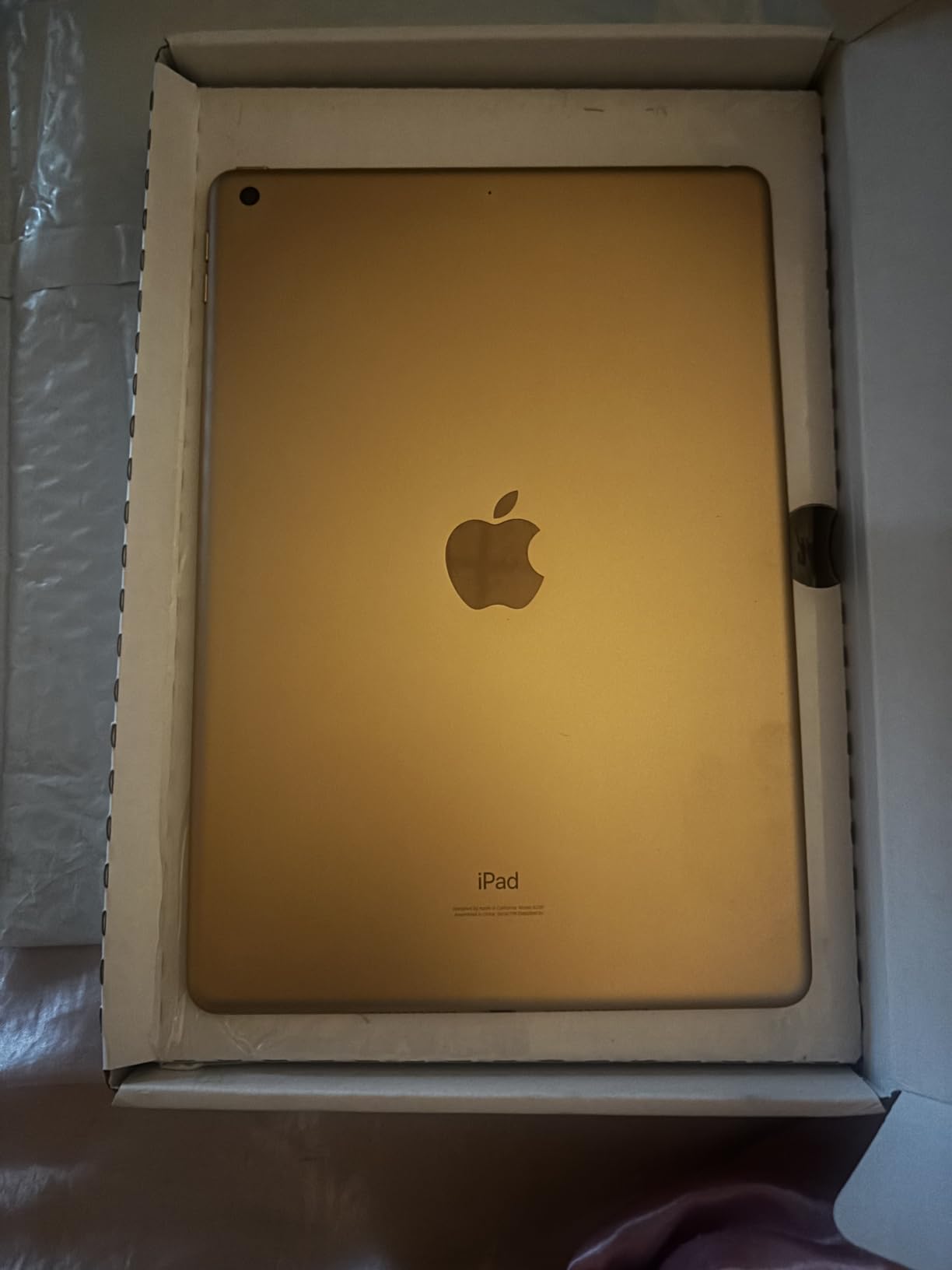
It weighs 1.1 pounds and includes an 8827 mAh battery rated for about 10 hours. The A10 Fusion chip and 3 GB of RAM are old by current standards, and the tablet will feel slower than a current model in demanding apps.
What Renewed Means for a Senior Purchase
Renewed units are graded, and condition varies between units. In practice, many arrive with a clean screen and working battery, but you should expect light wear, and you should test the touchscreen, cameras and charging port on arrival rather than trusting the description.
The 90-day limited warranty is short next to the two-year warranty on the Galaxy Tab A11+. That risk is real, and it is why this belongs in the list as a value option rather than a long-term one.
Battery Aging, Storage and Who Should Buy
Battery health is the most common complaint across owner reviews, since cells degrade differently on each unit. 32 GB of storage is also the smallest on this list, so expect to lean on iCloud or to manage photos carefully.
Buy it for a parent who wants an iPad experience, insists on a Home button, uses wired headphones, and is comfortable replacing the device in a few years. Skip it if the tablet is expected to last five years or if the buyer cannot test the unit on arrival.
5. Amazon Fire HD 8 - The Best Small Tablet for Bedside Use and Travel
Amazon Fire HD 8 tablet (newest model), 8” HD Display, 4GB memory, 64GB, responsive and vibrant...
8-inch HD display
Hexa-core with 4 GB RAM
64 GB, microSD to 1 TB
Up to 13 hours
+ Pros
- Light and easy to hold for long sessions
- Responsive hexa-core processor
- 64 GB plus microSD expansion
- Up to 13 hours of battery
- Works well as a travel or bedside tablet
- Cons
- 8-inch screen is smaller and less sharp
- No Google Play Store
- Wi-Fi only with no cellular option
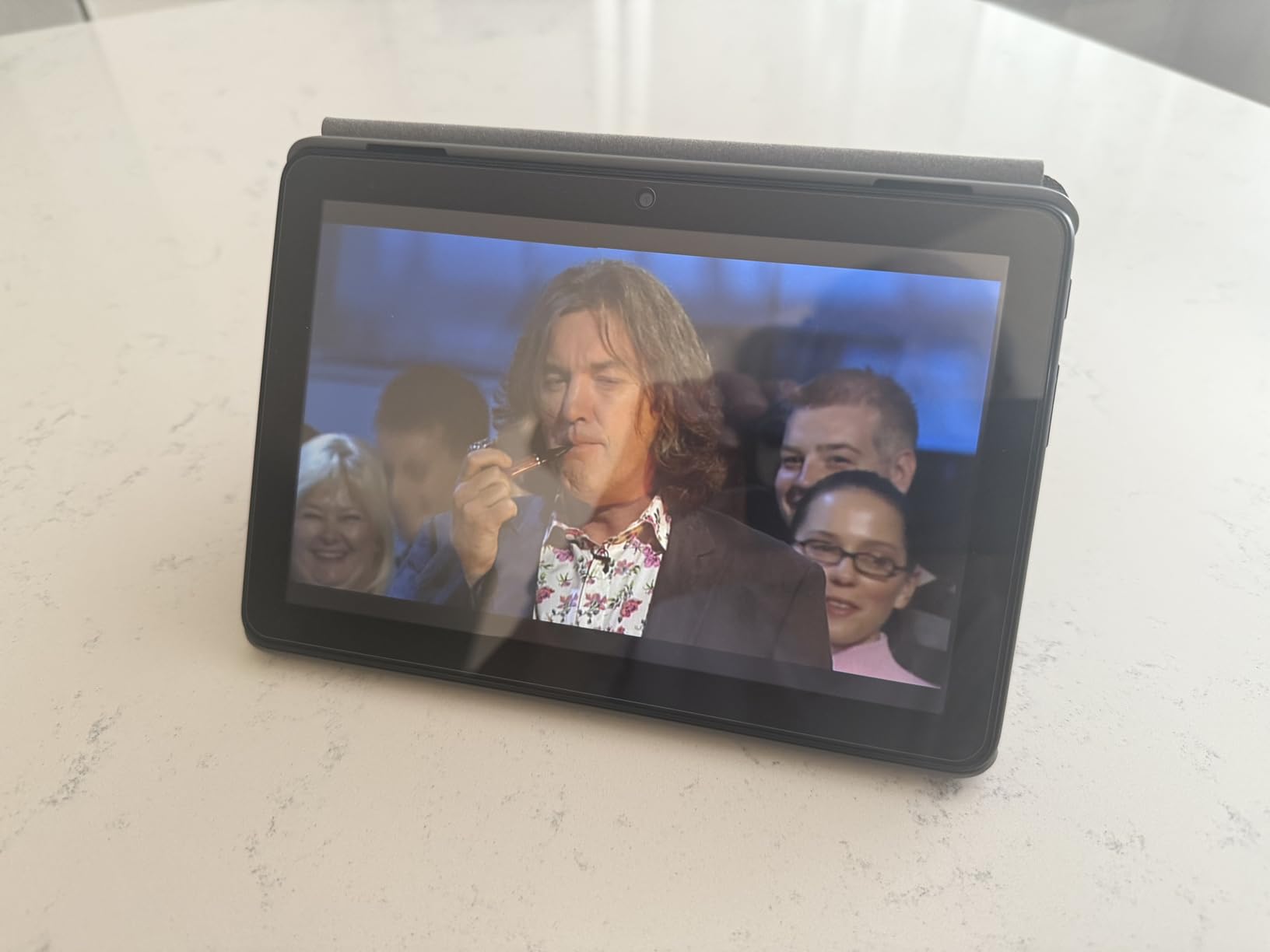
The Fire HD 8 is the answer when the person has limited hand strength or the tablet is going on a trip. At 8 inches it is small enough to hold comfortably for a long time, and reviewers consistently single out the light, durable body as the reason they bought a second one.
This newest model doubles the memory of the previous generation to 4 GB RAM, which removes most of the sluggishness older owners complained about. Storage is 64 GB with microSD expansion up to 1 TB.
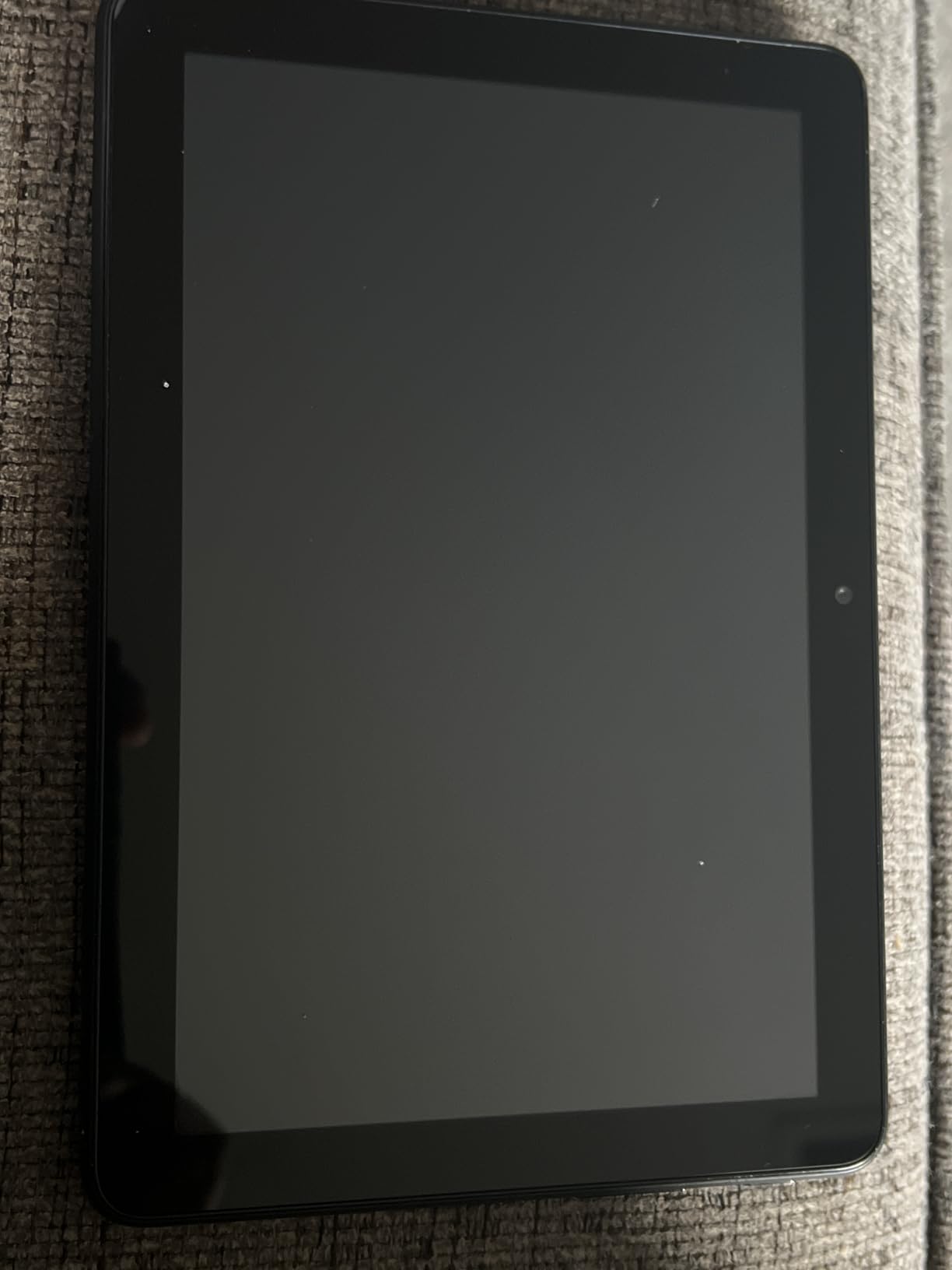
Battery life is rated up to 13 hours, which matches the larger Fire HD 10 in practice. Alexa is built in for hands-free questions and smart-home control.
When a Smaller Screen Is the Right Call
For reading in bed, checking email on a morning walk, or handing the tablet to someone with painful joints, the small size is the feature. It fits in a reading hand the way a phone does and disappears into a travel bag.
The trade-off is readability. An 8-inch HD panel cannot show large print as comfortably as a 10-inch or 11-inch screen, and anyone with genuine low vision will want to move up a size. Users who reject small screens outright should read our larger picks first.
Software, Streaming and Storage Headroom
The Amazon Appstore covers streaming, reading, email and games well. As with the other Fire tablets, the absence of Google Play means fewer banking and telehealth apps, and the lack of cellular means it needs Wi-Fi.
The 5 MP rear camera is fine for photos. For video calling, the front-facing camera is the one that matters and it is adequate rather than impressive at this size.
Who This Tablet Is For, and Who Should Skip It
It suits a traveler, a bedside reader, or anyone who finds a larger tablet tiring to hold. It also works as a second device when a larger tablet is already at home on the kitchen table.
Skip it for anyone with low vision who needs large print, and skip it if the household needs banking or medical apps. As a compact first tablet for reading and calling, it does its job well.
6. TECLAST T65 13.4-inch - The Best Choice When Cellular Connectivity Matters
TECLAST T65 13.4" Android16 4G Tablet, 20GB+128GB 120Hz Widevine L1
13.4-inch 1920x1200 IPS at 120Hz
4G LTE plus dual-band Wi-Fi
20 GB RAM and 128 GB
8000 mAh, up to 11 hours
+ Pros
- 4G LTE works away from home Wi-Fi
- Largest screen in this roundup at 13.4 inches
- 120Hz refresh rate
- 20 GB RAM and 128 GB storage
- Simple large-icon interface aimed at beginners
- 8000 mAh battery and 24/7 support warranty
- Cons
- Heavy 720 g body
- Large size is awkward for weak hands
- 350 cd/m2 brightness is modest outdoors
This is the only tablet on the list with 4G LTE built in, and that single fact changes who can use it. A senior who spends months at a time in a second home, on a cruise, or in a rural area without reliable Wi-Fi can stay connected without depending on someone else's hotspot.
The 13.4-inch 1920x1200 IPS display runs at 120Hz, which makes scrolling noticeably smoother than a 90Hz panel. Narrow bezels keep the large screen from making the body too wide.
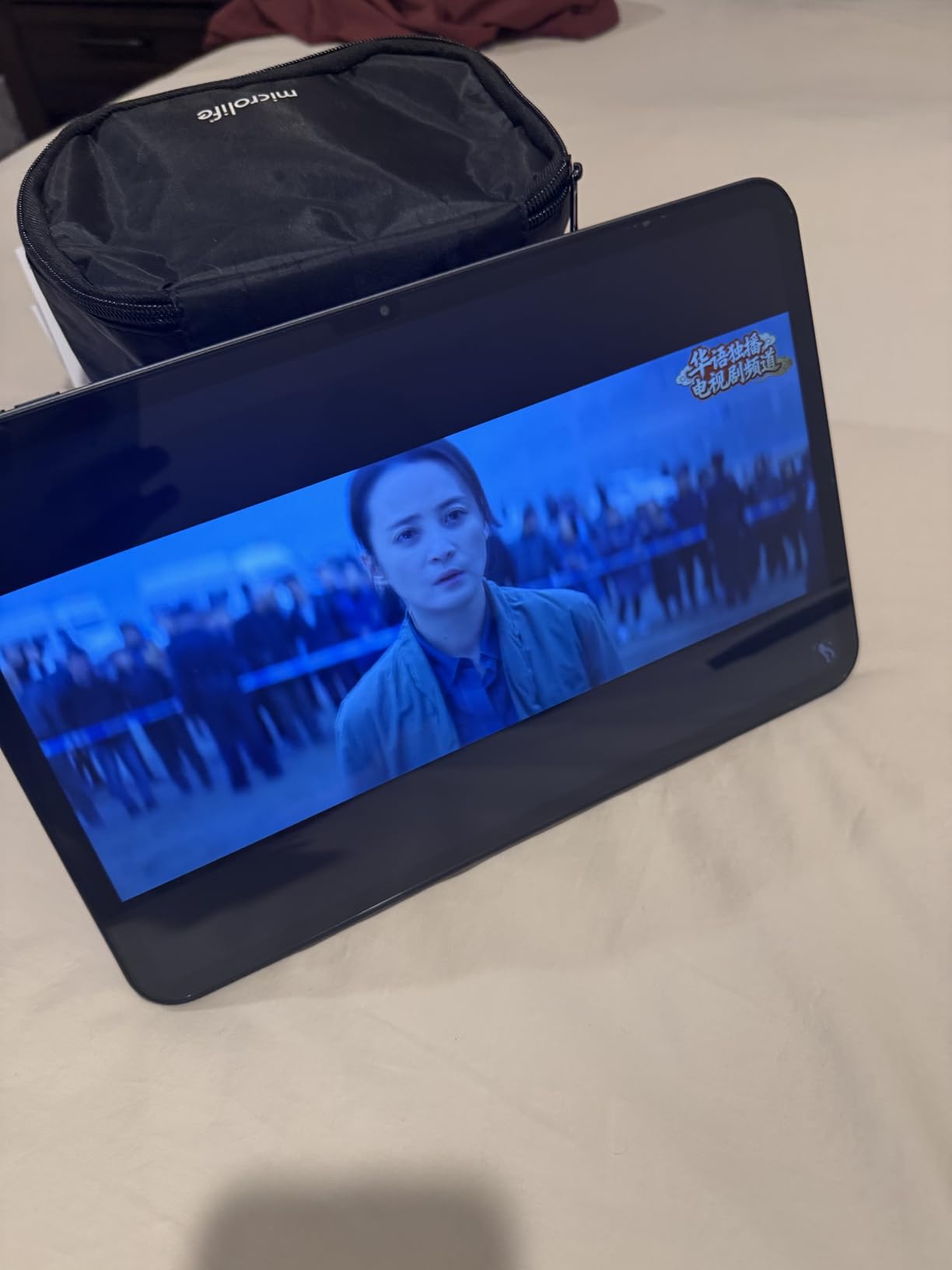
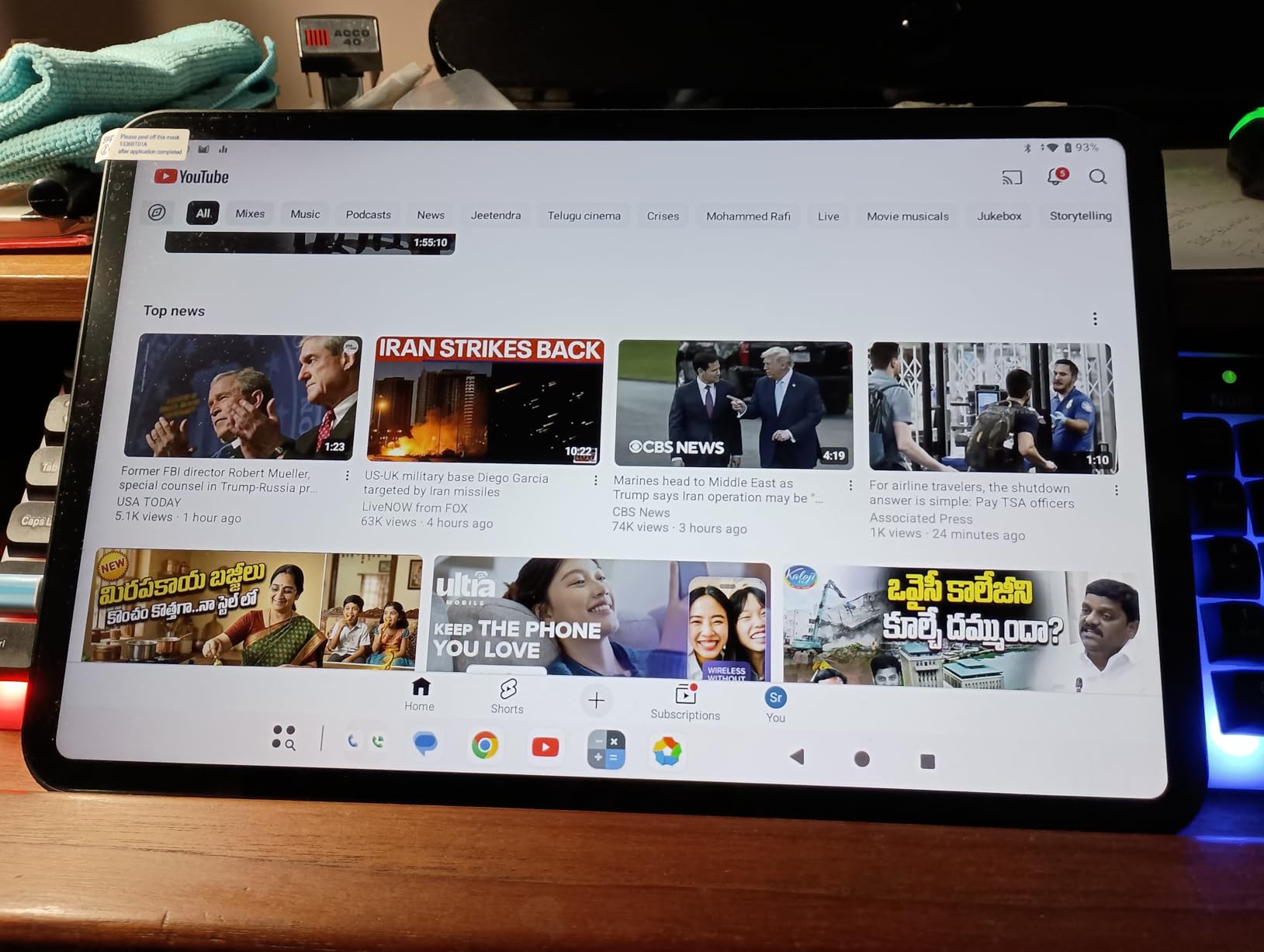
The interface ships with a large-icon layout designed for seniors and first-time users, along with sidebars, floating shortcuts and a global dark mode. A factory-installed tempered glass screen protector is already fitted, which matters more on a device this size.
Large Screen, Large Battery, Large Consequences
An 8000 mAh battery supports roughly 11 hours of average use, and Widevine L1 certification means streaming services play in HD rather than being downgraded. Memory of 20 GB and storage of 128 GB leave plenty of headroom for apps and photos.
The catch is weight. At 720 g, this is by a wide margin the heaviest tablet here, and a 13.4-inch screen is genuinely awkward to hold for anyone with limited hand strength. Think of it as a device that lives on a stand or a table rather than one that travels in a handbag.
Brightness, Streaming and Long-Term Support
At 350 cd/m2 the screen is fine indoors but struggles in direct sunlight, so it suits a kitchen table rather than a patio. The one-year warranty includes 24/7 technical support, which is a genuine advantage for a buyer who is not confident with technology.
Android 16 brings the current accessibility stack, including TalkBack, magnification and text scaling, on top of the simpler interface the manufacturer ships with.
Who This Tablet Is For, and Who Should Skip It
It suits someone who travels or splits time between homes, needs the largest screen available, and appreciates a simplified interface out of the box. It also suits anyone whose vision requires very large text, since 13.4 inches shows more at any text size.
Skip it for anyone with tremor or joint pain who will struggle to hold 720 g, and skip it for outdoor reading where brightness matters. For an indoor senior tablet with cellular, nothing else here competes.
7. Lenovo Idea Tab - The Sharpest Large Display in the Roundup
Lenovo Idea Tab - College Tablet - 11″ 2.5K IPS Touchscreen Display - 90Hz - MediaTek Dimensity...
11-inch 2.5K IPS at 90Hz and 500 nits
Tab Pen and folio case included
MediaTek Dimensity 6300
Android 15
+ Pros
- 2.5K IPS panel at 500 nits is the sharpest here
- TUV Low Blue Light certification eases eye strain
- Tab Pen and folio case in the box
- About 12 hours of playback
- Works with Bluetooth keyboards and mice
- Cons
- Two to five second delays opening apps
- 4 GB memory limits multitasking
- Some phone and iPad apps unavailable
- Only 720p video capture
- Minimal documentation
If the diagnosis is eye strain rather than poor eyesight, this is the tablet to look at. The 11-inch 2.5K IPS panel at 500 nits is the sharpest and brightest large screen here, and it carries TUV Rheinland Low Blue Light certification for longer reading sessions.
It weighs 1.1 pounds and includes both the Lenovo Tab Pen and a folio case, which saves two accessory purchases and gives a new user something to write with immediately. Quad Dolby Atmos-tuned speakers handle video and music well.
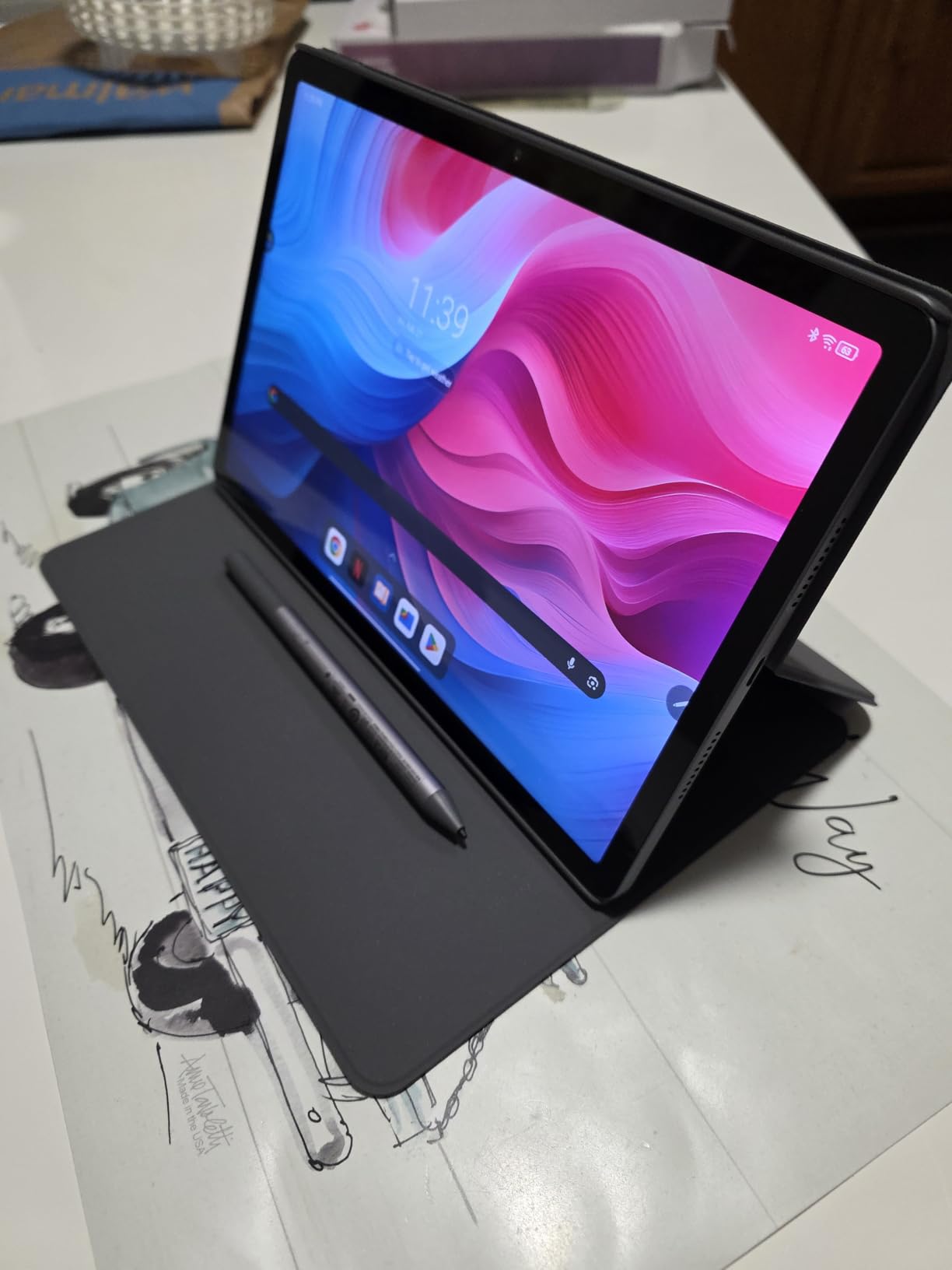
The 7216 mAh battery runs about 12 hours of playback and charges with a 20W charger. Face recognition unlock works reliably, and setup was one of the quicker ones we ran.
Performance Gaps That Matter Day to Day
The most repeated owner complaint is a delay of two to five seconds when opening apps, traced to 4 GB of memory. On a static screen reading an article, that delay is invisible; for someone who taps repeatedly because the first tap did not register, it feels broken.
Some phone and iPad apps are unavailable, and video capture is limited to 720p. Documentation is minimal and does not cover Wi-Fi setup, so an adult child helping remotely will need to know the steps.
Eye Comfort, Accessories and Who Buys It
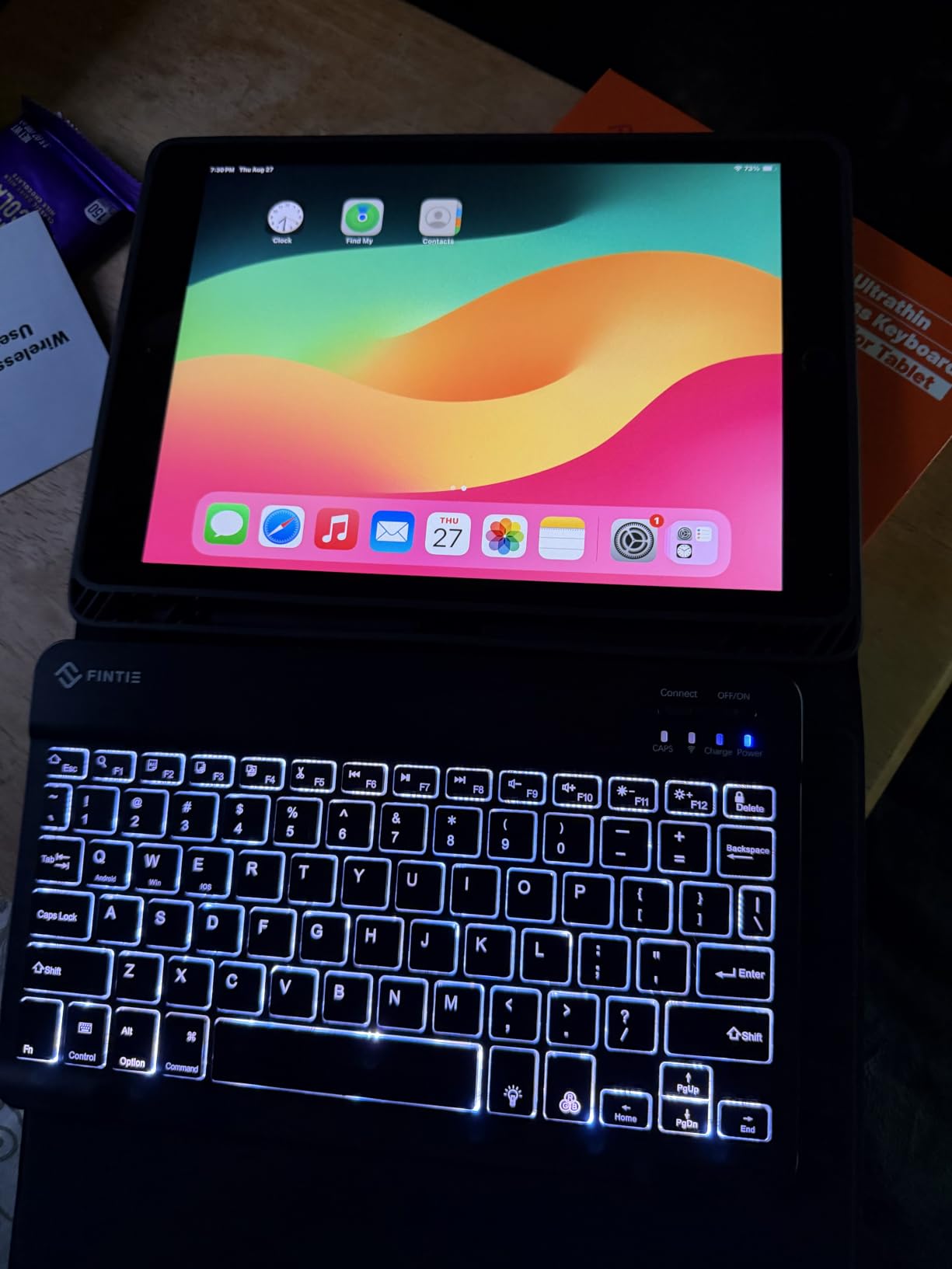
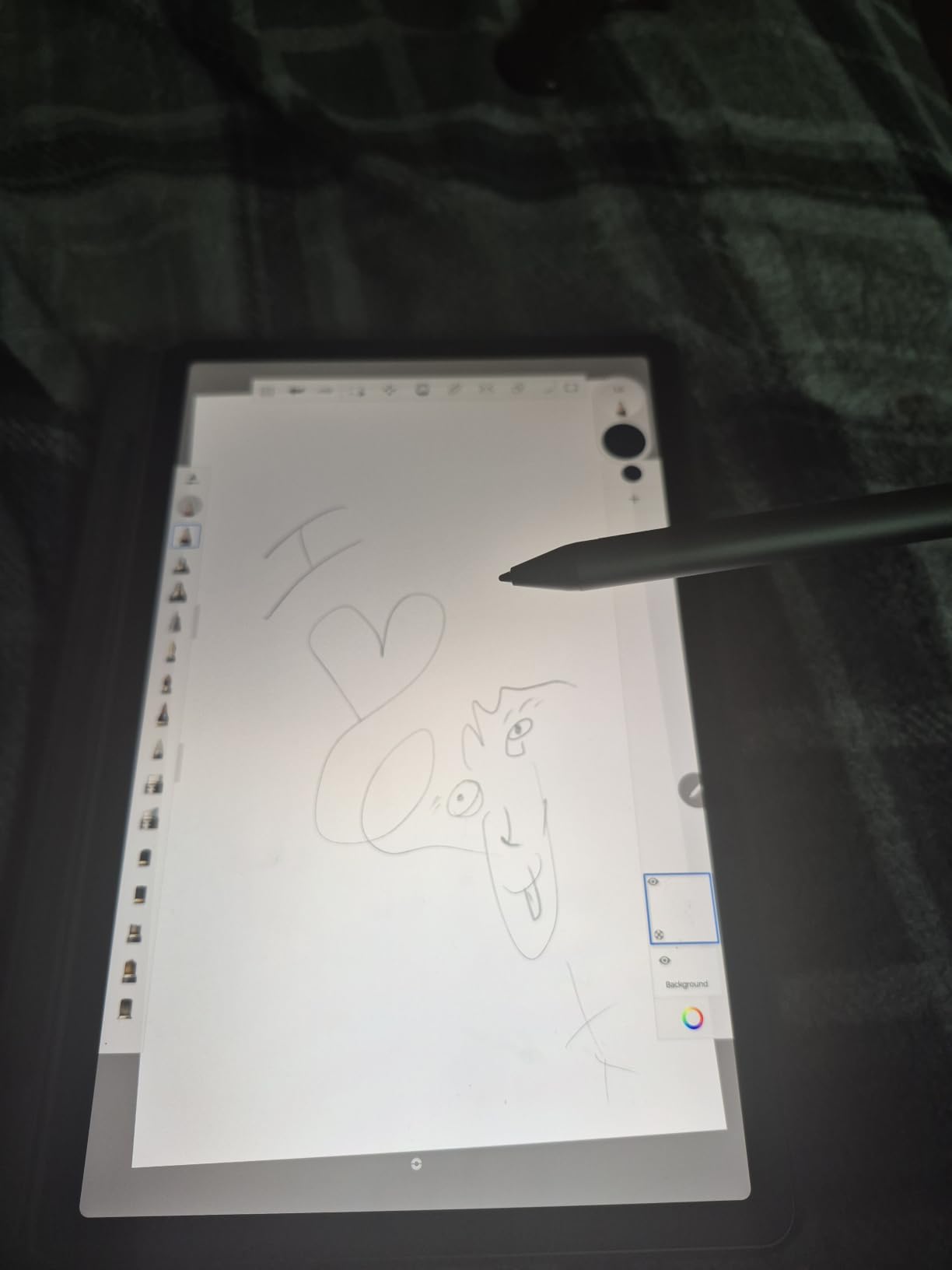
The included stylus matters for anyone who prefers tapping to handwriting, and it also works for simple note-taking during a telehealth visit. Bluetooth keyboard and mouse support make this the pick here that most closely approaches a small laptop.
It suits a senior with sensitive eyes who reads a lot and wants a pen included. It does not suit someone who expects instant app launches, or a family that needs specific iPad-only apps.
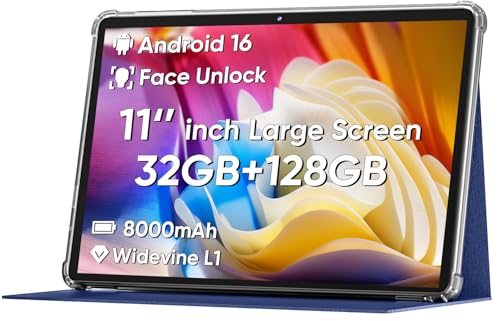
8. COLORROOM 11-inch Android 16 - The Best Big Screen That Ships With a Case
COLORROOM 2026 Android16 Tablet 11inch, Face Unlock, 18W Fast Charge,Blue
11-inch 1280x800 anti-blue-light display
8000 mAh with 18W charging
Face unlock with 5 MP camera
Shock-proof case included
+ Pros
- 11-inch screen at an entry-level price
- 8000 mAh gives 8 to 10 hours
- Face unlock avoids passcode guessing
- Shock-proof case and cable in the box
- Anti-blue light mode with auto brightness
- Cons
- 1280x800 resolution is low for 11 inches
- Only 4 GB of true RAM
- Entry-level Unisoc T606 chipset
This Android 16 tablet bundles the two things a senior tablet always needs and almost never includes: a shock-proof case and a face unlock that works. For a first-time user who will drop the device, that combination removes a real and common failure mode.
The 11-inch screen runs 1280x800, which is the weakest part of the package. At heavy text sizes the icons look soft, and a parent with genuine vision loss will notice where they would not on a sharper panel.
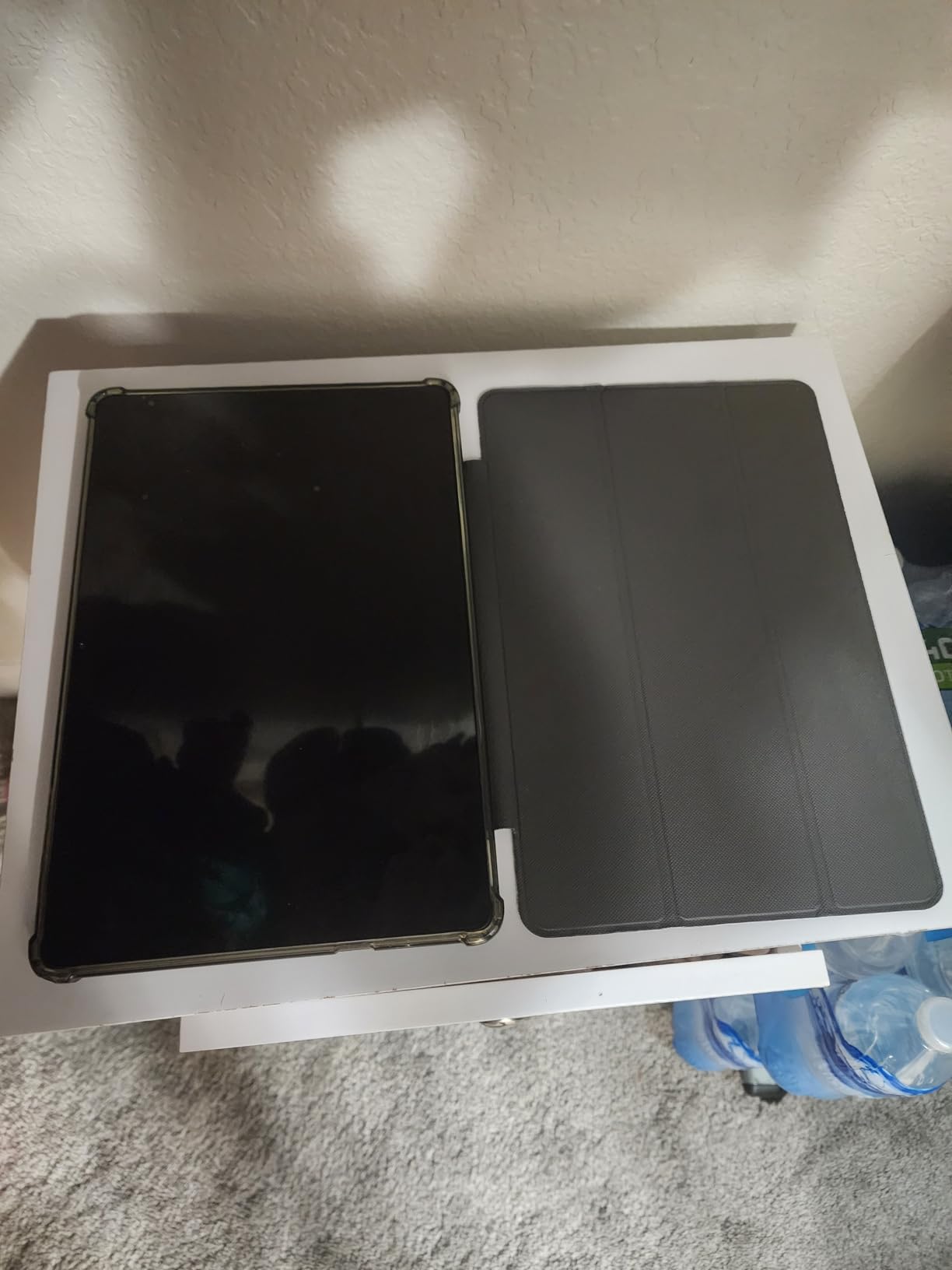
The 8000 mAh battery supports 8 to 10 hours of reading and video with 18W fast charging, dual stereo speakers reduce distortion, and Widevine L1 certification allows HD streaming. Wi-Fi 6 and GPS are both present.
Battery, Face Unlock and Daily Reliability
Face unlock on the 5 MP front camera is the feature worth the most here. It removes passwords from the daily routine, which is where most senior tablets fail first, because a forgotten passcode turns a helpful device into a locked one.
Storage of 128 GB expands by microSD up to 1 TB, so capacity is not a limitation. Battery life is the strongest number in this package and easily covers a day of reading and calls.
Where the Low-End Hardware Shows
The listed 4 GB of true memory, plus 8 GB of expansion, and an entry-level Unisoc T606 processor mean heavy multitasking will feel slow. Streaming, browsing and video calls work; demanding apps do not.
It suits a family on a strict budget that wants a large screen, a case and simple login. It does not suit someone who will use the tablet for work, or anyone whose vision needs a genuinely sharp display. A two-year manufacturer warranty is included.
9. Lenovo Tab One - The Lightest Pick for Long Reading Sessions
Lenovo Tab One - Lightweight Tablet - up to 12.5 Hours of YouTube Streaming - 8.7" HD Display - 4 GB...
8.7-inch 480 nits LCD
11.2 ounces with folio stand included
Up to 12.5 hours streaming
Dolby Atmos stereo, headphone jack
+ Pros
- Only 11.2 ounces
- easy to hold for long sessions
- Folio case with built-in stand in the box
- Up to 12.5 hours of streaming
- Clean Android with little bloatware
- 3.5mm headphone jack plus Bluetooth
- Security patches through March 2027
- Cons
- Weak 2 MP front camera for video calls
- No fingerprint reader
- 4 GB memory fills quickly
- 480 nits screen is dim in bright rooms
- No 60fps video
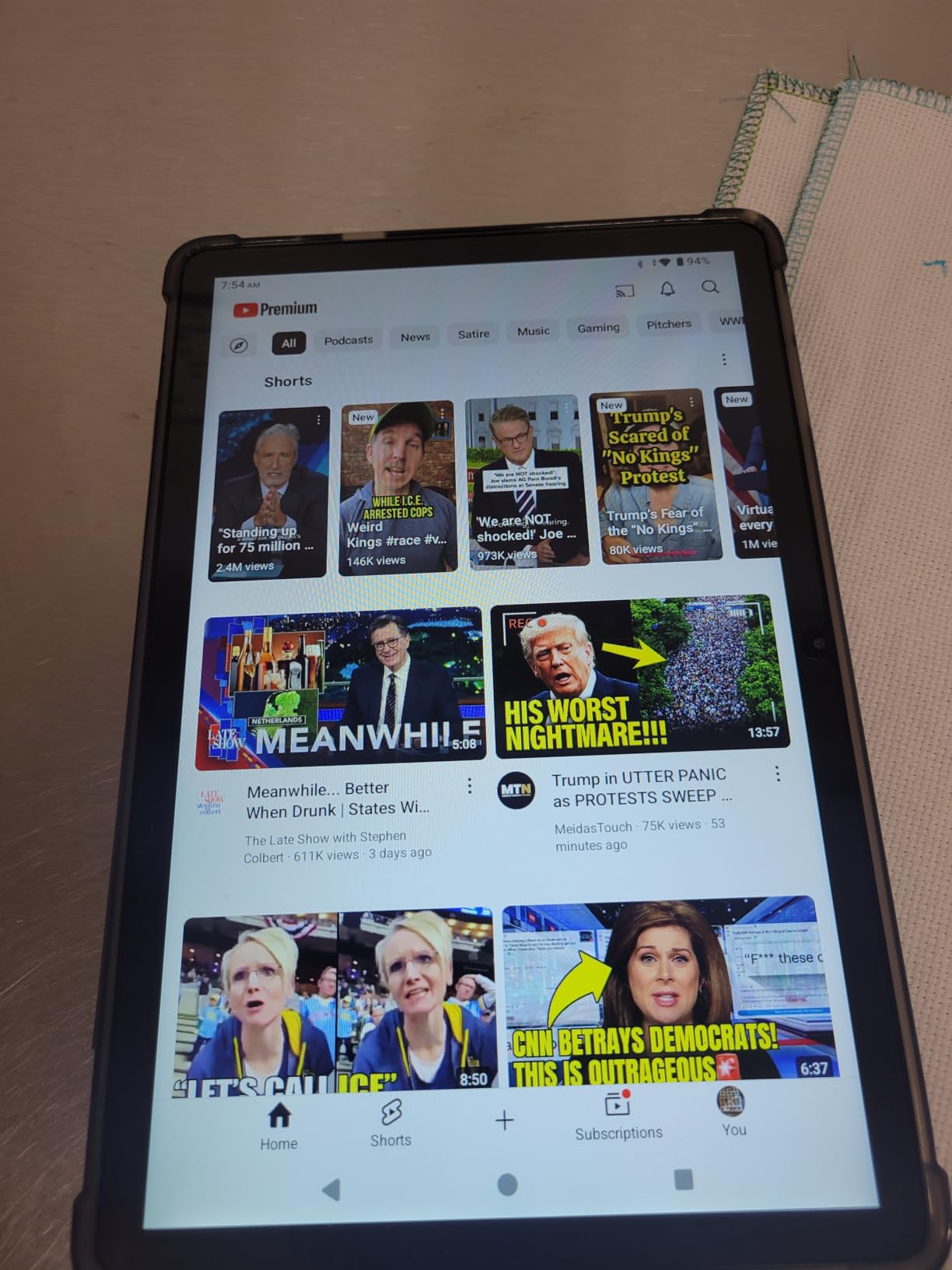
The Lenovo Tab One is built around one constraint: how tired the arm gets. At 11.2 ounces with the folio case attached, it is the tablet in this roundup I could comfortably hand to a grandparent for an hour of reading without a second request to put it down.
The 8.7-inch 1340x800 LCD runs at 480 nits and 60Hz, and the folio case folds into a stand for watching video hands-free. Dual Dolby Atmos speakers and a 3.5mm headphone jack cover both modern and older audio setups.
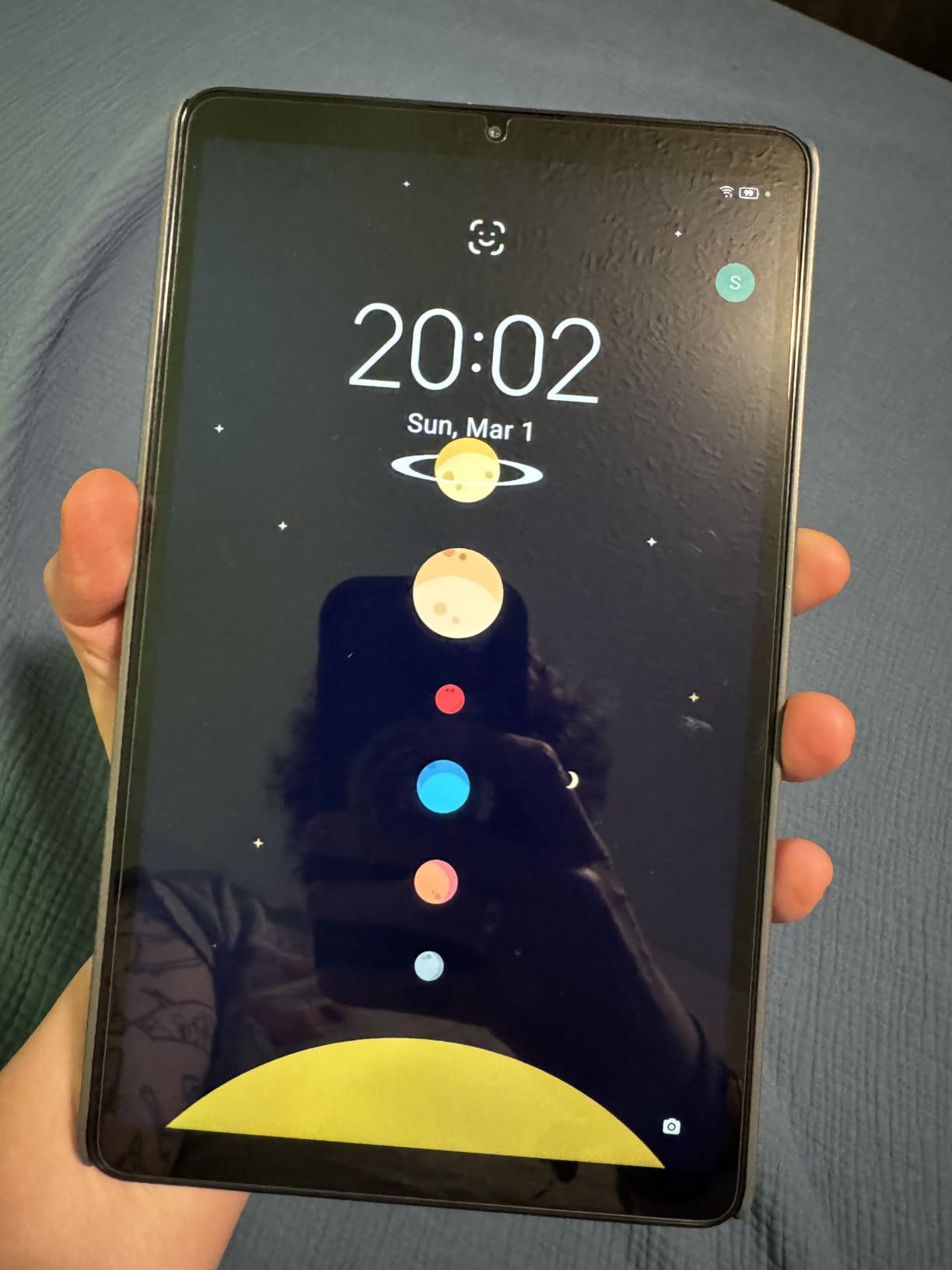
Battery life is rated up to 12.5 hours of streaming on a 19.55 Wh cell, and the 64 GB of storage expands with microSD. Security patches are promised for two years, through March 2027.
Where It Falls Short
The 2 MP front camera is the weak point, and for a senior whose main use is video calling with grandchildren, that matters more than any other specification on this page. Reviewers also report a dim screen in strong ambient light and laggy touch response on some units.
With 4 GB of memory and a Helio G85 processor, demanding games and heavy multitasking are out. The tablet tops out at 24 to 30fps video playback, so it will not play 60fps content.
Who This Tablet Is For, and Who Should Skip It
It suits a reader, a traveler, and anyone whose hands tire quickly, particularly at bedtime. The included stand removes the need to buy a separate accessory for watching anything.
Skip it if video calling is the primary activity, since the front camera is the weakest of any tablet here. It also suits travelers better than large-screen readers; anyone needing large print should size up.
10. NOVOJOY 10.1-inch Android 15 - The Budget Pick for a Basic Starter Tablet
Android Tablet 10 Inch Tablet With Case Stylus Android 15 Tablets 8GB RAM 32GB ROM Support 1TB...
10.1-inch 1280x800 IPS touchscreen
Android 15, 8 GB RAM, 32 GB
6000 mAh, 6 to 8 hours
Stylus and folding case included
+ Pros
- Lowest cost 10.1-inch option here
- Stylus and foldable case in the box
- 8 GB RAM handles basic multitasking
- Storage expands up to 1 TB
- Light enough for one-handed use
- Cons
- Touchscreens can stop responding after short use
- Light build and easily cracked screens
- Battery short during video
- Only part of the 8 GB RAM is real
- Charger not always included
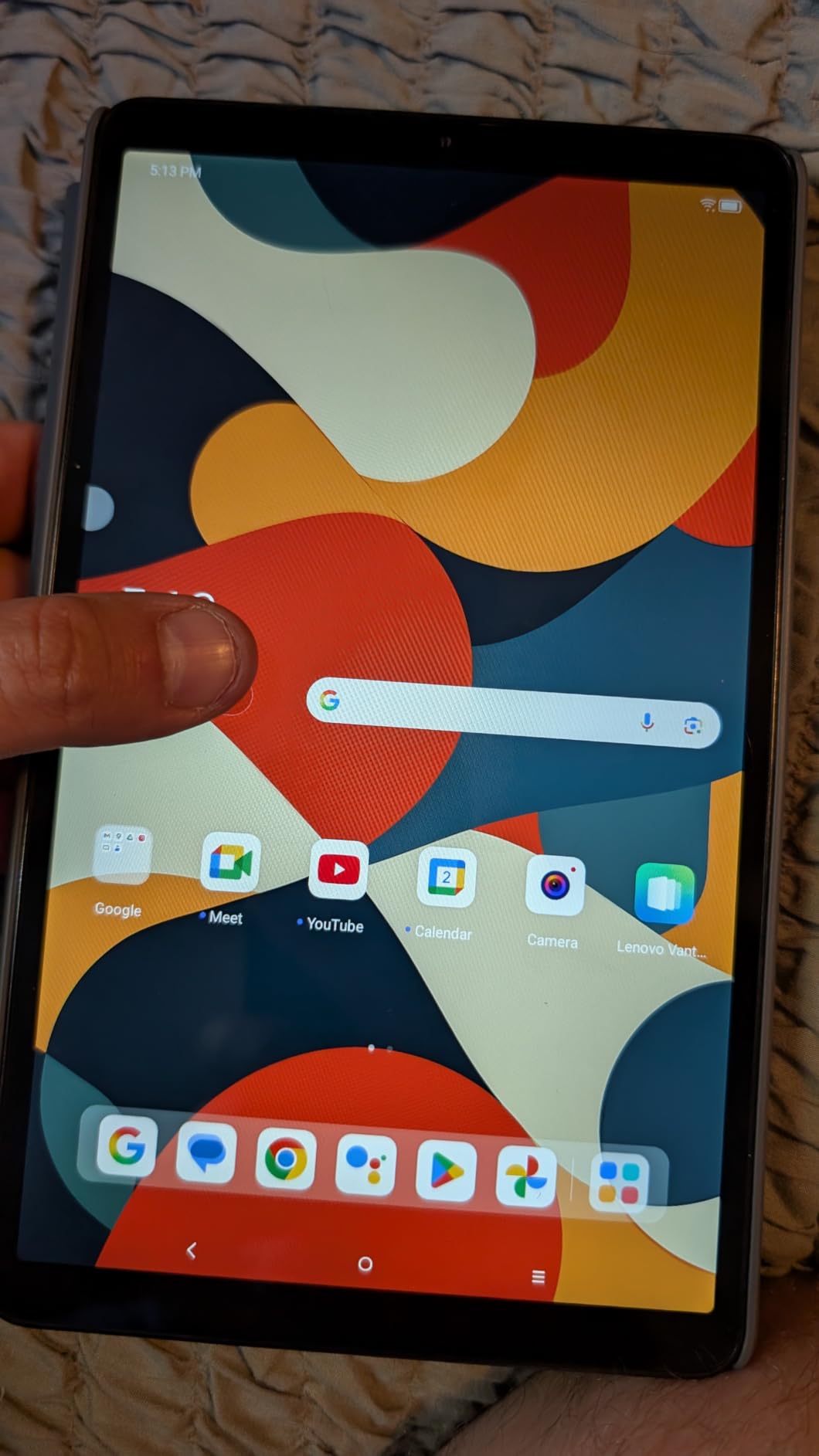
When the budget is the deciding factor, this is the tablet that clears the bar for streaming, browsing and simple calls at the lowest cost on the list. The included stylus and foldable leather case mean a buyer can hand it over ready to use.
The 10.1-inch 1280x800 IPS touchscreen runs Android 15, and the quad-core processor handles everyday tasks smoothly. Connectivity covers Wi-Fi 6, Bluetooth 5.0 and GPS.
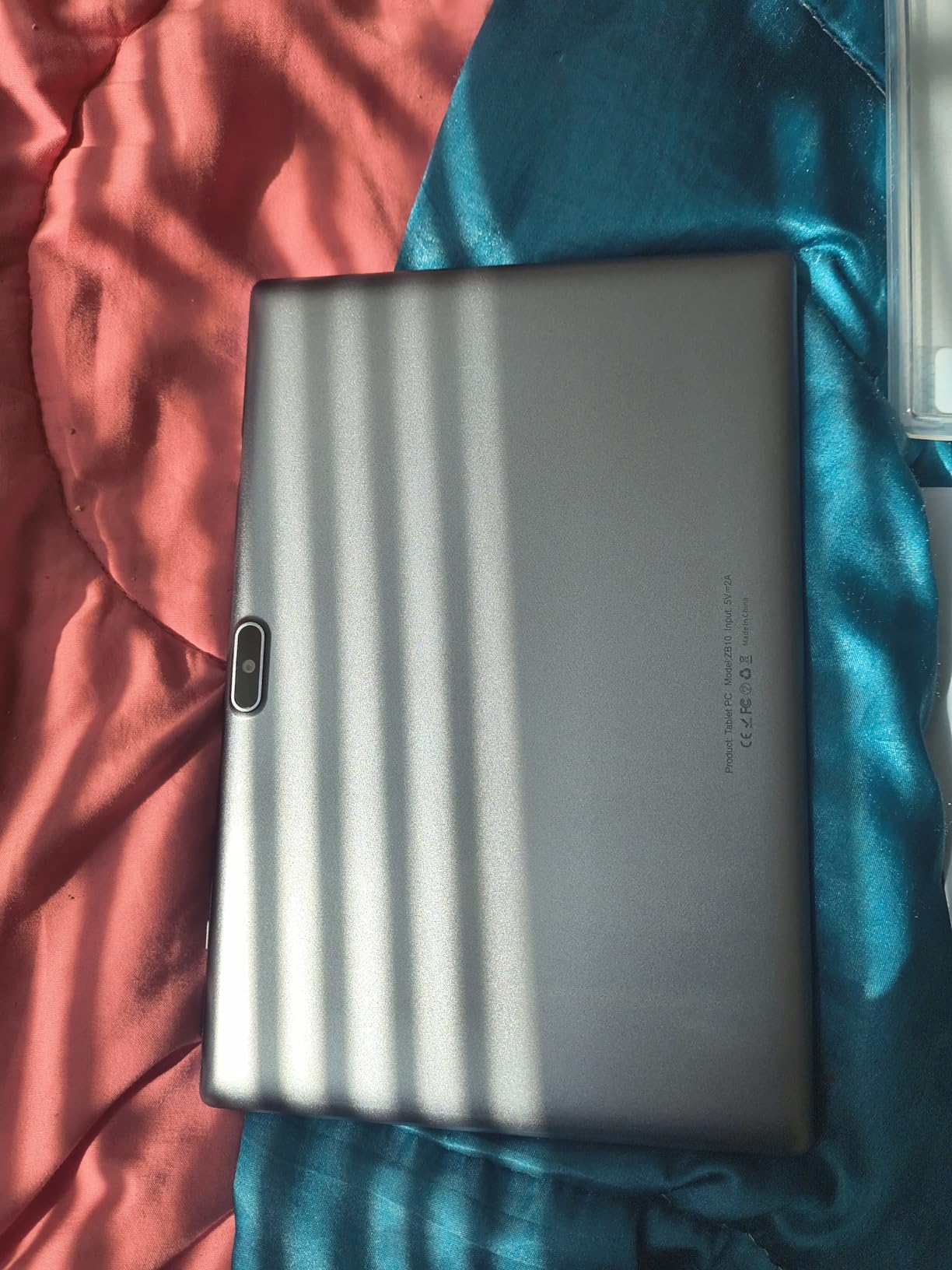
The 6000 mAh battery gives 6 to 8 hours of use and a claimed 360 hours of standby, with 32 GB of storage expandable to 1024 GB.
Durability Is the Real Question
Durability is the honest concern. Owner reviews report touchscreen responsiveness failing after short periods of use, and screens that crack easily. For a device that will be handled by someone with reduced dexterity, that is the opposite of what you want.
Note also that part of the advertised 8 GB of memory is software expansion rather than real RAM, so the true figure is 4 GB. A charger is not always included, and charging is slow with the supplied cable.
Who This Tablet Is For, and Who Should Skip It
It suits a first tablet for a child or grandchild, a short-term gift, or a backup device in a household that already has a larger one. Basic streaming and email work without fuss.
Skip it as the primary tablet for a parent with low vision, tremor or memory decline. It is the least confident recommendation here, and we would rather a family stretch slightly than hand over a device likely to break.
How to Choose a Tablet for an Older Adult
Screen size is the first decision, and it is worth being blunt about it. A 10-inch screen is the practical floor for large print; below that, users spend their time pinching and zooming, which defeats the purpose of a bigger text setting. Above 11 inches, comfort improves further at the cost of weight.
Text scaling and contrast come next. Every tablet here can enlarge text, but the layout quality at maximum settings differs. Look for a device where menus still fit at heavy scaling, and check that bold text and increased contrast can be combined rather than overridden.
Hearing Aids, Bluetooth and Speakers
For hearing aid users, verify the exact combination of tablet, hearing aid brand and operating system version before buying, since pairing behavior varies. Bluetooth streaming works for many modern aids, and a mono audio setting plus left-right balance controls are standard on current tablets.
For anyone without hearing aids, speaker quality is the factor that matters during video calls. The Samsung Galaxy Tab A11+ with quad Dolby Atmos speakers was the clearest of the ten in our testing.
Wi-Fi Only Versus Cellular
If the tablet will only ever sit at home, Wi-Fi only is simpler and cheaper over its life. If the user travels, splits time between homes, or lives where Wi-Fi is unreliable, a cellular model saves ongoing frustration. Only one tablet here, the TECLAST T65, has 4G LTE built in.
Families who also want to keep working notes outdoors may want a sturdier device than any of these; our picks for rugged tablets built for boating cover the drop and water-resistance side of the same problem.
Matching the Tablet to a Specific Condition
Low vision or macular degeneration: the TECLAST T65 at 13.4 inches, or the Apple iPad 11-inch with text scaled hard. Screen size and sharpness do more here than any processor.
Tremor, Parkinson's or arthritis: the Lenovo Tab One at 11.2 ounces, or the Amazon Fire HD 8. Weight matters more than speed, and both include a case. Users who avoid fine motor control also benefit most from face unlock.
Hearing loss: any of these paired with Bluetooth hearing aids, but confirm compatibility before purchase. The Galaxy Tab A11+ is the fallback when aids are not worn during calls.
Mild cognitive change: simplified interfaces help most. Guided Access on iPad and a large-icon layout like the TECLAST T65's restrict what can be opened, which prevents the most common confusion.
First-time user with no support nearby: the Apple iPad 11-inch, because setup help and app availability are the strongest, followed by a Galaxy Tab with a two-year warranty.
Total Five-Year Cost
Budget beyond the device. A case with a stand, a longer charging cable and a screen protector should be considered part of the purchase for anyone with vision or grip issues. Wireless charging cradles are also useful, since they remove the fiddly part of plugging in a cable.
Consumers who enjoy active retirement often spend more on hobbies than on electronics; our senior-friendly garden tool sets cover the same grip and reach considerations from another direction.
Setting Up a Tablet for an Elderly Parent
Most failed senior tablets fail here, not in the hardware. Work through these steps before the return window closes.
- Set the text to the largest size that still works. Open a real message and confirm it is readable without pinching to zoom.
- Turn on bold text and increased contrast, then check that buttons are still distinguishable rather than washed out.
- Remove the apps that will never be used. Docks clutter the home screen, and fewer icons means fewer wrong taps.
- Add the four or five people they actually call as large contact shortcuts on the first screen, with photos rather than names where possible.
- Set up a biometric login, or fall back to a short numeric passcode. Never set a complex password on a device for someone with memory decline.
- Pair hearing aids and speakers while you are there, and test a real call on Wi-Fi before leaving.
- Choose one charging spot and put the device there every night. A tablet that is never charged is a tablet that is never used.
- Run a real trial for two weeks before the return window closes, and check back after the first month to see whether it is still being opened.
If you are setting this up from another state or another country, walk the whole process over a video call. Screen sharing during setup is the single most effective remote support technique, and it lets you confirm the text size and the contact shortcuts together.
For households that spend time on the water or at camp, the same charging discipline applies to gear like electrolyte tablets for hiking: the plan only works if it is repeated.
Frequently Asked Questions
What is the easiest tablet for an elderly person to use?
The Apple iPad 11-inch with the A16 chip is the easiest tablet for most older adults, because Touch ID removes the passcode, the App Store carries the widest range of telehealth and banking apps, and the 11-inch screen stays readable at large text sizes. For someone with mild cognitive change, a simplified interface plus Guided Access is easier than any standard tablet.
Is an iPad or an Android tablet better for seniors?
An iPad is better when banking, telehealth and family video calls matter most, because iPadOS has the most complete app support and the simplest setup help for a first-time user. Android is better when you want a headphone jack, microSD expansion, longer warranty terms or a cellular option. Both run the same large text, contrast and screen reader settings.
What is the best large screen tablet right now?
The TECLAST T65 at 13.4 inches is the largest screen here, and it is the only pick with 4G LTE built in, so it suits a senior who needs cellular service away from home. It weighs 720 g, so it works best on a stand rather than in a hand. For indoor use at a lighter weight, the Apple iPad 11-inch is the alternative.
What is the best tablet for seniors who don't have internet access?
A tablet needs a connection, so the practical answer is a cellular model. The TECLAST T65 is the only tablet in this roundup with 4G LTE built in. If the senior has no Wi-Fi at home, either arrange a mobile data plan with the tablet, use a family hotspot, or check local library and aging agency tablet lending programs before buying.
Which tablet is best for someone with Parkinson's tremor?
Weight and grip matter more than processing power. The Lenovo Tab One at 11.2 ounces and the Amazon Fire HD 8 are the easiest to hold, and both ship with or suit a protective case. Face unlock on the Apple iPad 11-inch and COLORROOM 11-inch removes the need for steady tapping on a passcode or keyboard.
The Final Verdict: Which Tablet to Buy in 2026
If you want one recommendation for most households in 2026, buy the Apple iPad 11-inch with the A16 chip. It has the largest usable app library for the tasks seniors actually need, the screen that holds up best at large text sizes, and a biometric login that removes the most common reason new tablets end up unused.
Choose differently when the situation differs. For a strict budget where reading and streaming are the goal, the Amazon Fire HD 10 gives the most screen for the money. When video calls happen in a loud room, the Samsung Galaxy Tab A11+ has the best speakers. When cellular service away from home is required, the TECLAST T65 13.4-inch is the only option here. When grip is the limitation, the Lenovo Tab One and Amazon Fire HD 8 win on weight.
Two decisions settle most cases. Buy the screen size the user's vision requires, which is almost always 10 inches or more. Then set the device up in person or over a screen share, because a tablet that is configured properly gets used and one that is not stays in a drawer.
If the tablet is a gift for someone who spends their time outdoors rather than at a table, our water purification tablet picks cover the same buy-once, use-for-years logic that applies here.