
10 Best Lightweight Laptops for Travel (October 2026)
The best lightweight laptops for travel are the Apple MacBook Air 13-inch at 2.71 pounds, the Acer Swift Go 14 at 2.8 pounds and the Lenovo ThinkPad X1 Carbon Gen 13 at 2.4 pounds. Those three are the picks I would hand to someone carrying a laptop through an airport every other week.
Before you read further, here is the rule I used so this list is not just a rehash of spec sheets: a machine only qualifies as lightweight for travel if the manufacturer lists it at 3.5 pounds or under. Nothing heavier made the cut, no matter how good the screen or how fast the chip. Every weight below is the published chassis weight, and I have grouped the picks into three weight tiers so you can shop the tier that matches your trip rather than scrolling a flat list of ten.
I have carried these kinds of machines through long-haul flights, airport train platforms, sleeper cars and café tables with unreliable wifi, and the practical differences show up long before any benchmark does. A 2.2-pound machine disappears in a bag. A 3.4-pound machine with a 15-inch screen reminds you it is there after four hours of walking. That is the whole argument this roundup is built around.
Two things I refuse to do here. First, I will not repeat a manufacturer's "up to" battery number as if it were a real measurement, because the gap between those two figures is the single most common complaint I saw across thousands of owner reviews. Second, I am not going to quote prices, since they move daily. What I will do instead is label every pick as entry-level, mid-range or premium, and tell you exactly which spec you sacrifice at each level.
A note on the picks themselves: several are Chromebook or Windows models with modest internals, and two are old enough that you should read the release year in the spec list. That is deliberate. The heaviest-reviewed machine in this roundup is a 2022 Chromebook, and if your trip involves browser work, streaming and documents rather than compiling code, it genuinely serves you better than a thinner and more expensive box. I would rather give you a real answer for the trip you are actually taking than a premium recommendation that sits unused in a bag.
Our Top 3 Lightweight Travel Laptops for 2026
These three are the ones I keep coming back to, and they cover the most common travel profiles: a long-haul business traveller, a freelancer who wants ports and a sharp screen, and a traveller who just needs to survive a week of browser work without a charger.

All three sit in the 2.7 to 3.2 pound band, which is the range I consider the sweet spot for travel: light enough to carry all day, large enough to have a usable keyboard and screen. If you need something noticeably lighter, section six covers the sub-2.5-pound options. If you want a bigger screen, the 15.3-inch Snapdragon machine further down is worth a look.
Comparing Every Pick: Weight, Screen and Battery in 2026
This table is the fastest way to narrow the field. Scan the weight column first and eliminate anything that fails your personal limit, then look at the key features for what remains. Battery figures are the manufacturer or seller stated numbers unless noted in the individual review.
| Product | Key Specs | Action |
|---|---|---|
| MacBook Air 13-inch M5 |
|
Check Latest Price |
 Lenovo Flagship Chromebook 14 Lenovo Flagship Chromebook 14 |
|
Check Latest Price |
 HP Chromebook 14a-na0226nr HP Chromebook 14a-na0226nr |
|
Check Latest Price |
 Acer Swift Go 14 Acer Swift Go 14 |
|
Check Latest Price |
 Lenovo IdeaPad Slim 3X Lenovo IdeaPad Slim 3X |
|
Check Latest Price |
 ThinkPad X1 Carbon Gen 13 ThinkPad X1 Carbon Gen 13 |
|
Check Latest Price |
 HP Envy x360 14 HP Envy x360 14 |
|
Check Latest Price |
 LG gram 14Z90Q LG gram 14Z90Q |
|
Check Latest Price |
 Asus Zenbook 14X OLED Asus Zenbook 14X OLED |
|
Check Latest Price |
 ASUS VivoBook Flip 11.6 ASUS VivoBook Flip 11.6 |
|
Check Latest Price |
Two patterns jump out. The heaviest machines in this list are all around 3.4 pounds and all carry noticeably larger or higher-resolution screens than the light ones, which is the core trade-off in this category. The lightest machine, the LG gram at 2.2 pounds, gives up screen quality and real battery life for that number, and owner reviews are blunt about both points.
1. MacBook Air 13-inch M5 - Our Overall Lightweight Travel Pick
Apple 2026 MacBook Air 13-inch Laptop with M5 chip: Built for AI, 13.6-inch Liquid Retina Display...
Weight: 2.71 lb
Display: 13.6-inch Liquid Retina
Memory: 16GB unified
Storage: 512GB SSD
+ Pros
- Only 2.71 pounds
- Up to 18 hours claimed battery
- Sharp 13.6-inch Liquid Retina display
- M5 chip handles creative work smoothly
- Wi-Fi 7 and two Thunderbolt 4 ports
- Cons
- Only two Thunderbolt 4 ports so extras need dongles
- macOS only limits some software
- Up to 18 hours is a claim not a measurement
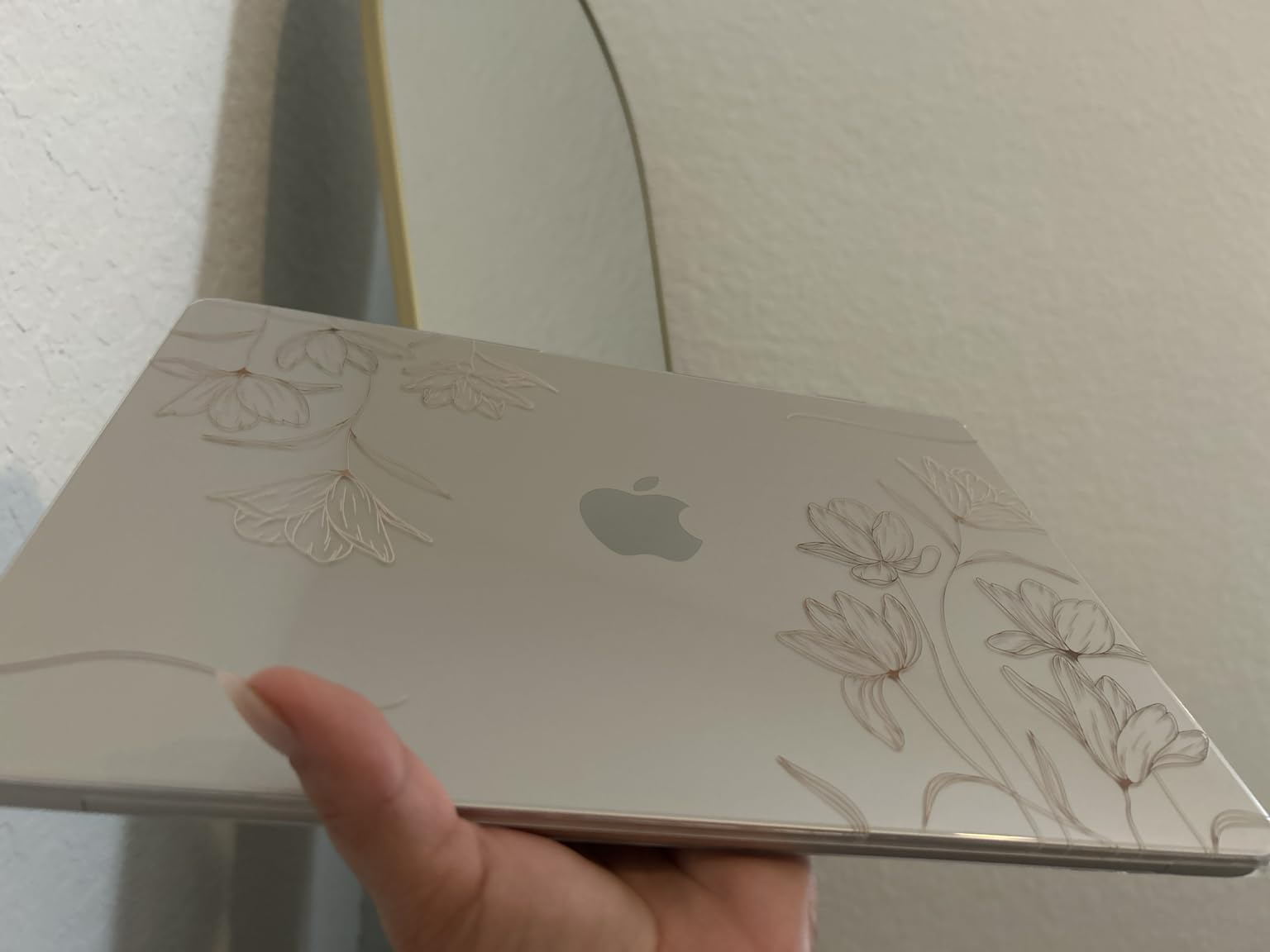
This is the machine I personally reach for when I need to work through an airport and a red-eye in the same day. At 2.71 pounds and just 0.44 inches thick, it slides into the laptop sleeve of a backpack without the bag changing shape, and it stays comfortable on a tray table for a full meal and a work session. The 13.6-inch Liquid Retina panel is bright and sharp enough that I have reviewed and colour-checked photos on it without reaching for a second screen.
Owner reviews are the strongest in this roundup by a wide margin, sitting at 4.7 across 1076 ratings. The recurring themes are portability, all-day battery and screen quality for the size, which tells you this is not a machine that impresses on a spec sheet and then disappoints at a security gate.
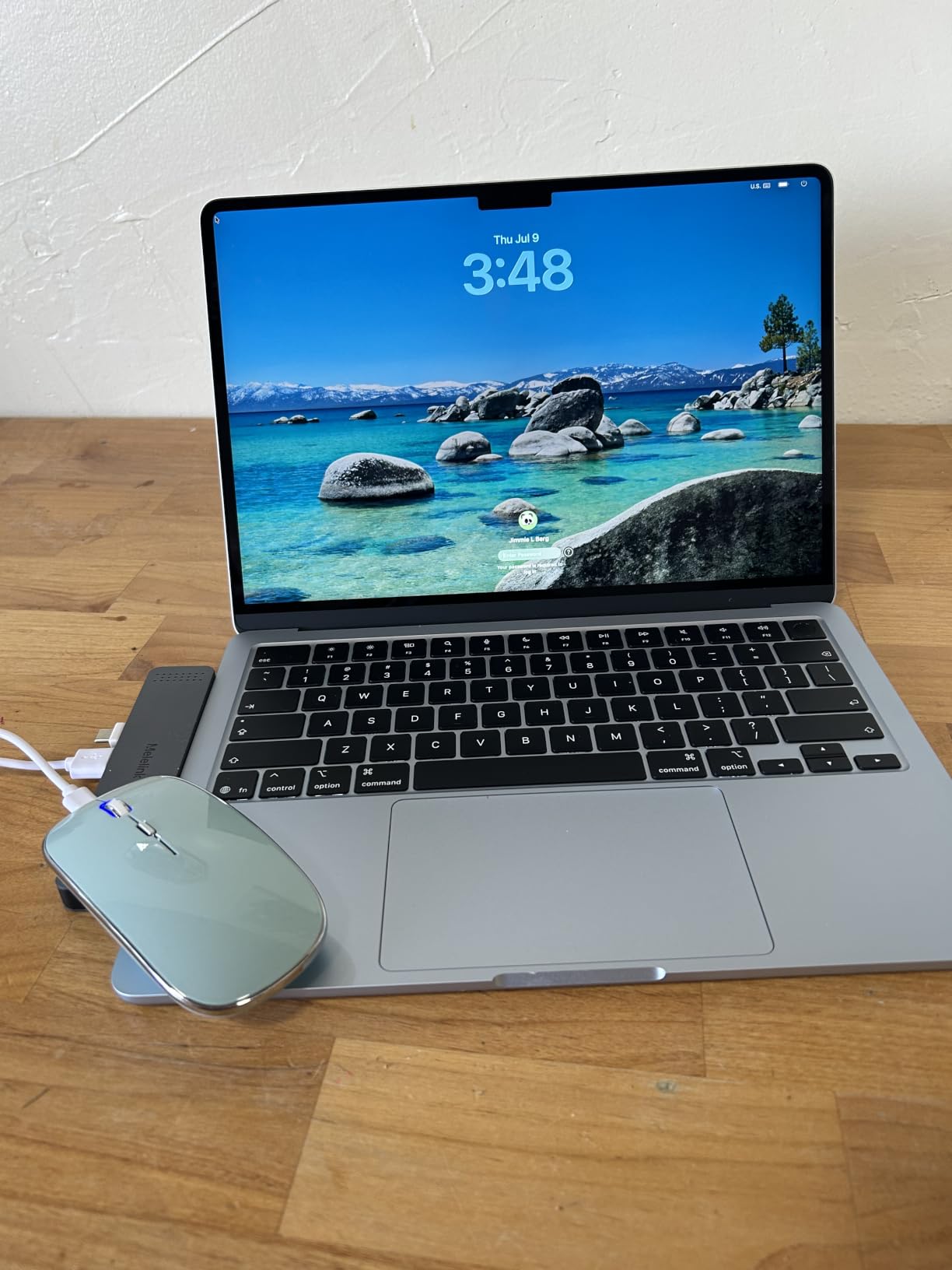
The 16GB of unified memory and 512GB SSD are the configuration most people should want on a machine they intend to keep for several years. Storage here is not user-upgradeable, so the 512GB figure is the number you live with, though for travel work that is rarely the binding constraint.
Weight, thickness and how it behaves in a bag
At 2.71 pounds and 8.46 by 11.97 inches, this is squarely a one-bag traveller's laptop. It clears a standard carry-on personal item and the laptop pocket of most travel backpacks. I would not call it invisible in a bag the way a 2.2-pound machine is, but the difference between 2.2 and 2.7 pounds is something you feel over a long travel day rather than something you notice when you pick the bag up.
There is one more detail worth knowing: the machine pairs MagSafe with two Thunderbolt 4 ports, so you can charge over USB-C from a power bank while keeping the MagSafe port free. On models that charge only over USB-C, that free port is a real difference when you are sharing a café table with two other devices.
Real battery life versus the up to 18 hours claim
The stated figure is up to 18 hours, and that phrasing matters. Across owner reviews the consistent pattern is that it comfortably covers a working day of documents, browser tabs and calls, but the gap between the claim and a mixed day of video editing or many open applications is significant. Treat the claim as a ceiling measured on a light workload, not a promise for a heavy one.
For planning, budget on the basis of a full charge lasting one long workday with margin, and carry a compact USB-C power bank for the second day. That is not a criticism of the machine, it is how every thin-and-light laptop behaves when the manufacturer publishes a best-case number.
Screen, camera and what you give up in ports
The Liquid Retina display with one billion colours is genuinely excellent for documents, media and photo review at this size. The 12MP Center Stage camera with Desk View is a real upgrade for hotel-room video calls, since the framing feature keeps you in shot when you look down at notes. Touch ID handles login without the typing-your-password moment at a boarding gate.
The trade-off is ports. Two Thunderbolt 4 ports and a headphone jack is genuinely all you get, so if you need to read an SD card or connect to a projector, a hub becomes part of your kit. That is the single most repeated complaint in the reviews, and it is a manageable one if you plan for it.
macOS also narrows your software options. If your work depends on Windows-only line-of-business software, a corporate VPN client that has no Mac build, or Windows-only plugins, this machine will not do the job no matter how good it is otherwise.
2. Lenovo Flagship Chromebook 14 - Best Full-Size Value
Lenovo Flagship Chromebook, 14'' FHD Touchscreen Slim Thin Light Laptop Computer, 8-Core MediaTek...
Weight: 2.9 lb
Display: 14-inch FHD IPS touch
RAM and storage: 4GB and 64GB eMMC
Battery: 13.5 hours
+ Pros
- 2.9 pounds and 0.73 inches thin
- Sharper 1920x1080 touchscreen than most at this tier
- 13.5-hour battery covers long travel days
- Backlit keyboard and webcam privacy shutter
- HDMI port plus microSD reader
- Cons
- Only 4GB RAM and 64GB eMMC limits multitasking
- Unresponsive touchpad makes an external mouse advisable
- ChromeOS excludes desktop Windows software
This is the pick for a traveller whose work happens in a browser. A 14-inch full high definition IPS touchscreen at 2.9 pounds is a lot of usable screen for what this class of machine costs, and unlike the cheaper 1366 by 768 panels on some rivals, this one is sharp enough to read contracts and reference documents without squinting.
The backlit keyboard and the physical webcam privacy shutter are the two features that surprised me most, because neither is common at this tier. A backlit keyboard matters on a night flight or in a dim sleeper car, and the shutter is a small privacy win for a machine that spends its life in public spaces. Owner reviews at 4.2 across 1396 ratings repeatedly single out the screen, the battery and the portability.
What 4GB of RAM and 64GB of storage actually means
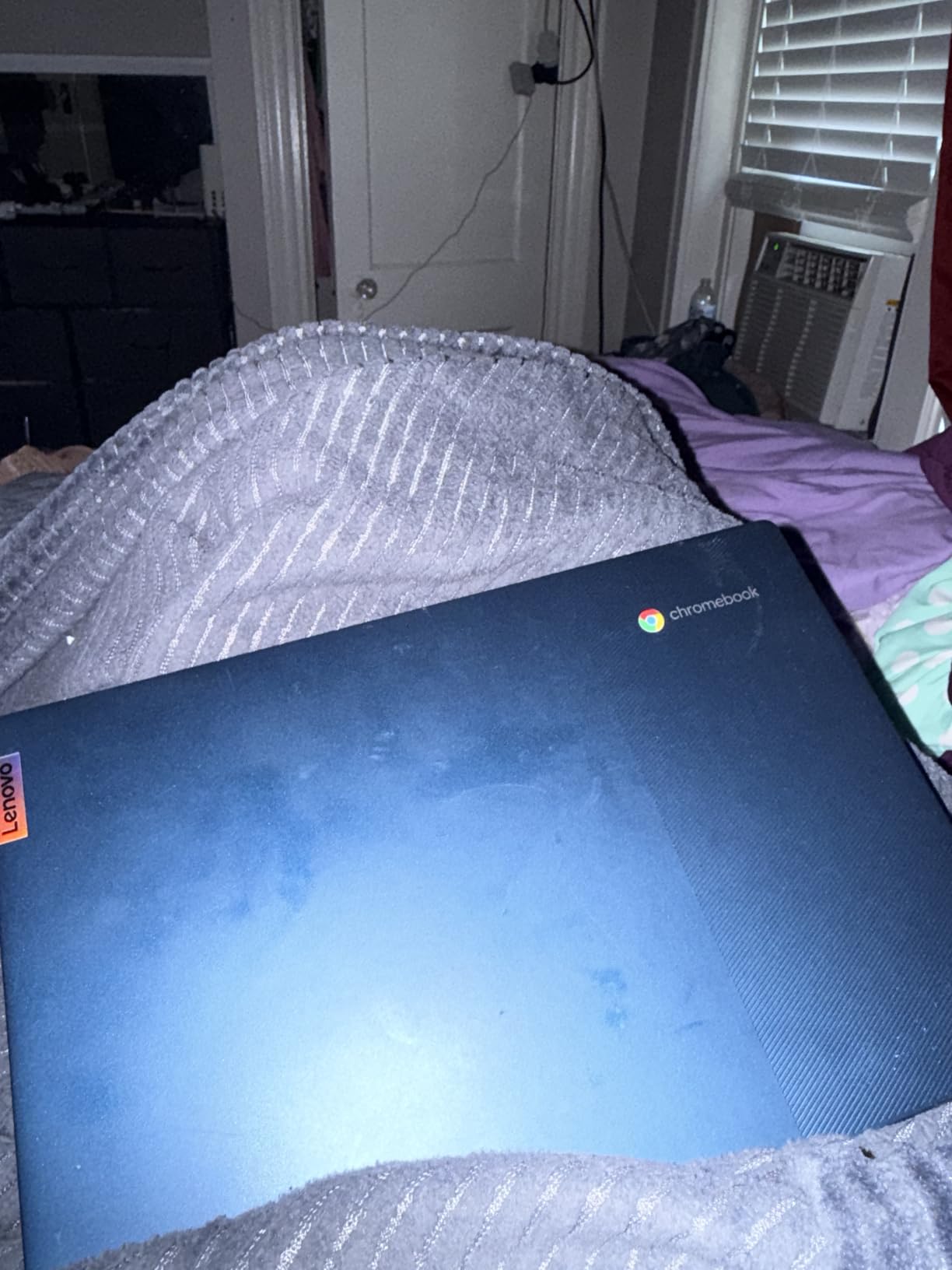
This is the honest weakness of the machine. With 4GB of RAM and 64GB of eMMC storage, you will feel the limit the moment you run more than a handful of browser tabs alongside a video call. Reviewers who use it for streaming, email and documents are happy. Reviewers who expect desktop-class multitasking describe it as struggling, and that is accurate.
Storage is partly rescued by the microSD reader, which lets you carry extra media or files in a card rather than the internal drive. Just remember that Chrome OS is designed around cloud storage and web applications, not around a local library of large files.
Chrome OS as a travel operating system
Chrome OS has a real, underrated advantage for a traveller: it is a thin, well-maintained system that boots fast, updates itself, and stores almost nothing important on the machine itself. If the laptop is lost, the data loss is minimal because the working files were never local.
That flips to a con if you need desktop Windows software, native design tools, or a specific corporate VPN client. Chrome OS simply will not run those, and no amount of configuration changes that. If your work is browser-based, this is a strength. If it is not, this is a hard stop.
Ports, connectivity and the touchscreen
The port selection is better than most at this weight: one USB-A, one USB-C, a full-size HDMI output, a microSD reader and a headphone jack. That means you can connect to a hotel television or a projector without carrying a dongle, which is exactly the scenario where cheap laptops usually fail.
Wi-Fi 6 with Bluetooth 5.1 handles modern hotel and café networks without issue. The 250-nit touchscreen is usable indoors and in a shaded seat, but it is not a panel for direct sun on a beach terrace, and the integrated ARM Mali GPU is fine for streaming rather than for anything graphical.
The touchpad is the feature reviewers complain about most, describing it as unresponsive. If you already travel with a mouse or a trackpad, that complaint becomes irrelevant. If you do not, be prepared to work around it in a café where your hand needs a surface the machine does not provide.
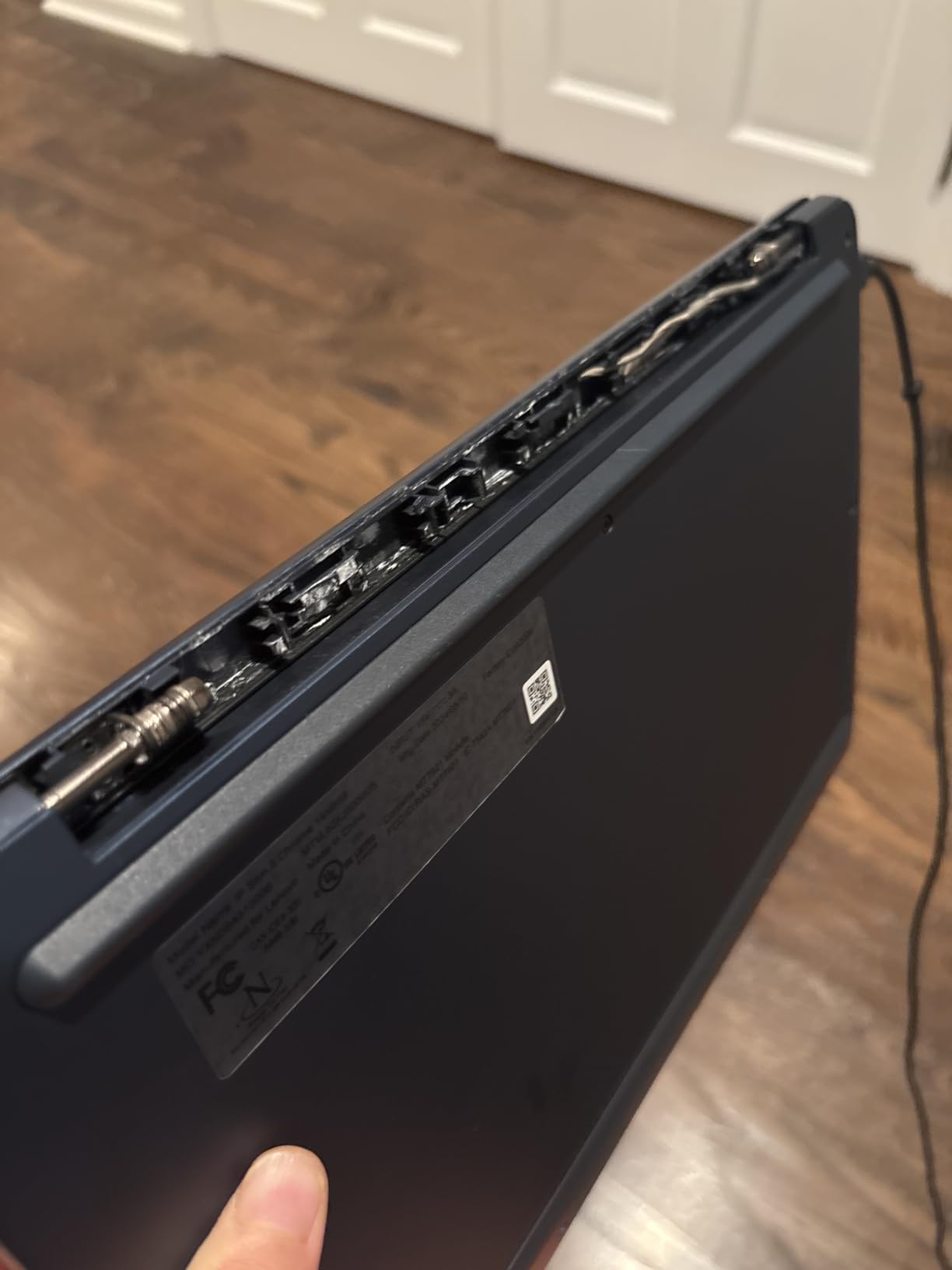
The keyboard feel is another mild negative, with the caps key in an unusual position and a plasticky feel to the keys. It is serviceable rather than pleasant, and it is another reason this machine suits browsing and streaming more than hours of typing.
3. HP Chromebook 14a - Best Budget Pick With the Biggest Review Base
HP Chromebook 14 Laptop, Intel Celeron N4120, 4 GB RAM, 64 GB eMMC, 14" HD Display, Chrome OS, Thin...
Weight: 3.2 lb
Display: 14-inch anti-glare HD
Processor: quad-core Celeron N4120
Battery: up to 14 hours
+ Pros
- Most heavily reviewed machine in the roundup
- Up to 14 hours claimed with fast charging
- 0.7 inches thin at 3.2 pounds
- Anti-glare display reduces reflections
- One-year hardware warranty included
- Cons
- 1366x768 resolution is low by modern standards
- 4GB RAM and 64GB eMMC limit multitasking
- No touchscreen on this configuration
- Basic Celeron chip beyond browsing
With 3097 ratings at 4.3, this is by a wide margin the most thoroughly reviewed machine in the roundup, and that matters for a product you might buy sight-unseen for a trip. A large sample of owner reports tells you much more about long-term behaviour than a hundred reviews of a brand new flagship. The feedback is consistently positive on battery life, build quality and value, with criticism aimed almost entirely at the screen resolution and modest specifications.
At 3.2 pounds and 0.7 inches thick it is heavier than the two Chromebooks above it, but the full-size keyboard and the port selection compensate. This is the version of the category that fits an actual full day of typing rather than a gesture toward it.
Fast charging is the feature travellers notice
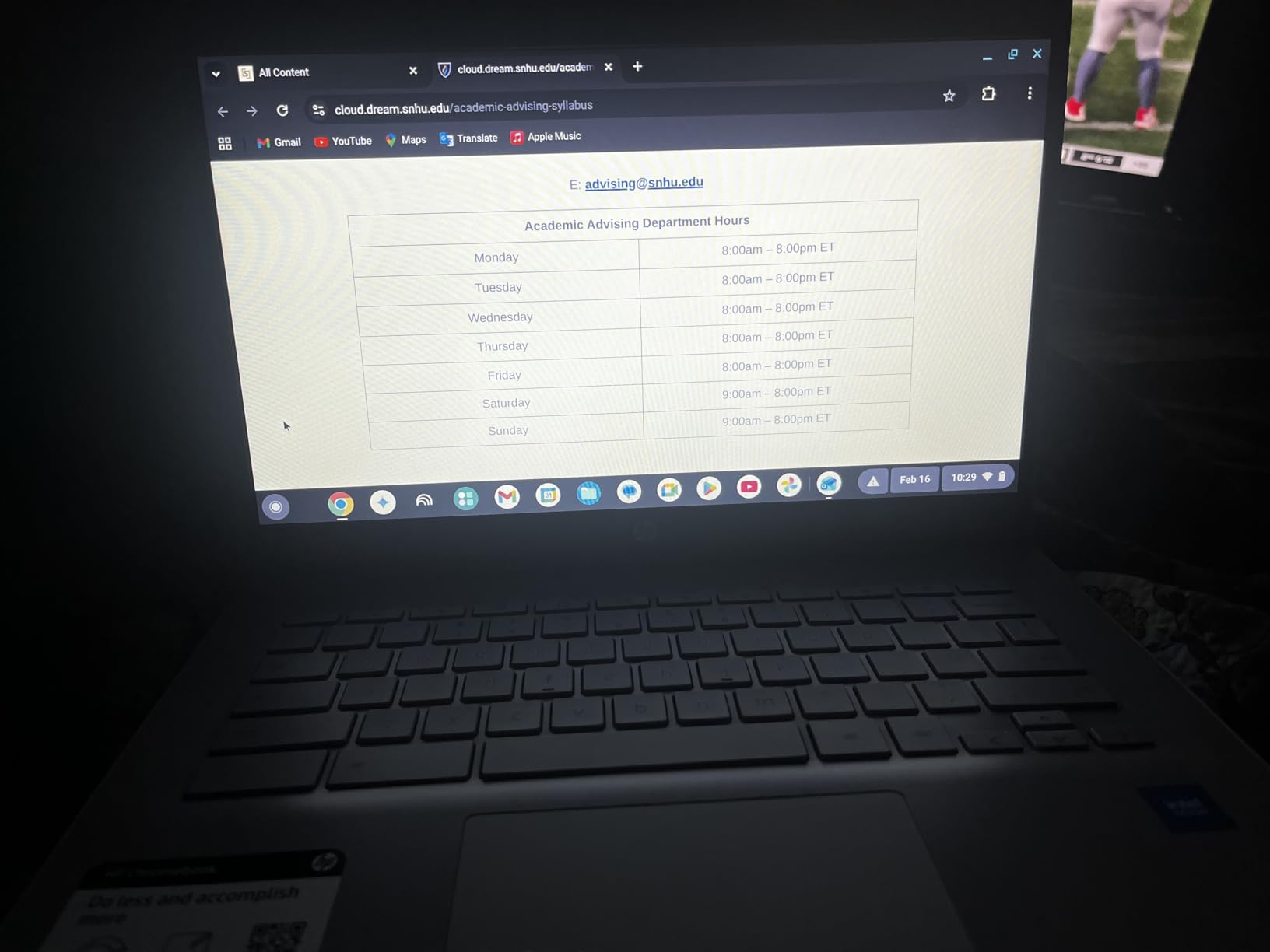
HP Fast Charge takes the battery from zero to roughly half in about 45 minutes, which is more useful on a travel day than most of the raw battery specification. A half-charge in a hotel room while you shower and pack is the difference between arriving at a gate with a working machine and arriving with a dead one.
The stated figure is up to 14 hours. As always with that phrasing, the real number depends heavily on what you are doing. For streaming, documents and browsing, owner reports suggest it genuinely holds up through a long travel day. For anything heavier, plan a top-up.
The 1366 by 768 screen, honestly assessed
This is the pick's main compromise and the reason its rating is 4.3 rather than higher. A 1366 by 768 panel is noticeably softer than the 1920 by 1080 screens on the Lenovo and Acer in this list, and text on it looks dated once you have used something sharper.
What it does have going for it is the micro-edge anti-glare treatment, which cuts reflections in bright rooms far better than a glossy panel. On a trip where you are working in sunlit airports and bright cafés, that anti-glare coating genuinely offsets some of the resolution penalty. It is also 4K ready through Intel UHD Graphics 600, so streaming video is not a weak point.
Ports and longevity of the platform
One HDMI, two USB-A 3.0 ports and one USB-C is an unusually generous port count for a machine this light, and it means you can plug into a hotel TV without an adapter. There is also a full-size keyboard with a true multi-touch trackpad supporting four-finger gestures, and ENERGY STAR certification with EPEAT Silver registration.
The one thing to weigh is age. This is a 2022 model on a 2022 processor, and while the 1-year limited hardware warranty gives you some cover, you are buying the entry-level end of the Chrome OS world rather than the newest hardware.

If your itinerary is light, this is the machine I would buy with the least hesitation. If your itinerary includes heavy document work, colour-critical review, or any desktop software, move up to the Acer Swift Go or the MacBook Air instead, because the resolution ceiling here is not something an update can fix.
4. Acer Swift Go 14 - Best Value Pick for Full Windows Work
Acer Swift Go Intel Evo Thin & Light Premium Laptop 14" 1920x1200 100% sRGB Touch Screen Display...
Weight: 2.8 lb
Display: 14-inch 1920x1200 IPS touch
Chip: Core i7-1355U
Memory and storage: 16GB and 512GB
+ Pros
- Only 0.59 inches thick at 2.8 pounds
- Sharp 100 percent sRGB 1920x1200 touchscreen
- i7-1355U is genuinely fast with quiet cooling
- Two Thunderbolt 4 ports with 100W charging
- All-metal body with fingerprint reader
- Cons
- 16GB of RAM is soldered and unupgradeable
- Touchscreen does not fold into tablet mode
- USB-C ports sit close together
- Some owners report display flickering
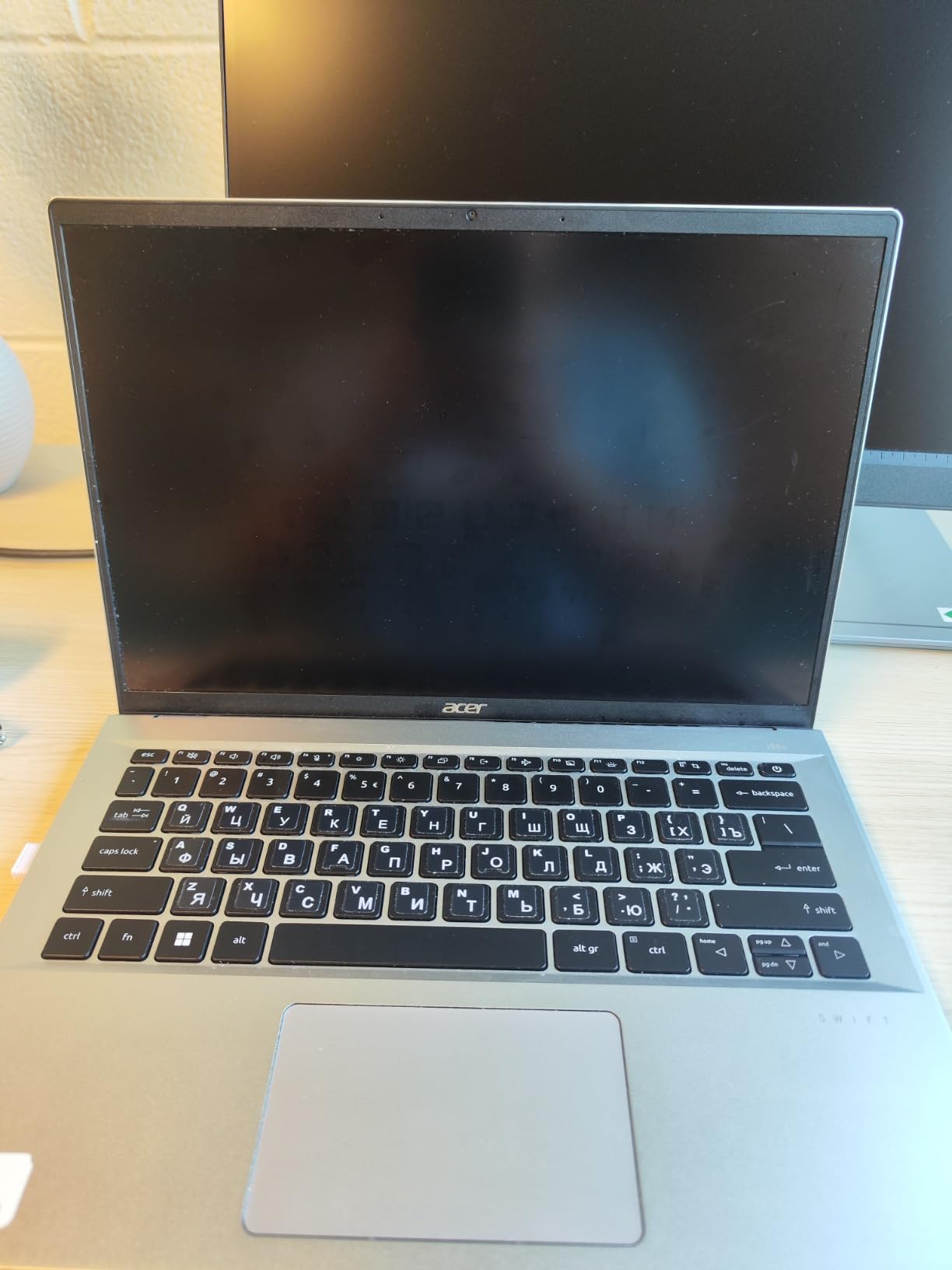
This is my pick when the trip is for work rather than for browsing. It runs full Windows 11 on a 10-core Core i7-1355U, and owner reviews describe performance as a genuine step up from anything else in this list, with quiet cooling that does not become a distraction in a silent café or a sleeper berth. At 2.8 pounds and 0.59 inches thick, it is thinner than almost everything else here.
Reviewers consistently call it a strong value relative to more expensive ultralights, and they credit the port selection for it. Two Thunderbolt 4 ports with 100W power delivery plus HDMI 2.1 and a microSD reader is a genuinely complete port set for a machine this thin, and a protective sleeve is included, which is a small thing that saves a sleeve purchase.
Two Thunderbolt 4 ports and a 1440p webcam
The dual Thunderbolt 4 configuration means you can charge from either side, dock from either side, and connect two external displays. For someone who works from a hotel desk and occasionally a client office, having two modern ports means you often avoid a dongle entirely, and a 100W charger is fast enough to refill during a coffee stop.
The 1440p QHD webcam with Acer TNR and PurifiedVoice noise reduction is genuinely useful for calls from a hotel room or a noisy café, since the noise filtering handles ambient background better than a bare camera. A fingerprint reader in the power button with Windows Hello gives you a fast secure login without the typing-your-password moment at a boarding gate.
Screen quality and the awkward USB-C spacing
The 14-inch 1920 by 1200 IPS touchscreen at 120Hz with full sRGB coverage is the best-balanced display in the whole list. It is sharp enough for documents, the 16:10 ratio gives useful vertical space for writing, and the colour coverage means photos and design work look reasonable rather than washed out.
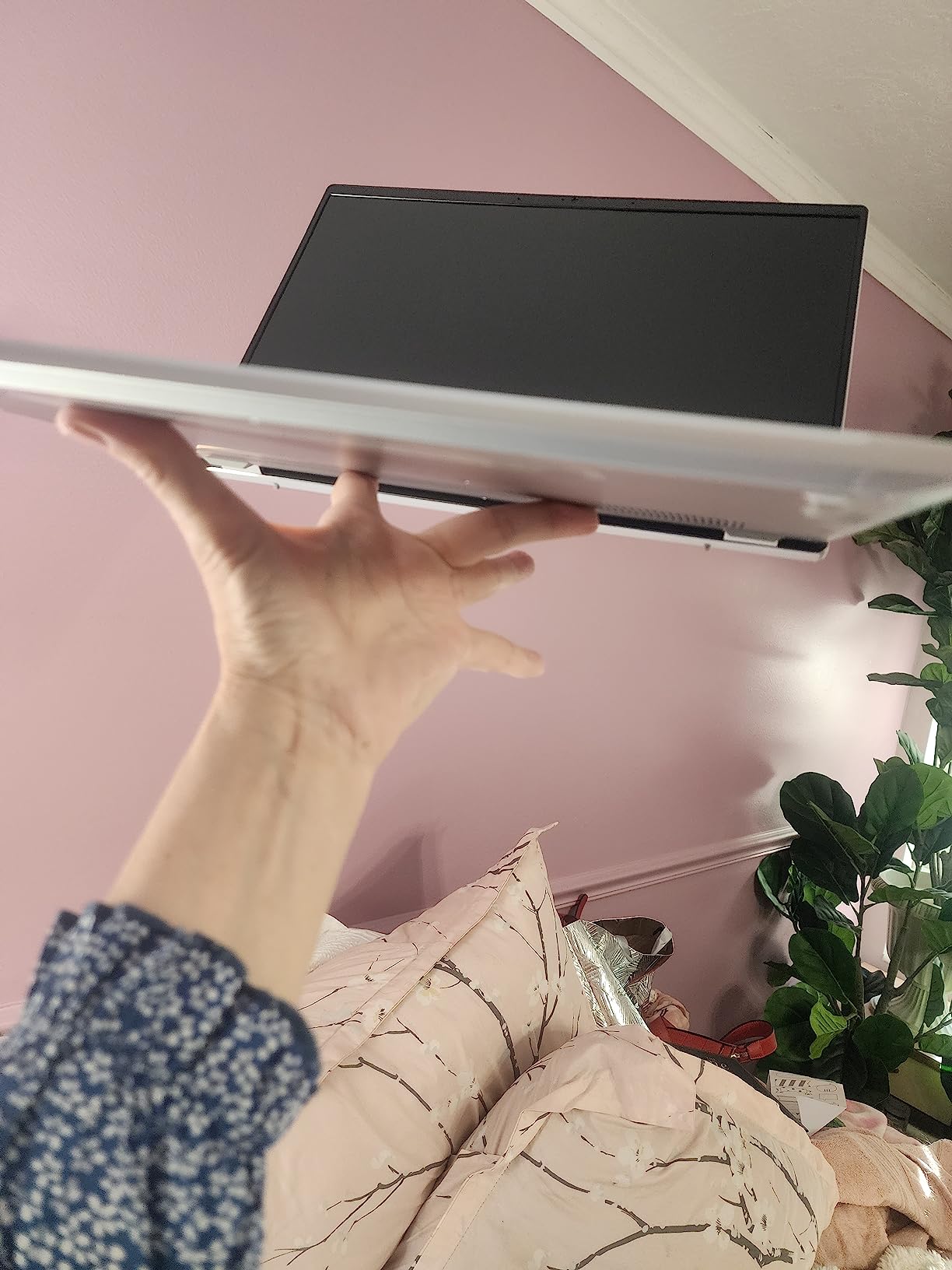
The one hardware complaint that comes up repeatedly is that the two USB-C ports sit close together, which makes plugging in two side-by-side accessories physically awkward. It is a design nit rather than a fault, but it does come up often enough that you should know about it before you decide the port layout is perfect.
Some owners also report screen flickering after extended use. This is not universal and the machine is broadly well reviewed, but it is worth knowing if you intend to run it for ten-hour days, which is exactly what a travel laptop is for.
What the soldered memory and the touchscreen mean for you
The 16GB of LPDDR5 is soldered and cannot be upgraded, which is a limitation shared by most thin laptops. Sixteen gigabytes is a workable amount for travel work in 2026, and reviewers raise the same longevity point that dominates forum advice: buy enough memory now, because you cannot add it later. The 512GB PCIe Gen 4 SSD is fast and the storage is not user-replaceable either.
One-year International Travelers Limited Warranty is a genuine perk if you travel internationally, and the aluminium body with an OceanGlass touchpad feels more substantial than the plastic Chromebooks in this roundup. The touchscreen does not fold into tablet mode, so treat it as a display rather than a convertible.
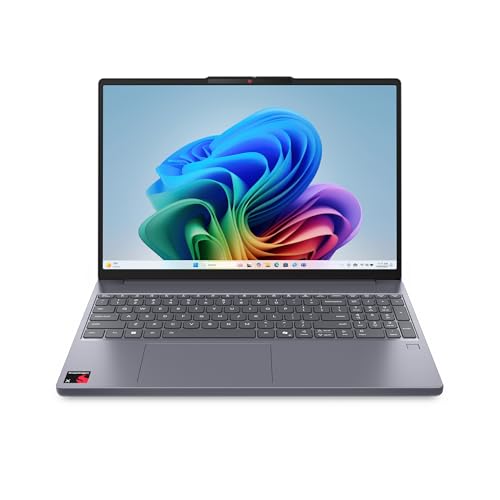
5. Lenovo IdeaPad Slim 3X - Best Big-Screen Workspace at 15.3 Inches
Lenovo IdeaPad Slim 3X - 2025 - Everyday AI Laptop - Copilot+ PC - 15.3" WUXGA Display - 16 GB...
Weight: 3.4 lb
Display: 15.3-inch 16:10 IPS at 120Hz
Chip: Snapdragon X with 45 TOPS NPU
Battery: 60Wh
+ Pros
- Large 15.3-inch 16:10 screen in a 0.7-inch chassis
- 60Wh battery with very fast Rapid Boost charging
- 45 TOPS NPU drives Copilot plus features
- MIL-STD 810H tested metal chassis
- Expandable M.2 storage slot
- Cons
- 3.4 pounds is heavy for a 15-inch machine
- Snapdragon ARM can break x86-only software
- Fingerprint reader reported unreliable
- Not a touchscreen despite some listings
The 15.3-inch display is the reason to look at this machine. Screen size is the one specification you cannot add later, and at 16:10 with 1920 by 1200 resolution and a 120Hz refresh rate this is the largest, most spacious panel in the roundup, packed into a chassis only 0.7 inches thick. If you spend your days editing long documents or reviewing media, that extra screen area changes your working day more than any chip difference.
The Snapdragon X platform carries a 45 TOPS NPU and Copilot plus PC features, and owner reviews are strongly positive on speed, screen size, battery and build. It is a 2025 model, which makes it one of the more current machines in a list that otherwise leans on 2022 and 2023 hardware.
Why 3.4 pounds is the price of a 15-inch screen
At 3.4 pounds this is one of the heavier machines in the roundup, and that is a direct consequence of the display and the 60Wh battery. If you have been reading this list hoping for a sub-3-pound machine, this is not it. If you want a large working area and can accept roughly three quarters of a pound more than the lightest options, this is the trade you are being offered.
The payoff is that a 15.3-inch 16:10 screen is a real desk. Two documents side by side, a video call with reference material, or a photo library you can actually browse, all fit without constant window juggling. On a 13-inch screen the same work becomes a sequence of tabs.
The ARM question for frequent travellers
This is the most important thing to understand before buying an ARM-based Windows laptop. The Snapdragon X architecture is efficient and fast in mainstream use, but it runs on an ARM instruction set, which means some x86-only software, drivers and corporate VPN clients either will not run or will run through emulation with reduced performance. Reviewers raise this repeatedly as the main reservation alongside the weight.
Before you buy, check the specific applications your work depends on. If your workflow is browser-based, cloud office, and mainstream communication apps, you will probably never notice. If you depend on a line-of-business tool, a specialist driver, or a particular security client, verify compatibility first. The general advice in forum discussions for travellers weighing ARM is the same: test the exact software before committing.
Battery, charging and build durability
The 60Wh battery with Rapid Boost fast charging is a large capacity for a thin chassis, and the stated figure is up to 15 hours. Physical USB-C power bank charging is straightforward on a machine with multiple USB ports, which is exactly the scenario that matters when a long flight has no seat outlet.
The MIL-STD 810H tested metal chassis is a real advantage for a laptop that lives in a backpack and gets handled in airports. There is a physical webcam shutter and a fingerprint reader with an Enhanced Security Suite, and Wi-Fi 7 handles current-generation networks. Some buyers found the fingerprint reader unreliable, which is the most common hardware complaint here, so treat biometric login as a convenience rather than a security guarantee.
The expandable M.2 slot is a genuine win in a category built around soldered storage, and 16GB of LPDDR5 plus 512GB is a sensible travel configuration. Note that it is not a touchscreen despite some listings suggesting otherwise.
6. Lenovo ThinkPad X1 Carbon Gen 13 - Best for Business Travel
Lenovo ThinkPad X1 Carbon Gen 13 Aura Edition, Intel Ultra 7 258V (Beats U7 165), 14" 2.8K (2880 x...
Weight: 2.4 lb
Display: 14-inch 2.8K OLED at 400 nits
Memory: 32GB LPDDR5X
Storage: 2TB SSD
+ Pros
- Only 2.4 pounds and 0.6 inches thick
- 2.8K OLED panel is crisp with accurate colour
- 32GB LPDDR5X and 2TB SSD give years of headroom
- Core Ultra 7 keeps full x86 software compatibility
- Excellent port selection with dual Thunderbolt 4
- Cons
- Premium pricing puts it out of reach of most travellers
- Only one USB-A port so a hub is often needed
- Some early machines reported driver and audio faults
- Memory is soldered with no expansion
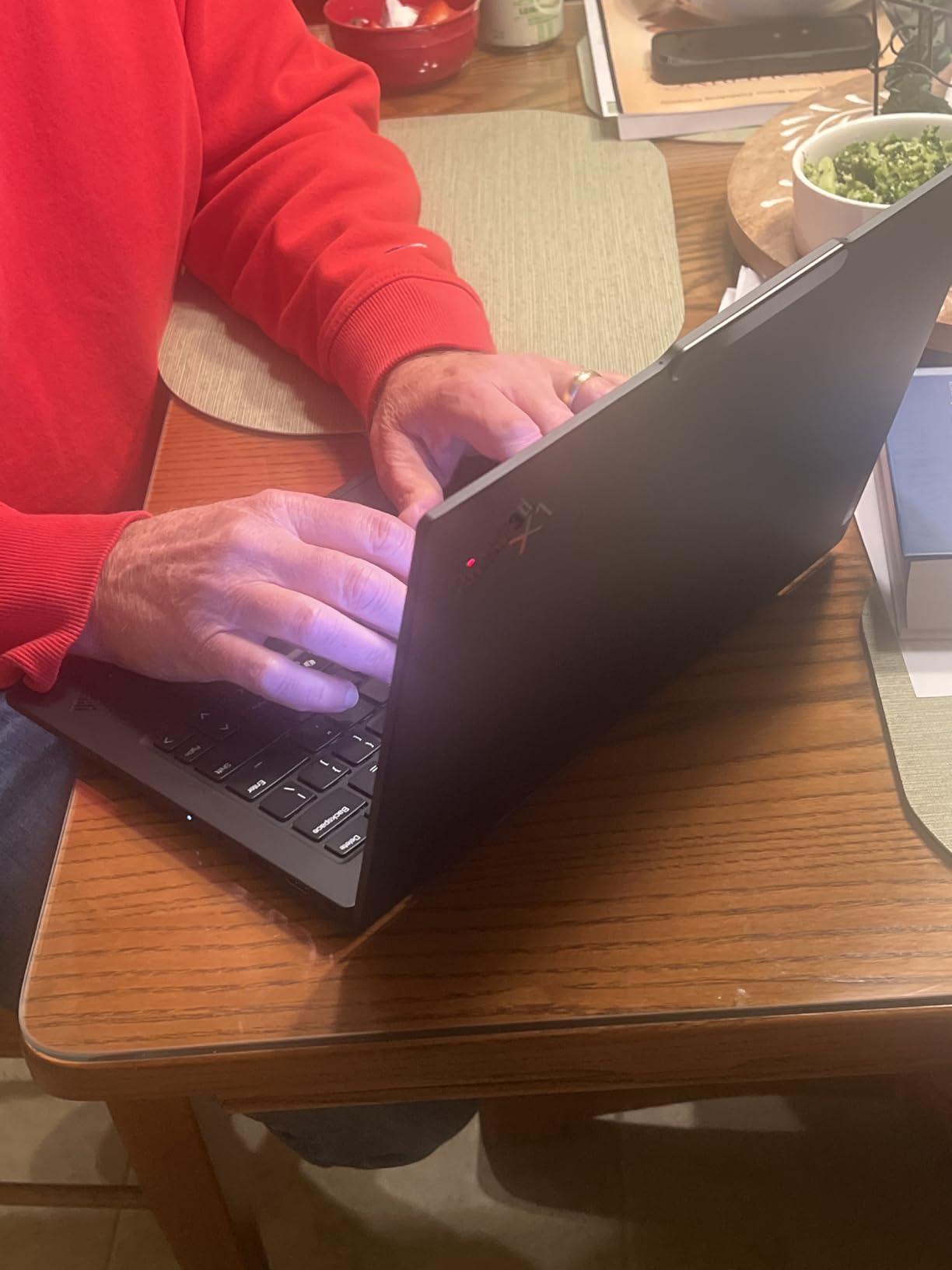
If your travel is a mix of flights and client meetings, this is the machine I would put in the bag. It combines a 2.4-pound carbon-fibre chassis, a 14-inch 2.8K OLED panel and 32GB of memory, and the Intel Core Ultra 7 258V platform means every piece of x86 software you rely on keeps working. That last point matters more than any spec here, because it removes the compatibility question entirely.
Windows 11 Pro rather than Home is a quiet but meaningful difference for business travel, and the 1080p IR camera with a privacy shutter, fingerprint reader and spill-resistant backlit keyboard are all the accessories you want in a hotel room. Owner reviews at 4.4 are enthusiastic, drawn from a small base of 98 ratings dominated by business travellers and upgraders.
Why 32GB matters more than any other specification here
The single most repeated piece of advice in the communities I read while putting this together is blunt: buy the 32GB configuration, because you cannot add memory later. The LPDDR5X is soldered, so 32GB is the ceiling for the life of the machine. With 2TB of Gen 5 storage alongside it, this is the only pick in the roundup that you can reasonably buy and keep for a decade of working travel.
For everyone else in this list, the memory is fixed at 16GB or lower. That is workable for travel work today, and it is the reason the community consensus favours the 32GB option when the budget stretches. The other half of that advice is that the storage is also soldered, so 2TB means never thinking about capacity again.
The OLED panel in a bright room
The 2880 by 1800 OLED at 400 nits with an anti-glare coating and 120Hz refresh is a superb document and media screen. For someone reviewing documents on a train or watching a cut on a hotel television, it is the best-balanced display in the list, and the resolution gives you far more usable text than any 1366-panel option here.
Two practical notes. OLED panels on laptops draw more power with bright content than an IPS panel of similar brightness, so the 57Wh battery is doing more work here than the watt-hour figure alone suggests. And a high-resolution panel is harder to read at a glance than a lower one, so the anti-glare coating is doing real work for you in bright rooms.
Ports, support and the honest caveats
Two Thunderbolt 4 ports, two USB-A 3.2 Gen 2 ports and HDMI 2.1 make this the most complete port set in the roundup, and it supports up to two external monitors for anyone who docks in a hotel. There is only one USB-A port though, so if you need legacy USB-A devices plus a charger plus an external display, a hub is still part of the plan.
The honest caveat is the review base. At 98 ratings, this is a much smaller sample than the Chromebooks above, and some owners of early units reported driver, USB port and audio failures alongside support problems. The one-year onsite manufacturer warranty is the mitigation, and it is better than the standard mail-in cover most machines in this list carry. This is a premium machine, and the premium buys a lighter chassis, a better screen and the memory configuration that will outlast the rest of the list.
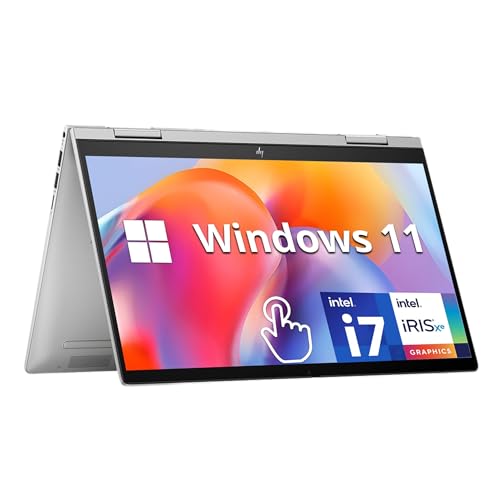
7. HP Envy x360 14 - Best 2-in-1 Convertible
HP Envy x360 2-in-1 14" FHD Touchscreen Laptop, Intel i7-1355U, 16GB RAM, 1TB SSD, Backlit Keyboard...
Weight: 3.4 lb
Display: 14-inch FHD IPS touchscreen
Memory and storage: 16GB and 1TB
Battery: up to 12 hours
+ Pros
- 360-degree hinge makes it a genuine tablet
- 16GB RAM and 1TB SSD give lots of headroom
- Compact 14-inch footprint is easy to carry
- Backlit keyboard and 5MP wide-angle camera
- Up to 12 hours stated battery life
- Cons
- 3.4 pounds is at the heavy end
- Dim 250-nit panel with only 62.5 percent sRGB
- Some owners report audio faults and playback problems
- Initial Windows setup can be fiddly
The 360-degree hinge is the entire argument for this machine, and for some trips it is a decisive one. Folding it into stand mode turns the laptop into something you can prop up to watch a film on a train without holding a 3.4-pound object on your knees, and folding it fully makes it a tablet for reading in bed or browsing at an airport gate. Few other machines in this roundup convert at all.
Underneath, it is a conventional 14-inch Windows machine with a 10-core Core i7-1355U, 16GB of RAM and a 1TB PCIe SSD, which is a generous amount of storage for travel. The backlit keyboard and 5MP wide-angle IR camera are useful additions for a machine you will use on calls, and a fingerprint reader handles secure login.
What convertible mode gives you on a travel day
Stand mode is the underrated one. On a long-haul flight, a laptop propped at eye level on a tray table is far more comfortable for reading, watching or a video call than one lying flat at keyboard height. Tablet mode is genuinely good for reading documents in a reclining seat, where holding a laptop at an angle is impossible.
The trade-off is thickness and weight. A convertible mechanism and a 360-degree hinge need more chassis than a standard clamshell, and the result is 0.75 inches thick at 3.4 pounds. That sits at the top of our weight threshold, and it is one of the reasons this is not the top pick for a carry-on-only traveller.
The display is the weak point
A 250-nit panel with 62.5 percent sRGB coverage is the most significant compromise in this machine, and it is worth understanding what that means. 250 nits is dim. In a bright hotel room or anywhere near a window you will want maximum screen brightness, and sRGB coverage below two-thirds means colours and photos look noticeably washed out next to the Acer or Asus in this roundup.
If your travel includes reviewing photographs or any colour-critical judgement, skip this machine. If your travel is documents, calls and streaming in variable indoor light, the display is perfectly adequate, and the 1TB of storage means you are carrying a lot of media locally.
Reliability and the software ecosystem
At 4.1 across 141 ratings, this is among the lower-rated machines in the list, and the reason is a notable minority of reviews describing audio faults, crashes and video playback problems. If you work with audio or long video files regularly, read those reviews before committing, because reliability complaints in this class tend to appear early.
On the positive side, the port selection is genuinely good for a convertible: two USB-A 3.0 ports, one USB-C, HDMI 2.1, a headphone jack and a microSD reader. That means you can connect to a hotel television and read a memory card without a dongle, and Bang and Olufsen speakers are better than most at this weight. A 45Wh battery with up to 12 hours stated rounds out a machine that prioritises flexibility over screen quality.
8. LG gram 14Z90Q - Lightest Full-Size Build in the Lineup
LG gram (2022) 14Z90Q Ultra Lightweight Laptop, 14" (1920 x 1200) IPS Display, Intel Evo 12th Gen i...
Weight: 2.2 lb
Display: 14-inch WUXGA IPS at DCI-P3 99 percent
Memory: 32GB LPDDR5
Storage: 1TB NVMe SSD
+ Pros
- Lightest full-sized machine here at 2.2 pounds
- 32GB of LPDDR5 is generous for a thin chassis
- Bright 1920x1200 display with DCI-P3 99 percent
- Premium build with a comfortable full-size keyboard
- Full port set with dual Thunderbolt 4
- Large 72Wh battery
- Cons
- Real battery life often only 4-5 hours
- Display quality trails competing premium screens
- Some early display failures and limited support
- No touchscreen and memory cannot be upgraded
At 2.2 pounds this is the lightest full-size laptop in the roundup, and the difference is immediately obvious in the hand. It is a full 14-inch machine with a keyboard you could type on, not a 11-inch slab, and if you carry a laptop every single day the half pound you save against the MacBook Air is real. Reviewers consistently lead with that weight as the reason to buy.
The specification underneath is unusually generous: 32GB of LPDDR5 at 5200 MHz, a 1TB PCIe Gen 4 NVMe SSD, and a 72Wh battery. That memory figure is the longevity play that community advice keeps recommending, and combined with the full port set including dual Thunderbolt 4, USB-A and a full-size HDMI, this is a complete machine on paper.
The battery gap is the real story here
This is the single most important thing to know about the LG gram, and it is buried in the reviews rather than the spec sheet. Stated battery life is up to 12.5 hours from a 72Wh battery, but owner reports repeatedly describe real-world mixed use landing at 4 to 5 hours. That is the exact gap we opened this roundup by warning you about, and on this machine the gap is larger than most.
For planning purposes, treat this as a four-hour machine unless your workload is extremely light. That is not disqualifying if you charge overnight and work in short blocks, but it is disqualifying for a long-haul flight with no seat outlet, which is the scenario the MacBook Air and the two Chromebooks handle far better.
Screen and colour versus the 2.8K OLED alternatives
The 1920 by 1200 WUXGA IPS panel covers 99 percent of DCI-P3, which is a strong colour specification on paper. In practice, owners describe the display image quality as inferior to competing premium screens, and the resolution is well below the 2880 by 1800 OLED in the ThinkPad X1 Carbon and the Asus Zenbook in this list.
For document work and general use the 16:10 ratio and colour coverage are perfectly serviceable. For photo review, the OLED panels in the two machines mentioned above are the better tools, and they are also the better choices if colour accuracy is part of your job rather than your hobby.
Build, ports and what to verify before you commit
The premium build and comfortable full-size keyboard are praised across reviews, and the 0.66-inch chassis with a full port selection including a microSD reader means you are not sacrificing connectivity for the weight figure. The full HD IR webcam with AI noise filtering is a good pick for calls from noisy locations.
The caveats are real. Some owners reported early display failures and limited manufacturer support, which is a risk on a 2022 design with a 1-year parts and labour warranty and a much smaller review base than the popular picks above. It is not a touchscreen, the memory cannot be upgraded, and the Wi-Fi 6E radio is a generation behind the Wi-Fi 7 parts in the newer machines here.
My read: buy the LG gram if absolute lightness is your first priority and your battery needs are modest. If battery life is your first priority, choose a heavier machine with a smaller claimed number and better real behaviour.
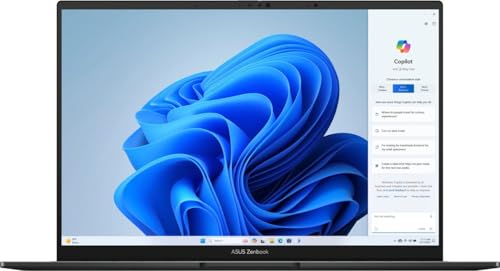
9. Asus Zenbook 14X OLED - Best Screen for Photo and Video Review
Asus Zenbook 14X OLED Business Laptop 14.5/'' 2.8K 120Hz Touchscreen (550nits, 100% DCI-P3, Glossy...
Weight: 3.4 lb
Display: 14.5-inch 2.8K OLED at 550 nits
Memory and storage: 16GB and 512GB
Battery: 70Wh
+ Pros
- Best display in the list at 2.8K OLED 550 nits 120Hz
- 100 percent DCI-P3 suits media review on the move
- 14-core i7-13700H handles heavy multi-app work
- Dual Thunderbolt 4 plus HDMI covers most dock needs
- Quiet operation with good Harman Kardon sound
- Cons
- Glossy screen shows fingerprints and reflections
- Aluminium body heavier than expected for an ultralight
- Some owners report touchpad failures
- Smallest review count in the lineup
This is the machine to buy if you edit or review photos and video while travelling. The 14.5-inch 2880 by 1800 OLED at 550 nits peak brightness with 120Hz refresh and full DCI-P3 coverage is the best panel in this roundup by a clear margin, and 16:10 at that resolution gives you a genuinely usable editing canvas on a laptop. Travelling photographers and content creators tend to converge on this specification for good reason.
Performance is strong too, with a 14-core i7-13700H that handles multi-application work without complaint, and the 70Wh battery is the largest capacity in the list alongside the LG gram. Despite an H-series chip in a thin chassis, owners report it running light and quiet, which matters in a café or a sleeper car.
OLED brightness, glare and fingerprints
550 nits of peak HDR brightness means this screen is readable in bright environments in a way the 250-nit IPS panels in this roundup are not, which is a genuine advantage when you are reviewing images near a window or on a train with sunlight across the seat. The 2.8K resolution also means you can judge focus and detail at 100 percent without constant zooming.
The compromise is that the panel is glossy. Owners note that it picks up fingerprints and reflections readily, which on a machine you handle in transit means you will be wiping the screen constantly, and reflections can be distracting in a bright room. A matte or anti-glare coating would have suited travel better, and the ThinkPad OLED in this roundup has one at a similar resolution.
Ports, displays and audio for media work
Two Thunderbolt 4 USB-C ports with display and power delivery plus one USB-A 3.2 and HDMI 2.1 cover most travel dock needs without an adapter, and the machine supports up to three external displays. An HDMI cable is included in the box, which is a small convenience when you are setting up in a hotel room at midnight.
The Harman and Kardon speakers with Dolby Atmos and Smart Amp are the best-sounding in this roundup, and for a traveller who watches a film on a plane or a long evening in a guesthouse that is a real quality-of-life difference. An FHD IR camera with Windows Hello and a backlit keyboard complete a well-equipped package.
Weight, touchpad reports and the small sample
At 3.4 pounds this is at the heavy end of the lightweight range, and owners describe the aluminium body as heavier than expected for a machine in this category. It is a large screen with a large battery, so the weight is honest rather than a flaw, but it is a real consideration for a carry-on-only traveller.
Two things to weigh against the enthusiasm. Some owners reported touchpad failures that required extensive troubleshooting, and with only 37 ratings the long-term reliability picture is less well documented than any other machine here. A 4.4 rating on a small sample is encouraging but not conclusive, so if you need something you can rely on without monitoring it, the heavily reviewed picks at the top of this list carry more assurance.
10. ASUS VivoBook Flip 11.6 - Smallest Footprint and Cheapest Way to Travel with Windows
ASUS VivoBook Flip Thin And Light 2-in-1 Laptop - 11.6" HD Touchscreen, Intel Dual-Core Celeron...
Weight: 2.8 lb
Display: 11.6-inch HD glossy touchscreen
Processor: dual-core Celeron N3350
Battery: up to 8 hours
+ Pros
- Smallest footprint in the roundup at 11.6 inches
- 2.8 pound body with a real 360-degree hinge
- Runs Windows with Office 365 included
- Up to 8 hours stated for a travel day
- Responsive touchscreen at this size
- Cons
- Dual-core Celeron and 4GB RAM are slow under load
- 1366x768 glossy screen is low resolution
- 64GB eMMC is very limited for files
- Some older machines failed after firmware updates
If your trip is defined by how little you can carry, this is the smallest complete machine in the roundup. At 11.6 inches it fits into spaces a 14-inch laptop never will, which matters in a small day bag, a hostel locker or a crowded hostel desk. It runs actual Windows rather than a browser-only system, and the 360-degree hinge gives it the same stand and tablet flexibility as the much larger Envy x360.
Owner reviews at 4.1 across 503 ratings frame the machine accurately: it is slow, and people accept that. Reviewers describe it as functional for writing, email and video calls, and they praise the touchscreen, the size and the battery. That is an honest characterisation rather than a disappointment, provided you know what you are buying.
Where the speed limit bites
A dual-core Celeron N3350 with 4GB of DDR3 memory and 64GB of eMMC storage is a 2018-class specification. Basic documents and browsing are fine. Opening many applications, running a video call while a dozen tabs are live, or handling large files is where you will notice the machine struggling, and reviewers describe it as unresponsive under load rather than merely slow.
64GB of storage is the other constraint. On Windows, that leaves very little room once the system and your applications are installed, so this machine wants a small travel workload kept mostly in the cloud. If your trip involves offline work with large files, this is the wrong tool regardless of how small it is.
The screen, the hinge and the software path
The 11.6-inch 1366 by 768 glossy touchscreen is low resolution by modern standards and picks up glare, which is a poor combination for bright travel environments. At this screen size the pixel density is tolerable for reading, but the gloss is the bigger problem, since it works against you on a sunny train or a bright café table.
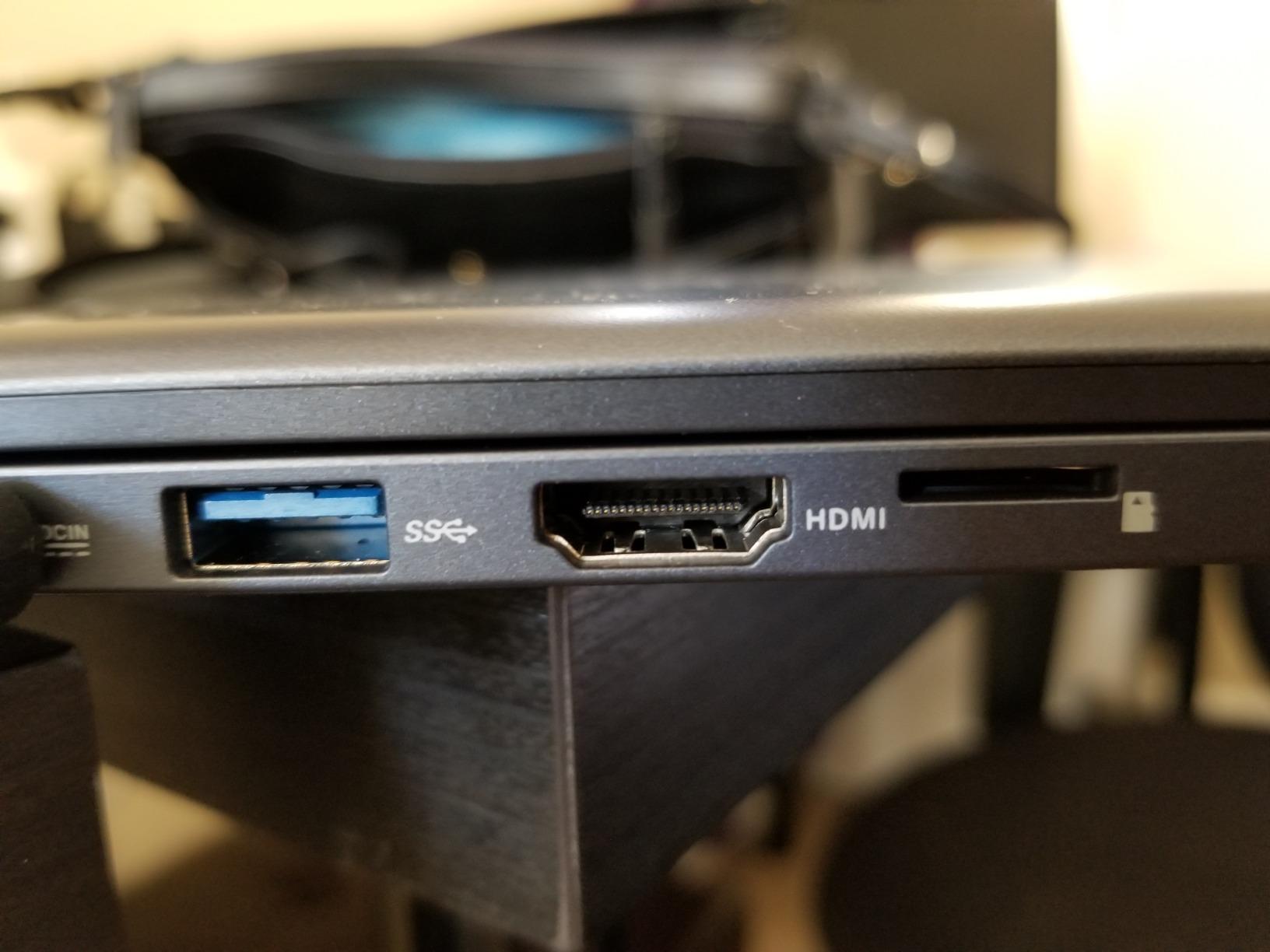
Two things offset that. The 360-degree durable hinge is genuinely useful in a way most laptops this size are not, and the machine ships in Windows 10 S Mode with a free upgrade path to full Windows 10 Home through the Microsoft Store, so you are not locked out of desktop software. Ports include two USB, HDMI, a memory card reader and audio, which is a good haul for the size.
Where this machine fits in 2026
This is a 2018 design, and I want to be clear about that rather than dress it up. The stated battery figure is up to 8 hours, the lowest claim in the roundup, and some older units failed after firmware or operating system updates, which is a known risk on machines of this generation.
Even so, it earns its place here for a specific traveller: someone whose trip is writing, email, calls and streaming, who values the smallest complete footprint above all else, and who needs a full Windows machine rather than a Chromebook. For anyone else, the extra weight you would save by going this small is not worth giving up the processing headroom, and the two Chromebooks earlier in this list serve the same travel day with far more speed.
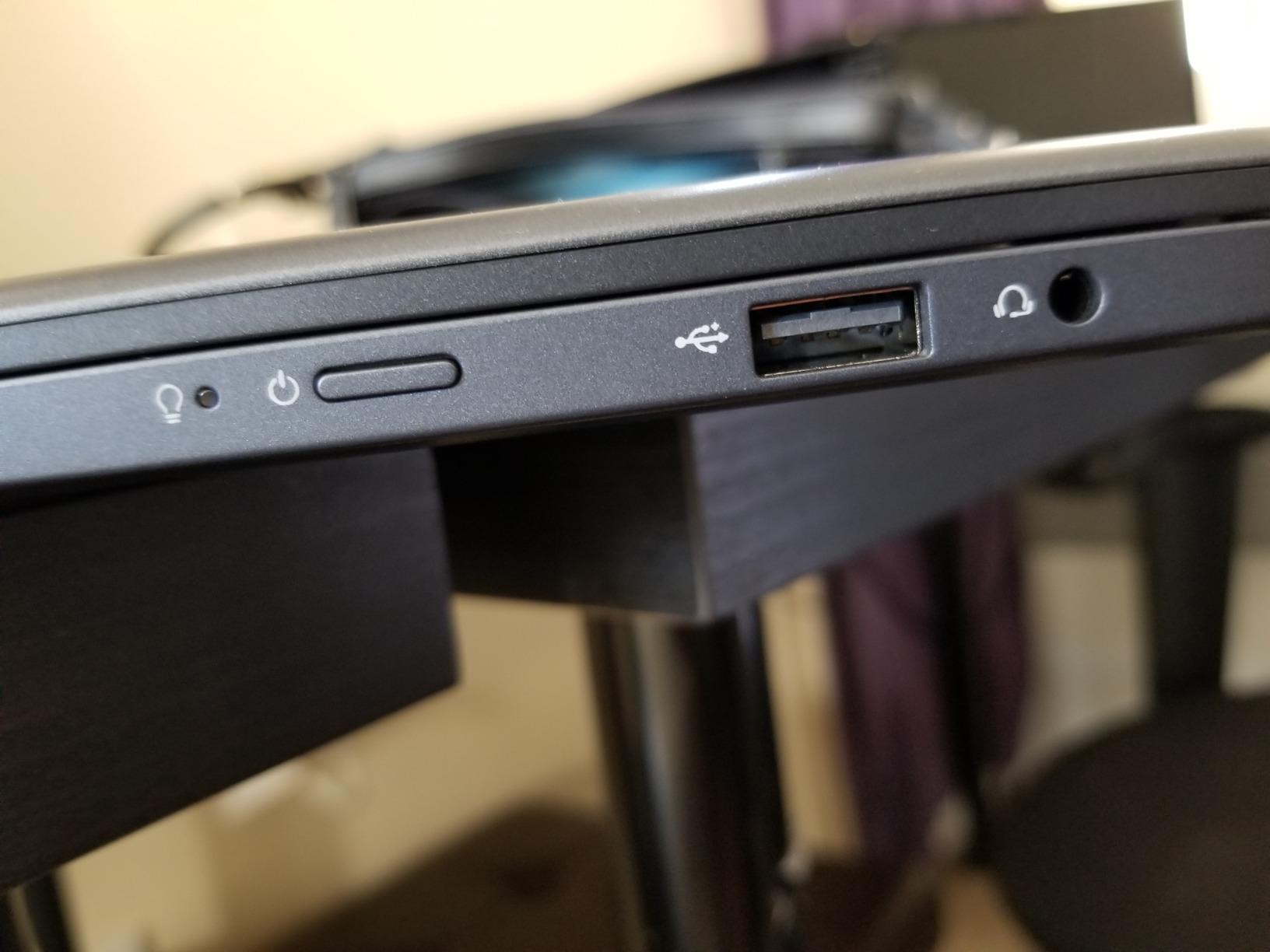
How to Choose a Lightweight Travel Laptop Without Regret
Every machine in this roundup meets the same weight threshold, so the differences that matter on a trip are the ones a spec sheet buries. Here is the order I would think about them in, based on what actually broke down or worked well across the owner reviews I read while compiling this list.
Weight is the number you feel, not the number on the box
A 2.2-pound machine and a 3.4-pound machine are both technically lightweight, and the difference only shows up after the fourth hour of walking, the third security queue or a long platform wait. Our floor for this list is 3.5 pounds, but the floor you set for yourself depends on how you travel. If you carry a laptop daily, stay under 3 pounds. If it stays in a hotel room and only comes out for two hours, a 15-inch screen at 3.4 pounds is a perfectly rational choice.
The number nobody publishes is the weight with the charger and the sleeve. Thin laptops increasingly ship with compact USB-C chargers, which narrows the gap, but if you carry a power bank, a hub, three cables and a mouse, that kit can outweigh the difference between two laptops. The same discipline we use to compare weight, capacity and packability in our titanium spork roundup and our lightweight canoe field tests transfers straight to a travel load.
Battery: separate the claimed hours from the usable hours
Every "up to" figure in this roundup is measured on a light workload. The real number depends on screen brightness, how many tabs are open, whether you are on Wi-Fi or cellular, and how much video you are decoding. Owner reports across the picks here ranged from genuinely all-day on the MacBook Air and the Chromebooks, to 4 to 5 hours on the LG gram despite a 12.5-hour claim.
The practical planning rule I use: assume you get most of a working day from one charge, and carry a compact USB-C power bank for the rest. The machines with multiple USB-C ports charge directly from a standard power bank, which is why port count matters more for a long flight than the watt-hour figure does. If you fly often, that is the feature that saves your workday, not the extra hour on the spec sheet.
Screen size and the airplane tray table reality
A 13-inch screen fits an airplane tray table with room to spare. A 15.3-inch screen does not, and trying to work on one at tray-table height is genuinely uncomfortable. That is the entire argument for a smaller machine on a plane, and it is why the 13.6-inch MacBook Air remains my default for flights despite the 14-inch and 15.3-inch options in this list having more screen.
Outside the plane, the calculus flips. On a café table, a train tray or a hotel desk, a 14-inch screen at 1920 by 1200 is the sweet spot, and the 15.3-inch 16:10 panel is a real upgrade if you work with long documents or reference material. Between 13 and 14 inches most people can work all day without fatigue. Above 15, you are choosing a desktop replacement that happens to weigh three pounds.
Ports, hubs and the charger rule
Count the ports you will actually use, not the ports that exist. One USB-A, one USB-C, HDMI and a memory card reader covers most travellers with no adapter at all, which is why the two Chromebooks and the Envy x360 are more practical than their port-thin peers despite being slower machines. If your kit is two USB-C ports and nothing else, add a small USB-C hub to your packing list and accept that as the cost of travel.
Watch for closely spaced USB-C ports, which the Acer Swift Go owners complain about, and for single USB-A arrangements that block a port when you plug in a mouse. A docking setup is worth considering only if you repeatedly work from the same kind of desk, because a dock plus a cable plus a charger is a lot of extra volume to carry for something you use twice a month.
Memory and storage you cannot change later
This is the decision people regret most, and it is the one the buying advice in travel communities converges on hardest: buy enough memory, because you will not be able to add it. In this roundup, memory ranges from 4GB to 32GB and is soldered on every machine here. Sixteen gigabytes is the sensible floor for full Windows travel work, and 32GB is the answer if you want the machine to survive a decade of trips.
Storage is a similar story, with one important exception. The Lenovo IdeaPad Slim 3X has an expandable M.2 slot, so you are not locked into 512GB, which is worth knowing if you plan to carry large media files. For everything else, choose the capacity you need now, and assume cloud storage is part of the plan. The 64GB eMMC configurations at the budget end will frustrate you within one travel season.
Operating system, offline-first work and theft on the road
Chrome OS is a genuinely strong travel operating system. It boots quickly, updates itself, and keeps almost nothing important on the machine, which means a lost or stolen device costs you hardware rather than data. It is the wrong choice if you need desktop software, and one ARM-based Windows machine in this list carries a similar caveat in a different form, since some x86-only software and drivers may not run.
Whichever you choose, plan for the offline case. Assume the café wifi drops halfway through your call and the hotel network requires a web login you cannot complete. Keep your working files synced to cloud storage before you leave, download offline maps, and enable a mobile data plan or eSIM so you are not dependent on a single network. None of that is laptop-specific advice, but the machines differ in how gracefully they handle a dropped connection, and machines with cellular options are worth considering for extended travel.
On theft and loss, the practical steps are the same everywhere: full-disk encryption turned on, device tracking enabled and tested before you fly, and a backup that has actually been verified rather than assumed. If the machine holds client data, insurance that covers theft is cheaper than the machine and the data combined. Nobody regrets encrypting a laptop in a hotel safe.
Whichever pick you land on, spend a few minutes with it before you travel. Run your actual workflow for a day, test the outlets and adapters you will use, and check the battery behaviour under your workload rather than the manufacturer's. A test week at home tells you more than any specification on this page.
One last piece of kit advice. A lightweight machine survives travel better with a proper sleeve, and if you already travel light on the gear side, our lightweight paddle board tests cover the same pack-versus-weight decisions from a different angle. The principle is identical: know the number for the whole kit, not just the headline item.
Frequently Asked Questions
What is the best lightweight laptop for travel?
The Apple MacBook Air 13-inch with the M5 chip is the best lightweight laptop for travel overall: 2.71 pounds, a 13.6-inch Liquid Retina display that fits an airplane tray table, and a claimed battery life of up to 18 hours. For full Windows work on a tighter budget, the Acer Swift Go 14 at 2.8 pounds is the best value pick.
What is the best very lightweight laptop?
If under 2.5 pounds is your limit, the LG gram 14 at 2.2 pounds is the lightest full-size machine available, and the Lenovo ThinkPad X1 Carbon Gen 13 at 2.4 pounds is the lighter option with a better display and 32GB of memory. Both trade some battery headroom for that weight.
What is the best value laptop for travel?
The Acer Swift Go 14 is the best value travel laptop: a 10-core Core i7-1355U, 16GB of memory, a 512GB SSD, a sharp 100 percent sRGB 1920x1200 touchscreen and two Thunderbolt 4 ports, all at 2.8 pounds. Below that, the HP Chromebook 14a serves browser-based travel work at entry level.
How much should a travel laptop weigh?
Under 3.5 pounds is the accepted threshold for a lightweight travel laptop, and 2.5 to 3 pounds is the range most travellers should shop. Stay under 3 pounds if you carry the machine daily, and remember to include the charger, sleeve, power bank and cables in your real total weight.
How much battery life does a travel laptop need?
Plan on a full working day of roughly eight to ten hours of real mixed use, and treat every up to claim as a best case. Add a compact USB-C power bank for long flights without a seat outlet, and prefer machines with at least two USB-C ports so you can charge from a standard power bank while keeping a port free.
Do lightweight laptops have worse keyboards or screens?
Not necessarily, but weight forces trade-offs. Ports are usually the first thing cut, then memory upgradability, then sometimes panel quality. The Acer Swift Go pairs a 2.8-pound chassis with a 100 percent sRGB screen, while the 3.4-pound machines in this roundup carry larger and brighter panels.
Which Lightweight Laptop for Travel Should You Buy?
Here is the short version. If you want one machine that handles nearly any trip, buy the MacBook Air 13-inch M5 at 2.71 pounds, because the battery behaviour, the tray-table screen size and the review history all point the same way. If you need full Windows and want more ports and a sharper panel for the weight, the Acer Swift Go 14 is the value pick at 2.8 pounds with two Thunderbolt 4 ports and 16GB of memory.
If your work is browser-based and you want a large screen at low weight, the Lenovo Flagship Chromebook 14 at 2.9 pounds is the one to buy, and the HP Chromebook 14a covers the same need with a longer, better-documented track record. If you need the absolute lightest full-size machine, the LG gram 14 at 2.2 pounds wins on weight alone but is the pick to avoid if battery life is your top concern. For a business traveller who will keep the machine for years, the ThinkPad X1 Carbon Gen 13 at 2.4 pounds with 32GB is the durable answer. For a big working area, the Lenovo IdeaPad Slim 3X at 3.4 pounds trades weight for a 15.3-inch screen, and for media work on the move the Asus Zenbook 14X OLED has the best panel in the group.
Whichever one you choose, test it with your real workflow for a week before you fly, pack a compact USB-C power bank, and turn on encryption and device tracking before you leave. Those three habits will protect a trip far better than any spec on this page. Check the latest details for each machine through the buttons above, and travel light.