
10 Best PC Cases for Airflow (October 2026)
If you have ever built a PC and watched a hot 85-degree CPU idle because the case was a sealed glass box, you already know that your components can only cool as well as the air around them allows. The best PC cases for airflow are not the ones with the biggest fans or the flashiest lighting; they are the ones that let cool air in through wide openings, move it past every heat source, and push the warmed air back out through a path that is never blocked. That is the entire principle, and every pick below is judged on it.
Our best overall is the Cooler Master Q300L, a micro-ATX mini-tower perforated on every panel that still fits a 360mm graphics card. The best compact dual-chamber option is the NZXT H6 Flow, and the best looking case that still moves serious air is the Fractal Design North with its walnut slat front. Those three anchor the list, but we tested the full field of ten against the same criteria before ranking them.
What case airflow actually means
Airflow in a PC case is the movement of air through the chassis, and the goal is a steady flow that sweeps through the CPU cooler, memory, power supply, and graphics card rather than letting hot air pool in a corner. Fans marked as intake pull cool air in, and fans marked as exhaust push it back out. Match your exhaust count to your intake count and the case runs at positive pressure, which means slightly more air coming in than going out and less dust settling on your components. Run more exhaust than intake and the case sits at negative pressure, which pulls dust in through every gap but moves air well enough for many builds.
Three physical factors decide how well a case does that job. The first is open surface area on the intake side, which is why a full mesh front beats perforated steel, and perforated steel beats tempered glass. The second is fan placement, specifically whether there is unobstructed space beneath the graphics card where its intake fans can breathe. The third is where the power supply sits, since a bottom-mounted PSU in a solid shroud traps its own heat unless the shroud is perforated or the floor vents are open.
We scored each case on mesh area, the size and count of pre-installed fans, radiator mount capacity, how open the floor is for GPU intake, PSU position, and whether the included fans are PWM controllable. We also weighed real owner reports, since a case that ships with three thin high-RPM fans screaming under load is thermally capable but acoustically miserable. If you enjoy the research side of gear, our roundup format guide covers how we structure these comparisons.
One thing this list will not do is quote case prices. Pricing moves daily across retailers, so every product card below links straight to the current listing instead.
Our Top 3 Tested Airflow Picks for 2026
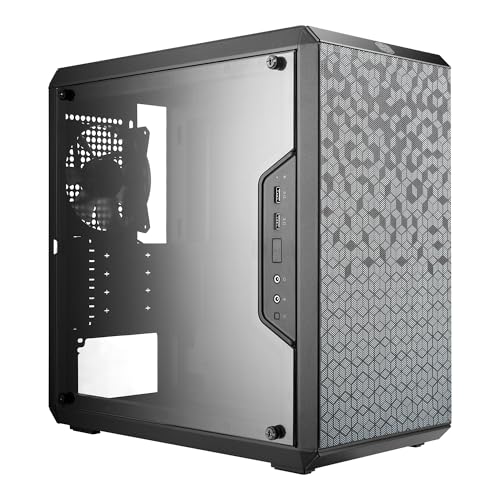
Cooler Master Q300L
- Perforated on all four panels
- 360mm GPU fit in a micro-ATX body
- Up to 5 fans and a 240mm AIO

NZXT H6 Flow
- Dual-chamber PSU separation
- Three pre-installed 120mm fans
- Perforated top and side panels

Fractal Design North
- Walnut slat front with mesh behind
- Two 140mm Aspect PWM fans
- GPU up to 355mm
The Q300L wins on the simple metric that matters: it is perforated on every single panel, so there is no sealed surface anywhere in the airflow path. The H6 Flow wins on layout, using a dual-chamber design that isolates the power supply and cables from the cooling chamber. The North wins on the fact that you can leave it in a living room without it looking like server hardware.
Comparing Ten Airflow PC Cases Side by Side in 2026
| Product | Key Specs | Action |
|---|---|---|
| Cooler Master Q300L |
|
Check Latest Price |
| NZXT H6 Flow |
|
Check Latest Price |
| Fractal Design North |
|
Check Latest Price |
 Corsair 7000D Airflow Corsair 7000D Airflow |
|
Check Latest Price |
 Corsair 4000D RS ARGB Frame Corsair 4000D RS ARGB Frame |
|
Check Latest Price |
 NZXT H5 Flow NZXT H5 Flow |
|
Check Latest Price |
 MUSETEX NN8 MUSETEX NN8 |
|
Check Latest Price |
 NZXT H7 Flow NZXT H7 Flow |
|
Check Latest Price |
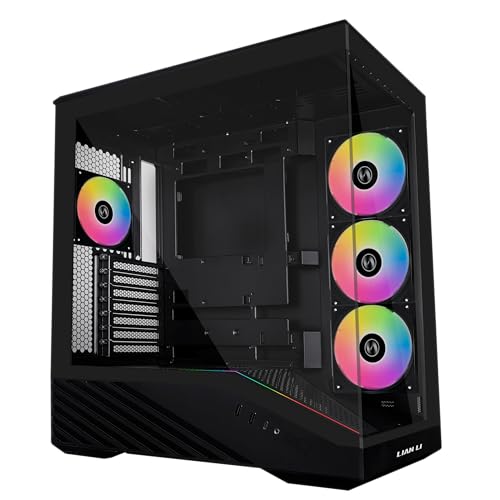 Lian Li V100RX Lian Li V100RX |
|
Check Latest Price |
 Lian Li Lancool 216 RGB Lian Li Lancool 216 RGB |
|
Check Latest Price |
Two things jump out of that table. First, seven of the ten cases ship with three or fewer fans, which means you will be adding fans for most builds. Second, the largest front fans in the set belong to the Lian Li Lancool 216 at 160mm, and that single fact does more for airflow than any extra fan count in a smaller case.
1. Cooler Master Q300L - Fully Perforated Micro-ATX for Maximum Airflow
Cooler Master Q300L V1 Micro-ATX PC Case, High Airflow, Transparent Panel
Mini-tower micro-ATX
Perforated on all four panels
CPU coolers to 159mm, GPUs to 360mm
+ Pros
- Perforated panels on every side for unrestricted intake
- 360mm GPU clearance in a compact footprint
- Three pre-installed fans with room for five total
- Magnetic dust filters on top
- front and bottom
- Modular I/O panel repositionable to either side
- Cons
- Magnetic dust filters slide out of position when moved
- Rear expansion slot covers are soldered on
- All-black interior is hard to work in
The Q300L has been the budget airflow benchmark for years, and it earns that position with the least glamorous design in the best possible way: every panel is perforated. There is no tempered glass side, no solid steel door, and no decorative insert anywhere in the chassis. Air enters from the front, the bottom, the rear, and both sides simultaneously, which means a single fan moves a genuinely useful volume of air rather than fighting a restricted opening.
What surprised us more was the clearance. In a mini-tower footprint measuring 15.39 inches deep by 9.06 inches wide by 15 inches tall, it accepts graphics cards up to 360mm, CPU coolers up to 159mm, and power supplies up to 160mm. That is a full-length card in a case most people assume only takes short ones, and it is why this chassis shows up constantly in sub-budget build threads on r/buildapc.
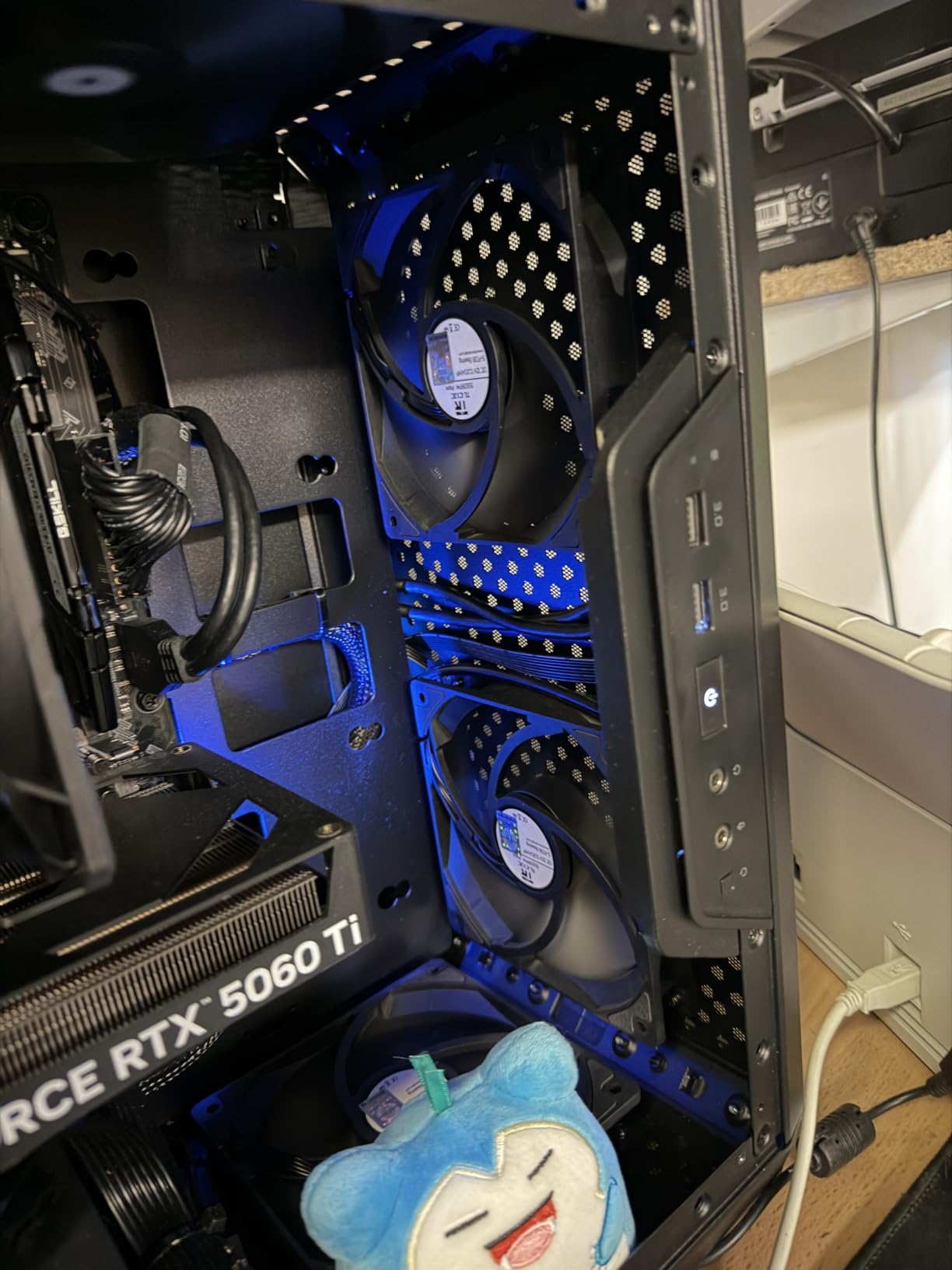
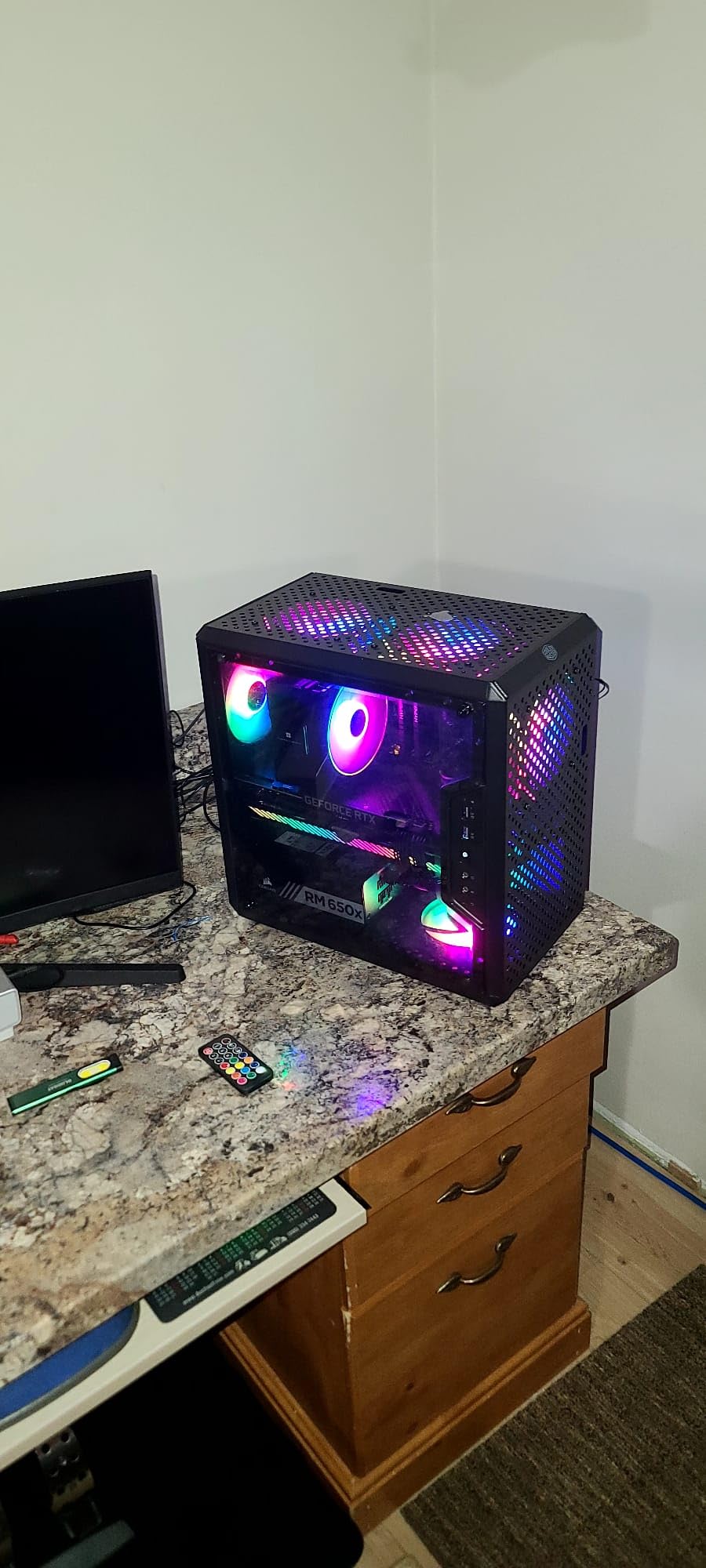
Owners report the same pattern in their reviews: adding two to four extra fans keeps a budget air-cooled build sitting in the 60s to mid-70s under load. The recurring complaints are about build quality rather than thermals, with the soldered-on rear expansion slot covers and the weak magnetic dust filters appearing most often.
Why full perforation beats a mesh panel at this tier
At this level of the market, manufacturers tend to offer a choice between a perforated steel panel and a fabric or fine-mesh insert. The perforated steel on the Q300L is not as fine as a dedicated mesh panel on a mid-tower, but it has no filter media behind it that can clog or restrict, and it covers a larger fraction of the panel surface. For a case that will sit under a desk and get dusty, that trade works in your favour.
The gap is measurable in the fan curve. Because the intake path is short and open, the three included fans can run at lower RPM for the same airflow, which is where most of the quietness in this chassis comes from.
Clearance math for compact builds
The 159mm CPU cooler limit is the constraint to check first. It clears most mainstream tower coolers but not the largest dual-tower designs, so if you are pairing this with a 180mm-class air cooler you will need to move up a chassis size. GPU clearance at 360mm, by contrast, is generous enough for nearly any modern card including the longest factory models.
Where the dust filters and I/O panel help
Magnetic dust filters on the top, front, and bottom panels are rare in a chassis this compact and genuinely useful in a carpeted room. They are slide-out rather than screw-in, so cleaning takes seconds, though they do walk out of position if you move the case while it is running. The modular I/O panel is an unexpected bonus: it can be mounted at the front, top, or bottom on either side, which lets you point the USB ports wherever your desk allows.
Who should skip it
If you want a tempered glass display panel, an all-white finish, or more than two internal drive bays, this is not the chassis. The black sheet metal interior also makes header access genuinely difficult in a dim room, so budget for a decent work light if you are building at night.
2. NZXT H6 Flow - Dual-Chamber Airflow in a Compact Mid-Tower
NZXT H6 Flow | CC-H61FW-01 | Compact Dual-Chamber Mid-Tower Airflow Case | Panoramic Glass Panels...
Mid-tower ATX
Dual-chamber layout
Three pre-installed 120mm fans
+ Pros
- Dual-chamber design separates PSU and cables from the cooling chamber
- Three pre-installed 120mm fans angled for immediate cooling
- Perforated top and side panels double as dust filtration
- Wraparound glass panels for a clean display
- Wide cable channels with straps
- Cons
- Only two internal drive bays
- Small interior limits very large GPUs and big radiators
- Perforated panels become audible at higher fan speeds
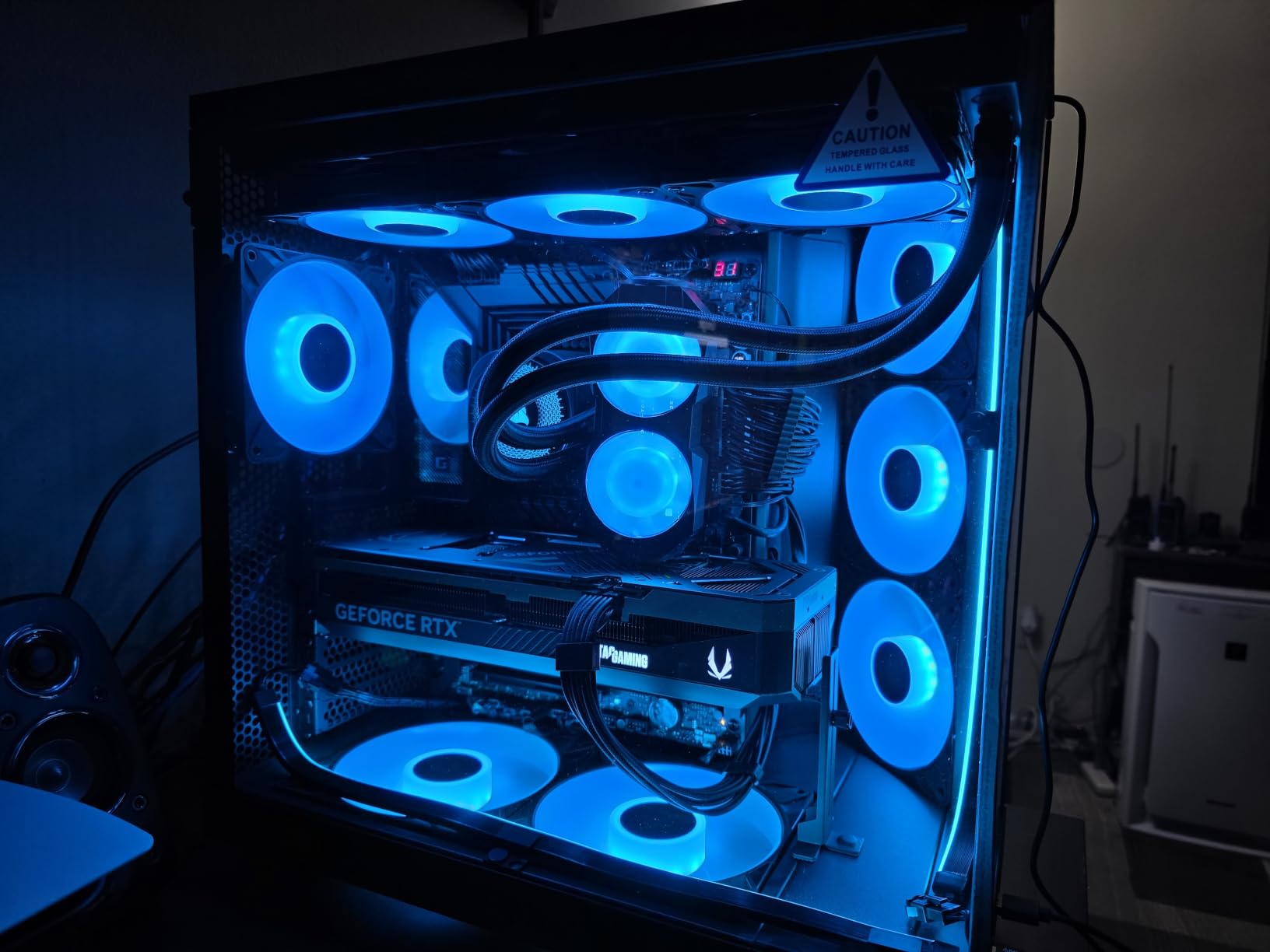
The H6 Flow takes a different approach to airflow than a pure mesh tower. Instead of relying on one big front opening, it uses a dual-chamber layout that physically separates the power supply and cable area from the component chamber, so warm PSU exhaust never recirculates over the CPU cooler. The wraparound tempered glass makes it look far more like a display case than a workhorse, yet the top and side panels carry an airflow-optimized perforation pattern that doubles as dust filtration.
Owners consistently rate this the best-looking airflow case in its class. Across its reviews, praise concentrates on the chamber separation, the pre-installed fan placement, and the perforated panels that keep dust out of the interior, with the small footprint being the only recurring limitation.
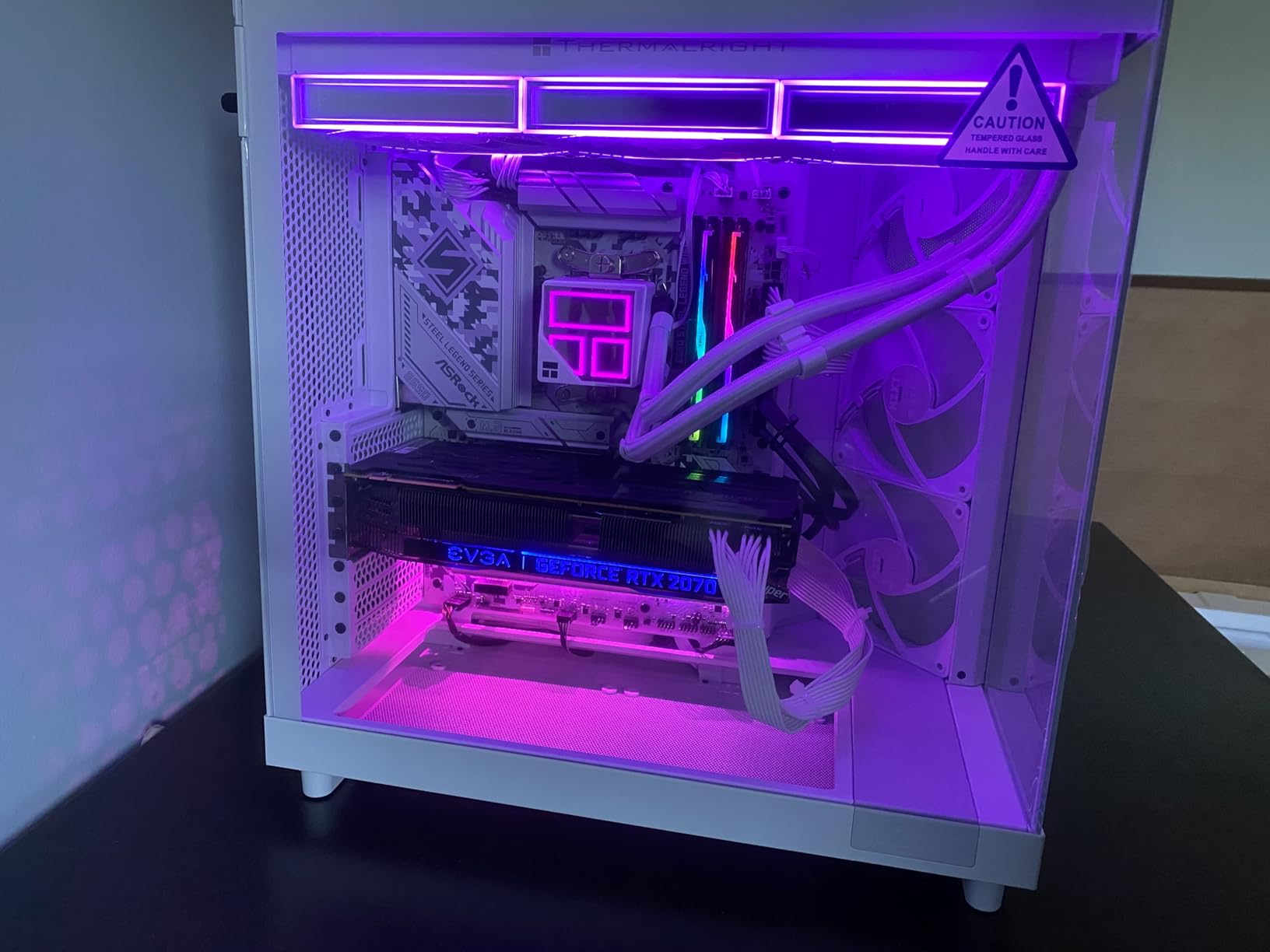
Dual chamber and what it changes thermally
A dual chamber is not just an aesthetic trick. In a conventional layout the PSU sits under the shroud in the same volume as the CPU cooler, so PSU heat rises into the case and the CPU cooler has to move air through air that is already warm. Separating those volumes gives the CPU tower cooler a cleaner column of air and stops the power supply from soaking heat into the tray.
The trade is interior volume. This chassis measures 16.34 inches deep by 11.3 inches wide by 17.13 inches tall, which is compact for a mid-tower, and that shows up in drive bays and radiator options rather than in the cooling itself.
Three fans, angled deliberately
The three included 120mm fans are positioned and angled so that the front pair feeds the CPU cooler zone and the rear fan pulls the hot column out. Because the panels they move air through are perforated rather than solid, you can run them slower than a fan mounted behind glass or steel would need, which is where the design earns its quiet reputation.
Glass panels and acoustic leakage
The wraparound seamless-edge glass looks superb and does not block the airflow path, since the intake and exhaust work happens through the perforated top and side. What you give up is a small amount of acoustic containment compared with a fully sealed steel tower, so expect a fully meshed build inside this chassis to be a touch louder than the same build in a solid-sided case.
Who should skip it
Two internal drive bays and a compact interior rule this out for storage-heavy builds, oversized graphics cards, or anyone planning a large multi-radiator loop. If your build list includes a very long GPU or a 360mm AIO, read the clearance numbers before committing.
3. Fractal Design North - Walnut Slats That Still Move Serious Air
Fractal Design North Charcoal Black Tempered Glass Dark - Genuine Walnut Wood Front - Glass Side...
Mid-tower ATX
Walnut slat front with mesh
GPUs to 355mm, coolers to typical tower heights
+ Pros
- Real walnut slats give a furniture-grade look
- Open front with integrated mesh holds thermals at low RPM
- Two included 140mm Aspect PWM fans are quiet and capable
- Excellent cable management with straps and space behind the tray
- Panels and dust filters clip off for maintenance
- Cons
- Tight fit for very long flagship GPUs
- GPU allowance drops to 300mm with a front 360mm radiator
- Top 140mm mount can crowd the CPU power header
- Drive bay space conflicts with power cable routing
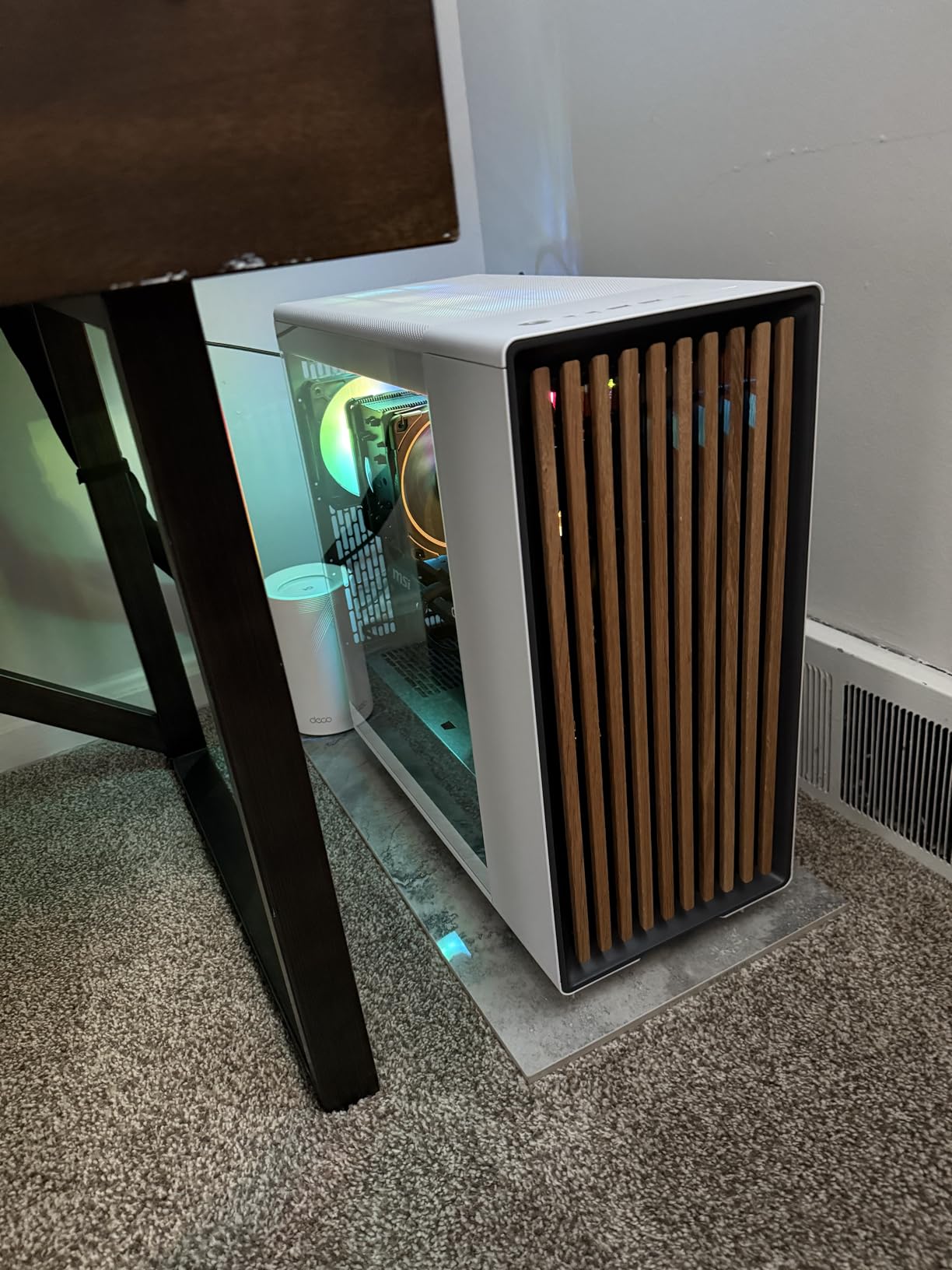
Nobody else on this list looks like furniture, and yet the North's front is a genuine airflow opening. The walnut slats sit in front of an integrated mesh, so you get natural ventilation rather than the sealed glass slab most wood-accent cases hide behind. Buyers overwhelmingly choose this case for how it looks, then discover the thermals hold up on air-cooled high-end builds once the fan curve is tuned.
Owners report CPU temperatures in the 50 to 60C range and sub-60C GPU readings on air-cooled builds after a custom fan curve, and the recurring warning across reviews is the same: measure your GPU and CPU cooler, and remember that a front 360mm radiator reduces the GPU length allowance.
How slats plus mesh behave under load
The slats angle the incoming air slightly downward as it passes through, which helps direct flow toward the lower intake zone rather than straight at the front fans. That is a subtle but real benefit for a chassis with a bottom-open design, because it puts more of the incoming volume where the graphics card can use it.
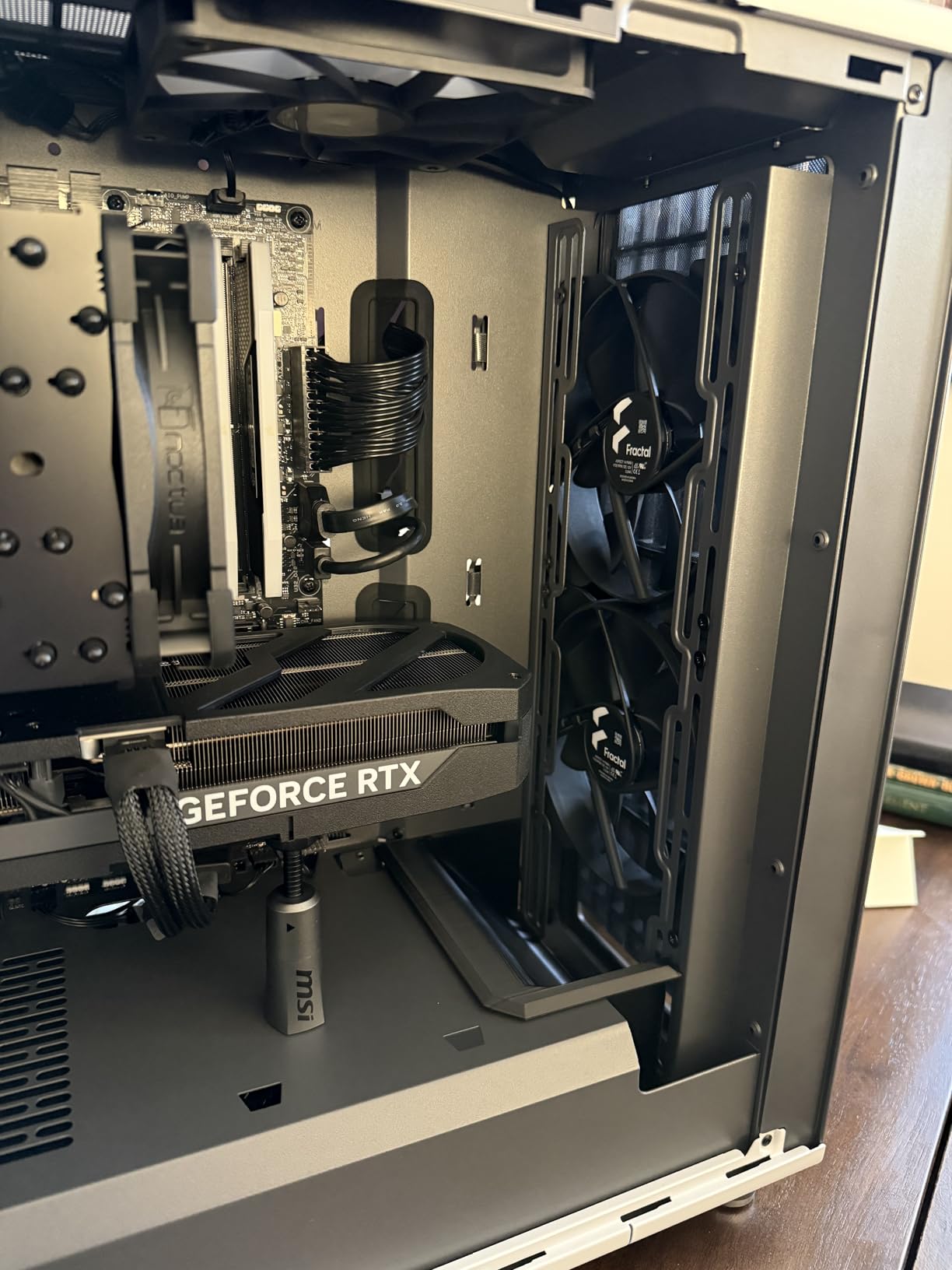
The two included 140mm Aspect PWM fans are genuinely quiet for their output, and reviewers single them out as doing more work than the fan count suggests. They are also described as average rather than premium, so replacing them is a reasonable upgrade step if you want maximum headroom.
Clearance planning is the whole game here
GPUs fit up to 355mm, but that number drops to 300mm once a 360mm radiator occupies the front. With flagship cards running long and thick, this is the single most common build failure people report, and it is why we would not pair this chassis with the biggest card on the market without checking the exact dimensions first.
Cable management and everyday access
The North ships with pre-installed Velcro straps and real space behind the motherboard tray, and the panels, dust filters, and front clip off without tools. It also offers two combined 3.5 and 2.5-inch mounts plus two dedicated 2.5-inch mounts, with front USB-C and dual USB-A on the I/O panel.
Who should skip it
Owners of very long flagship graphics cards should look elsewhere unless they can measure first. Drive bay space also competes with power cable routing in some configurations, and the tempered glass variant has fewer total fan mounts than the mesh side panel variant of the same case.
4. Corsair 7000D Airflow - Full-Tower Room for Three 360mm Radiators
CORSAIR 7000D Airflow Full-Tower ATX PC Case – High-Airflow Front Panel – Spacious Interior...
Full tower ATX
High-airflow steel front and roof
Three 140mm AirGuide fans included
+ Pros
- Enormous interior that fits multiple 360mm radiators
- High-airflow steel front panel with large fans
- RapidRoute cable system with a single hidden channel
- Thick steel construction runs cool and feels durable
- Hinged removable side doors for easy access
- Cons
- Very heavy and awkward once loaded
- Side fan bracket only supports 120mm fans
- Cable channel gets cramped near the drive bays
- Sharp edges on some pass-throughs
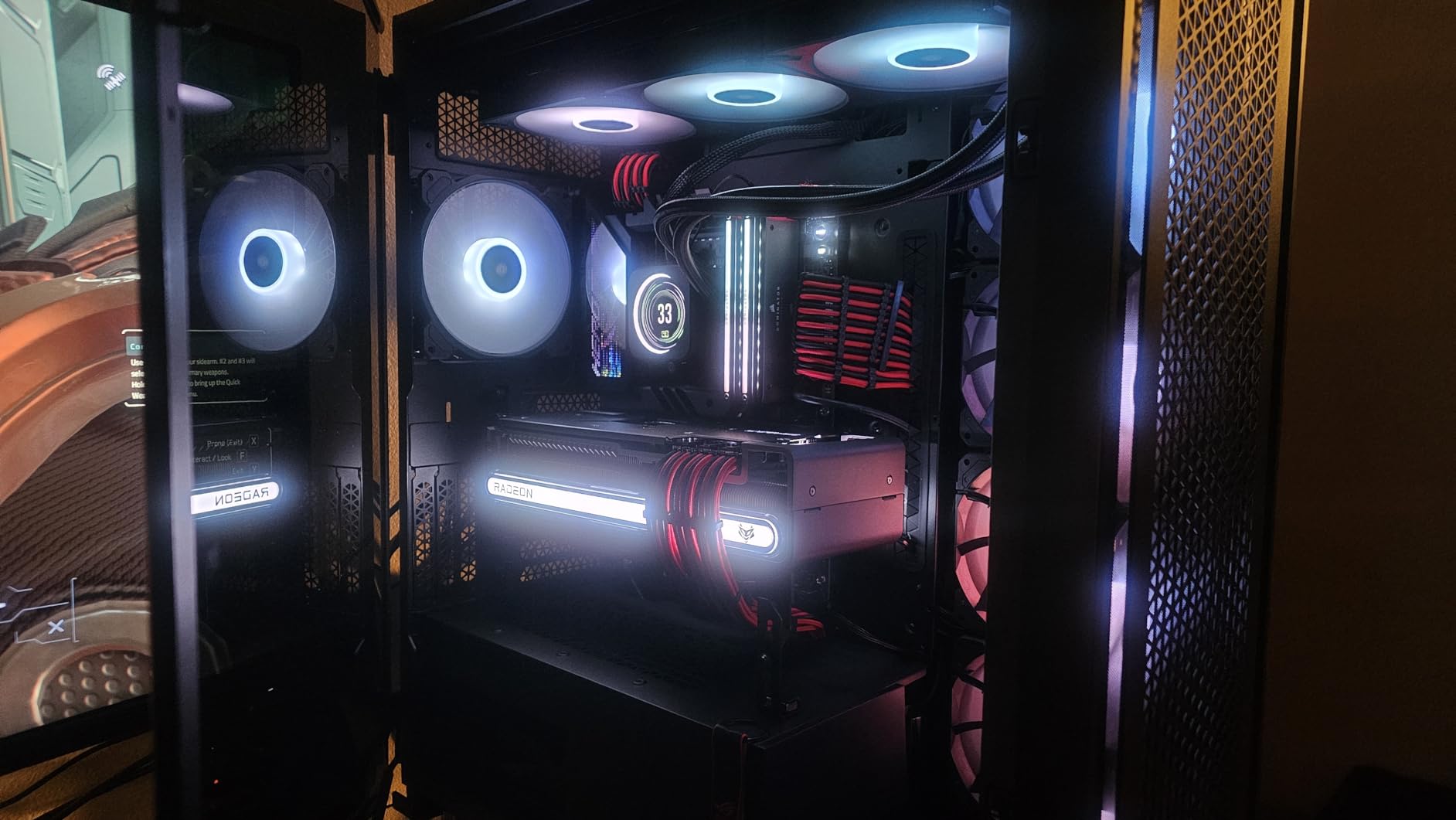
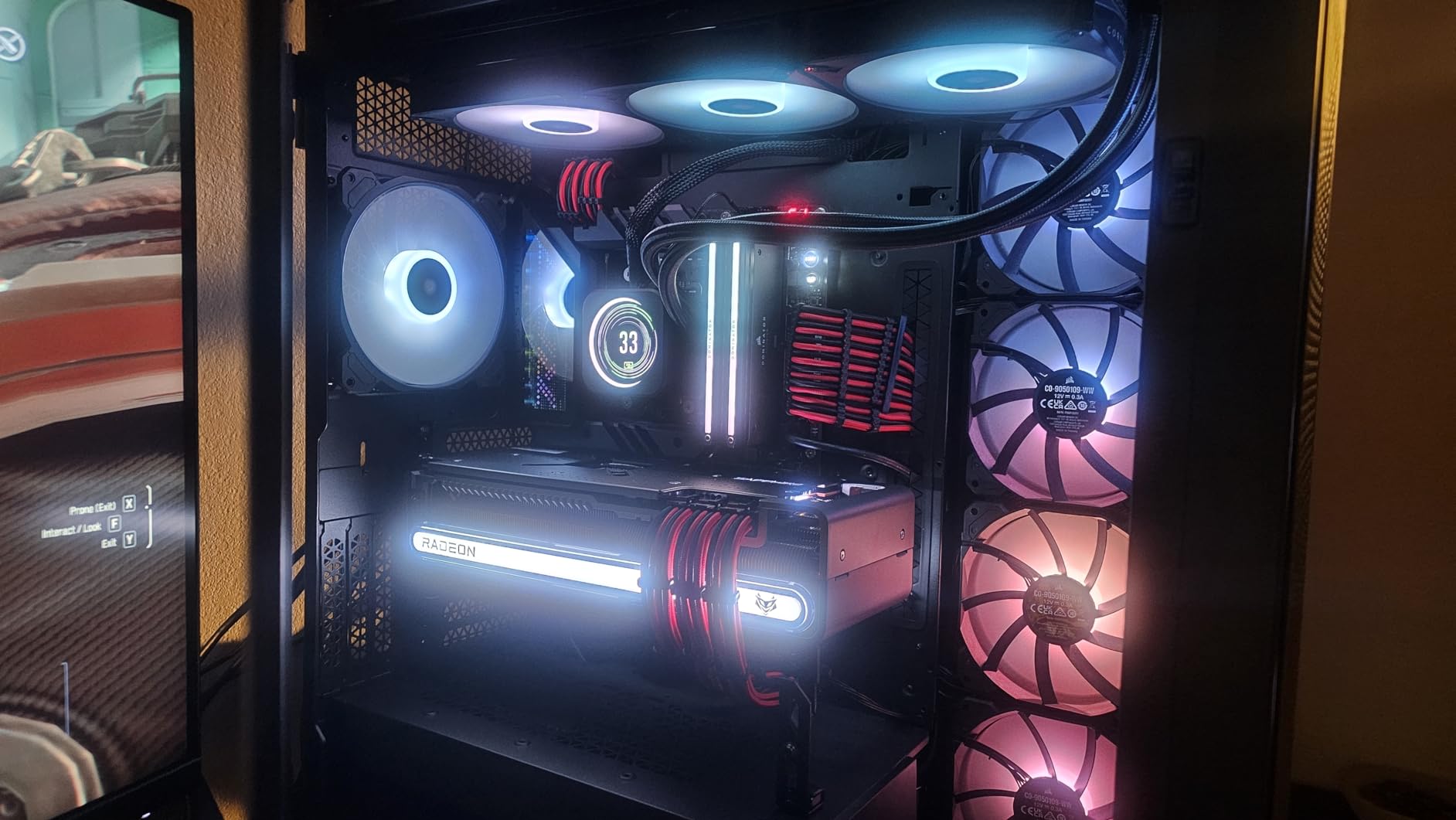
If your build plan includes a 420mm radiator, three separate 360mm loops, or simply more fans than you know what to do with, the 7000D Airflow is the case that will not make you compromise. The interior takes up to twelve 120mm or seven 140mm fans and room for three simultaneous 360mm radiators or two 420mm units. That is cooling headroom well beyond what any of the compact cases here can offer.
Owners describe it as the roomiest, coolest full-tower they have built in, with several running twelve to sixteen fans and reporting near-silent operation thanks to the large-diameter AirGuide fans. The dominant caveat is weight and size, with several noting it is awkward to move once loaded.
Anti-vortex fans and the PWM repeater
The three included 140mm AirGuide fans use anti-vortex vanes designed to reduce the turbulence that normally comes from feeding air into a radiator fin stack. The included PWM repeater is more useful than it sounds: it means you can run far more fans than your motherboard has headers without adding a hub.
Large-diameter fans moving the same volume of air spin slower than three 120mm units doing the same job, which is the entire argument for buying big here. In a chassis this size, the noise advantage is easy to realise because the fans are never starved for intake.
RapidRoute cable management
The cable system routes everything through a single hidden channel with about 30mm of space behind the motherboard tray, and hinged side doors open for the build. It works well when you are routing, but reviews do flag that the channel gets cramped near the drive cages once many fans are installed, and that there are few rubber grommets on some pass-throughs.
Steel front panel versus mesh
The front is high-airflow optimized steel rather than a fine mesh filter. On a chassis this large that is a fine trade, because there is simply more panel surface to work with and large fans move more air through a given area. The roof is also perforated, so a top-mounted radiator or top exhaust has a real path out of the case.
Who should skip it
Anyone working under a small desk or moving machines regularly should skip it. At roughly 49 pounds empty it is a two-person lift once populated, the side fan bracket only accepts 120mm fans, and the stock PSU cables may not reach every header on a heavily populated board.
5. Corsair 4000D RS ARGB Frame - Modular Build With Back-Connector Support
CORSAIR 4000D RS ARGB Frame Modular Mid-Tower ATX PC Case, High Airflow, 3X Pre-Installed RS Fans...
Modular ATX mid-tower
3D Y-pattern perforated steel front
Three RS ARGB PWM fans
+ Pros
- 3D Y-pattern front panel moves high volumes of air
- Modular FRAME system lets the tray
- I/O and panels be upgraded
- InfiniRail rails make fan placement unusually flexible
- Three RS ARGB fans connect straight to the motherboard
- Integrated GPU anti-sag arm
- Cons
- Pre-installed fans mounted as exhaust where intake is often wanted
- Thin steel side and top panels need careful handling
- Top 360mm AIO fit is tight against RAM and VRM heatsinks
- Sparse documentation
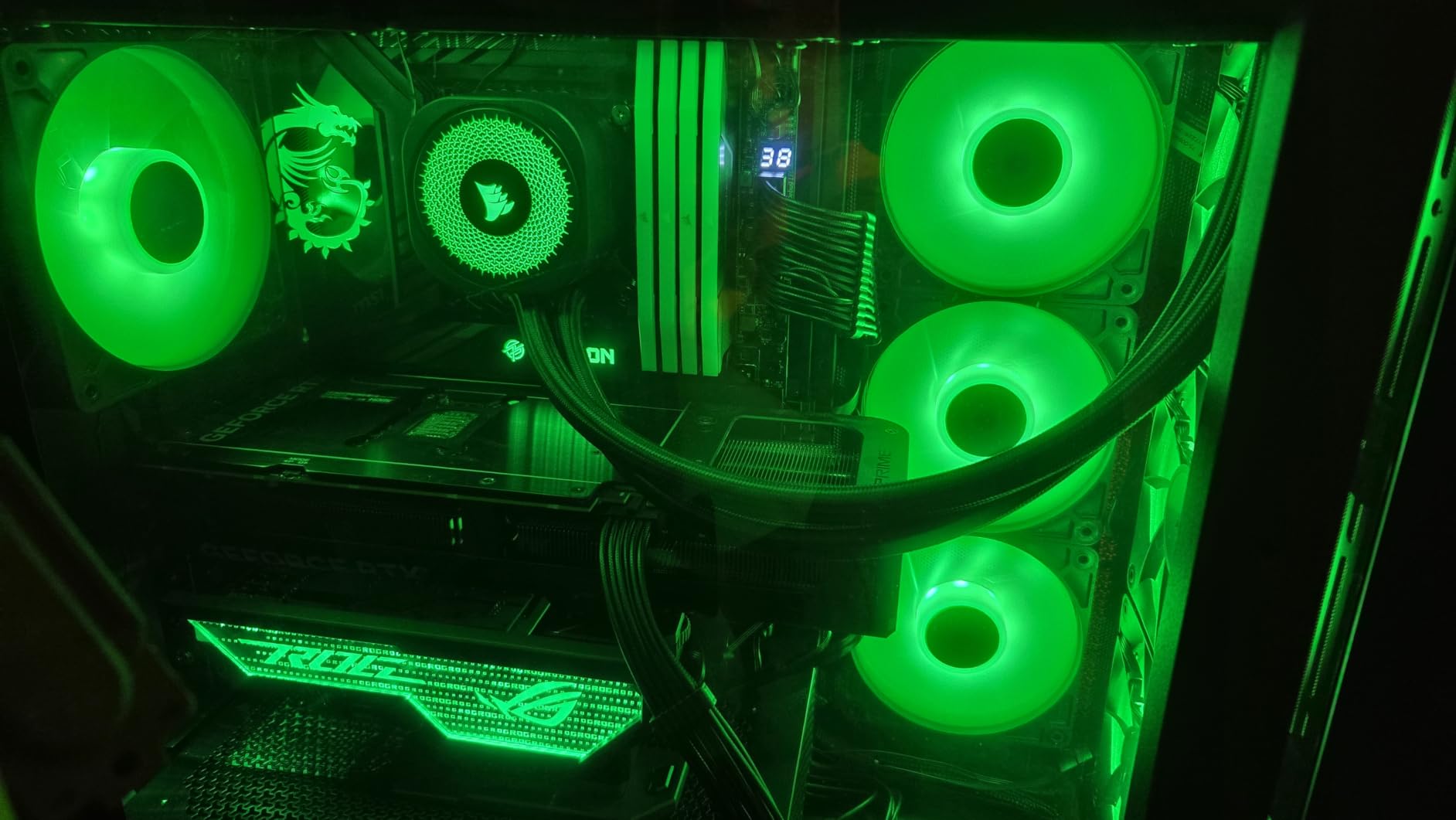
The 3D Y-pattern perforated steel front is the reason this chassis performs well. Rather than a flat sheet with holes punched through it, the pattern is formed into a shape that keeps the open area high while stiffening the panel, so you get airflow without the flex you normally get from thin perforated steel. Reviewers report ice-cold components, including one well-documented build with a GPU idling at 29C and capping at 55C under load.
The FRAME system is the other headline feature and has nothing to do with thermals. The motherboard tray, front I/O, and panels are all removable and swappable, so the case can grow into a different configuration later instead of becoming a dead end.
InfiniRail fan mounting and pressure balance
InfiniRail lets fans slide onto steel rails rather than screw into fixed holes, so positioning along the front or roof is continuous rather than limited to fan footprints. That flexibility matters most because of the most repeated negative in reviews: the three included RS fans are oriented as exhaust where many builders expect intake, leaving the pressure balance wrong out of the box. With rails, correcting it takes seconds.
Remember that the fans are daisy-chainable 4-pin PWM with a Zero RPM mode, so they can plug straight into the motherboard with no extra controller. That makes them easy to relocate without rewiring the whole chain.
Back-connector motherboard support
This is the chassis that matters most for 2026 builds using ASUS BTF, MSI Zero, or Gigabyte Stealth boards. Those motherboards move the power and front I/O connectors to the rear of the board, which removes almost every cable from the visible side and lets the glass panel sit on a completely clean interior. Very few mid-towers at this level support it explicitly.
Build quality trade-offs
The steel side and top panels feel thin and need careful handling, and the manual is universal, thin, and online-only. Drive trays hold only two SSDs or one HDD each, so storage-heavy builds will need a different chassis.
Who should skip it
If you want a pre-configured fan layout that works perfectly without touching a thing, this is the wrong case. The exhaust-oriented stock fans are a fifteen-second fix for anyone comfortable in BIOS, but not a set-and-forget chassis. Tight top 360mm AIO clearance against tall RAM and VRM heatsinks is also worth measuring.
6. NZXT H5 Flow - Compact Full-ATX Starter With Perforated Shroud
NZXT H5 Flow - Compact ATX Mid-Tower PC Case - Black
Compact mid-tower ATX
Ultra-fine mesh top, front and side
Two 120mm fans included
+ Pros
- Ultra-fine mesh plus a perforated PSU shroud beats typical compact mid-towers
- Two 120mm fans give immediate front intake and rear exhaust
- Compact footprint still fits ATX boards and long GPUs
- All-metal construction with tempered glass
- Panels remove easily with screw retention washers
- Cons
- No intake holes beneath the power supply
- Front fan cutout pattern awkward for two 140mm layouts
- Only one 3.5-inch bay plus two 2.5-inch mounts
- Minimal front I/O with no USB-C
The H5 Flow is the value entry point into a proper mesh-fronted chassis. It supports E-ATX, ATX, micro-ATX, and mini-ITX motherboards while keeping a compact footprint of 16.93 inches wide by 18.31 inches tall and 8.86 inches deep, and it still accepts graphics cards up to roughly 410mm. Owners highlight it as a step change in airflow versus cases like the Phanteks P360A, with strong performance on flagship-class hardware once a 360mm AIO and bottom fans are added.
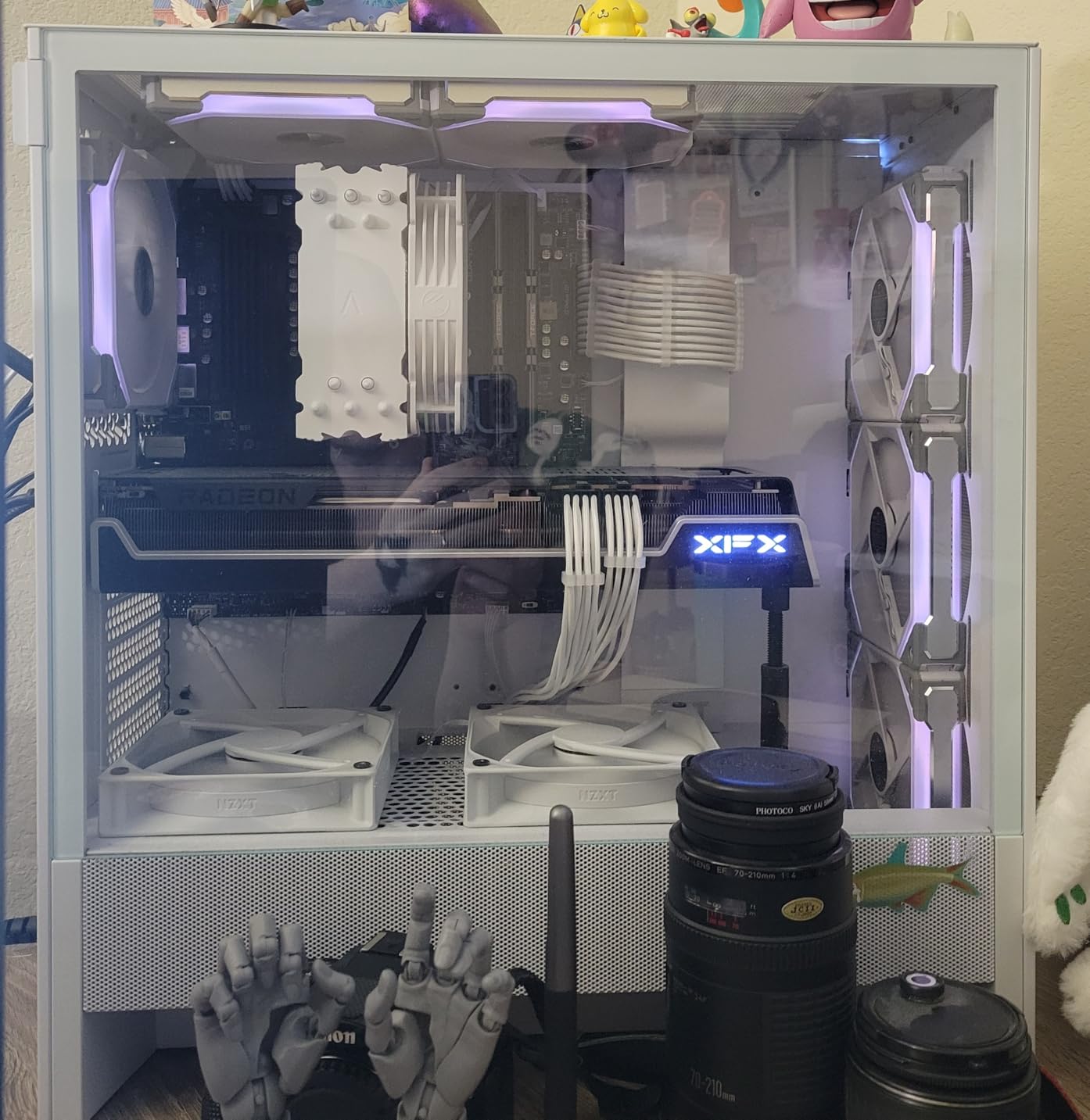
The mesh-plus-perforated-shroud combination is what does the work. Ultra-fine mesh covers the top, front, and side panels, and the PSU shroud is perforated on the side and bottom so air can reach the graphics card from below even with a power supply installed.
Why the perforated shroud matters
Graphics cards draw air from below through their own fans. If the case floor is solid or the shroud wraps up and around the PSU, the card has nothing to breathe and its fans spin harder for the same temperature. Perforating the shroud side and bottom keeps that path open, which is a bigger practical win in a compact chassis than adding another intake fan at the front.
The design supports a 360mm radiator in the front and a 240mm in the top, so liquid cooling is a realistic option even though the case is on the small side.
Cable management in a small chassis
Wide cable channels, hooks, and straps are provided, and reviews repeatedly call the routing among the best in class for a chassis this size. All-metal construction with tempered glass also feels more substantial than the price suggests, and the panels come off easily thanks to screw retention washers.
The missing PSU bottom intake
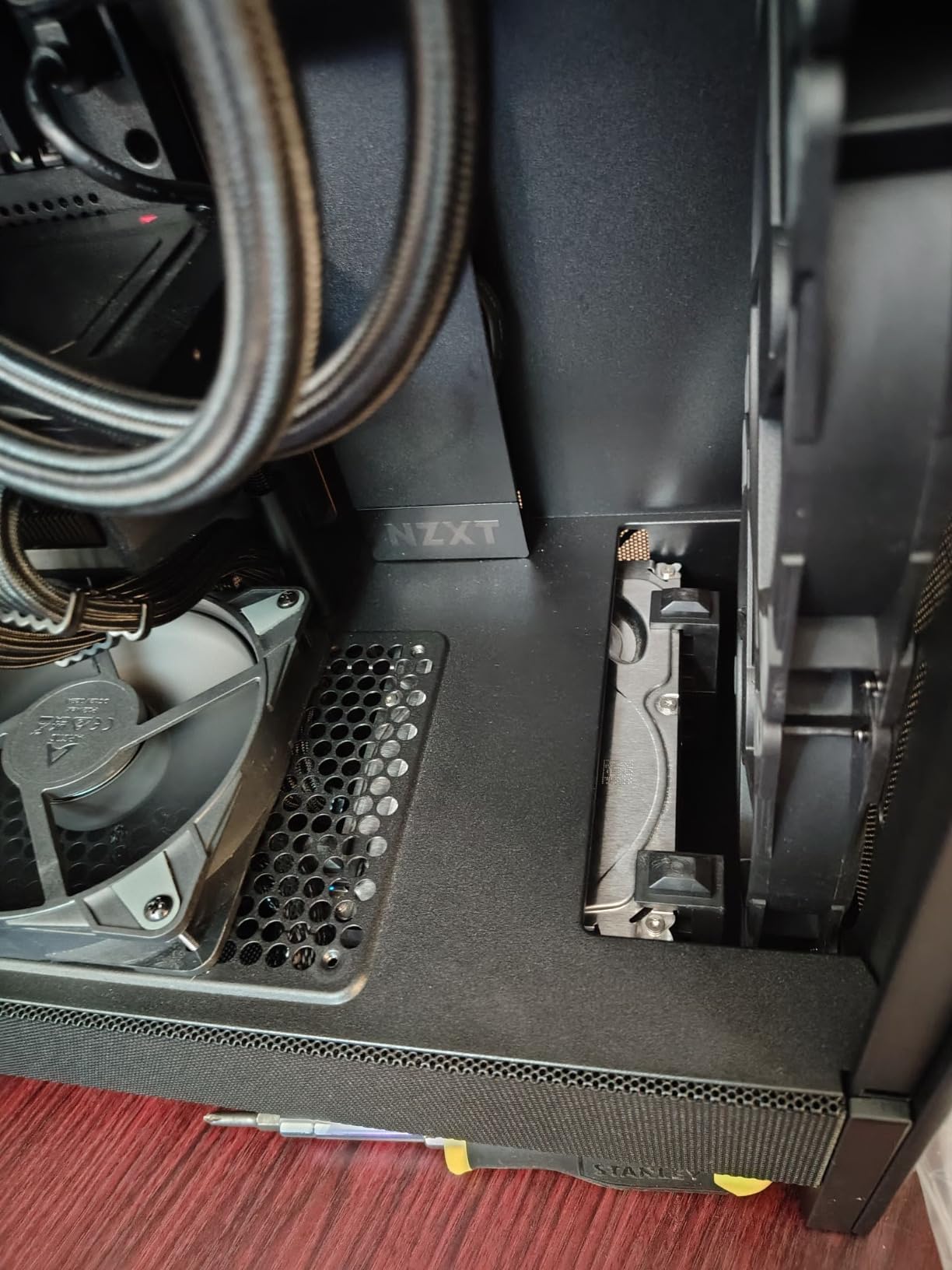
The most common criticism is that there are no intake holes beneath the power supply, so the PSU draws from inside the case rather than from outside air. It is a minor inefficiency in an already well-ventilated chassis, but it is the first thing to fix if you are chasing the last few degrees of PSU thermals.
Who should skip it
The front fan cutout pattern looks awkward for two 140mm layouts, so if you want big front fans this is not the case. Minimal front I/O with no USB-C and only one 3.5-inch bay out of the box will also frustrate anyone with external drives or modern peripherals.
7. MUSETEX NN8 - Six Included ARGB Fans and a Magnetic Glass Door
MUSETEX ATX PC Case Pre-Install 6 PWM ARGB Fans, Polygonal Mesh Computer Gaming Case, Opening...
ATX mid-tower
Six pre-installed PWM ARGB fans
Diamond mesh front with hinged glass door
+ Pros
- Six pre-installed PWM ARGB fans where rivals ship one or none
- Magnetic hinged glass door opens for fast dust access
- Diamond mesh front pushes air through effectively
- Light and easy to move versus heavier steel towers
- Polished edges avoid the cuts common at this price
- Cons
- Full-size ATX boards fit very tightly
- Front mesh pores are coarse enough to admit dust
- Proprietary 6-pin fan and controller cabling
- Bottom compartment has no external venting
- No USB-C on the front panel
No other case here ships with six PWM ARGB fans. That single fact removes the fan budget line item entirely, and for a first build it means your intake, exhaust, and spare cooling are already sorted before you have bought anything else. Buyers treat the NN8 as a standout value for exactly that reason, repeatedly citing the six working fans plus the magnetic hinged glass door as the standout features.
Airflow and thermics are praised as excellent for the tier, and the case stays quiet under load despite having far more fans than most competitors. The chassis itself is light at 5.7kg and moves easily compared with steel towers.
Diamond mesh and what it lets through
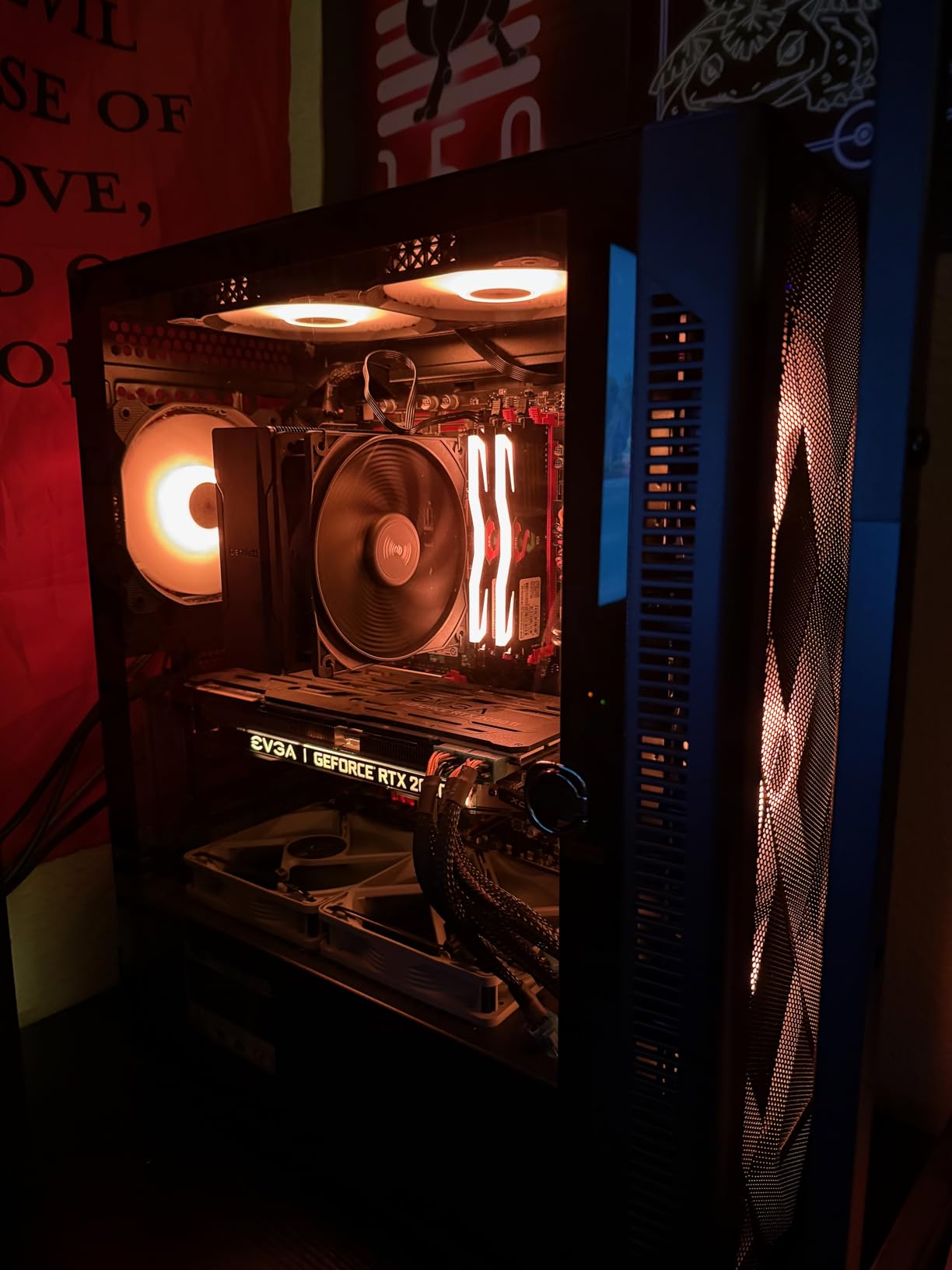
The front panel uses a three-dimensional diamond mesh contour, which is genuinely open and does its job well. The catch, and it is the one people complain about most, is that the pores are coarse enough to let dust reach the components. Budget an extra filtered intake fan or a more careful cleaning routine if your system sits in a dusty room.
The magnetic hinged tempered glass side door is unusually good at this price. It swings open for fast access to clean a radiator or the graphics card without removing screws, which is the single most useful thing you can do to keep a case's airflow healthy over a few years.
Hardware limits worth checking first
The stated compatibility is CPU coolers up to 160mm, GPUs up to 320mm, radiators up to 280mm, and PSUs up to 170mm. The GPU figure is the tightest in this roundup, so if you are building around a long flagship card, measure before ordering.
The proprietary cabling problem
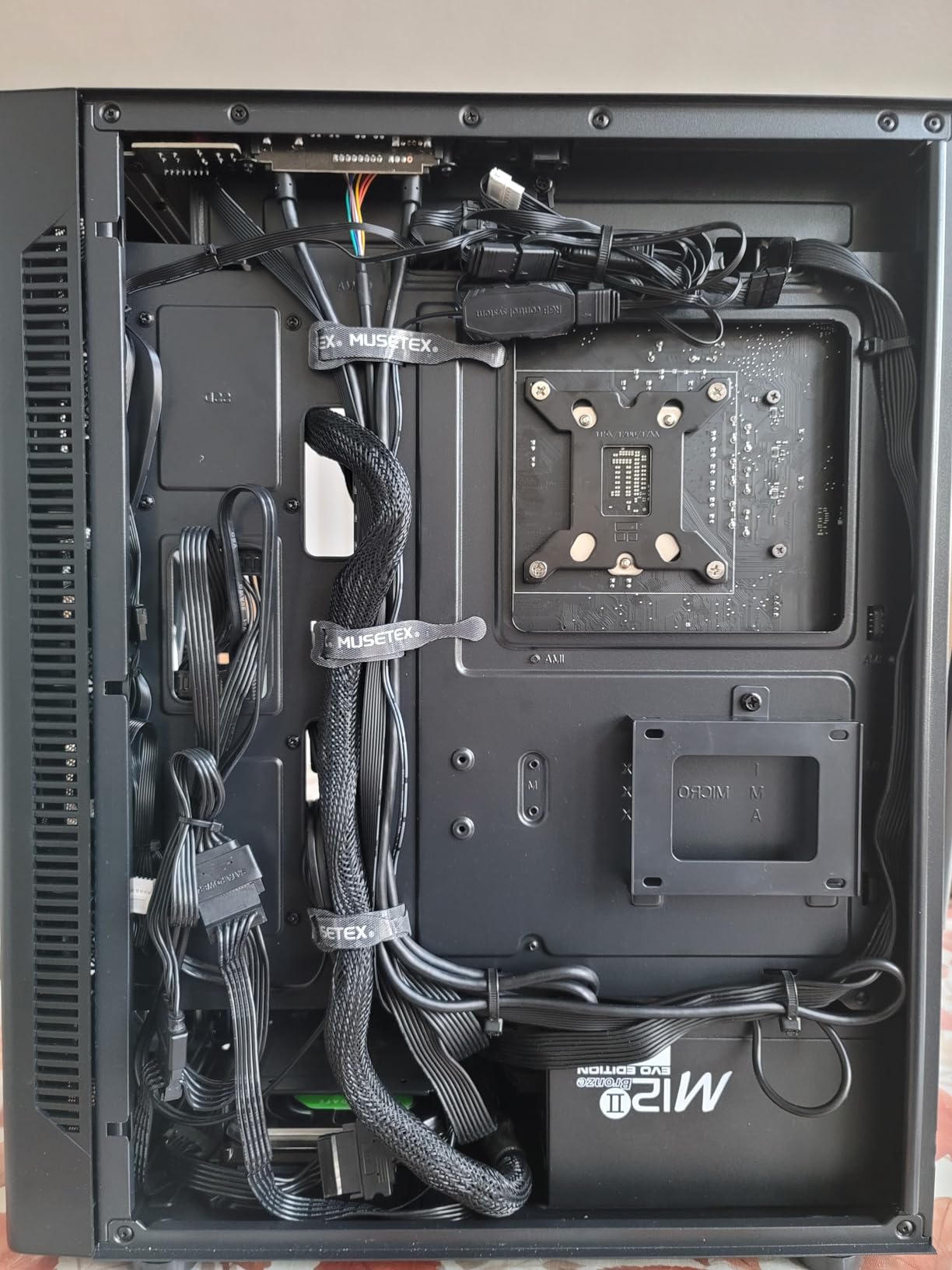
The included six-pin proprietary fan and controller design limits independent fan control, and some units report the LED connector on the controller failing. RGB behaviour also varies between units, and there is no USB-C on the front panel. None of that affects thermals, but it matters if you want full control over lighting.
Who should skip it
Full-size ATX motherboards fit very tightly, sometimes requiring the board to be partially installed before the rest of the components go in. Builders who want plug-and-play fan control, USB-C on the front panel, or a non-RGB interior should look elsewhere, as should anyone whose GPU exceeds 320mm.
8. NZXT H7 Flow - Three Dedicated Bottom Fans for GPU Cooling
NZXT H7 Flow - Mid-Tower ATX Airflow PC Case - White
Mid-tower ATX
Three bottom GPU cooling fan mounts
420mm front and 360mm top radiator support
+ Pros
- Mesh panels across the whole chassis give excellent airflow
- Three front fans plus room for three bottom GPU fans
- Side-mounted PSU leaves the floor free for GPU intake
- Tool-free removal on both sides
- top and front
- Accepts up to ten fans and a 420mm front radiator
- Cons
- Pre-installed fans are 3-pin rather than 4-pin PWM
- Poor written instructions
- Very large and heavy for a mid-tower
- Nearly all mesh means fully populated builds run loud
The H7 Flow is the only case here designed around GPU cooling as its headline feature. It comes with three front-mounted 120mm fans and, more importantly, room for three additional 120mm fans mounted along the bottom specifically to feed the graphics card. Reviewers frequently frame it as the rare case designed for function rather than looks, and report large temperature drops when moving from an NZXT H5, with one owner citing a 20 to 30C improvement on both CPU and GPU after relocating the radiator.
The side-mounted power supply is what makes the bottom fan bank possible. Instead of occupying floor space, the PSU mounts high on the side, leaving the bottom of the chassis open for graphics card intake.
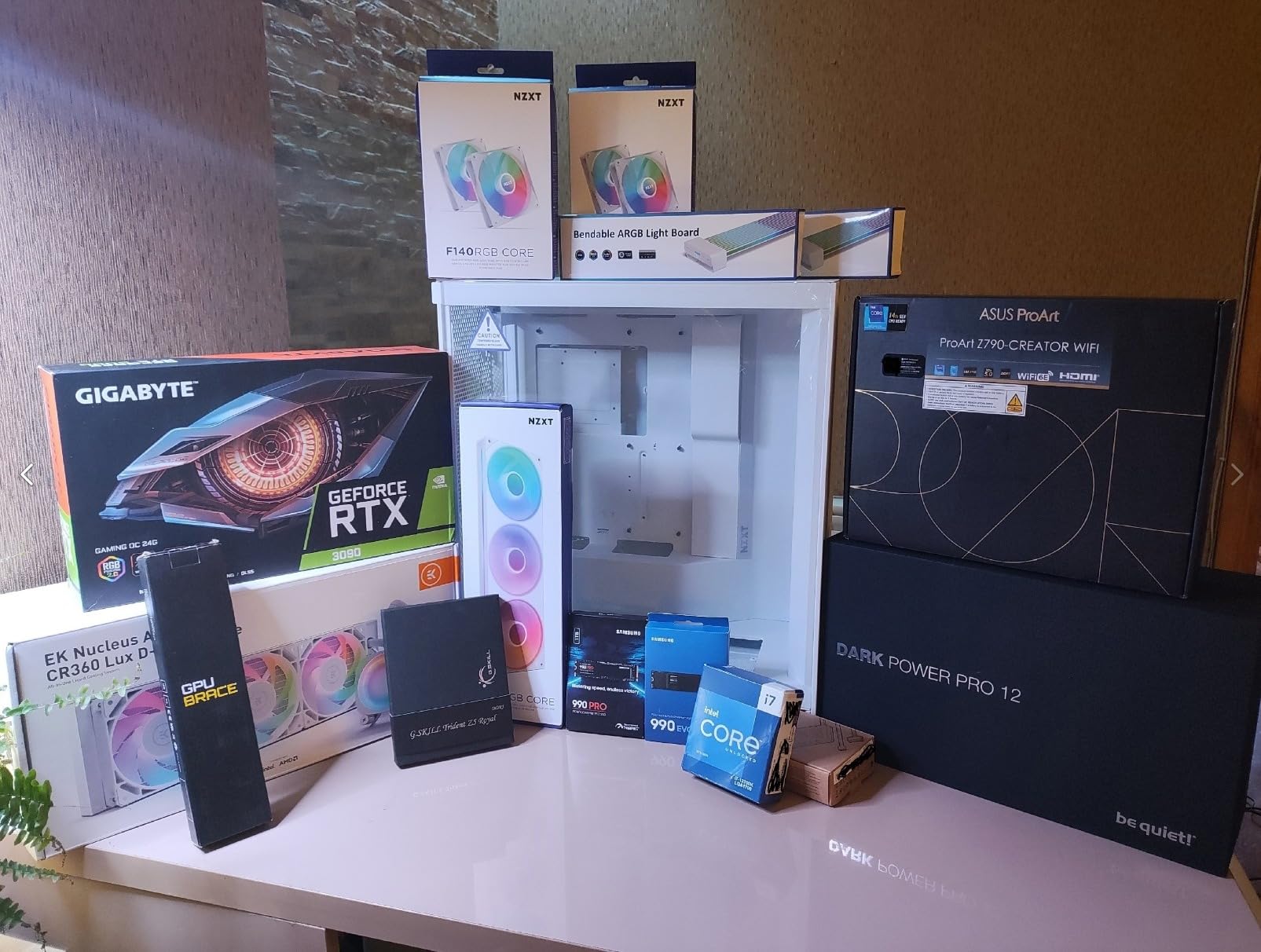
Why bottom intake fans are the highest-impact lever
A modern graphics card is a small heater with its own fans, and it pulls air from below. Front intakes serve the CPU cooler first and only partially reach the card. Mounting three fans directly under the GPU removes the restriction entirely, and it is why this chassis produces better GPU thermals than cases with more fans in less useful positions.
If you take one configuration tip from this whole roundup, take that one: the bottom fan mounts under the graphics card matter more per fan than anything you add at the front.
Radiator capacity and panel access
It supports up to a 420mm front radiator and a 360mm top radiator, which is unusual for a chassis this size. Side panels, top, and front all come off without tools, so servicing and dusting the GPU intake is a thirty-second job rather than a rebuild.
The noise cost of a fully meshed chassis
With every major panel in mesh, a fully populated build is noticeably loud. There is no solid surface to damp the acoustic energy, so the fans carry straight out. If silence matters more than thermals, a case with at least one sealed or lined panel is the better choice.
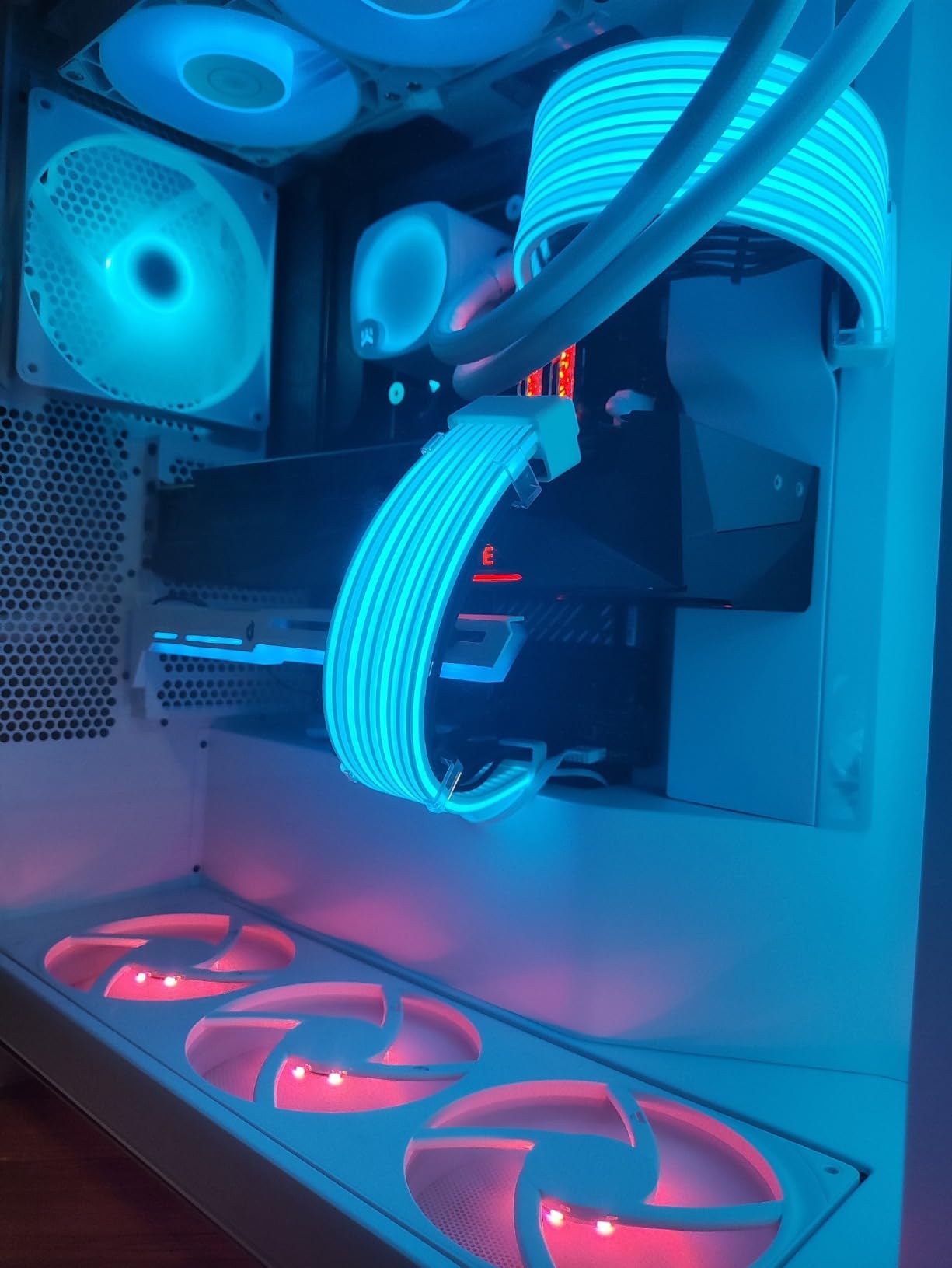
Who should skip it
The included fans are 3-pin rather than 4-pin PWM, so they cannot be speed-controlled from a motherboard header without a controller. The instructions are poor enough that several builders relied on video guides, and the chassis is very large and heavy for something billed as a mid-tower. Some units also ship missing motherboard standoffs, so check before building.
9. Lian Li V100RX - Four ARGB Fans and Enormous Clearance Headroom
Lian Li V100-ATX Mid-Tower PC Case-Black-V100RX
ATX mid-tower
Four daisy-chain ARGB 120mm fans
GPUs to 420mm, coolers to 178mm
+ Pros
- Four pre-installed daisy-chain ARGB fans deliver strong airflow
- Generous clearance for 420mm GPUs and 178mm coolers
- Included GPU support bracket for heavy cards
- Tool-less side panels for fast access
- Supports back-connector motherboards
- Cons
- Newer design with a smaller review base than established cases
- Included fans run at a fixed 1800 RPM
- Some plastic exterior panels feel less premium than steel competitors
Where this chassis stands out is clearance. It accepts graphics cards up to 420mm and CPU coolers up to 178mm, and supports a 360mm top radiator. That combination makes it the safest pick on this list for a build with a large card and a tall air cooler, which is precisely the combination forum builders keep asking about.
Four daisy-chain 120mm ARGB fans come pre-installed, rated at 1800 RPM, 61.47 CFM maximum airflow, 2.54 mm-H2O static pressure, and 26.5 dBA on hydraulic bearings. Buyers highlight the included fans, the tool-less panels, and the generous hardware clearance as the standout features, and rate the chassis highly for airflow at its tier.
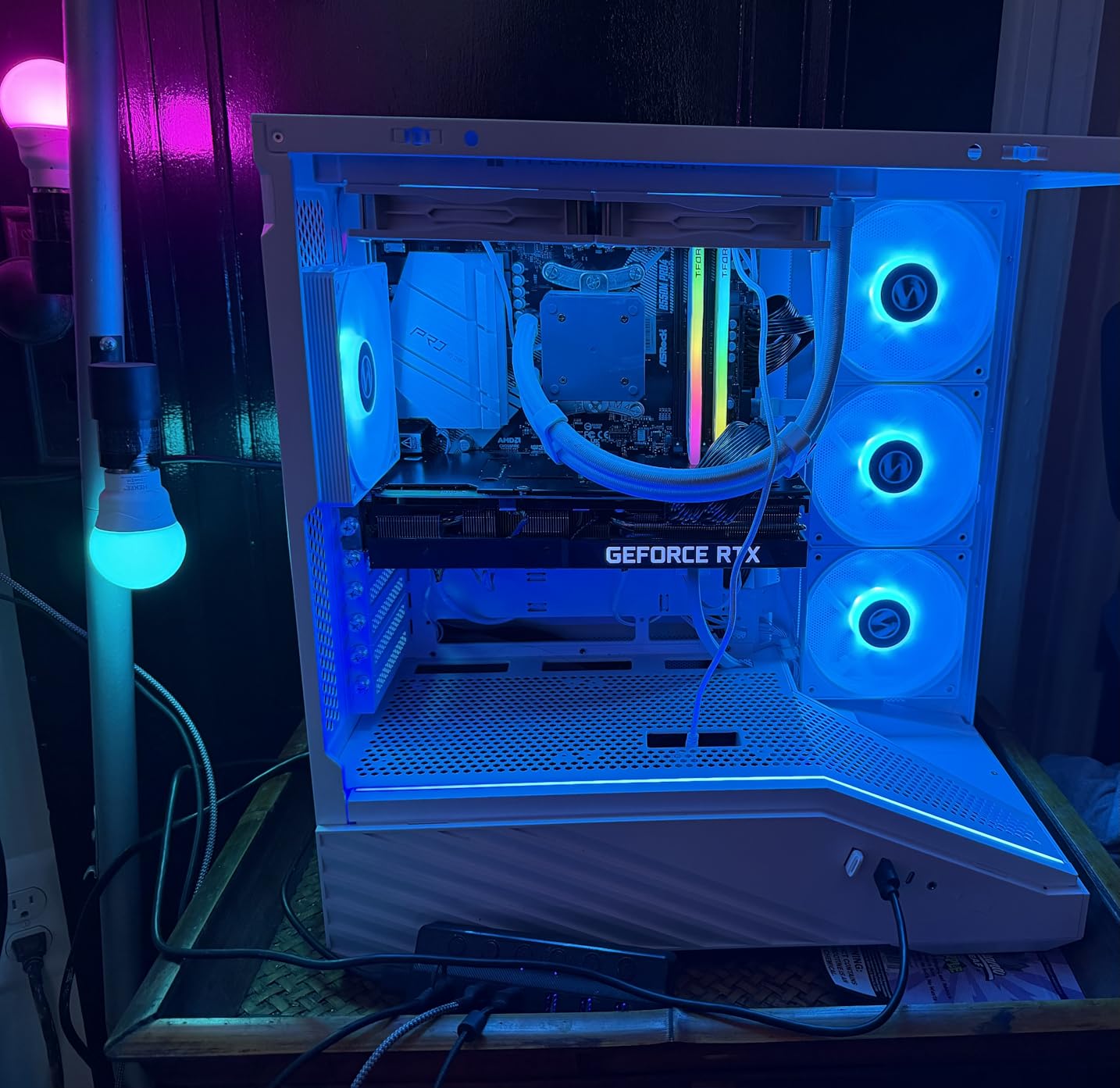
Reading the fan specs properly
CFM measures how much air a fan moves; static pressure measures how hard it can push that air through a restriction like a radiator or dense mesh. Both numbers matter, and 2.54 mm-H2O of static pressure is a reasonable figure for pushing through front mesh. At 26.5 dBA these are not silent fans, but they are not thin screaming units either.
Daisy-chain connectivity means all four plug into one header, which keeps the build simple but concentrates control on a single curve. There is an integrated 26-LED ARGB strip controllable through motherboard software alongside them.
Clearance numbers and what they unlock
A 420mm GPU allowance means you can mount the longest cards without a riser or a slot conflict, and 178mm of CPU cooler clearance covers essentially every mainstream tower air cooler. Top radiator support up to 360mm keeps liquid cooling on the table without moving to a full tower.
Build quality and first impressions
Because the design is newer, the consensus is still forming, and a few notes flag the fixed high fan RPM and the mix of plastic and steel materials. Some plastic exterior panels feel less premium than the steel competitors here, and the included GPU support bracket is a smart inclusion for cards heavy enough to sag.
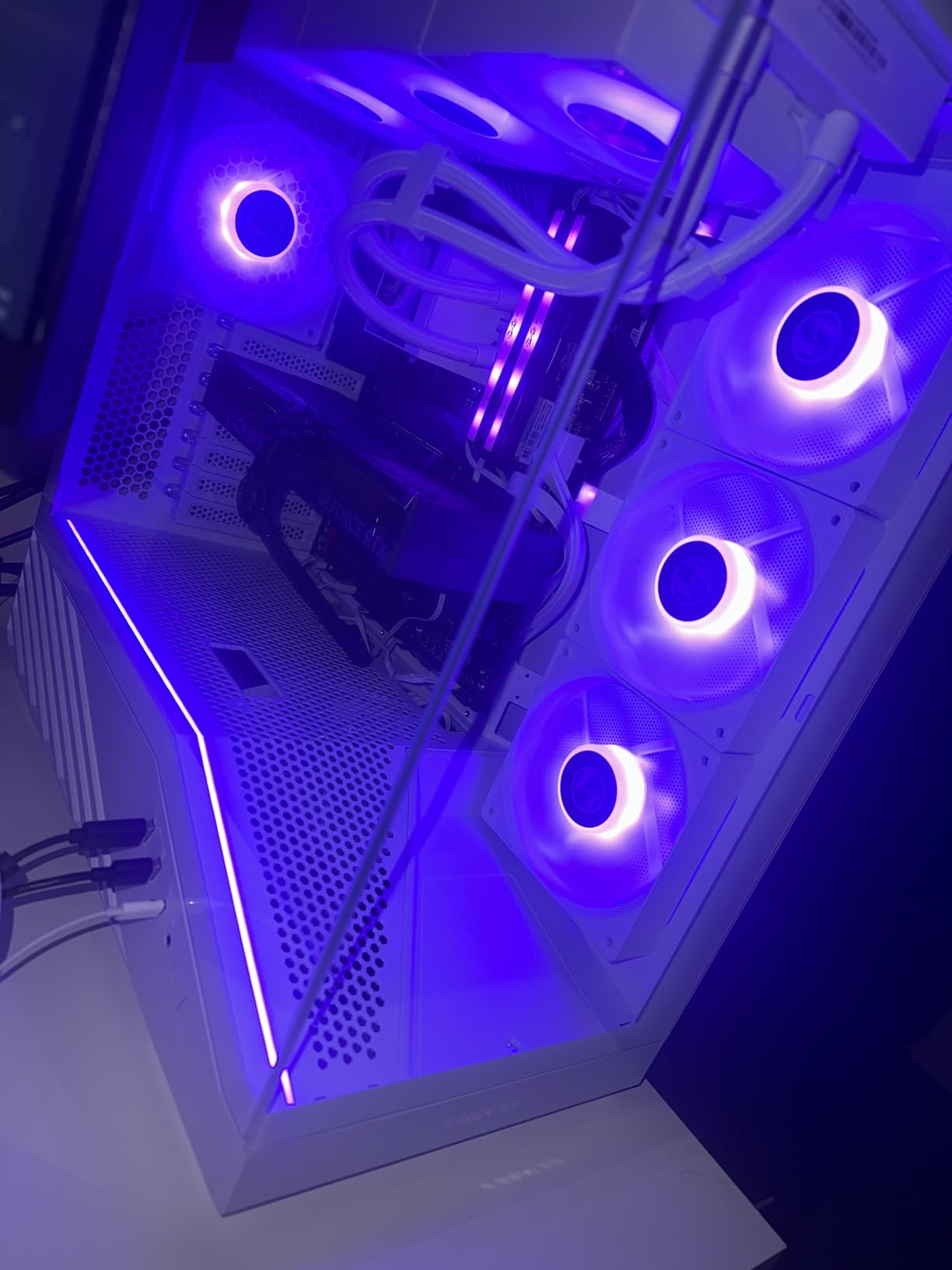
Who should skip it
Buyers wanting a long-proven track record should note the smaller review base relative to the established cases in this roundup. Anyone who needs whisper-quiet operation out of the box should also plan on replacing the included fans, since they run at a fixed 1800 RPM rather than a wide control range.
10. Lian Li Lancool 216 RGB - Two 160mm Front Fans Move More Than Most
LIAN LI LANCOOL 216 RGB Black ATX Mid-Tower Case, 2x160mm ARGB Fans
ATX mid-tower
Two 160mm ARGB front fans and one 140mm rear
GPUs up to 392mm, 360mm radiators
+ Pros
- Two 160mm front fans push superb volume of air through the chassis
- Mesh on front
- top
- and PSU shroud side
- Modular motherboard I/O can be raised for airflow
- Cable management called the best in its price class
- Included fan hub board simplifies powering extra fans
- Cons
- Relocatable front I/O leaves little room to bend its cables
- Rear 140mm fan is PWM only and not ARGB
- Front plastic feels cheaper than the steel chassis
- Some units received a defective 3.5mm audio jack
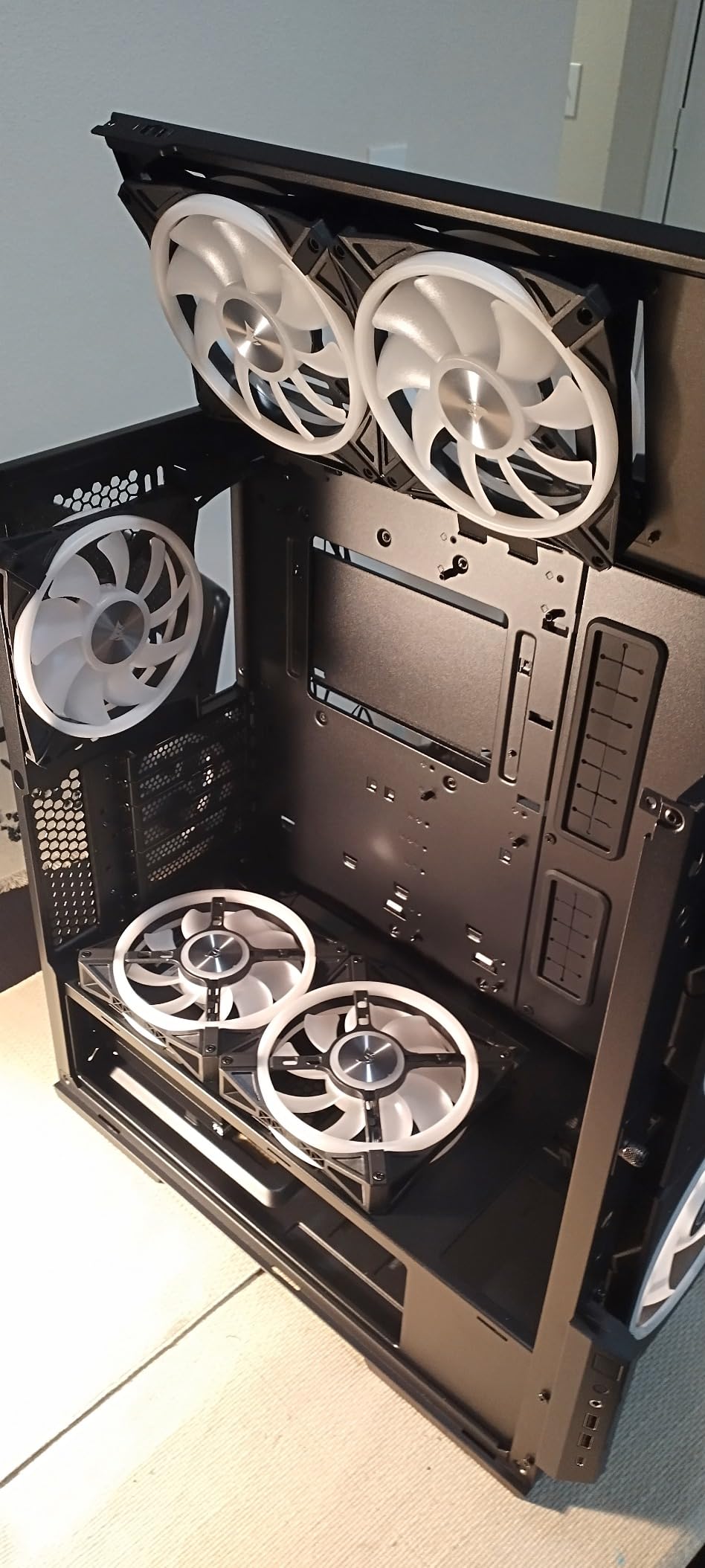
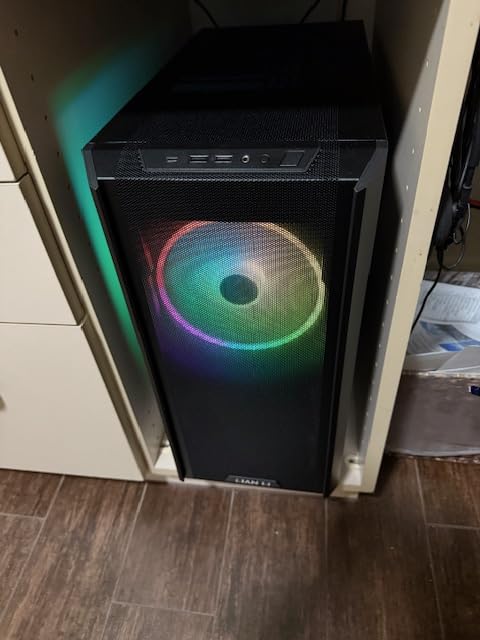
Fan size is the quiet hero of this roundup, and the Lancool 216 makes the case better than anyone. Two 160mm front ARGB fans move more air per fan than any other pair in this list, and because large-diameter fans spin slower for the same volume they do, they achieve that without the noise penalty that three smaller 120mm units would incur. The chassis is described as one of the best airflow cases available, with the 160mm front fans and wraparound mesh cited as the reason for strong thermals on high-wattage hardware.
The second 160mm detail is the mesh. Fine mesh covers the front, the top, and the side of the PSU shroud, which creates direct, unobstructed paths rather than forcing air through a single opening.
Why 160mm fans change the noise equation
Airflow is roughly proportional to the square of fan diameter at a given speed, and noise rises steeply with RPM. A 160mm fan moving the same volume as three 120mm fans can run at roughly half the speed, which is a large chunk of the noise budget recovered. This is the same logic that makes the Fractal North's two 140mm fans effective, just pushed further.
The rear exhaust is a 140mm PWM fan, and it is not ARGB. In a case that otherwise ships with lit front fans, that mismatch is noticeable in a dark build.
Modular motherboard I/O and clearance
The motherboard I/O assembly can be raised, which improves CPU cooler clearance and the airflow path around it. Graphics cards fit up to 392mm long and 180mm tall in air-cooling mode, and the removable top radiator bracket with its seal plate makes 360mm radiator installs straightforward.
Storage and cable management depth
This chassis holds two 3.5-inch hard drives plus six 2.5-inch SSDs, which is the most storage capacity of any mid-tower here. Cable management is repeatedly called the best in its price class, with pre-installed ties, a grommet bar, and an included fan hub board behind the motherboard tray for powering extra fans.
Who should skip it
The relocatable front I/O panel leaves little room to bend its cables unless you use smaller fans there, and the cable chamber door lacks a screw-down latch, so cables must be pressed flat. At 10.5kg it is also heavy, so lift from the chassis rather than the PSU dust filter.
How to Choose an Airflow PC Case Without Buying the Wrong Box
The ten cases above span micro-ATX mini-towers, compact dual-chamber mid-towers, a conventional full tower, and one chassis that looks like furniture. The differences that matter for airflow are not the ones on the box art. Here is what to actually check, in the order that changes your temperatures.
What actually creates airflow in a case
Air moves because of a pressure difference between where it enters and where it leaves. Your fans create that difference, but the case determines how much resistance sits between the two ends. Open surface area on the intake side is the single biggest factor: a case with a full mesh front and an open bottom moves air through its fans far more effectively than a sealed glass box with the same fans spinning.
That is the whole reason the best pc cases for airflow all share a trait: they are perforated or meshed on the surfaces that face outward, and they leave the floor open. Fans are the amplifier, not the source.
Front panel: mesh, perforated steel, or glass
Fine mesh is the best intake surface and the current default for airflow cases. It gives the highest open-area ratio of the three common options, and it doubles as a dust filter, which is why dust maintenance is a gentler chore in a meshed chassis.
Perforated steel is the second choice and is a good one when the panel is larger or the fans are bigger. The 3D Y-pattern front on the 4000D RS is a refined version of this, and the 7000D Airflow uses high-airflow optimized steel precisely because its panel is so large that it does not need mesh.
Tempered glass is the airflow enemy. A glass panel is a sealed surface, and any case that relies on one for intake is relying on thin side vents instead. If your priority is thermals, treat glass as a display feature and make sure the intake path is elsewhere.
PSU position: top mount versus bottom shroud
Where the power supply sits changes the thermal picture more than most buyers expect. A bottom-mounted PSU in a solid shroud traps its own heat in a sealed compartment, and that heat eventually finds its way into the case. Perforated shroud sides and open floors fix this, which is exactly what the H5 Flow and the Lancool 216 do.
A top-mounted PSU exhausts warm air straight out of the top of the chassis, which some builders prefer for exactly that reason, and a side-mounted PSU like the H7 Flow's leaves the entire floor free for graphics card intake. Check both the shroud perforation and the floor venting before you buy, because a bottom shroud with no perforations quietly caps how good the rest of the case can be.
GPU cooling lives in the bottom intake
Your graphics card is the largest heat source in most gaming builds and it pulls air from below. Front intake fans serve the CPU cooler first and reach the card only partially, so the cases that treat the bottom of the chassis as dedicated graphics card intake cool GPUs noticeably better. The H7 Flow makes this its entire design premise with three bottom fan mounts, and the Lancool 216 meshes the side of its shroud for the same reason.
One trap: mounting the graphics card vertically changes this completely, because the card's fans then pull air sideways into a narrow gap instead of up through an open floor. If thermals are the goal, horizontal mounting wins.
Fan size beats fan count
Three 120mm fans and two 160mm fans move similar volumes, but the 160mm pair spins at roughly half the speed to do it and is quieter doing the same job. That principle explains why the Lancool 216 and the Fractal North perform well on only two or three included fans, while cheaper cases with three thin 120mm units need to run them faster for the same result.
Two cautions. Pre-installed fans are frequently 3-pin rather than 4-pin PWM, which means no motherboard speed control, and some cases ship fans at a fixed high RPM. Check the fan specification before assuming you can tune them down in BIOS.
Air-cooled builds and big tower coolers
Plenty of builders never install an AIO, and a good airflow case lets a modest tower air cooler handle a hot chip without a pump in the loop. For those builds the thing to check is CPU cooler height clearance, which ranges from 159mm on the Q300L to 178mm on the Lian Li V100RX. The tallest dual-tower coolers need the upper end of that range, and the largest of them need more.
For liquid cooling, check radiator support instead: the NZXT H7 Flow takes a 420mm front radiator, the H5 Flow takes a 360mm in the front, and the 4000D RS fits dual 360mm units if your budget reaches that far. Remember that a front radiator eats into GPU length allowance, most visibly on the Fractal North where it drops from 355mm to 300mm.
Noise is the price of mesh
A case that moves the most air is usually a case with the least material in its way, and material in the way is what damps sound. Nearly all-mesh designs such as the H7 Flow are noticeably louder in a fully populated build than cases with at least one solid or lined panel.
The practical fix is a fan curve rather than more fans. Set your CPU and GPU fan curves first, then bring the case fans up gradually until temperatures stop improving. Many builders find their last five degrees of improvement happens in the top twenty percent of the RPM range, and that range is where noise lives.
Improve the case you already own
Before buying anything, run through this list. Clean the dust filters and the radiator fins. Confirm the bottom of the case is actually open rather than blocked by a cable or a dust filter frame. Add two bottom intake fans under the graphics card if the mounts exist. Move any exhaust fan from a panel that is not rear or top to one that is. Set a proper fan curve in BIOS instead of leaving everything at full speed. Only then consider a new chassis, because most disappointing temperatures are a configuration problem before they are a case problem.
And if you are still comparing storage and protection gear while you plan the build, our guides to camping pillow cases cover the dust and moisture side of gear care in the field, which matters if your new PC spends time in a garage or a boat.
Frequently Asked Questions
What PC case has the most airflow?
In absolute terms the most airflow comes from the biggest chassis with the most open mesh and the largest fans, such as the Corsair 7000D Airflow full tower. It is not the best buy for most people, because of size, weight, and the noise a heavily meshed case produces. For most builds the Cooler Master Q300L and the Lian Li Lancool 216 deliver more usable airflow per unit of desk space.
Is a bigger PC case better for airflow?
Generally yes, but internal volume matters less than open surface area and unobstructed intake. A mid-tower with a full mesh front and an open bottom outruns a physically larger case with a sealed front and a fixed solid PSU shroud. Judge a case by how much of its exterior is open to air, not by its exterior dimensions.
What case is best for airflow?
The best overall airflow case here is the Cooler Master Q300L, a fully perforated micro-ATX that fits a 360mm graphics card. The best compact dual-chamber option is the NZXT H6 Flow, and the best looking case that still moves air well is the Fractal Design North with its walnut slat mesh front.
Does a PC case affect airflow?
Yes, and it sets the ceiling on everything else you buy. Fans draw cool air in through the front and bottom and expel warm air through the top and rear, so a case can cap how well even an excellent CPU cooler and graphics card perform. A hot case makes CPU and GPU fans spin faster and louder to compensate.
Which PC case is best for GPU thermals?
The NZXT H7 Flow is the strongest pick here, with three dedicated bottom fan mounts for graphics card intake. Your GPU draws air from below, so cases with an open floor and perforated PSU shroud sides cool cards best. Mounting the GPU vertically penalises thermals, since the card then pulls sideways into a narrow gap.
What is the best airflow configuration for a PC case?
Match intake and exhaust fan counts so the case sits at positive pressure, put the largest fans at the front and bottom, and let the small 120mm fans handle rear and top exhaust. Keep the floor unobstructed for GPU intake, clean the dust filters regularly, and tune a fan curve downward before adding more fans.
Which Airflow PC Case Should You Buy?
For most people the Cooler Master Q300L is the answer. It is perforated on every panel, it fits a 360mm graphics card, it carries the largest volume of real-world owner feedback on this list, and it needs the least configuration work to cool a hot chip. Buy it, add two or three fans, set a fan curve, and move on.
If you want a full ATX mid-tower with the largest front fans available, the Lian Li Lancool 216 RGB is hard to argue with, since two 160mm fans move more air quietly than anything else here. If your priority is graphics card temperatures specifically, the NZXT H7 Flow with its three dedicated bottom mounts is the only case designed around that problem. If you are planning a 420mm radiator or a fan count above ten, the Corsair 7000D Airflow has the interior volume, provided you can lift 49 pounds of steel.
For small desks, the NZXT H5 Flow gives you a compact full-ATX chassis with fine mesh and a perforated shroud. For a back-connector motherboard or a modular build you plan to upgrade, the Corsair 4000D RS ARGB Frame is built for it. For a living room, the Fractal Design North is the only one here you would be happy to look at every day. And if you simply want the most fans on the table for the least money, the MUSETEX NN8 ships with six.
Whichever you choose, check three numbers before you order: your GPU length, your CPU cooler height, and your radiator size against the case limits. Then set the fan curve once the build is done. That last step is where most of the quietness lives, and it costs nothing but an afternoon in BIOS.
We test cases, tune curves, and update this roundup throughout 2026. If you want a starting point rather than a research project, start with the Q300L.