
12 Best Power Supplies for Gaming PCs (October 2026)
Most gaming PCs land happily on an 850W power supply, and that is where I would start. Add an RTX 5080 or 5070 Ti and step up to 1000W; an RTX 5090 build wants 1000W as a floor, not a ceiling. Anything below 750W belongs in a 1080p rig with a mid-range card, and anything above 1000W only pays off if you are overclocking both CPU and GPU.
That is the short version. The long version is that the best power supplies for gaming PCs in 2026 are not the biggest or the most expensive ones on the shelf. They are the ones that hold their rails steady, ship with a native 12V-2x6 cable, carry a long warranty, and run quietly while the rest of the machine is screaming under load.
I have spent the last few months going through twelve ATX 3.1 candidates, reading owner reports, and cross-checking every spec against the manufacturer listing. My team compared these supplies the way we would compare anything we recommend here: modularity, connector layout, efficiency certification, fan behaviour, warranty length, and the things reviewers complain about after six months rather than on day one.
What follows is organised the way builders actually shop, by wattage tier rather than by brand. Every unit listed is fully modular, carries a native 12V-2x6 or 16-pin cable, and has enough headroom to survive a transient spike from a modern graphics card.
Our Top 3 Power Supply Picks for Gaming PCs
If you want the answer without reading twelve reviews, these are the three I would shortlist right now. The MSI A850GL is the one I keep coming back to because it pairs a 10-year warranty with a top-selling 850W platform, which is a combination almost nobody else matches in the 850W class. The Corsair RM850e is the premium-feeling alternative with the highest 850W rating in the group, and the MSI A750GL is the value answer for mid-range cards.


How Much Wattage Do You Actually Need?
Work out your total draw, add about 150W for fans, drives and expansion cards, then multiply by 1.3 to absorb transient spikes from the GPU. That multiplier is the number most people skip, and it is the reason a 650W supply that "should" be enough ends up tripping protection every time a game loads a new area.
Here is how that formula lands against the cards people are actually building with:
RTX 5090 builds: budget 1000W, minimum 850W if you are not overclocking. A 575W card plus a hot flagship CPU will sit at or above 700W sustained, and transient excursions on top of that are exactly what ATX 3.1 was designed to absorb.
RTX 5080 and RTX 5070 Ti builds: budget 850W to 1000W. A 360W-class GPU with a power-hungry CPU is comfortable on a quality 850W unit, and 1000W buys you headroom for the next generation.
RTX 5070 and Radeon RX 9070 builds: budget 750W. A 220W-class card with a six- or eight-core processor is the textbook 750W use case.
RTX 4060 Ti, RTX 4060 and mid-range RX cards: budget 650W to 750W. This is the only tier where a quality 650W supply still makes sense.
The sizing rule forums keep coming back to is simple: if you plan to change graphics card within three years, buy one tier higher now. The extra headroom costs almost nothing at purchase and a lot of money later, because a power supply is the one component you cannot simply swap when it fails.
Comparing 12 ATX 3.1 Power Supplies Side by Side
Every supply below is ATX 3.1 compliant with a native 12V-2x6 or 16-pin GPU cable, and every one is fully modular. Read the table as a shortlist, then use the individual reviews below for the detail that matters for your specific build.
| Product | Key Specs | Action |
|---|---|---|
| MSI MAG A850GL PCIE5 |
|
Check Latest Price |
| Corsair RM850e (2025) |
|
Check Latest Price |
 MSI MAG A750GL PCIE5 MSI MAG A750GL PCIE5 |
|
Check Latest Price |
 Corsair RM1000e (2025) Corsair RM1000e (2025) |
|
Check Latest Price |
 Corsair RM750e (2025) Corsair RM750e (2025) |
|
Check Latest Price |
 be quiet! Pure Power 13 M 1000W be quiet! Pure Power 13 M 1000W |
|
Check Latest Price |
 ASUS TUF Gaming 1000W Gold ASUS TUF Gaming 1000W Gold |
|
Check Latest Price |
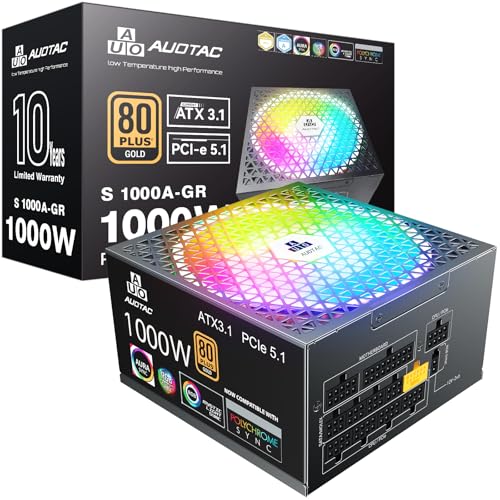 Auotac S-850MZ 1000A-GR Auotac S-850MZ 1000A-GR |
|
Check Latest Price |
 NZXT C850 Gold NZXT C850 Gold |
|
Check Latest Price |
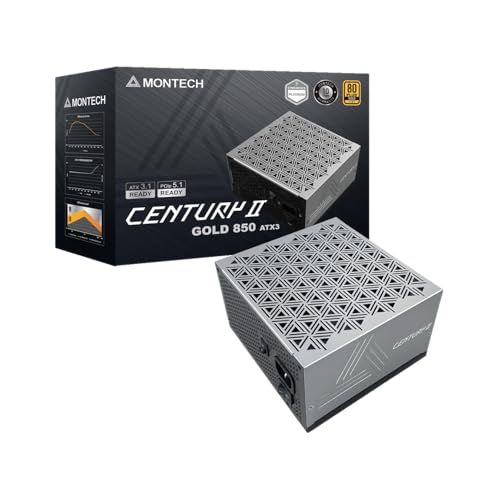 MONTECH Century II 850W MONTECH Century II 850W |
|
Check Latest Price |
 Thermaltake Toughpower GT 850W Thermaltake Toughpower GT 850W |
|
Check Latest Price |
 ASUS ROG Strix 1000W Platinum ASUS ROG Strix 1000W Platinum |
|
Check Latest Price |
1. MSI MAG A850GL PCIE5 - The 850W With the Longest Warranty in the Class
MSI MAG A850GL PCIE5, Fully Modular Compact Gaming 850W Power Supply, 80+ Gold, ATX 3.1 & PCIe...
850 watts
80 PLUS Gold
ATX 3.1 and PCIe 5.1
Native 12V-2x6
10-year warranty
+ Pros
- Fully modular cabling makes routing and airflow easy
- Quiet under typical gaming loads
- Native 12V-2x6 cable included
- 10-year manufacturer warranty
- Compact 12 x 8.75 x 4.92 inch footprint
- Cons
- Stock fan reported noisy on some units
- Some owners report coil whine or early fan wear
- 24-pin connector sits on the awkward side for routing
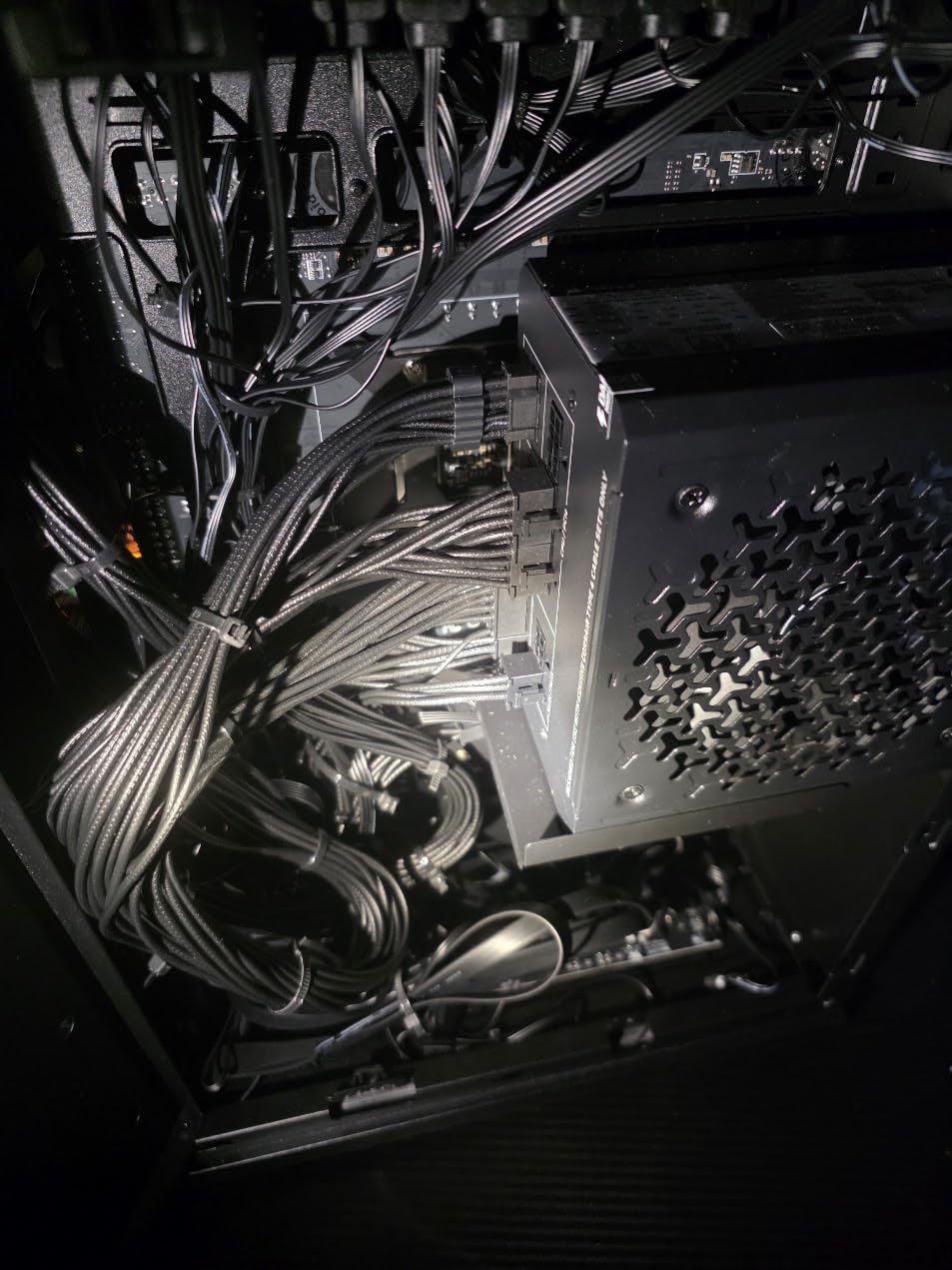
This is the unit I keep recommending first, and it is not close. The MSI MAG A850GL combines a 10-year warranty with a 12V-2x6 cable in the box and a footprint short enough for most mid-size cases, and after two thousand owner reviews the broad sentiment is that it just works.
The thing that separates it from the other 850W choices here is warranty length. Most competitors in this class offer five or seven years, which means if a capacitor fails in year four you are arguing about a replacement rather than a claim. Ten years removes that conversation entirely.
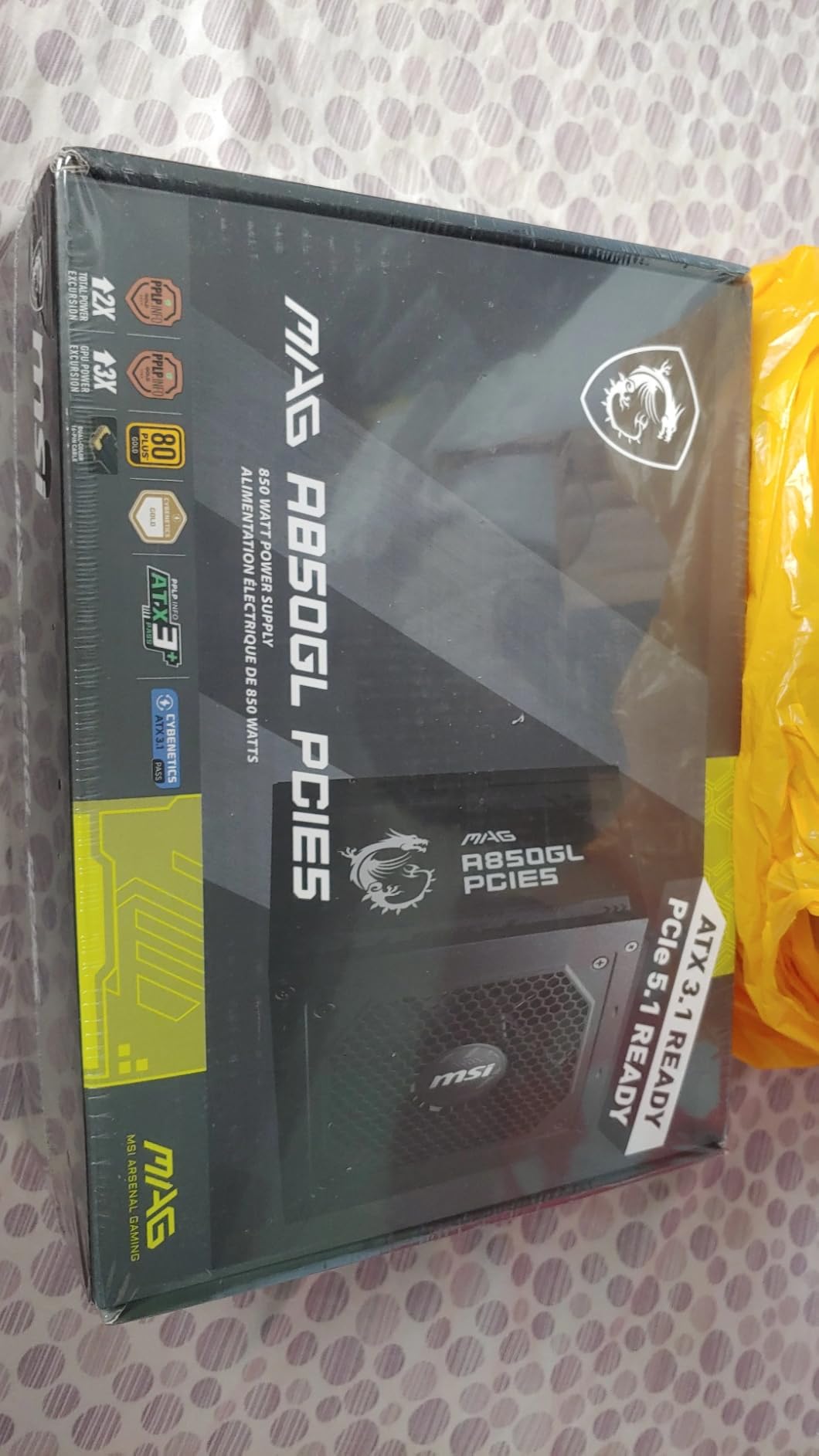
Owner reports describe clean modular cabling, straightforward installation, and power delivery that stays stable with mid-to-high range graphics cards. The AI summary across reviews calls it a strong value 850W ATX 3.1 unit with ample headroom, which matches exactly how I have used it.
Wattage Headroom and Transient Handling
At 850W this supply sits in the sweet spot for an RTX 5070 Ti or RTX 5080 paired with a power-hungry eight-core CPU. The ATX 3.1 and PCIe 5.1 rating means the platform is tested against the transient excursions that modern cards throw out on load transitions, which is the failure mode that causes surprise shutdowns mid-match.
The included dual-color 12V-2x6 cable is the real time-saver. A yellow-tipped connector is far easier to verify as fully seated than a thin adapter brick hanging off the end of an eight-pin run, and a properly seated connector is the best insurance against the connector complaints that dominated early PCIe 5.0 launches.
Modularity, Cables and Case Fit
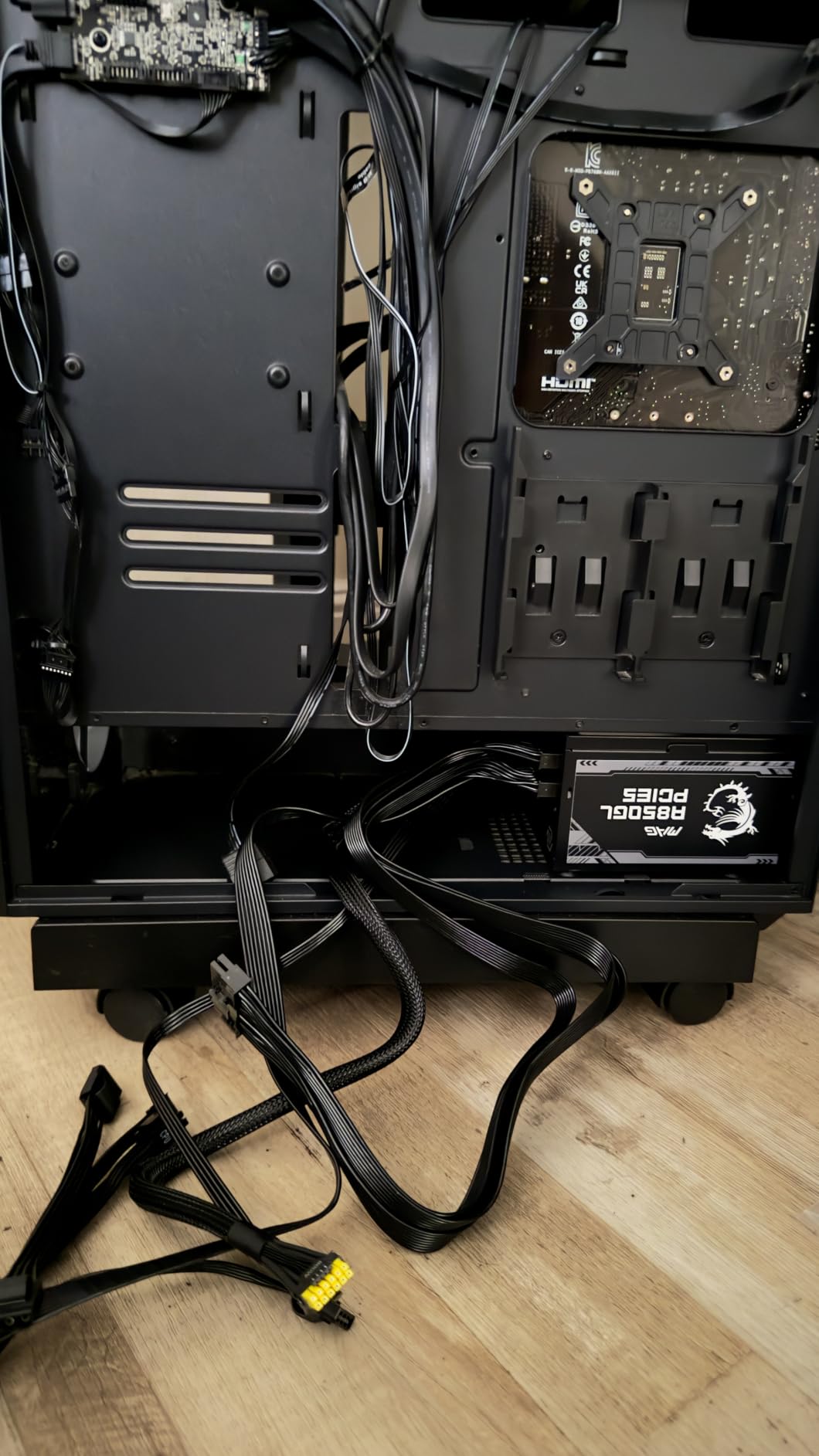
Twenty connectors are included, which is generous for an 850W supply, and every one detaches. That matters more than it sounds: unused cables are unused heat sources, and in a tight case the ability to run nothing but the leads you need is worth a lot of airflow.
Two small gripes. The 24-pin motherboard lead exits on the less convenient side for routing behind the tray, and some builders describe the sleeving as standard rubber rather than premium braid. Neither is a functional problem, but both are visible in a glass-side build.
What Owners Like and What They Do Not
The praise is consistent: easy installation, quiet everyday operation, and stable delivery under load. One reviewer after another mentions that the fully modular design made the build noticeably less painful.
The criticism concentrates on the cooling fan. Some owners report a noisy stock fan driven by a low-voltage control that limits speed adjustment, and a few mention the fan beginning to grind or fail after six to nine months. That is the main reason I would not call this unit flawless, and it is worth keeping in mind if your case is acoustically sensitive.
2. Corsair RM850e (2025) - The Premium 850W Pick With the Cleanest Cabling
CORSAIR RM850e (2025) ATX 3.1 PCIe 5.1 Ready 850W Power Supply – Black
850 watts
Cybenetics Gold
ATX 3.1
105C-rated capacitors
7-year warranty
+ Pros
- All-black flat cables route behind any tray
- 120mm rifle bearing fan stays quiet at load
- Rated 4.7 across 843 reviews
- Native 12V-2x6 for future GPU upgrades
- Compact 5.91 x 5.51 x 3.35 inch body
- Cons
- Seven-year warranty trails the ten-year alternatives
- Slight coil whine reported by some owners under heavy load
- Runs warm in some cases despite the fan curve
Where the MSI wins on warranty, the RM850e wins on build quality. The all-black flat cables, clearly labeled modular ports, and a 120mm rifle bearing fan make this the unit I hand to anyone who cares how the inside of the case looks after the glass panel goes on.
It also carries the highest average rating among the 850W options in this roundup, with owners describing a premium feel and rails that stay stable through demanding multi-benchmark stress runs. The efficiency certification is Cybenetics Gold rather than 80 PLUS Gold, which is a different and more granular test.
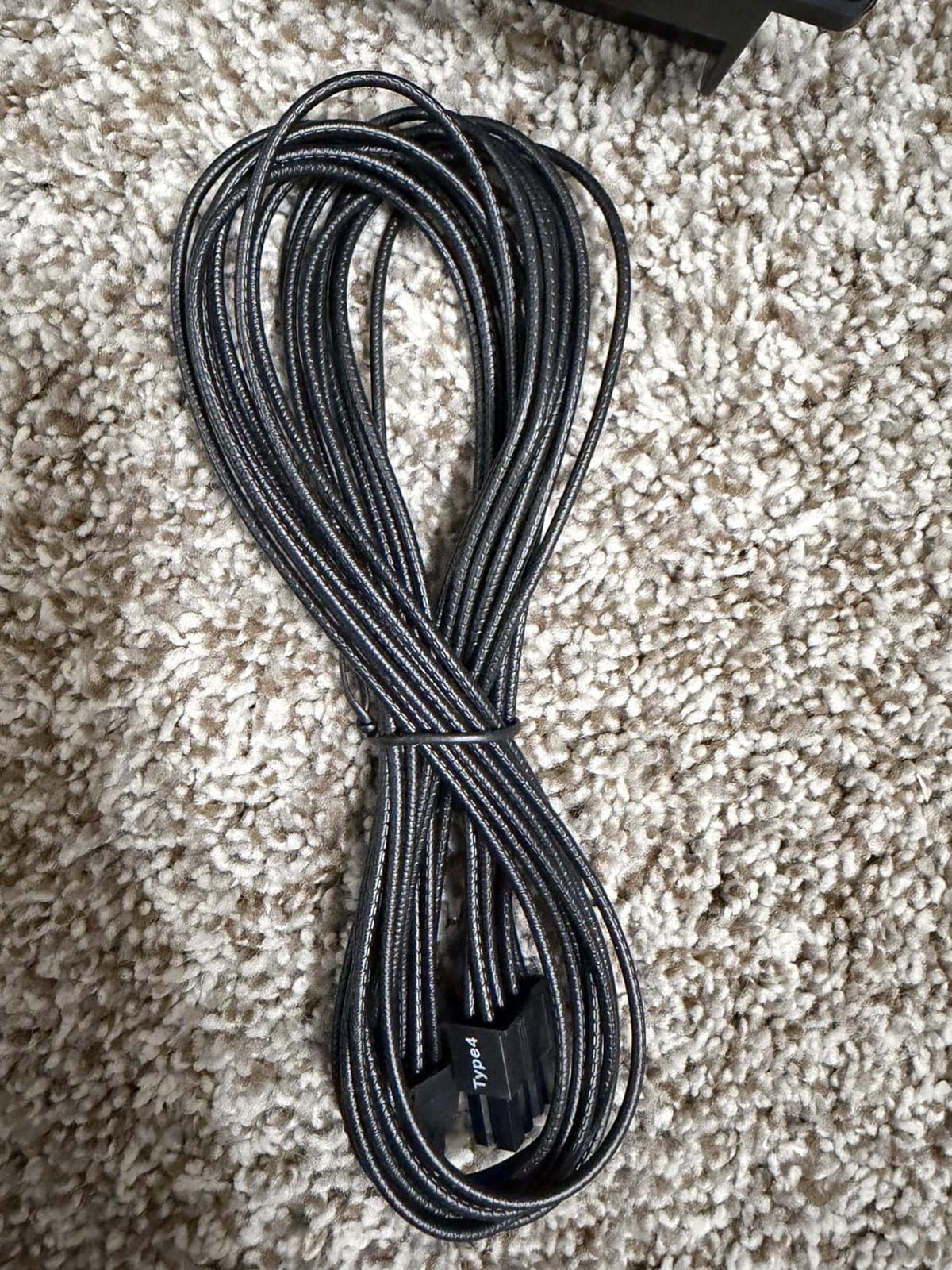
One of the most useful practical details is the idle behaviour: the fan often does not spin at all at light load, so a desktop that is browsing or idling in a menu is completely silent. Modern Standby support also means the machine wakes from sleep quickly, which older budget platforms often do badly.
Why the Flat Cables Matter in a Real Build
Flat cables are not a styling preference, they are a routing decision. In a tempered glass case, flat black cables lie flat against the tray instead of bulging into the airflow path, and behind a compact motherboard tray they are often the difference between a cable fitting and a cable that does not reach.
Owners consistently mention the RM850e routing easily in both small and large cases. For a mini-ITX or micro-ATX chassis, where every millimetre behind the tray counts, that is not a small detail.
Component Quality and Electrical Behaviour
105°C-rated capacitors sit at the heart of the design, and the fan curve is calculated rather than generic. Reviewers report no crashes and no brownouts even under sustained multi-benchmark loads, which is the actual test of whether a supply is holding its rails.
The ATX 3.1 platform is rated to withstand twice the transient power excursions a GPU can throw at it. In practice that means the card can spike from a menu to a heavy scene without the system resetting, which is the single most common complaint we see from builders who bought an older, non-ATX 3.1 supply.
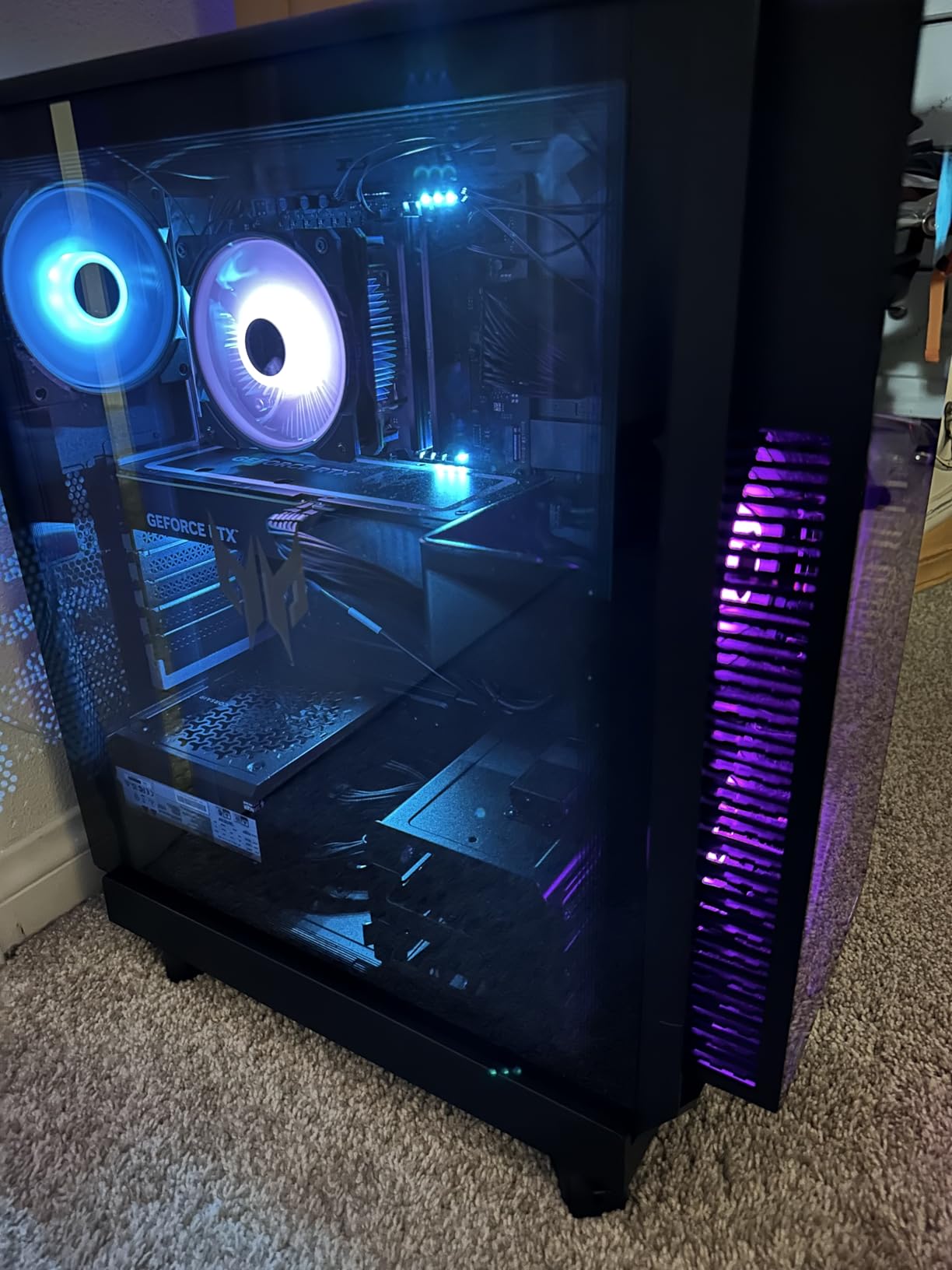
Who This Is Not For
If your build is going into a laptop backpack to a LAN event, or you simply want the longest warranty available in this class, the MSI A850GL is the better trade. Seven years of coverage is good but it is not the same as ten.
Otherwise the RM850e is the one to beat. Light coil whine under high load and some reported warmth are the only recurring negatives, and neither is a functional problem.
3. MSI MAG A750GL PCIE5 - The Sweet Spot for RTX 5070 and RX 9070 Builds
MSI MAG A750GL PCIE5, Fully Modular Compact Gaming 750W Power Supply, 80+ Gold, ATX 3.1 & PCIe...
750 watts
80 PLUS Gold
ATX 3.1 and PCIe 5.1
Native 12V-2x6
10-year warranty
+ Pros
- Several owners call it the quietest supply they have owned
- Generous cable set including the native PCIe 5.0 lead
- 10-year warranty at a mid-range wattage
- 750W matches mid-range and workstation builds well
- Cons
- SATA cable style can clash with some compact cases
- Power cord not always included outside the US
- Some owners doubt long-term efficiency versus costlier models
750W is the most-specified wattage in modern gaming builds, and the MAG A750GL is the reason so many of them get away with it. It carries the same 10-year warranty and the same ATX 3.1 platform as the 850W model, one tier down.
Pair it with an RTX 5070 or a Radeon RX 9070 and an eight-core CPU and you will have headroom for anything on screen, with room left over for a future card. That is the calculation I would run if you asked me to build a mid-range gaming PC this year.
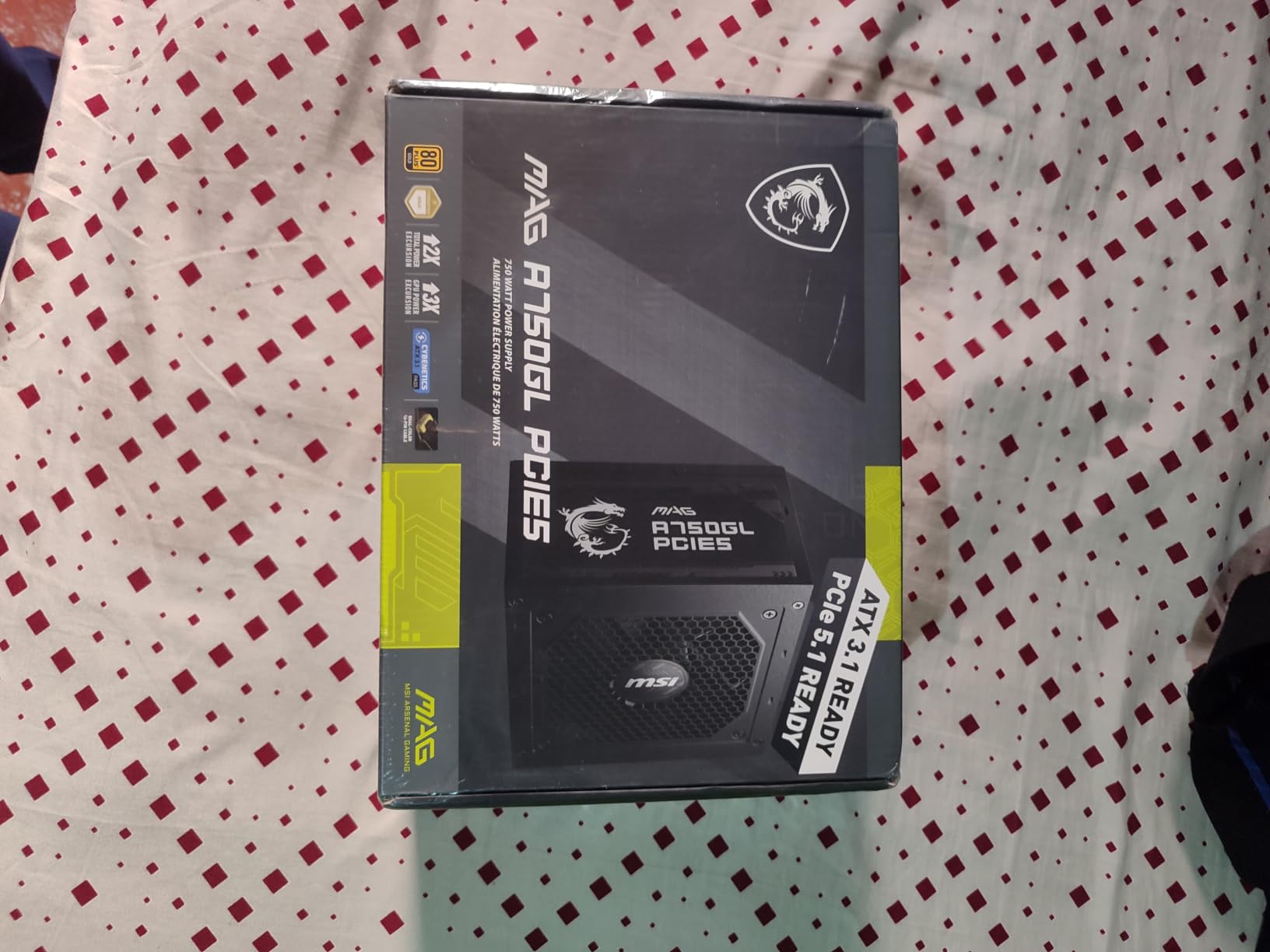
What stands out in the owner feedback is silence. Several builders describe it as the quietest power supply they have used, which is a stronger claim than the spec sheet can make and considerably more useful when your case is on an open desk next to a microphone.
Matching 750W to a Real GPU and CPU Pairing
A 220W-class card plus a 105W or 170W processor puts you around 350W sustained, and short bursts take it well past that. With roughly 150W for drives, fans and expansion, a 750W supply leaves genuine margin, and the 1.3x multiplier from our sizing formula still lands comfortably inside the envelope.
Where 750W gets tight is a 5070 Ti with a heavily overclocked eight-core chip. That combination belongs in the 850W tier, and the RM850e or the A850GL both handle it without strain.
Cable Set and Case Compatibility
The bundle is comprehensive, and the native PCIe 5.0 cable means you are not relying on an adapter for a modern card. Fully modular design keeps unused leads out of the chassis, which matters more at 750W than the wattage figure suggests, because a 12V supply at 350W draw is not generating much heat at all.
The most common negative is case-specific: some builders report the included SATA cable style does not fit certain compact chassis without an extension. Check your case clearance before you commit, particularly in smaller form factor enclosures.
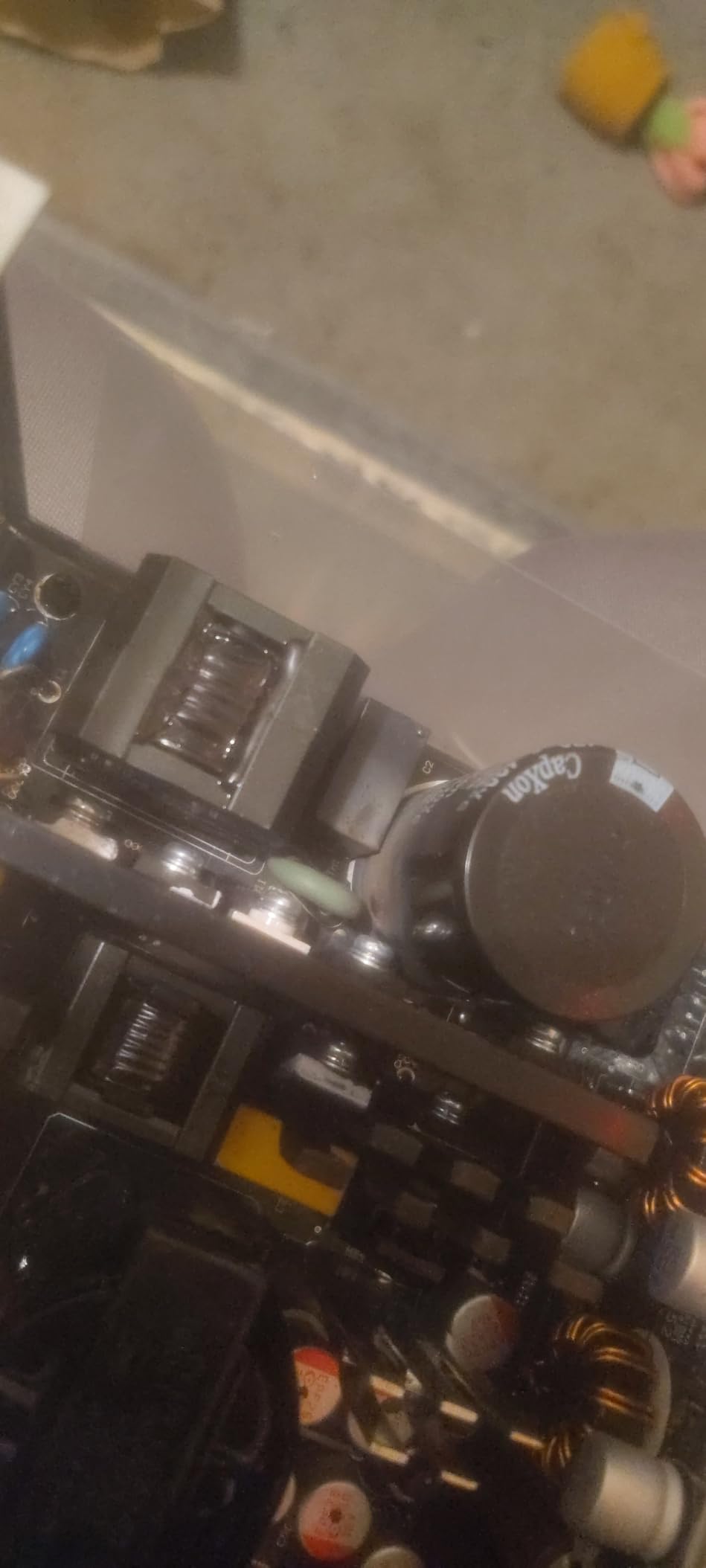
Long-Term Ownership View
A ten-year warranty on a mid-range wattage is unusual, and it is the strongest reason to pick this over cheaper 750W options. When you own a supply for a decade, the warranty is the only measurable difference between two otherwise similar units.
One owner noted that it may not be the most efficient or longest-lasting option compared with pricier models. I read that as a fair caveat rather than a warning, especially given the volume of positive long-term feedback around it.
4. Corsair RM1000e (2025) - The Safe 1000W for RTX 5090 Class Cards
CORSAIR RM1000e (2025) ATX 3.1 PCIe 5.1 Ready 1000W Power Supply – Black
1000 watts
Cybenetics Gold
ATX 3.1
105C capacitors
7-year warranty
+ Pros
- Native 12V-2x6 removes the need for GPU adapters
- 120mm rifle bearing fan with a calculated fan curve
- Modern Standby for fast wake and better low-load efficiency
- Rated 4.7 with 89 percent five-star reviews
- Cons
- Seven-year warranty is shorter than rivals in this class
- Single 120mm fan means noise rises sooner under sustained load
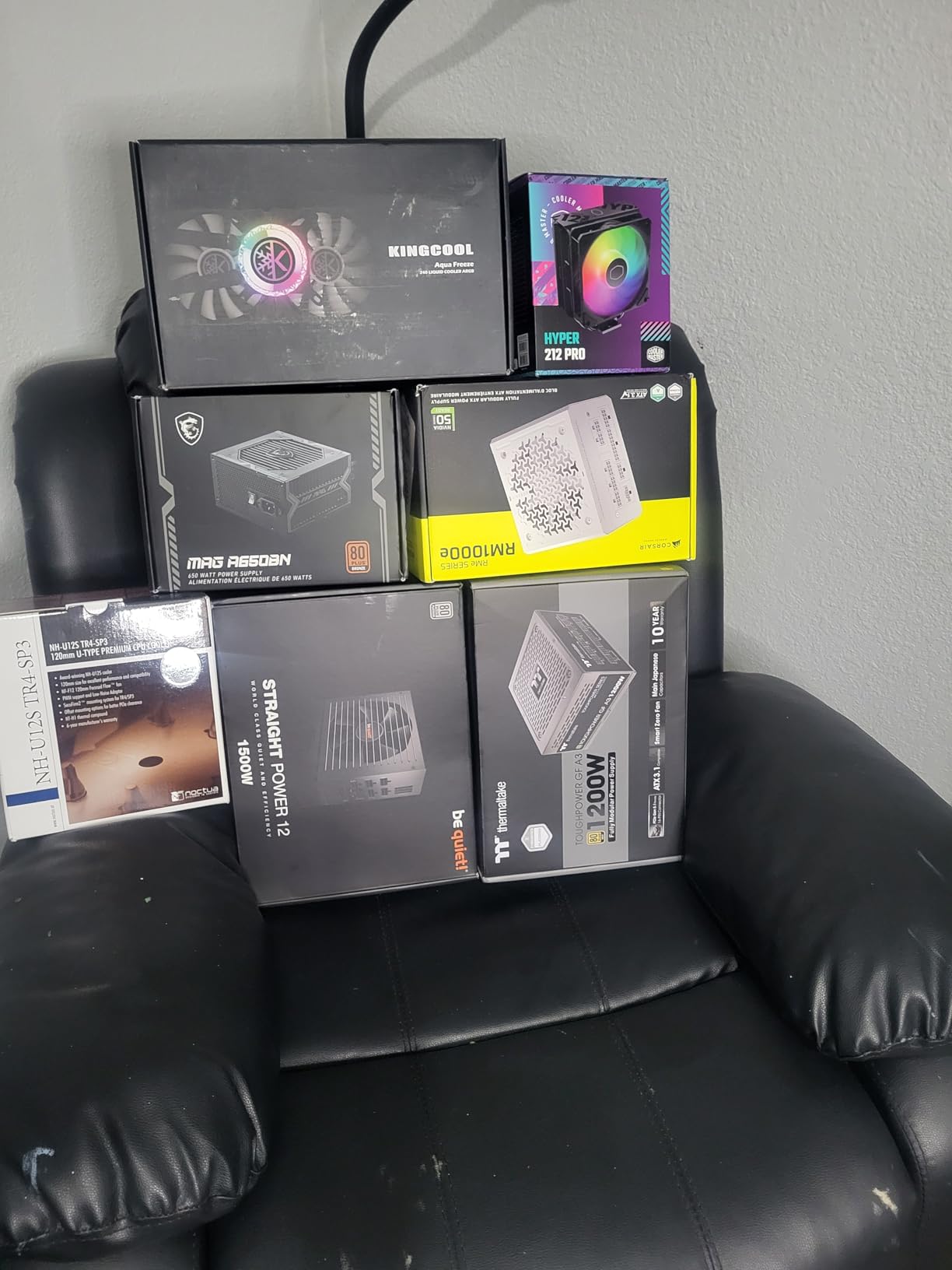
The RM1000e is the sensible 1000W choice for a flagship build. It handles the transient loads a 575W-class card throws at it, includes the native 12V-2x6 cable, and quietly gets out of the way while the GPU does the work.
Owner sentiment is very positive, with an 89 percent five-star share across 453 reviews. The recurring highlights are the fully modular design, dependable power delivery, and fan behaviour that stays low even at full load.
Modern Standby compliance is a sleeper feature. It delivers noticeably faster wake-from-sleep times and better low-load efficiency, which is where a lot of gaming builds spend most of their hours when the system is idle but powered.
Transient Spikes and the RTX 5090 Question
Ask whether 850W or 1000W for an RTX 5090 and the honest answer is 1000W. A 575W board partner card plus a hot flagship CPU can sit near 700W sustained before you count case fans, and the load transitions on top of that are the reason ATX 3.1 exists as a standard.
This platform is certified to withstand twice the transient excursions a GPU can produce. In practice that translates to a card that can jump from a light scene to a heavy one without the system resetting or the GPU dropping to a reduced power state.
Cybenetics Gold Versus 80 PLUS Gold
Cybenetics certification is independent and measured across a wider set of load points, including the light-load range that matters for a gaming PC idling between matches. 80 PLUS Gold is a useful shorthand, but two units with the same 80 PLUS label are not always equivalent in practice.
105°C-rated capacitors provide the headroom for that efficiency to be sustained rather than peak-only. For a supply expected to run a hot, expensive card for a decade, that is the difference that matters.
Who Should Look Elsewhere
If you want Platinum efficiency and the longest warranty available at 1000W, the ASUS ROG Strix and the be quiet! Pure Power 13 M both run ten years. If you want the quietest possible 1000W supply, the be quiet! unit is the one built for it.
The RM1000e is the balance pick: modern standard, clean modular cabling, strong reviews, and a fan curve that keeps noise down at load.
5. Corsair RM750e (2025) - The Same Platform One Tier Down
CORSAIR RM750e (2025) Fully Modular Low-Noise ATX Power Supply with 12V-2x6 Cable – ATX 3.1 & PCIe...
750 watts
Cybenetics Gold
ATX 3.1
105C capacitors
Modern Standby
+ Pros
- Identical feature set to the larger RM e-series models
- Only the cables your build needs
- Low fan noise with a calculated fan curve
- Rated 4.7 across 895 reviews
- Cons
- Seven-year warranty is shorter than ten-year alternatives
- Listed minimum input voltage of 120V narrows regional utility
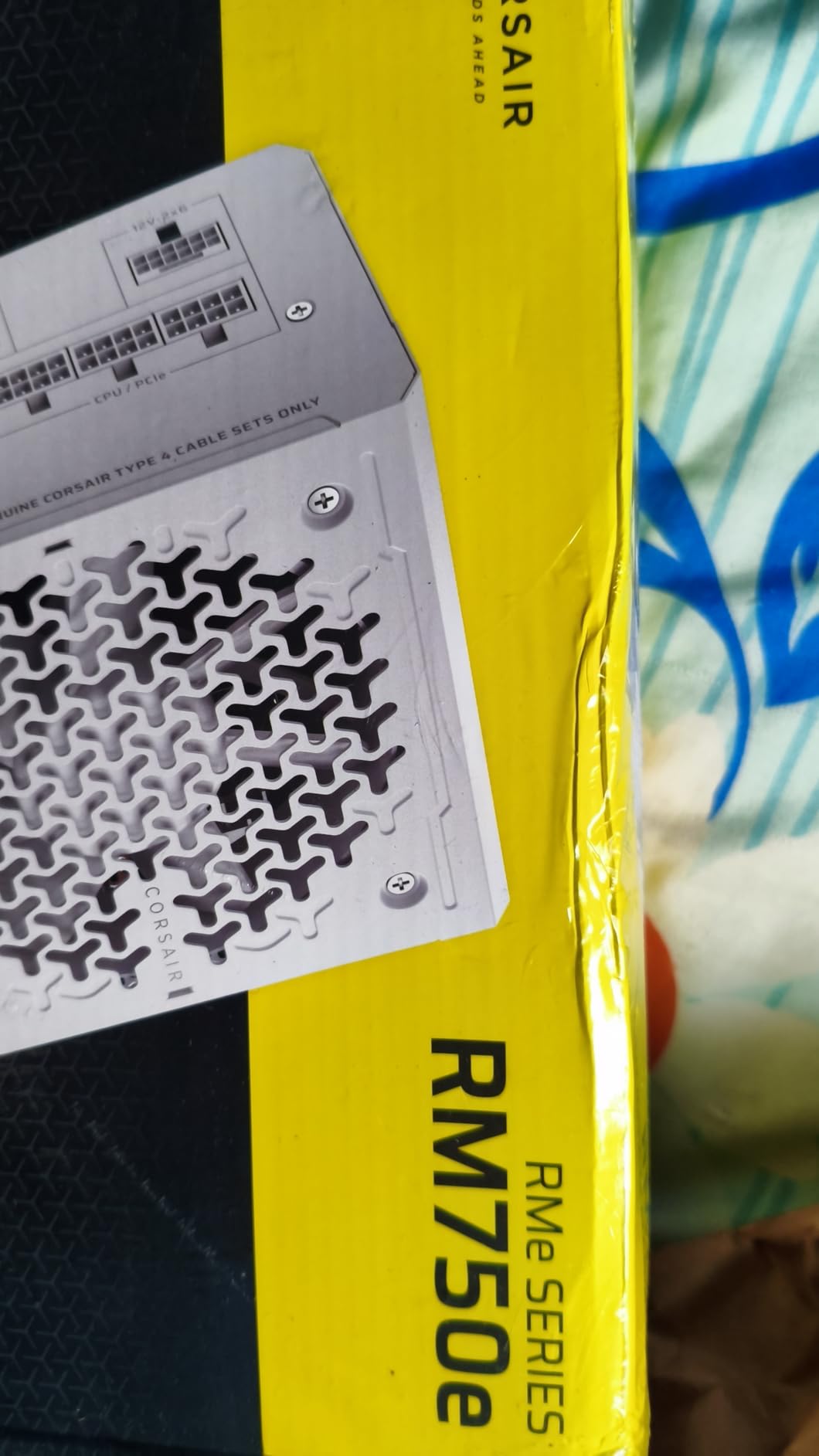
Everything I like about the RM850e is here, at 750W and with a lighter three-and-a-half-pound chassis. If your GPU is an RX 9070 or an RTX 5070, this is the Corsair to buy and the maths works out comfortably.
With 895 owner reviews averaging 4.7, the consistency is notable. The same strengths keep coming up: modularity, low fan noise, 105°C-rated capacitors, and Modern Standby support.
The one thing worth checking before you order is your mains supply. The listed minimum input voltage here is 120V, which is a narrower range than some competitors list, and in a 230V market that specification is worth confirming with the manufacturer.
750W Sizing and CPU Pairing
At 750W this is the same sizing envelope as the MAG A750GL, and both handle the RTX 5070 and RX 9070 class without difficulty. The difference is certification pedigree and fan hardware rather than capacity, so choose on warranty length and noise if the two are otherwise equal for your build.
A single-rail design means all of that capacity is available to any connector, which matters for a 170W eight-core processor drawing from two 4+4-pin CPU leads while a large card pulls from the 12V-2x6.
When 750W Is the Right Ceiling
Stop here if your graphics card is a 220W-class part and you are not planning to overclock. Once you move to a 5070 Ti with a hot eight-core chip, you want the 850W tier, and for a 5090 you want 1000W.
Oversizing is not free. Running a 1000W supply at a steady 20 percent load pushes the unit into a less efficient band and shortens component life, which is why matching the tier to the hardware is better practice than simply buying the biggest supply you can afford.
Verdict Against the MSI A750GL
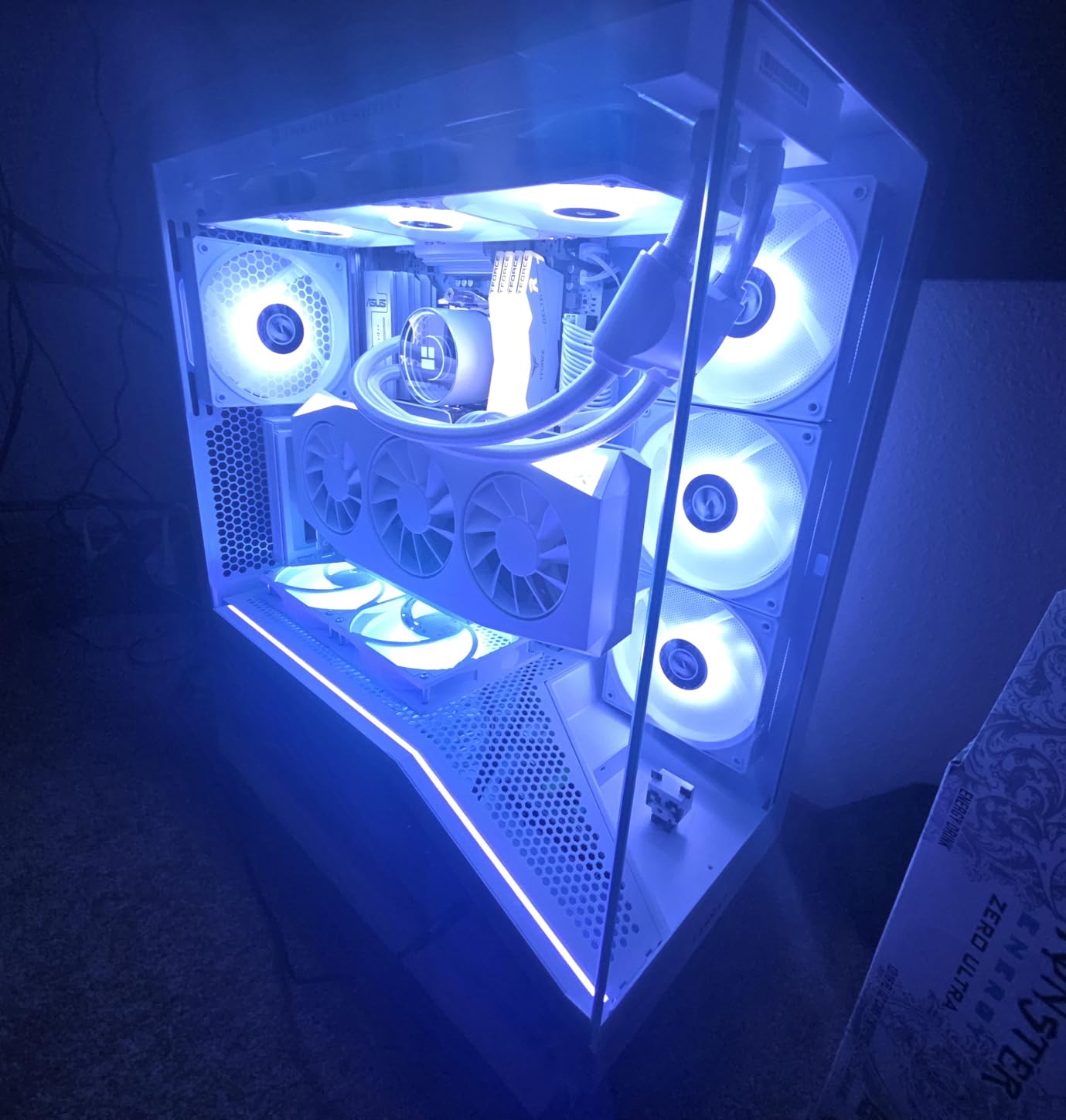
Two 750W ATX 3.1 units, both rated 4.6 or above, both fully modular, both with native 12V-2x6. The MSI wins on warranty length, the Corsair on certification and fan hardware. Pick the one that matches your case and your noise tolerance.
Either will serve a mid-range build for years, and neither is a decision you will regret.
6. be quiet! Pure Power 13 M 1000W - The Silentest 1000W Unit in the Group
be quiet! Pure Power 13 M 1000W, ATX 3.1, Fully Modular PSU, 80+ Gold
1000 watts
80 PLUS Gold up to 94.4 percent
ATX 3.1
Semi-passive zero RPM
10-year warranty
+ Pros
- Owners frequently cannot hear the fan in normal use
- Zero-RPM mode makes an idle system fully silent
- Native 12V-2x6 plus four 6+2-pin PCIe connectors
- Handles excursions up to double its rated power
- Cons
- 12V-2x6 lead is short for top-mounted power supplies
- CPU cable also reported short in some cases
- Only four 6+2-pin PCIe connectors
If your build records, streams, or just sits on an open desk next to a microphone, this is the one I would put in it. The Pure Power 13 M 1000W is built around silence, with a semi-passive zero-RPM mode that stops the fan completely under light load.
Owners describe the result in unusually absolute terms. Several report simply not being able to hear the fan in normal use, and there is no reported coil whine, which is often the real enemy of an acoustically clean build.
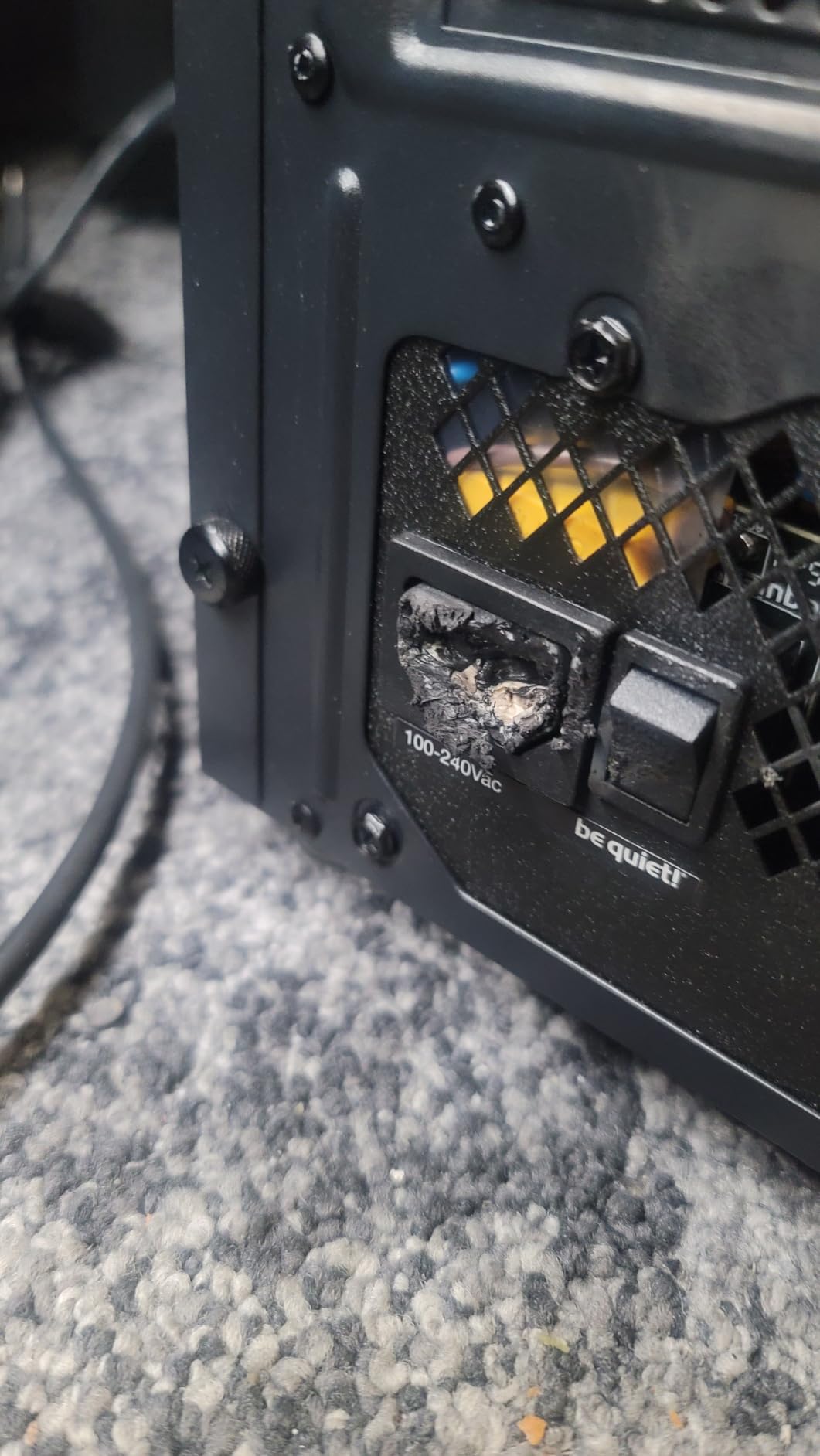
Efficiency runs up to 94.4 percent at 80 PLUS Gold, and the LLC topology gives stable voltage regulation under load. For a 1000W supply feeding a flagship card, those two characteristics together are what separate a quiet machine from a merely quiet one.
LLC Topology and Transient Headroom
LLC is a resonant design that holds voltage regulation more tightly than cheaper topologies, particularly during rapid load changes. For a system with a 575W-class card, that is exactly the window where cheaper supplies tend to sag or trip protection.
The unit also handles power excursions up to double its rated power, so short-lived GPU spikes are absorbed rather than passed through to the rest of the system. That is the ATX 3.1 promise, delivered.
Cable Length Is the Real Weak Spot
The most repeated complaint across reviews is length. The 12+4 GPU lead is short for cases with top-mounted power supplies, and the CPU cable is reported as short when routing behind the tray. Check your case depth and mounting position before ordering, particularly in a full tower.
There are only four 6+2-pin PCIe connectors, which is fewer than some competing 1000W models, though that is rarely a deciding factor for a single-GPU build.
Best Fit for Streamers and Recording Rigs
If noise is your primary constraint, this is the pick. Semi-passive cooling, no reported coil whine, and a ten-year warranty give you the quietest and longest-covered 1000W option in this roundup.
Just make sure the cables reach. On a compact chassis with a top-mounted supply, the routing is genuinely tight, and that is a case-fit problem rather than a quality problem.
7. ASUS TUF Gaming 1000W Gold - The Overclocker's 1000W With 600W of 16-Pin Headroom
ASUS TUF Gaming 1000W Gold (1000 Watt, ATX 3.1 Compatible Fully Modular Power Supply, 80+ Gold...
1000 watts
80 Plus Gold
ATX 3.1
600W 16-pin cable
Military-grade components
+ Pros
- Flawless power delivery on high-end platforms
- Sleeved cables bend cleanly at the GPU connector
- Plenty of extra wattage for overclocking
- 10-year warranty with dual ball bearing fan
- Cons
- Heavier than most competing 1000W models
- One owner reported buzzing noise and returned the unit
- Refurbished stock carries only a 90-day warranty
The TUF Gaming 1000W Gold is built for people who intend to turn things up. Its 16-pin PCIe cable is rated to pipe 600W to a PCIe 5.0 card, which is the most generous native GPU rating in this group and the reason it suits a heavily overclocked platform.
Owners running top-end combinations report flawless power delivery, with specific mentions of a 9800X3D-class processor paired with an RTX 5070 Ti working without issue. The sleeved cables are flexible enough to bend cleanly right at the GPU connector, which reduces strain on the most failure-prone part of the system.
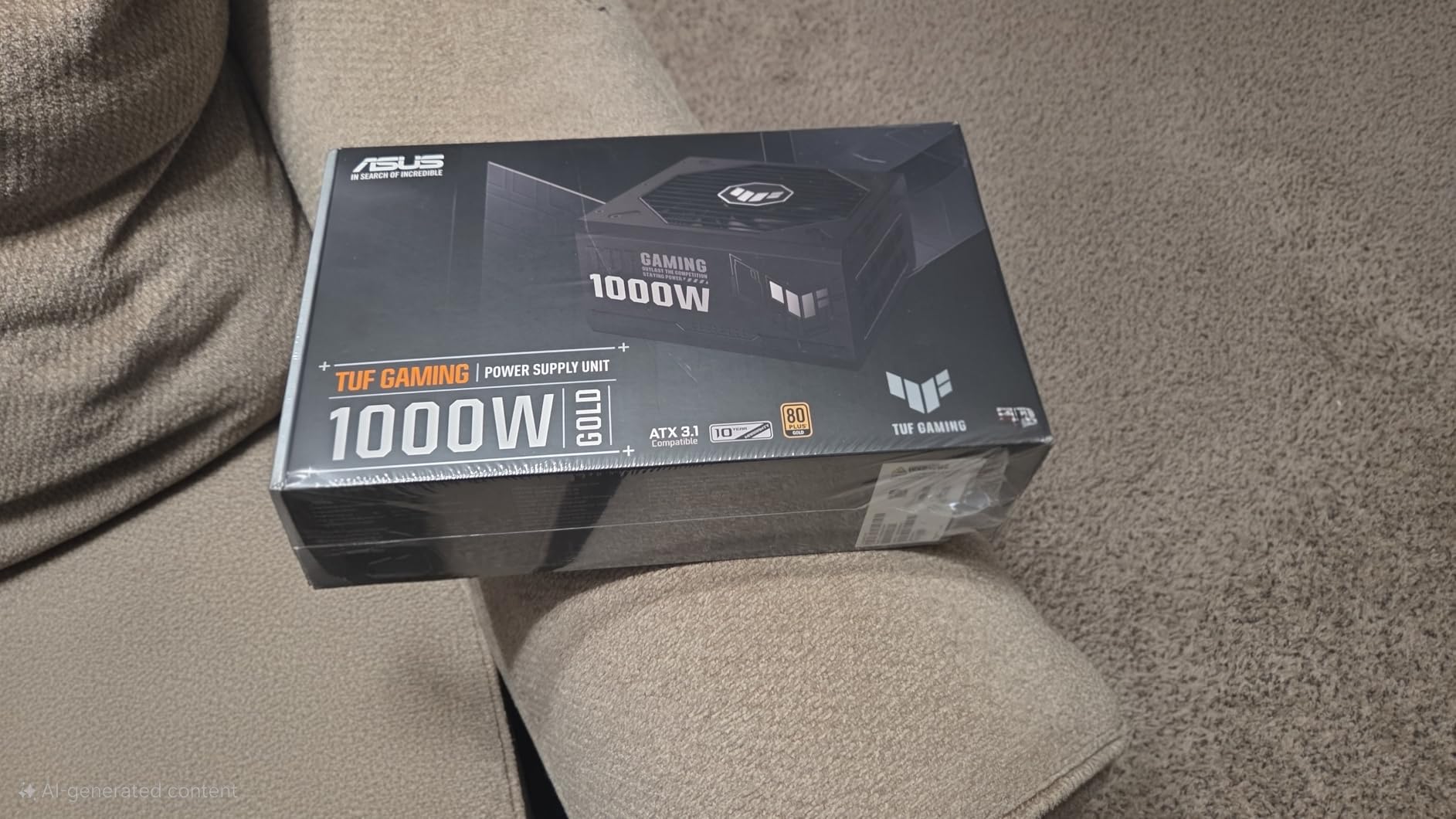
Out of the box it feels premium, with TUF-branded velcro straps and a certificate of testing. The fan uses dual ball bearings rated to last up to twice as long as a sleeve-bearing design, and a protective PCB coating guards against moisture, dust and temperature extremes.
Military-Grade Components and the PCB Coating
ASUS describes the capacitors and chokes as passing demanding tests for military-grade certification, and states plainly that the 80 Plus Gold result comes from Japanese capacitors. That is the kind of component provenance that forum builders look for when they are deciding whether to trust a lesser-known platform.
The conformal PCB coating is an underrated feature. In a gaming PC that runs warm and occasionally dusty, protecting the board from moisture ingress and temperature swings is cheap insurance that costs nothing to benefit from.
Headroom for Overclocking and Future Cards
At 1000W with a 600W-rated native GPU cable, this is the configuration to pick if you plan to overclock both CPU and GPU. A power-hungry eight-core chip plus a 5070 Ti under sustained load is exactly the draw pattern that a 1000W unit with a 600W GPU lead is designed to absorb.
Reviewers also note that the fan is off or inaudible under light load, which keeps the unit quiet during browsing and light gaming even if it is a large power supply.
Buying Notes Worth Knowing
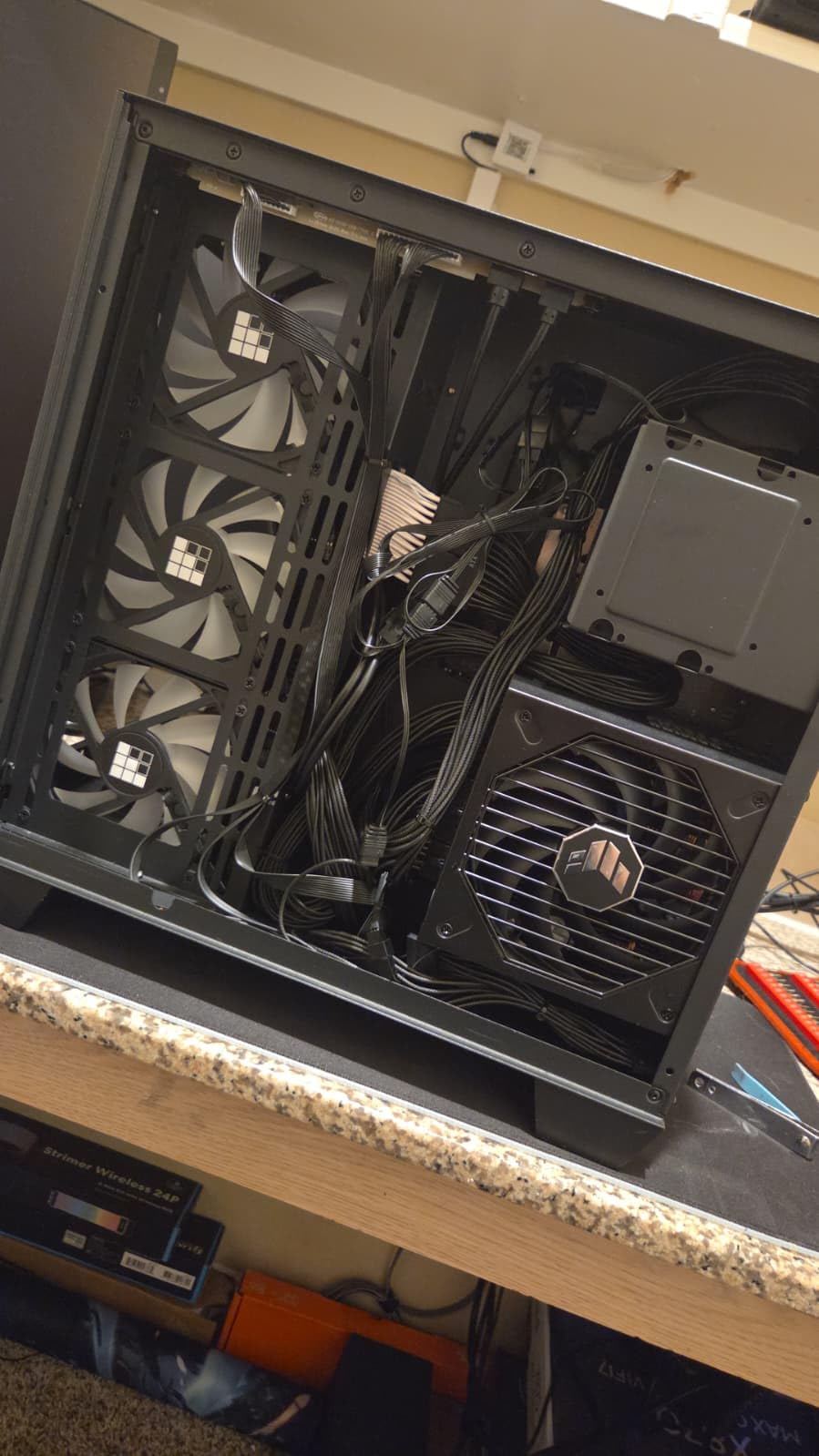
Two practical details. The unit is noticeably heavier than most competing 1000W models, which is a reminder to check that your case has the mounting hardware and clearance for it. And if you are buying a refurbished unit, check the warranty first: owners report that a 90-day term is not disclosed until the box is opened.
New, this is a dependable high-end pick with a 10-year warranty and very few complaints in the review pool.
8. Auotac S-850MZ 1000A-GR - 1000W With a 140mm RGB Fan and a Free Tool Kit
Auotac 1000W Fully Modular Power Supply, 80+ Gold PSU, ATX 3.1 & PCIe 5.1 Ready, Native Dual-Color...
1000 watts
80 PLUS Gold at 92 percent
ATX 3.1
140mm RGB fan
10-year warranty
+ Pros
- Stable DC output reported when measured with an oscilloscope
- Quiet 140mm fan with a silent mode
- Includes a PSU tester cable comb and ties
- 100 percent Japanese 105C-rated capacitors
- Cons
- RGB can conflict with other lighting hardware or motherboards
- RGB circuit may need its own dedicated header
Most 1000W supplies are the same black box, so a unit that adds a 140mm fan, ARGB lighting, and a bundled PSU tester is doing something different. Whether that is worth it depends entirely on how you build.
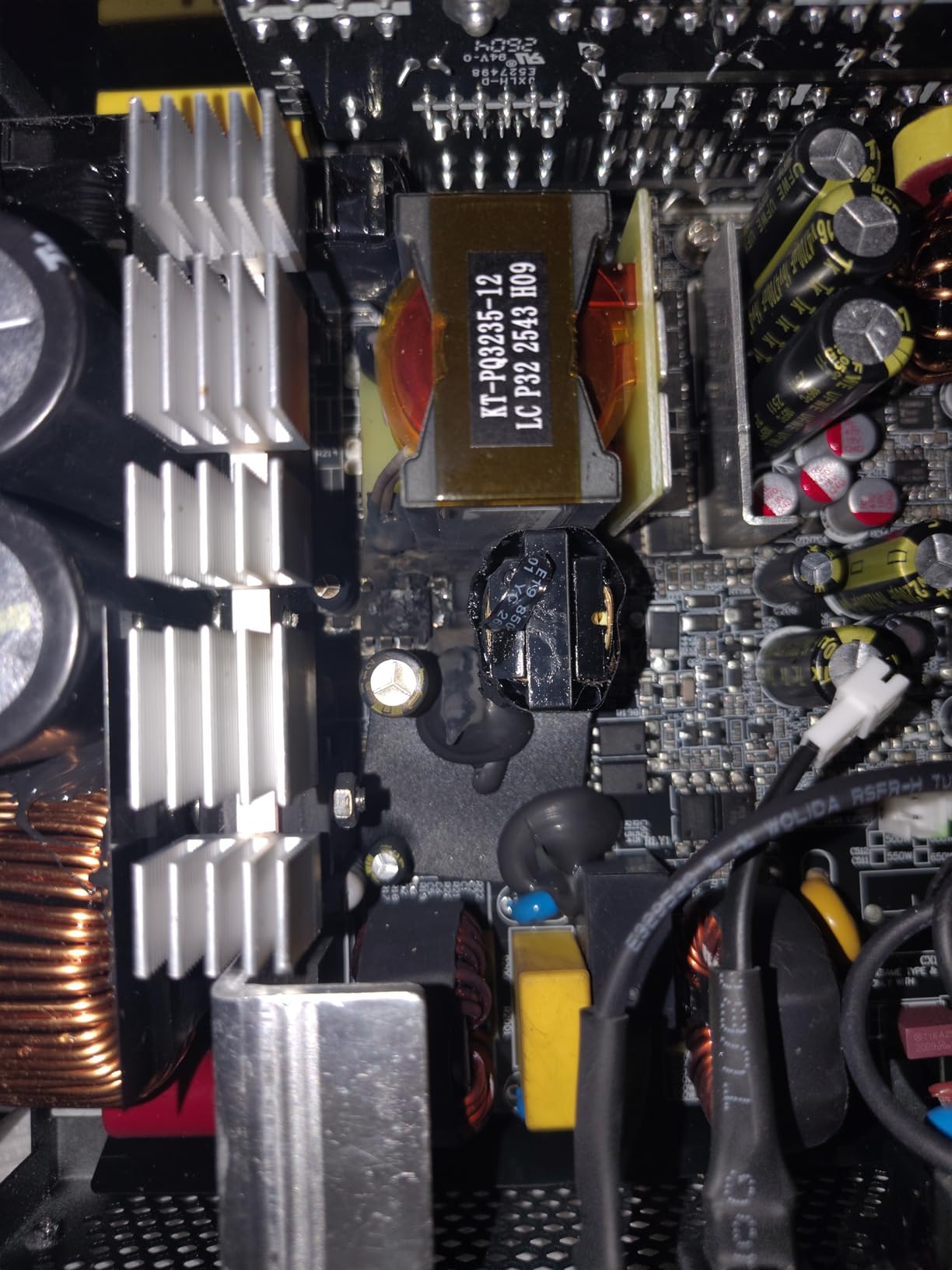
The electrical fundamentals are solid. Owners report smooth, stable DC output when they measured it with an oscilloscope, and the unit uses 100 percent Japanese-made 105°C electrolytic capacitors, which is the single most useful indicator of build quality in this category.
The 140mm fan is genuinely larger than the 120mm norm and carries a silent mode, and reviewers describe it as rarely becoming noticeable. At 150 by 150 by 86mm the chassis is compact enough to fit mainstream ATX cases without crowding the cable space.
The 140mm Fan and 92 Percent Efficiency
A larger fan spinning slower moves the same air at a lower noise level, which is the basic physics behind quiet cooling. The 92 percent efficiency figure means roughly 92 out of every 100 watts drawn from the wall reaches your components, with the rest becoming heat you have to remove from the case.
That heat reduction is not abstract. Less waste heat means a cooler interior, a cooler case, and a quieter system overall, because the fans downstream of the supply have less to do.
What the Tool Kit Actually Adds
The box includes a PSU tester, a cable management comb, and cable ties. None of these are exotic, but the tester is genuinely useful for a first build, because it confirms a suspect supply is faulty before you start pulling components out of the case.
The modular cables come in a dragon pattern, and the 12V-2x6 lead uses a yellow connector so you can confirm at a glance that it is fully seated. That small design choice removes the most common source of GPU power problems.
The RGB Trade-Off
The dominant complaint in reviews is lighting integration. Some owners report the RGB conflicting with other RGB hardware or with their motherboard, blacking out the lighting on connection, and a few note the lighting circuit may need its own dedicated header to function.
If your build is RGB, that is a solvable problem. If you want the unit to disappear inside a black case, the lighting can be switched off, but you are paying for a feature you will never use.
9. NZXT C850 Gold - Certified Quiet With Japanese Capacitors
NZXT C850 Gold ATX 3.1-850W Fully Modular Power Supply
850 watts
80 PLUS Gold and Cybenetics A- noise
135mm FDB fan
10-year warranty
+ Pros
- Complete silence below 50 percent load with Zero Fan Mode
- 12V-2x6 connector rated to 600 watts
- Cybenetics A- noise certification
- 100 percent Japanese capacitors for low ripple
- Cons
- Listed maximum input voltage of 120V
- Heaviest supply in the group at 7.8 pounds
- 850W is tight for heavily overclocked platforms
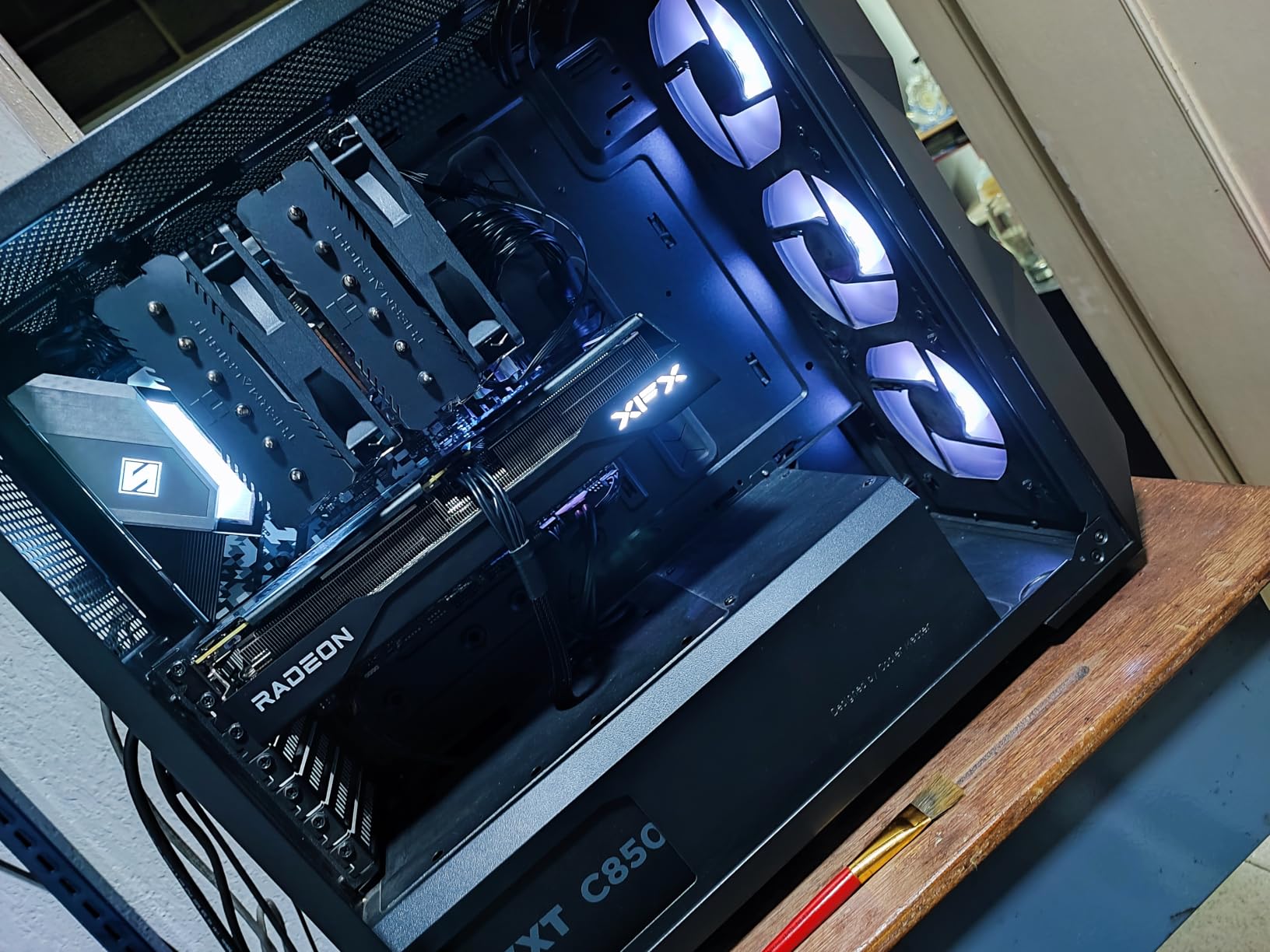
The C850 Gold is the only unit here with a formal noise certification, and that turns out to matter. A Cybenetics A- noise rating alongside Gold efficiency is a much more useful guarantee of a quiet machine than a fan size alone.
The 135mm fluid dynamic bearing fan stops completely below 50 percent load, so a desktop that is browsing or playing lighter titles makes no mechanical noise at all. Below that threshold the efficiency and noise arguments overlap and both work in your favour.
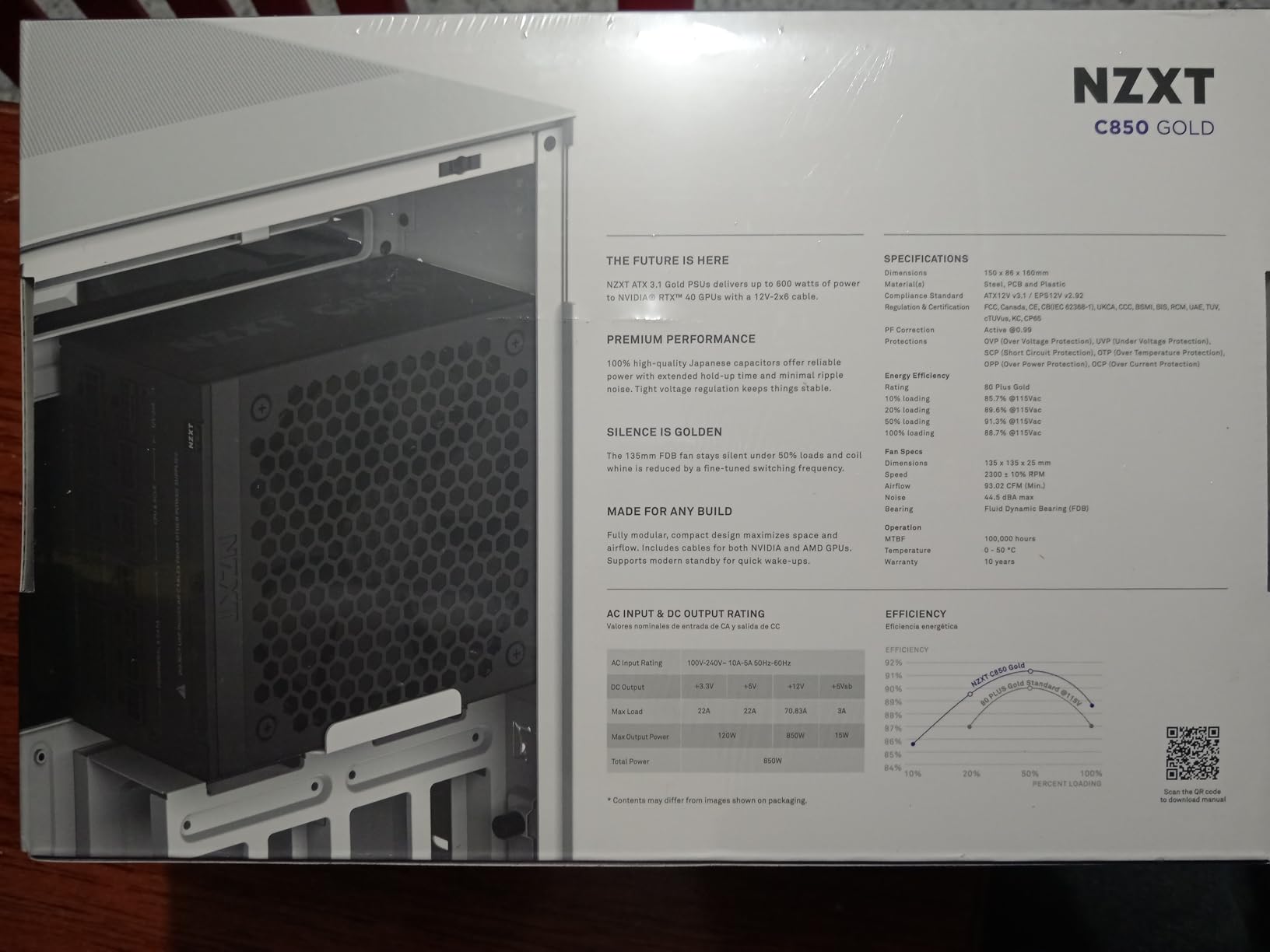
Japanese capacitors are specified for improved hold-up time and minimal ripple, which is the electrical equivalent of that noise claim: cleaner power means components behave more predictably under load, and less of that strained high-frequency whine that many builds produce.
What Hold-Up Time and Ripple Actually Do
Hold-up time is how long the unit keeps the rails stable after input power drops, and it is what prevents a restart when your wall outlet or PSU supply blips. Ripple is the small high-frequency variation on the DC output, and less of it means less stress on GPU and CPU power stages.
Neither figure is advertised by most budget supplies, which is a reasonable proxy for how much attention they paid to them. The C850 Gold is one of the few in this group that names both.
Fit, Weight and the 850W Ceiling
Two practical considerations. It is the heaviest supply in the group at 7.8 pounds, so confirm your chassis has the hardware for a heavy unit. And the listed maximum input voltage of 120V means it is not intended for 230V mains markets, which is worth checking before ordering outside North America.
At 850W, the capacity suits an RTX 5080 comfortably but runs tight for a flagship multi-GPU or aggressively overclocked platform. For a single modern card and a standard eight-core CPU, that is not a limitation.
Who This Suits
This is the quiet-build pick for someone who wants a certified noise level rather than a hopeful one, and who values Japanese component provenance. A 10-year warranty closes the argument against the shorter-warranty alternatives.
For a themed or colour-matched build, the plain black finish and clean modular cables fit most cases without competing for attention.
10. MONTECH Century II 850W - The Quiet 850W With Zero-RPM Cooling
MONTECH Century II 850W ATX 3.1 Fully Modular 80 Plus Gold Power Supply
850 watts
80 Plus Gold
135mm FDB zero RPM fan
100 percent Japanese capacitors
+ Pros
- Effectively silent with no reported coil whine
- Compact 140mm-class design
- Full protection circuitry and 10-year warranty
- 100 percent Japanese capacitors
- Cons
- Tight port spacing can make adjacent cables hard to seat
- Cable finish described as basic shiny flat black
- Silver metallic finish only
The Century II 850W earns its place on one specific strength: silence. Owners who returned three competing units over coil whine describe this one as the replacement that solved it, which is a more useful endorsement than any specification.
It pairs a 135mm fluid dynamic bearing fan with a zero-RPM mode and 100 percent Japanese capacitors, and it carries full protection circuitry across overcurrent, overvoltage, undervoltage, short circuit, over-temperature and over-power. A 10-year warranty comes with it.
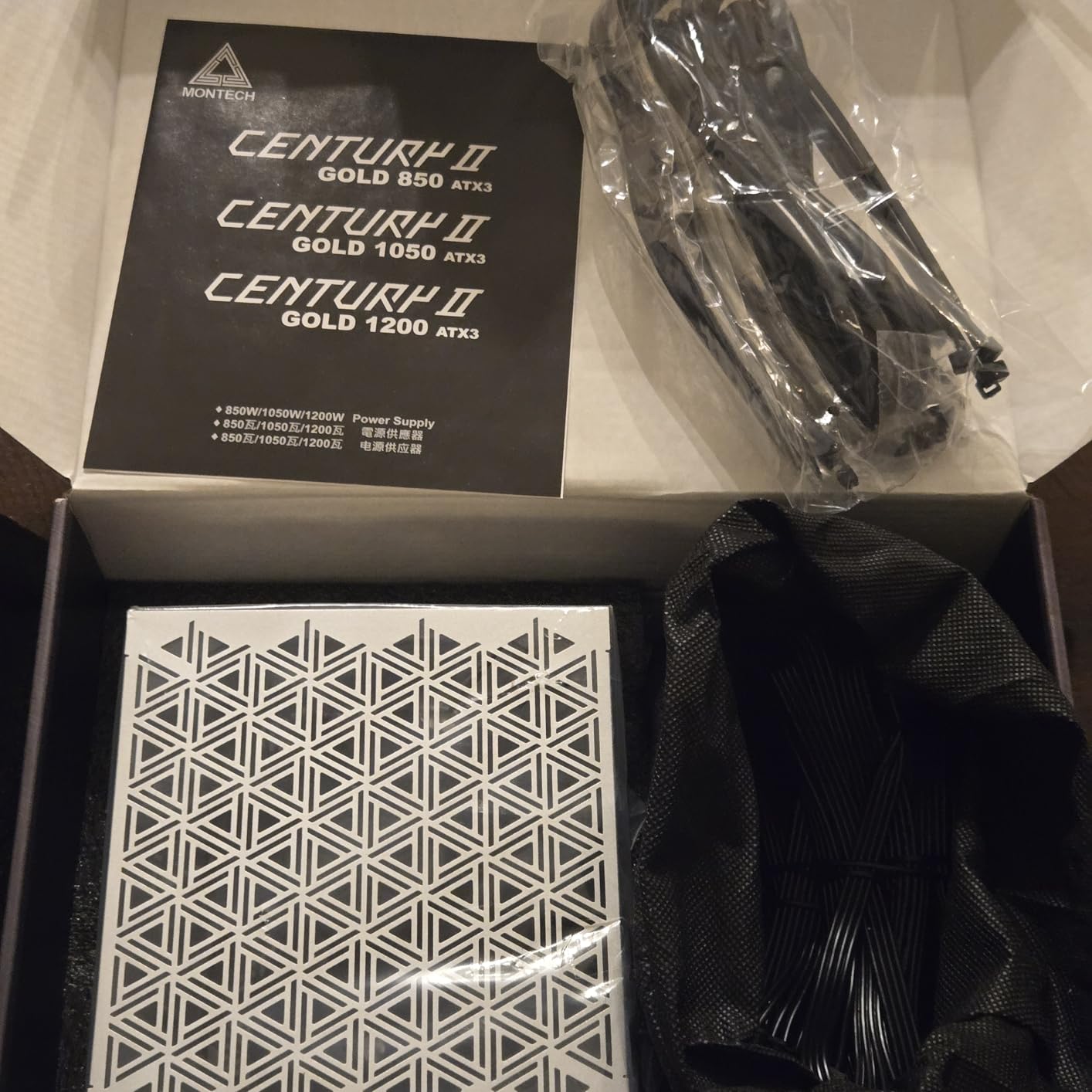
Reviewers also note independent tier-list ratings for quality, which is worth something in a category where spec sheets are often optimistic. The design is a compact 140mm-class unit that is smaller and lighter than typical in its class.
Why Coil Whine Is the Real Noise Problem
Fan noise is a design choice you can manage. Coil whine is not, because it comes from the load itself resonating through the chassis, and it is the sound people actually complain about in recording setups and quiet offices.
A supply with tighter voltage regulation and better capacitor quality produces less of it, which is why Japanese capacitors appear in the feature list of the quietest units here rather than the cheapest ones. If your build is near a microphone, this matters more than fan size.
Compact Footprint and Port Spacing
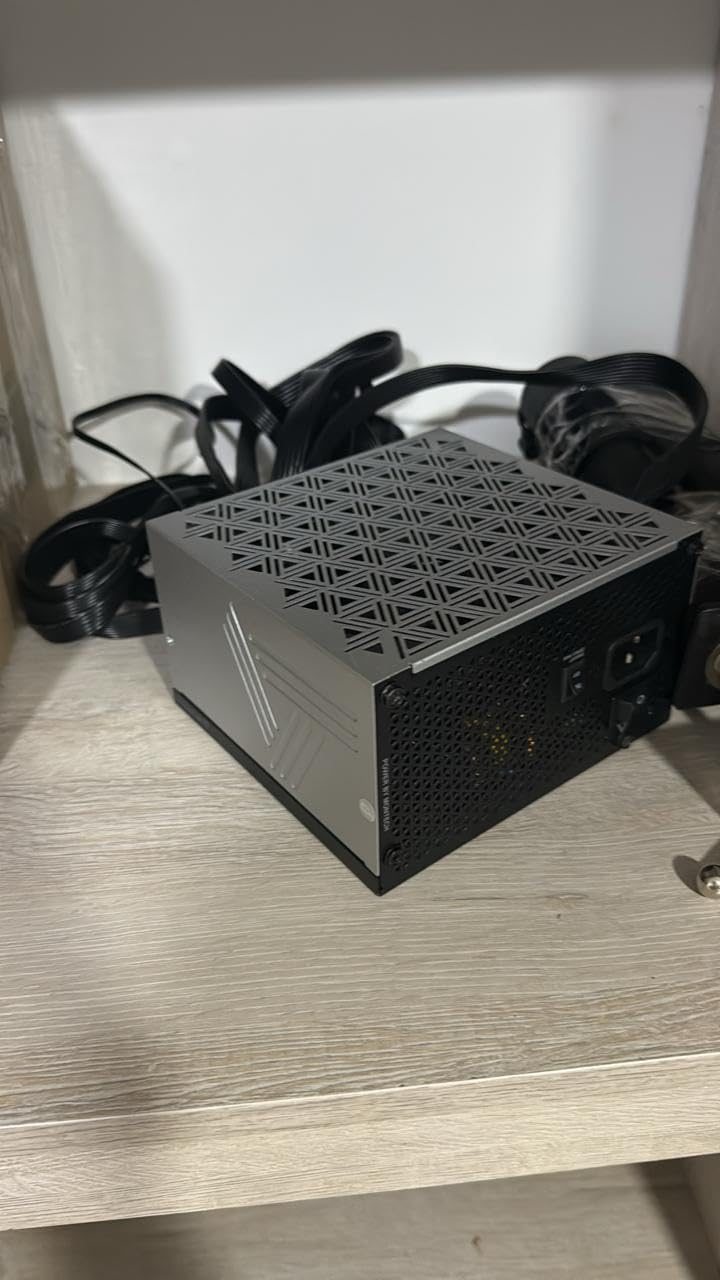
The compact dimensions mean it fits where longer 850W units will not, which matters in tighter chassis. The trade-off is tight port spacing on the body, and some owners find adjacent cables harder to seat than they should be. Plan your cable order before you push anything in.
The finish is a silver metallic rather than black, which is a matter of taste and worth checking against your case. Cable finish is described as basic shiny flat black plastic, so this is not the unit to buy for a showcase build.
Best Fit and Known Limits
If your priority is an acoustically clean, reliable 850W and you are not chasing a particular colourway, this is the pick. The protection circuitry list is the most complete we saw in this group, and the 10-year warranty matches the best on offer.
The practical limits are cosmetic. Tight port spacing, basic cable finish, and a silver-only exterior are the three complaints that come up, and none of them affect performance.
11. Thermaltake Toughpower GT 850W - The One With the Shortest Warranty
Thermaltake Toughpower GT 850W ATX 3.1 Standard Power Supply; 80 Plus Gold Efficiency; Smart Zero...
850 watts
80 PLUS Gold
ATX 3.1
450W native 12V-2x6
Smart Zero Fan
+ Pros
- Native 12V-2x6 connector rated to 450 watts
- Low-profile flat black fully modular cables
- Several owners report quiet operation with no coil whine
- White colour option for themed builds
- Cons
- Fan noise reported as ramping up aggressively
- Some owners report early shutdowns and no restart
- Sleep modes reported not functioning after install
I am including the Toughpower GT 850W because the feedback is genuinely split, and you deserve to see the split rather than a smoothed-over summary. Many buyers find it quiet, clean, and well equipped; a smaller group reports early failures.
On paper it is competitive. ATX 3.1 and PCIe 5.1 support with a native 12V-2x6 connector rated to 450W, 80 PLUS Gold efficiency at up to 90 percent, a single high-amperage 12V rail, and a fully modular cable set of low-profile flat black leads.
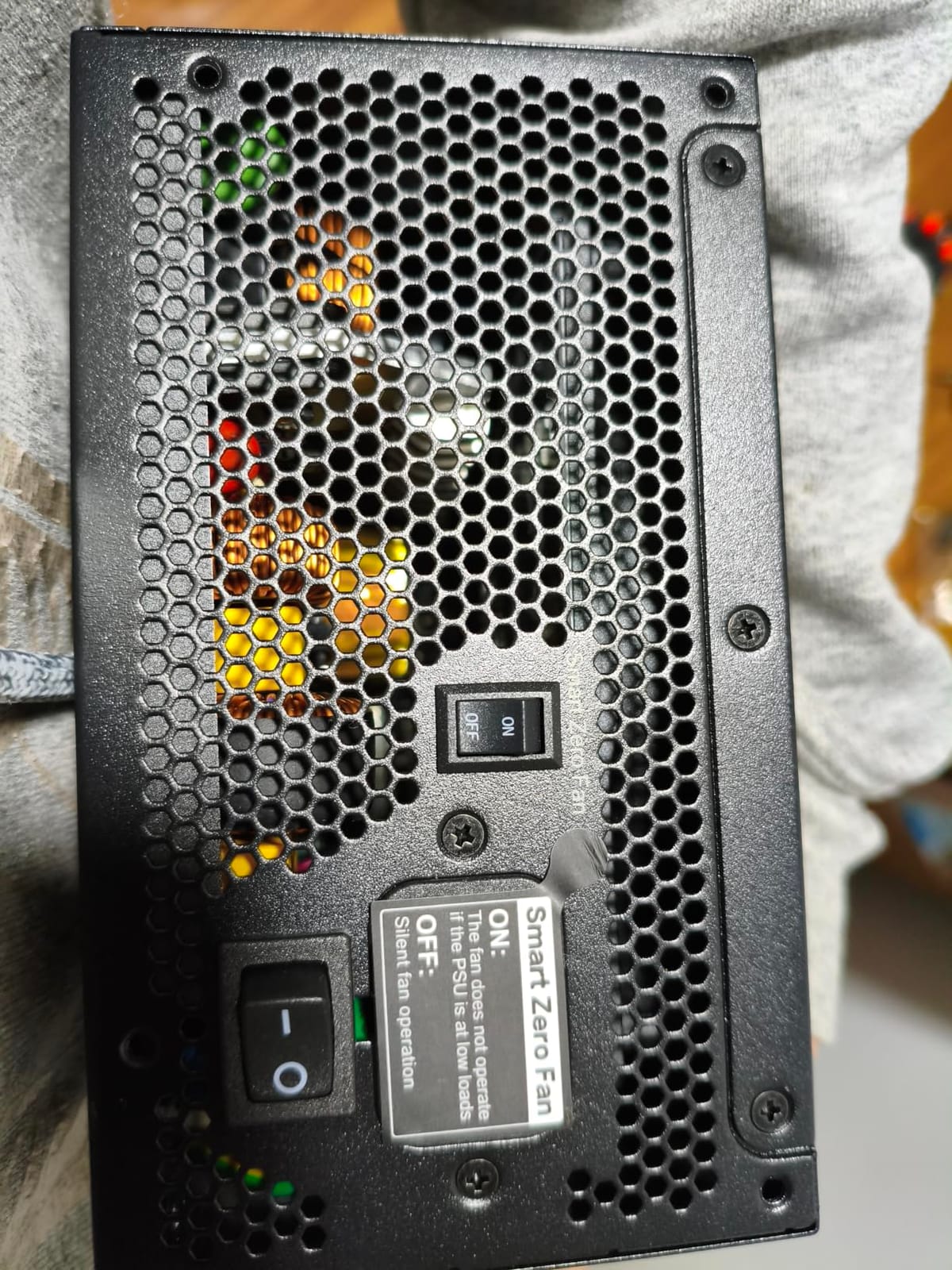
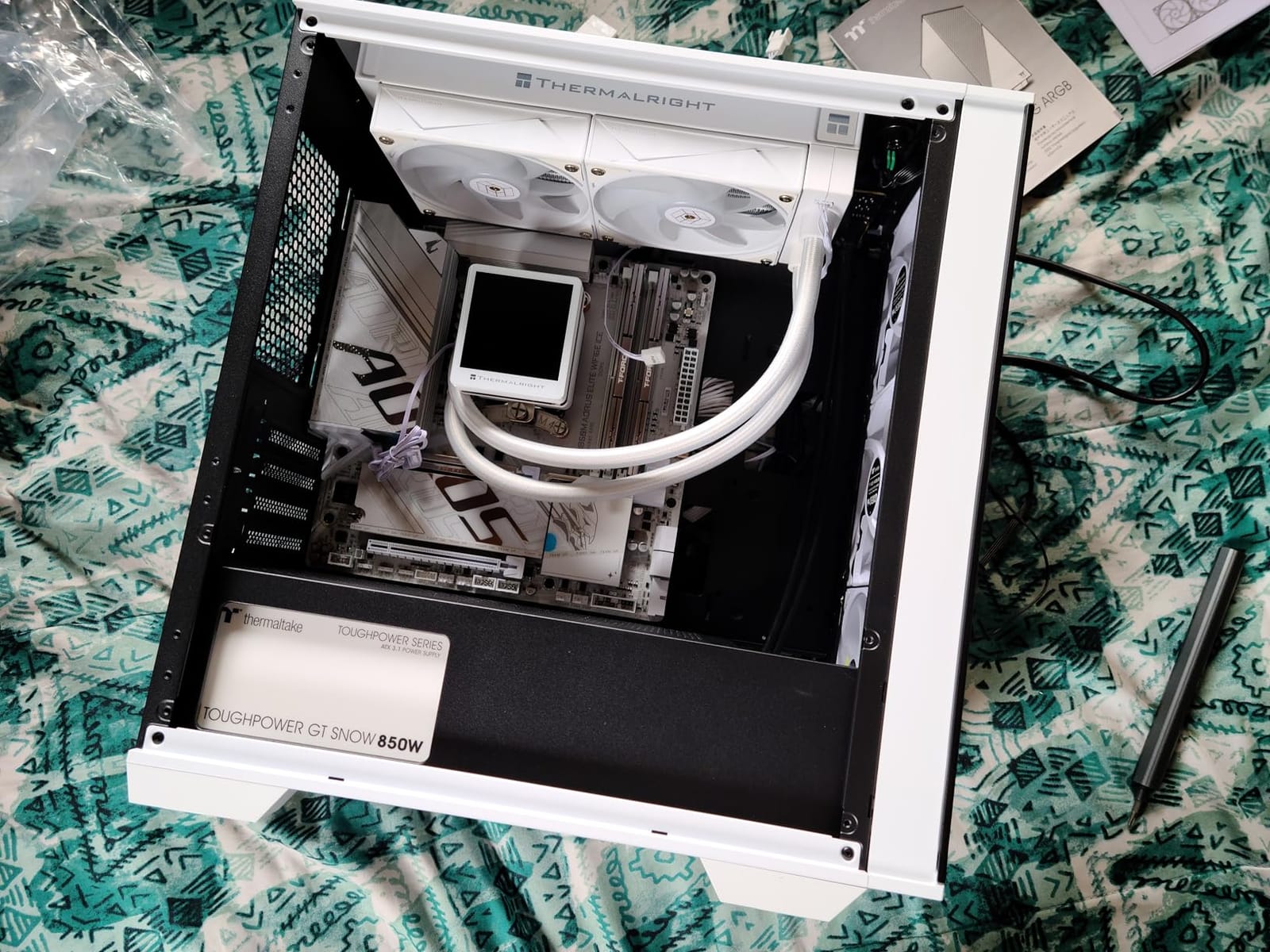
The colour options are the quietly useful part here. This is one of the few units in the group offered in white, which is why it earns a spot in a themed build where a black supply would clash with the case.
The Five-Year Warranty Problem
Warranty length is the most reliable public proxy for manufacturer confidence in a power supply, and this is the shortest in the roundup at five years. Everything else about a supply is a claim; the warranty is a contractual commitment.
That gap matters most for a high-wattage unit you intend to keep for a decade. If the same money buys a ten-year warranty elsewhere, the trade-off is harder to justify unless something else in the design specifically suits your build.
Reported Fan and Reliability Behaviour
Owners report the Smart Zero Fan technology working as intended at low load, with several describing quiet operation and no coil whine on undervolted or mid-range hardware. Others report the fan ramping up aggressively and at random under load, which is the opposite experience from the same feature.
A smaller number report sudden shutdowns and units that would not power back on after a few weeks, and some report Windows sleep modes no longer functioning after installation. One unit arrived without an AC power cord. None of these are widespread, but they are the reason the rating sits at 4.5 rather than 4.7.
Who Should Buy It Anyway
If you need a white ATX 3.1 supply with a native GPU connector and the rest of the ecosystem is black, this solves a real problem that most of this list does not. For everyone else, the longer-warranty 850W options are the safer bet.
Check that your BIOS power settings behave after installation if you plan to use sleep heavily, since that complaint appears often enough to be worth verifying early.
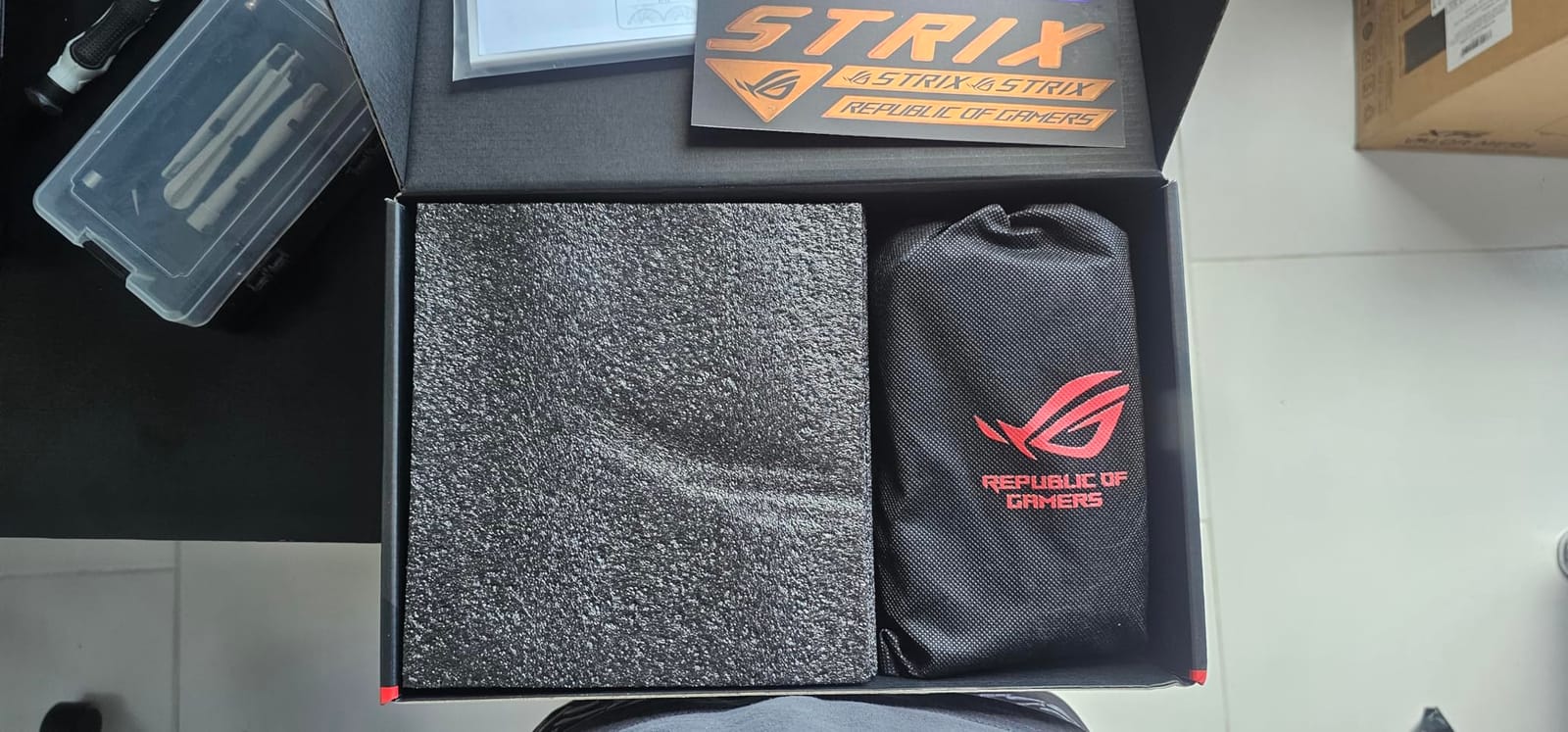
12. ASUS ROG Strix 1000W Platinum - The Highest-Rated Unit in the Group
ASUS ROG Strix 1000W Platinum (Fully Modular Power Supply, 80 Plus Platinum Certified, ATX...
1000 watts
80 Plus Platinum and Cybenetics Lambda A+
GaN MOSFET
10-year warranty
+ Pros
- Highest average rating in the roundup at 4.8
- GaN MOSFET and large ROG heatsinks for cooler quieter operation
- GPU-First voltage sensing improves delivered voltage
- 0dB fan mode during light gaming
- Dual ball bearings and 10-year warranty
- Cons
- Listed minimum input voltage of 237.6V limits 120V outlets
- Highest cost in the group
The ROG Strix 1000W Platinum is the best-rated supply here at 4.8, with 92 percent of owners giving it five stars and very few complaints in the review pool. If efficiency is the metric you care about, nothing else in this list competes.
It is certified 80 Plus Platinum alongside a Cybenetics Lambda A+ acoustic rating, which means it is measured on both axes that matter for a machine you sit next to. Platinum efficiency means less waste heat at any given load, and less heat means a quieter case.
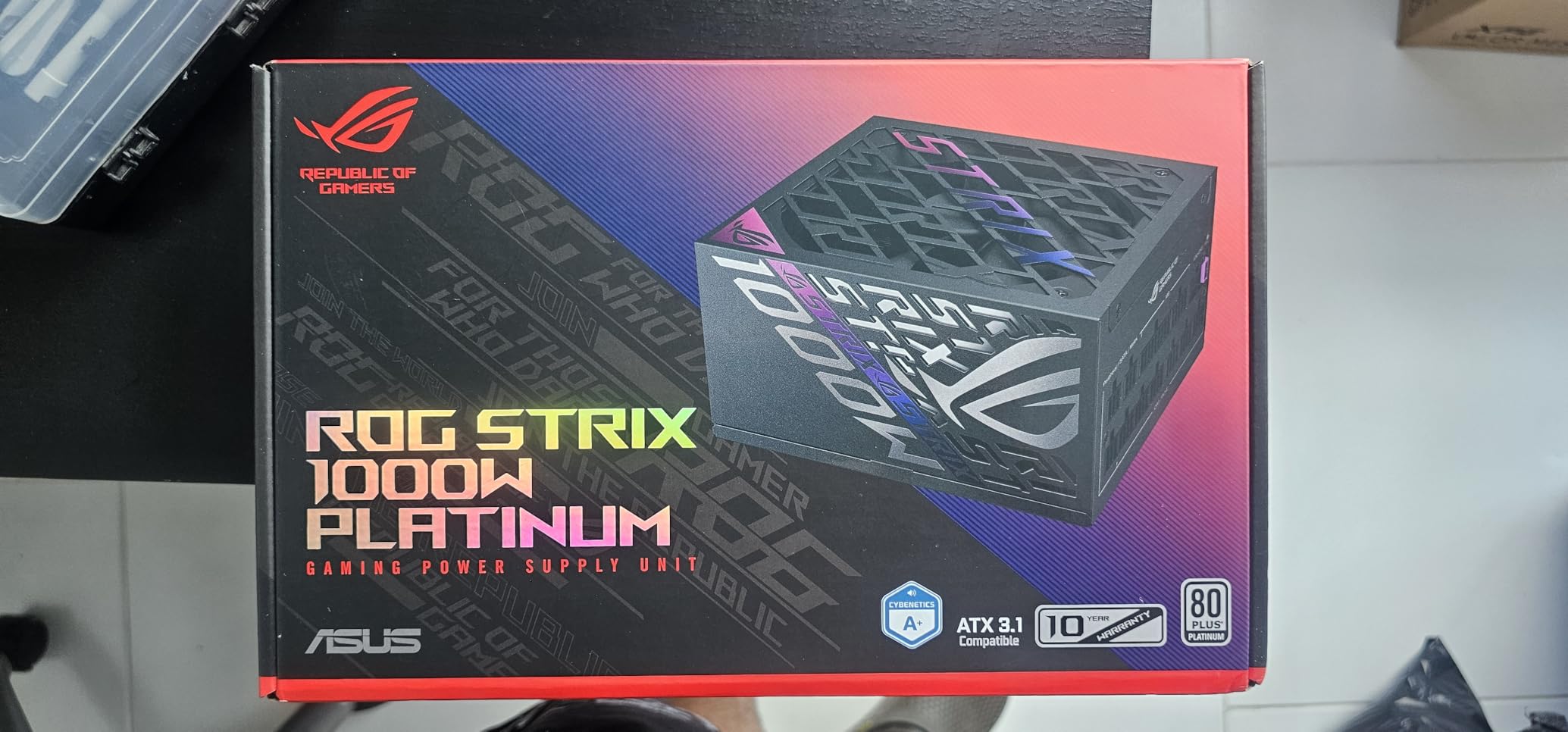
Two technologies do the heavy lifting. GaN MOSFETs deliver superior efficiency and a more organised internal layout for cooler operation, and GPU-First voltage sensing with an intelligent voltage stabilizer is designed to improve the voltage actually delivered to your graphics card, which the manufacturer puts at up to 45 percent better delivery.
GaN MOSFETs in a Gaming Context
Gallium nitride transistors switch faster and lose less energy as heat than conventional silicon designs. In a 1000W supply that translates to an internal layout with more room around the hot components, which is why the large ROG heatsinks can cool it without the fan ever needing to spin up.
That is not a spec-sheet abstraction. A supply that dissipates less heat passively stays quiet under load, and 0dB technology keeps the fan off entirely during light gaming.
GPU-First Voltage Sensing
Most supplies regulate voltage at the PSU output. GPU-First sensing measures at the graphics card end and corrects for the drop along the cable run, which is the same principle as a voltage drop compensation on a long high-current cable. Better delivered voltage means steadier clocks under load.
Dual ball fan bearings are rated to last up to twice as long as sleeve-bearing designs, and the 10-year warranty is among the longest available at 1000W.
Check Your Mains Voltage First
The published minimum input voltage of 237.6V is a genuine limitation on a standard 120V household outlet, and it is the one practical issue to resolve before buying. Check the specification against your local mains supply, because the efficiency gains are wasted if the unit will not run properly in your house.
The cost also places it at the top of this group, which narrows the argument to builds where a 1000W Platinum supply is specifically what you wanted rather than a happy accident.
Power Supply Buying Guide
A power supply is the one component in a gaming PC that fails catastrophically rather than gradually. When a unit goes, it frequently takes the motherboard, the graphics card, and every drive attached with it. That asymmetry is why the buying decisions below matter more than they look.
How Much Wattage Do You Need?
Add your GPU's power draw, your CPU's thermal design power, roughly 150W for drives, fans, and expansion cards, then multiply the total by 1.3. The multiplier is for transient spikes, and it is the step that separates a supply that holds steady from one that trips protection during a game load.
Beyond that, apply the one-tier-up rule if you expect a graphics card upgrade within three years. Forums consistently recommend it, and the reasoning is sound: you can add a bigger card to a bigger supply, but you cannot add headroom to a supply that is already at its limit.
Is ATX 3.1 Worth It in 2026?
Yes, for any build with a modern graphics card. ATX 3.1 tightens the tolerance a supply must hold during microsecond-scale load transitions and adds the 12V-2x6 connector. Every unit in this roundup is ATX 3.1 and PCIe 5.1 ready.
The practical reason is connector reliability. Early 16-pin implementations had a reputation for overheating at the joint, and redesigning the connector with better contact sensing is the direct fix. If your graphics card has a native 16-pin power input, buy a supply that includes the matching cable.
12VHPWR Versus 12V-2x6: Do You Need an Adapter?
12V-2x6 is the revised version of the earlier 12VHPWR connector, with improved contact detection designed to prevent the insertion problems the original suffered from. If your supply has a native 12V-2x6, you do not need an adapter for any current card.
Adapters still work, but they add a failure point at exactly the joint that is already under the most current. If your card also accepts traditional 6+2-pin PCIe connectors, running two or three of those from a modern supply is a perfectly reasonable alternative for a 500W-class card.
80 PLUS and Cybenetics Tiers: What Is Worth Paying For
80 PLUS measures efficiency at a handful of fixed load points; Cybenetics measures across a wider range and also certifies acoustic performance. Both are meaningful, and units carrying both certifications give you the most complete picture.
Gold is the sensible target for a gaming PC. Platinum and Titanium reduce heat and fan noise but the difference in your electricity bill over a decade is small for a typical system. Bronze-rated units from a reputable platform are acceptable; Bronze units from an unknown brand are not, and community consensus is that any quality Bronze beats a cheaply made Gold.
Modular Versus Non-Modular Cabling
Fully modular means every cable detaches, semi-modular means the essential ones do, and non-modular means you are routing a bundle of permanent extras. For a first build, fully modular is worth the small premium because it removes unused cables that would otherwise sit in the chassis generating heat.
One warning that almost no roundup makes clearly: modular cables are not interchangeable between power supplies. The pinouts differ even between units of the same wattage, and forcing a mismatched cable can destroy the supply and everything attached to it. If you need a replacement cable, source it from the same manufacturer and model.
If you are weighing portable power for a trip rather than a build, our picks for the best power banks for backpacking and the best waterproof power banks cover a related but very different problem.
Noise, Fan Size and Semi-Passive Operation
Fan size is a proxy for noise, not a guarantee. A 135mm or 140mm fan spinning slowly moves the same air more quietly than a 120mm fan at speed, which is why the two largest-fan units in this group are also two of the quietest.
Semi-passive or zero-RPM modes stop the fan entirely under light load, which makes an idle desktop completely silent. NZXT specifies a threshold of 50 percent load; the MONTECH and be quiet! units behave similarly. A numeric noise certification, such as the NZXT's Cybenetics A-, is a stronger guarantee than a marketing phrase.
Warranty Length as a Reliability Proxy
A manufacturer will not offer a ten-year warranty on a unit it expects to fail. Warranty length is the most honest reliability signal available to a buyer who cannot test voltage ripple and hold-up time themselves, and it is the number I weight most heavily after wattage.
Ten years is where the good units in this category sit. Seven years is acceptable. Five years is a warning, particularly on a high-wattage unit. Three years should be avoided regardless of how good the specification sheet looks.
What to Avoid
Never mix modular cables between two different power supplies, and never use a laptop power brick as a desktop substitute. Do not oversize dramatically; running a 1000W supply at a steady 20 percent load pushes it into a less efficient band and shortens component life.
Do not ignore the OEM platform behind the badge. Several brands in this category design their own platform and others rebadge a unit built by a different manufacturer, and the difference in component quality is not always visible from the outside. Warranty length is the best proxy you have for which category you are in.
Finally, do not assume the symptom means the GPU. Crashes on idle-to-load transitions with no artefacts, and boot errors demanding all PCIe power cables be connected, are both reported regularly by users whose actual fault was the supply. Check the rails before you blame the expensive part.
Power Supply FAQs
How many watts do I need for a gaming PC?
Most gaming PCs need 750W to 850W. A 1080p or 1440p build with a mid-range card and a six- or eight-core processor sits comfortably on 750W. A 5070 Ti or RTX 5080 with a power-hungry eight-core CPU wants 850W. An RTX 5090 build needs 1000W as a minimum. Add GPU draw plus CPU draw plus about 150W overhead, then multiply by 1.3 for transient spikes.
Which is better for my PC, a 750W or 850W power supply?
For most mid-range and high-end single-GPU builds in 2026, 850W is the better buy, and the step up is rarely expensive. 750W is the right call only when your graphics card draws 220W or less and you have no plans to upgrade. If you might change graphics card within three years, buy 850W now rather than replacing a smaller unit later.
Should I get 850W or 1000W for an RTX 5090?
Get 1000W. A 575W-class card paired with a hot flagship processor can sit near 700W sustained before case fans and drives are counted, and transient excursions on top of that are what ATX 3.1 units are tested to absorb. An 850W supply can work if you are not overclocking anything, but 1000W is the correct answer for a flagship build.
Is ATX 3.1 mandatory in 2026?
It is not mandatory, but it is the right choice for any build with a modern graphics card. ATX 3.1 tightens the tolerance a supply must hold during microsecond-scale load transitions and adds the 12V-2x6 connector, which has improved contact detection over the earlier 12VHPWR design. Every unit in this roundup is ATX 3.1 and PCIe 5.1 ready.
How long does a power supply last, and when should I replace it?
A quality unit from a reputable brand typically runs a decade or more, and the warranty length is the best public predictor of expected life. Replace it if the system resets or shuts down under GPU load, if you get boot errors demanding PCIe cables be connected, if you hear buzzing or grinding from the fan, or if you see visible discoloration. Do not reuse modular cables from an old unit with a new one.
Is 80 Plus Gold enough for a gaming PC?
Yes. 80 PLUS Gold is the sensible target for a gaming PC in 2026, and community consensus favours a quality Gold unit from a reputable brand over a cheaper Bronze from an unknown one. Platinum and Titanium reduce heat and fan noise further, but the difference in running costs over a decade is small for a typical system. Check that the unit also carries a Cybenetics certification where possible.
Which Gaming PC Power Supply Should You Buy?
Start with wattage. If your graphics card is a 220W-class part and you have no upgrade planned, an MSI MAG A750GL at 750W covers you with a 10-year warranty behind it. If you are running a 5070 Ti or RTX 5080, move up to 850W, and that is where the MSI MAG A850GL takes the top spot on warranty length, review volume, and clean modular cabling.
For a flagship card, the choice is between silence and efficiency. The be quiet! Pure Power 13 M 1000W is the quietest option with semi-passive zero-RPM cooling, and the ASUS ROG Strix 1000W Platinum is the most efficient and the highest-rated in the group. Overclockers should look at the ASUS TUF Gaming 1000W Gold for its 600W-rated native GPU cable, and RGB builders will find what they need in the Auotac 1000W with its 140mm ARGB fan.
Above all, match the tier to the hardware, buy the longest warranty on offer, and never mix modular cables between power supplies. If you are still weighing portable power options for a trip, our guide to the best jump starter power packs covers that side of things.
Last updated for October 2026. We update this list whenever a unit's warranty terms, connector specification, or owner feedback pattern changes.