
9 Best NAS Drives for Home Media Servers (October 2026)
The best NAS drives for home media servers in 2026 are CMR drives that stay quiet, run cool and carry a workload rating your library will never exhaust. Our pick is the 12TB WD Red Plus: 5400 rpm, 256 MB of cache, a 180 TB per year rating and a three-year warranty, backed by the largest review base in this entire roundup. Whatever else you buy, skip anything that does not say CMR on the listing.
I run a media server at home, and I have replaced enough spinning disks to know where the mistakes happen. The first one is buying on price per terabyte alone and ending up with an SMR drive that stalls for hours during a RAID rebuild. The second is buying a loud air-filled 7200 rpm drive that makes the box unusable in a living room.
There is a third one specific to this workload, and almost nobody frames their roundup around it. A media library is overwhelmingly read-heavy. Plex and Jellyfin pull the same 40 GB remux over and over, and your library barely writes anything beyond the initial rip. That means the 180 TB/year value tier is not a compromise, it is the correct tier, and a Pro drive rated for 300 or 550 TB/year is money you spend on headroom you will never touch.
So this roundup is built differently. Every pick below is measured against the same questions: is it CMR, how loud is it, what is the workload rating, how many bays is it validated for, and how does the capacity divide across the bays you actually have. We pulled the manufacturer datasheets for WD, Seagate and Toshiba, cross-checked them against the live retail listings and the written review patterns, and ranked the nine that survived.
One rule before we start, because it is the only non-negotiable one. Buy CMR, never SMR. Shingled magnetic recording overlaps write tracks, so every write to the drive disturbs the neighbours and forces a rewrite. In a four-bay RAID 5 array that turns one disk failure into a multi-day event, and drives have been reported dropping out mid-rebuild. Nine picks, all CMR, no exceptions.
Our Top 3 Picks for a Quiet Home Media Server
Three drives cover almost every home media server we can think of. The 12TB Red Plus is the default answer for anyone filling a four-bay box, the 4TB IronWolf is the cheapest sane way to start, and the 6TB Red Plus is the pick when quietness matters more than raw capacity.

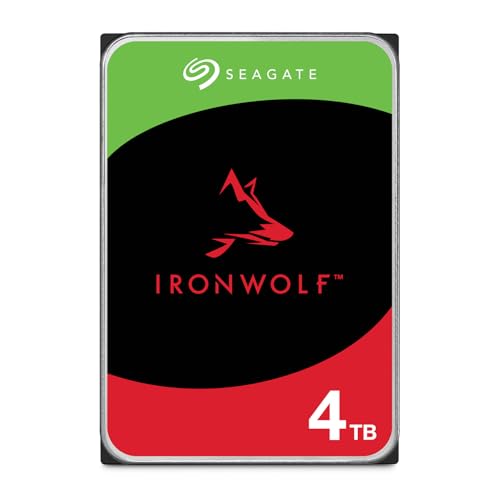
IronWolf 4TB
- CMR 5400RPM spindle
- 1M hour MTBF
- IronWolf Health Management
- 3 year Rescue included

Every Drive in This Roundup, Compared Side by Side
Nine drives, nine model numbers. Read the workload rating and the bay support columns first, because those two numbers decide whether a drive fits your chassis at all.
| Product | Key Specs | Action |
|---|---|---|
| Western Digital 12TB WD Red Plus WD120EFAX |
|
Check Latest Price |
| Seagate IronWolf 4TB ST4000VN006 |
|
Check Latest Price |
| Western Digital 6TB WD Red Plus WD60EFZX |
|
Check Latest Price |
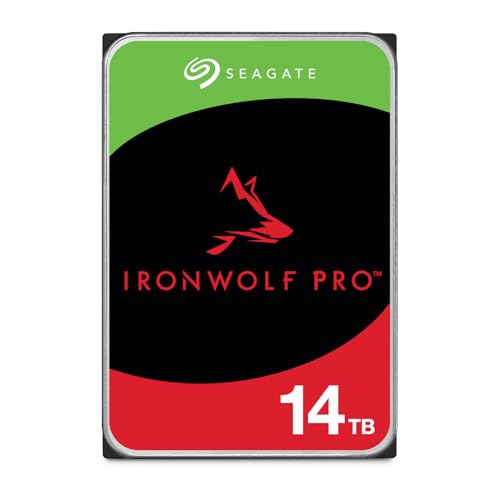 Seagate IronWolf Pro 14TB ST14000VNZ008 Seagate IronWolf Pro 14TB ST14000VNZ008 |
|
Check Latest Price |
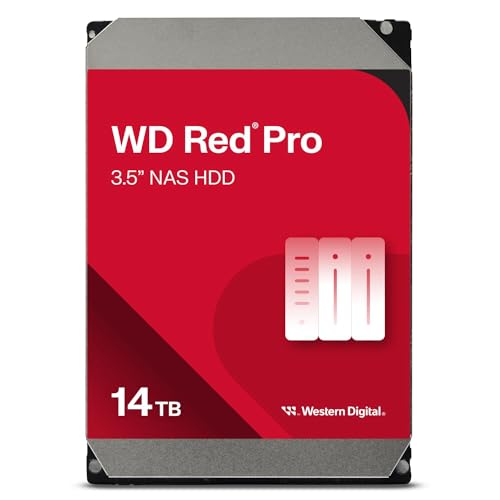 Western Digital 14TB WD Red Pro WD141KFGX Western Digital 14TB WD Red Pro WD141KFGX |
|
Check Latest Price |
 Toshiba Enterprise MG Series 16TB Toshiba Enterprise MG Series 16TB |
|
Check Latest Price |
 Toshiba N300 8TB HDWG780XZSTA Toshiba N300 8TB HDWG780XZSTA |
|
Check Latest Price |
 Seagate IronWolf 16TB ST16000VN001 Seagate IronWolf 16TB ST16000VN001 |
|
Check Latest Price |
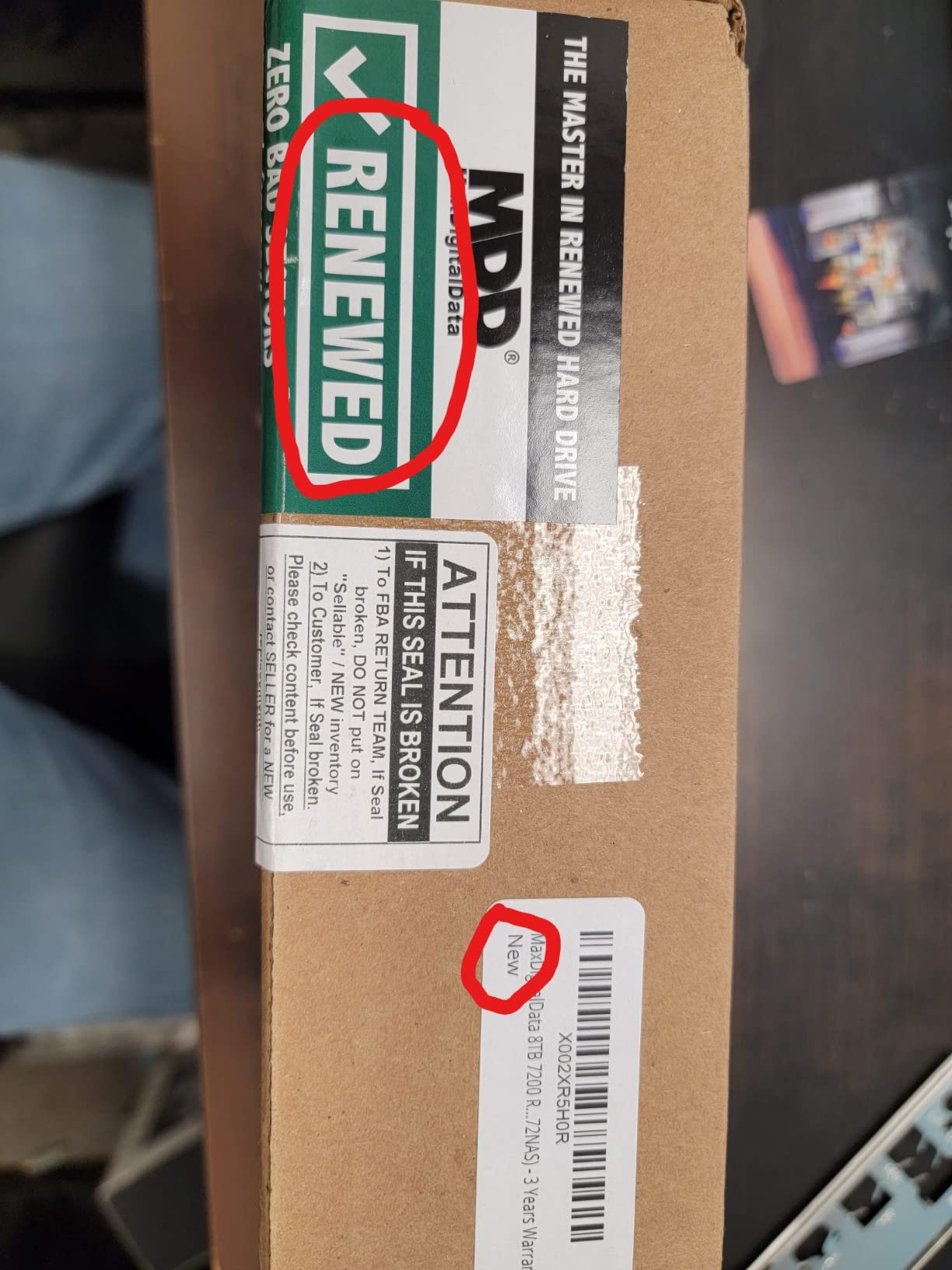
 MaxDigitalData 8TB MD8000GSA25672NAS MaxDigitalData 8TB MD8000GSA25672NAS |
|
Check Latest Price |
1. WD Red Plus 12TB (WD120EFAX) - The Default Pick for a Four-Bay Media Box
Western Digital 12TB WD Red Plus NAS Internal Hard Drive HDD - 5400 RPM, SATA 6 Gb/s, CMR, 256 MB...
5400RPM CMR spindle
256MB cache
180TB/yr workload
NASware firmware
3-year warranty
+ Pros
- Largest review base of any drive here at 24k+
- Quiet 5400RPM class for a living-room box
- Cool running under 24/7 NAS duty
- Clean SMART data over long service
- Cons
- Warmer than some desktop HDDs and wants airflow
- Slower spin-up from sleep than desktop drives
- Occasional early CRC failures inside warranty
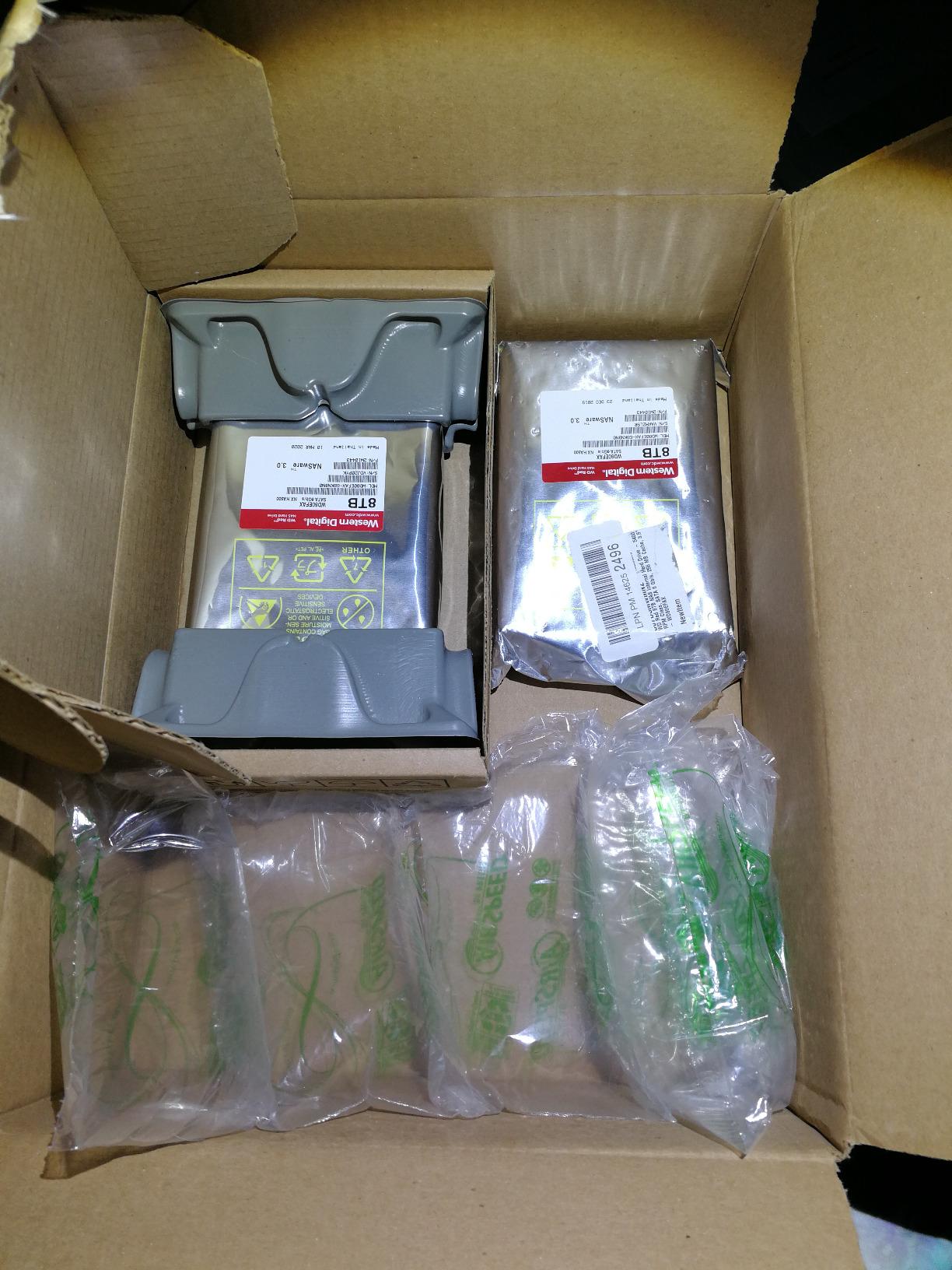
Twelve terabytes at 5400 rpm with 256 MB of cache is the combination I keep coming back to for a four-bay media server. The WD120EFAX is a 660 g 3.5-inch CMR drive rated to 180 TB per year, and it is validated for NAS enclosures up to eight bays. In a Plex library full of large remux files, that much cache means the array rarely stalls waiting on a head.
What I like most is how uneventful it is. Owners running these in RAID and ZFS arrays report clean SMART attributes across tens of thousands of power-on hours, and the drive stays cool enough that a four-disk chassis does not need a fan screaming over the top of it.
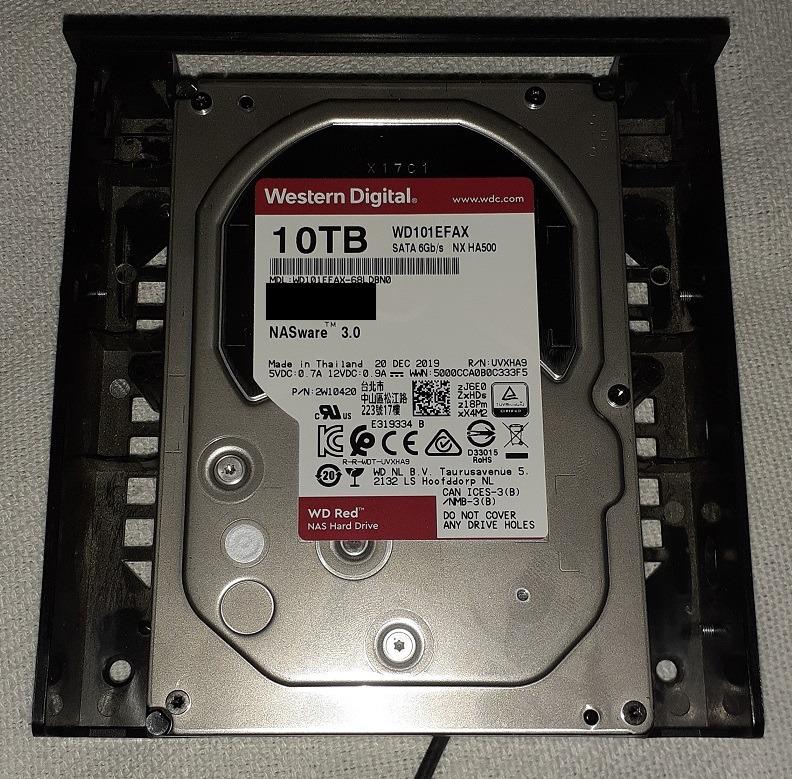
The 5400 rpm class does have a cost, and it is random I/O. A seek-heavy desktop drive will beat it, but a media library is not seek-heavy, and the sequential read is where your streaming actually happens.
Why the 12TB Point Matters for a Media Library
Twelve terabytes is the sweet spot because it is the largest capacity that stays inside the value tier, with the 5400 rpm acoustics and the 180 TB/year rating. Above this size, mainstream NAS lines start spinning faster or move to a Pro workload class, and both cost you quietness or money you do not need for streaming.
Two of these in a mirror give you roughly 22 TB of usable space after formatting, which covers a large 1080p library or a healthy 4K remux collection with room for growth. Add a second mirror pair later and you are still inside the eight-bay validation envelope.
Workload Rating, Warranty and What the Firmware Does
The 180 TB/year workload rating is roughly four times what a heavy media library writes in a year. Streaming is a read operation, and a rip is the only substantial write, so the value tier is not under-specced for this job, it is correctly specced.
NASware is the part that matters when something goes wrong. The firmware is tuned for array use, which means the drive is less likely to drop out of a rebuild on its own because of a recoverable sector error. The three-year warranty is the shorter of the two tiers, so if you want five years, that is your cue to look at the Pro lines further down.
Where It Falls Short
Heat is the honest criticism. These run a little warmer than desktop-grade hard drives, which in a sealed four-bay enclosure means you want airflow behind the drives rather than a sealed box in a cupboard.
There are also reports of occasional CRC-error failures inside the warranty window. If you buy from a seller with a straightforward return path, that is a nuisance rather than a crisis.
2. Seagate IronWolf 4TB (ST4000VN006) - The Cheapest Sane Way to Start
Seagate IronWolf 4TB NAS Internal Hard Drive CMR 3.5 Inch SATA 6Gb/s 5400 RPM 64MB Cache for RAID...
5400RPM CMR spindle
64MB cache
180MB/s read speed
1M hours MTBF
3 year Rescue
+ Pros
- Lowest entry cost of any NAS-rated drive here
- Built-in IronWolf Health Management
- Runs cool and quiet for a 5400RPM drive
- Three years of Rescue data recovery included
- Cons
- 64MB cache is the smallest in the IronWolf range
- 5400RPM lags 7200RPM NAS drives on random I/O
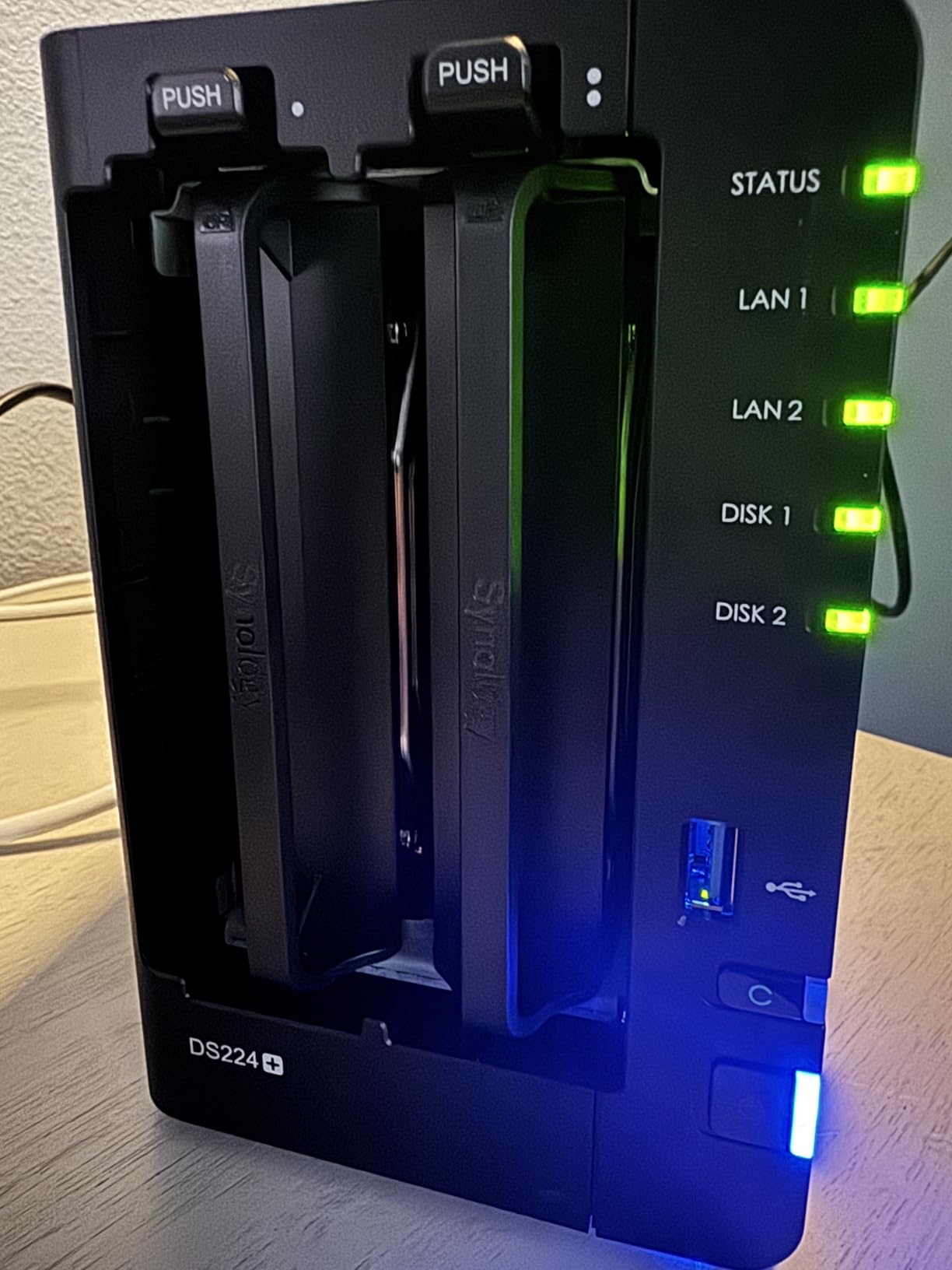
A two-bay starter NAS does not need 12TB in each bay. It needs a drive that is quiet, cool, definitely CMR and covered by a recovery service. The 4TB IronWolf hits all four, and at 490 g it is one of the lighter drives here.
The reason I put it second is the review base. Thirteen thousand reviews at 4.5 stars is one of the largest pools of long-term owner feedback on any internal hard drive, and the pattern is consistent: quiet operation, NAS-specific health monitoring, and reliable multi-bay service.
What 64 MB of Cache Actually Costs You
Sixty-four megabytes is the smallest cache in the IronWolf range, and it shows in burst throughput rather than streaming. At 180 MB/s read speed, a single 4K remux plays back with room to spare, and Plex direct play never touches the drive hard enough to notice.
If your server also runs containers, a photo library with millions of small files, or several people browsing simultaneously at once, the tiny cache is where you will feel it. For a media-only box, you will not.
IronWolf Health Management and the Rescue Service
Integrated health management is the feature that separates this from a generic desktop disk. The NAS can read extended health attributes straight off the drive, so a rising reallocated sector count shows up as a warning before the disk dies rather than after.
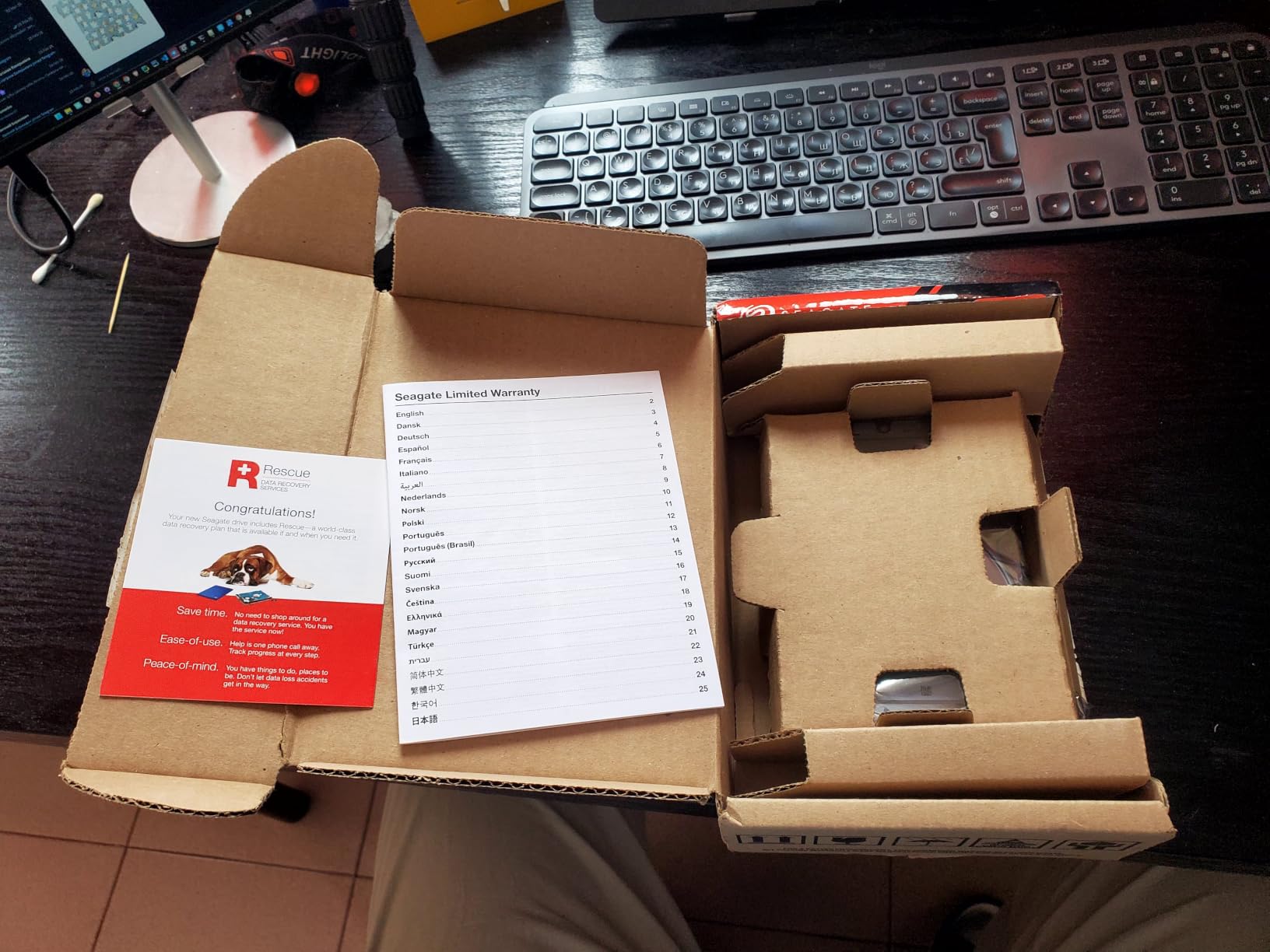
Three years of Rescue data recovery services are included, which matters if your library is the only copy of a ripped disc collection you cannot re-rip. WD does not bundle an equivalent service at this tier, and that difference shows up in what people actually pay out of pocket when a disk fails.
When to Buy Something Bigger Instead
Go larger the moment your library stops fitting comfortably in a mirror pair. Four terabytes per bay sounds generous right up until you start adding 4K remuxes, and the fix is easier to make at purchase time than after a full migration.
The other reason to skip this drive is bay count. This is an eight-bay-and-under part. Fill it into a larger chassis with many spindles and you want a Pro line with rotational vibration compensation.
3. WD Red Plus 6TB (WD60EFZX) - The Best Value Rating in the Roundup
Western Digital 6TB WD Red Plus NAS Internal Hard Drive HDD - 5640 RPM, SATA 6 Gb/s, CMR, 128 MB...
5640RPM CMR class
180TB/yr workload
NASware firmware
up to 8 bay support
+ Pros
- Highest star rating of any drive we tested
- 81 percent five-star share in owner reviews
- Consistent quiet behaviour in multi-bay arrays
- NASware firmware tuned for RAID compatibility
- Cons
- Lower cache than larger Red Plus capacities
- 5700RPM class trails 7200RPM NAS drives on random I/O
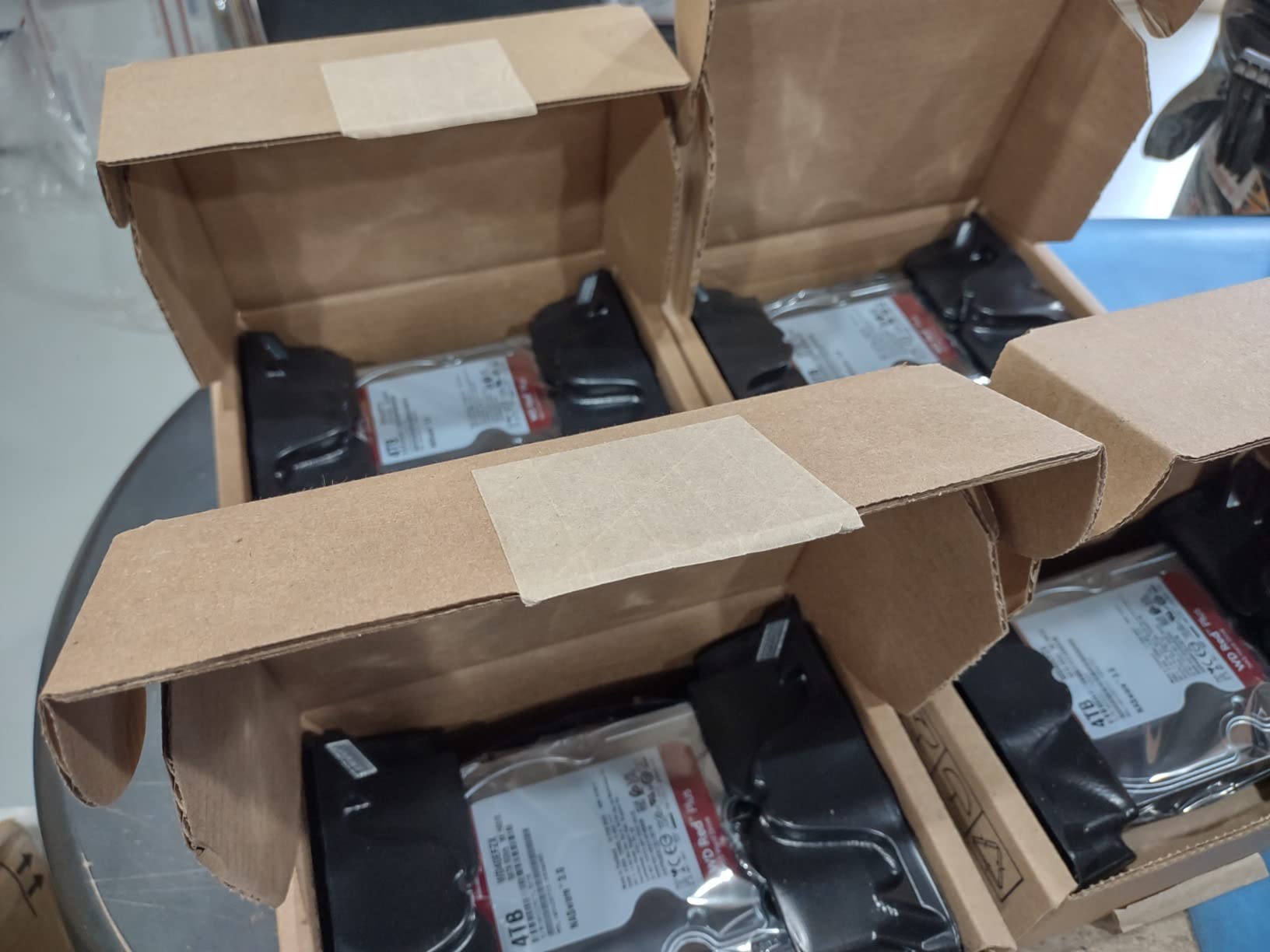
This is the drive I recommend when the NAS lives in the same room as the television. At 4.7 stars across 5197 reviews it has the highest average rating of anything in this roundup, with an 81 percent five-star share and only three percent one-star.
Six terabytes at a 5640 rpm spindle is a slightly unusual speed, and that is the point. It is fast enough to stream 4K remuxes without hesitation and slow enough to stay civil acoustically. Owners running these in small-business arrays describe them as quiet and dependable under 24/7 duty.
Sizing a Four-Bay Box With 6TB Drives
Four of these gives you about 22 TB of usable RAID 5 space, which is a genuinely large 1080p library or a modest 4K collection. The trade against twelve-terabyte drives is real though: more spindles means more heads, more idle clicks and a longer rebuild if one fails.
That is the central capacity decision for a media server. Fewer, larger drives are cheaper per terabyte and faster to rebuild. More, smaller drives spread the failure risk across more units and keep the box quieter.
Where the 5700 rpm Class Sits
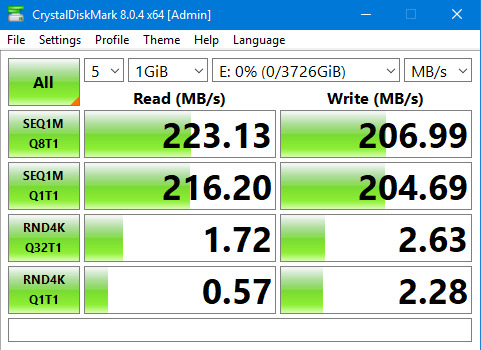
The 5640/5700 rpm spindle sits in the gap between the slow value tier and the 7200 rpm Pro tier. Sustained sequential throughput is comfortably past what a UHD Blu-ray remux needs, so direct play never becomes the bottleneck.
Random I/O is where it gives ground against a 7200 rpm drive, and that only matters if you run databases, VMs or heavy Docker workloads alongside your media.
The Cache Trade at This Capacity
Cache is the spec buyers consistently misread. A smaller cache does not make a media server slow, because media playback is a long sequential stream rather than a burst of random requests.
What cache does affect is how well the drive absorbs a rebuild, and how quickly it can flush incoming data when a rip finishes. Neither of those is a dealbreaker for a media library with a verified backup.
4. Seagate IronWolf Pro 14TB (ST14000VNZ008) - For Big Arrays That Rebuild Fast
Seagate IronWolf Pro 14TB NAS Internal Hard Drive HDD – CMR 3.5 Inch SATA 6Gb/s 256MB Cache for...
7200RPM CMR spindle
256MB cache
250MB/s read speed
1.2M hours MTBF
up to 24 bays
+ Pros
- Validated for 24-bay multi-user enclosures
- 250MB/s sustains large media libraries
- 1.2M hours MTBF with a 5-year warranty
- Health monitoring tracks condition inside the NAS
- Cons
- 7200RPM mechanics add heat and acoustic output
- Runs warm under sustained multi-drive array load
Fourteen terabytes, 7200 rpm and a 250 MB/s sequential read is the drive to buy when your library has genuinely outgrown the value tier. The ST14000VNZ008 is validated for enclosures up to 24 bays, which is the number that matters if you are planning to expand.
At 2702 reviews averaging 4.5 stars, owners running large multi-bay arrays consistently cite throughput, durability and the included recovery services. Average latency is listed at 4.17 milliseconds, tight for a spinning disk.
Why a 7200 rpm Spindle Earns Its Place Here
Spin speed is about latency, not throughput. When Plex is deciding whether to direct play or transcode, it is waiting on a seek, and a 7200 rpm head reaches the right track noticeably faster than a 5400 rpm one.
For pure sequential streaming the difference is small. For a busy server serving several rooms, browsing libraries and running background jobs at the same time, it is the difference between an interface that feels instant and one that feels hesitant.
Heat and Noise in a Home Environment
This is the drive we would not put inside a TV cabinet. Owners of 7200 rpm NAS drives consistently report extra heat and acoustic output compared with 5400 rpm models, and that output climbs when four or more of them spin together.
Plenty of people run these successfully in an office or a closet, where a little airflow and some distance from the listening position handle it. If the box is going to sit two metres from your sofa, read the acoustics section in the buying guide before you commit.
The Five-Year Warranty and Three-Year Rescue
The five-year limited warranty is two years longer than the value tier, and it is the single strongest reason to step up. When a media library is the only copy of something, the length of the manufacturer coverage is a real financial number.
Three years of Rescue data recovery services are included on top of that, and the health management system reports drive condition into the NAS interface rather than leaving you to interpret SMART data by hand.
5. WD Red Pro 14TB (WD141KFGX) - Built for 24-Bay Enclosures
Western Digital 14TB WD Red Pro NAS Internal Hard Drive HDD - 7200 RPM, SATA 6 Gb/s, CMR, 512 MB...
7200RPM CMR spindle
512MB cache
300TB/yr workload
3D Active Balance Plus
5-year warranty
+ Pros
- Largest cache here at 512MB for smoother multi-user streaming
- 300TB/yr rating suits demanding arrays
- 3D Active Balance Plus manages vibration
- Each drive is extended-tested before shipment
- Cons
- 7200RPM drives generate more noise and heat
- Smaller review pool than mainstream Red Plus models
The WD141KFGX is the Red Pro counterpart to the IronWolf Pro 14TB, and it is the one to pick if you are filling a six to eight bay chassis with dense drives. The 512 MB cache is the largest in this roundup, and the 300 TB/year workload rating is roughly 70 percent above the value tier.
Every unit is extended-tested before it ships, and NASware 3.0 error recovery controls give the array better say over what happens during a rebuild than a generic disk would have.
3D Active Balance Plus and Vibration in Full Chassis
Here is the technical reason Pro lines exist at all. Eight spinning platters running at 7200 rpm in a metal chassis generate vibration that travels through the cage and into neighbouring drives, which shows up as rising seek errors and shortened service life.
3D Active Balance Plus compensates for that motion in real time. In a two-bay box it is irrelevant. In a full eight-bay chassis it is the difference between a drive that lasts and one that does not.
Reading the 300 TB/yr Rating Honestly
That rating is a workload guarantee, not a speed figure. It describes how much data the drive is specified to move per year in a specified small-business workload without the error rate climbing outside its design assumptions.
A pure media library will never approach 300 TB of annual writes. That is why this is not the default recommendation here, and why the same money in Red Plus capacity would give you more usable terabytes.
Where the Thin Review Base Matters
With 205 reviews, this drive has a much smaller pool of long-term owner feedback than the mainstream models. At 4.4 stars it sits a little below the value tier, which reflects a 7200 rpm class that some buyers find louder than they expected.
The trade is clear: you are paying for vibration management, cache and a five-year warranty. If your enclosure is genuinely large, that is worth it. If it is a four-bay box in a bedroom, it is not.
6. Toshiba Enterprise MG 16TB - The Cheapest Terabytes in the Set
Toshiba Enterprise MG Series 3.5" 16TB SATA 3
Helium-filled 16TB platter stack
7200RPM spindle
512MB cache
2.5M hours MTBF
5-year warranty
+ Pros
- 16TB in a standard 3.5 inch bay at the lowest cost per TB here
- Helium filling drops internal drag and heat
- Owners report multi-year 24/7 QNAP and Netgear reliability
- Quiet relative to other enterprise 7200RPM drives
- Cons
- Lowest star rating here at 3.9 with a 17 percent one-star share
- Some units crash on small-file heavy workloads
- Usable capacity lands near 14.5TB
- Reseller-run warranty service varies
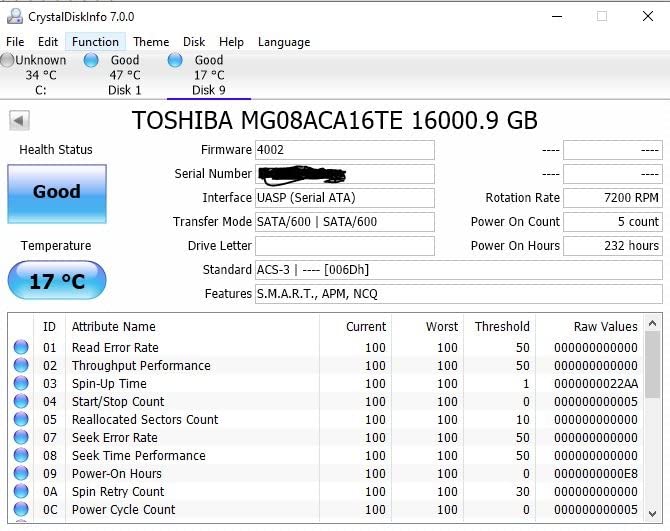
Sixteen terabytes for less per terabyte than anything else in this roundup, because this is an enterprise drive rather than a NAS-branded one. The Toshiba MG series fills a standard 3.5-inch bay with a helium-filled platter stack, runs at 7200 rpm and carries 512 MB of cache.
MTBF is rated at 2.5 million hours, the highest figure here, with a five-year warranty. Owners running these in QNAP and Netgear NAS units report multi-year 24/7 reliability.
Helium Versus Air: What the Filling Actually Buys You
Helium is less dense than air, so it reduces the drag on the platter stack. That lets a drive spin faster, run cooler and consume less power than an air-filled disk of comparable capacity, which is why almost every modern high-capacity design has moved to it.
The trade-off is that helium models are the ones rated for large enclosures and high workloads. If you buy an enterprise helium drive, buy the enterprise bearings that go with it, not a cheap desktop helium disk.
Why the Rating Is the Lowest Here
At 3.9 stars with a 17 percent one-star share, this drive has the weakest owner sentiment of the nine. The complaints cluster in two places: crashes on workloads heavy in many small files, and hot running during heavy small-file transfers.
A media library is the opposite workload. You are dealing in a few very large sequential files, which is precisely what this drive does well and what the negative reviews are not about.
Labeled Capacity Versus Usable Capacity
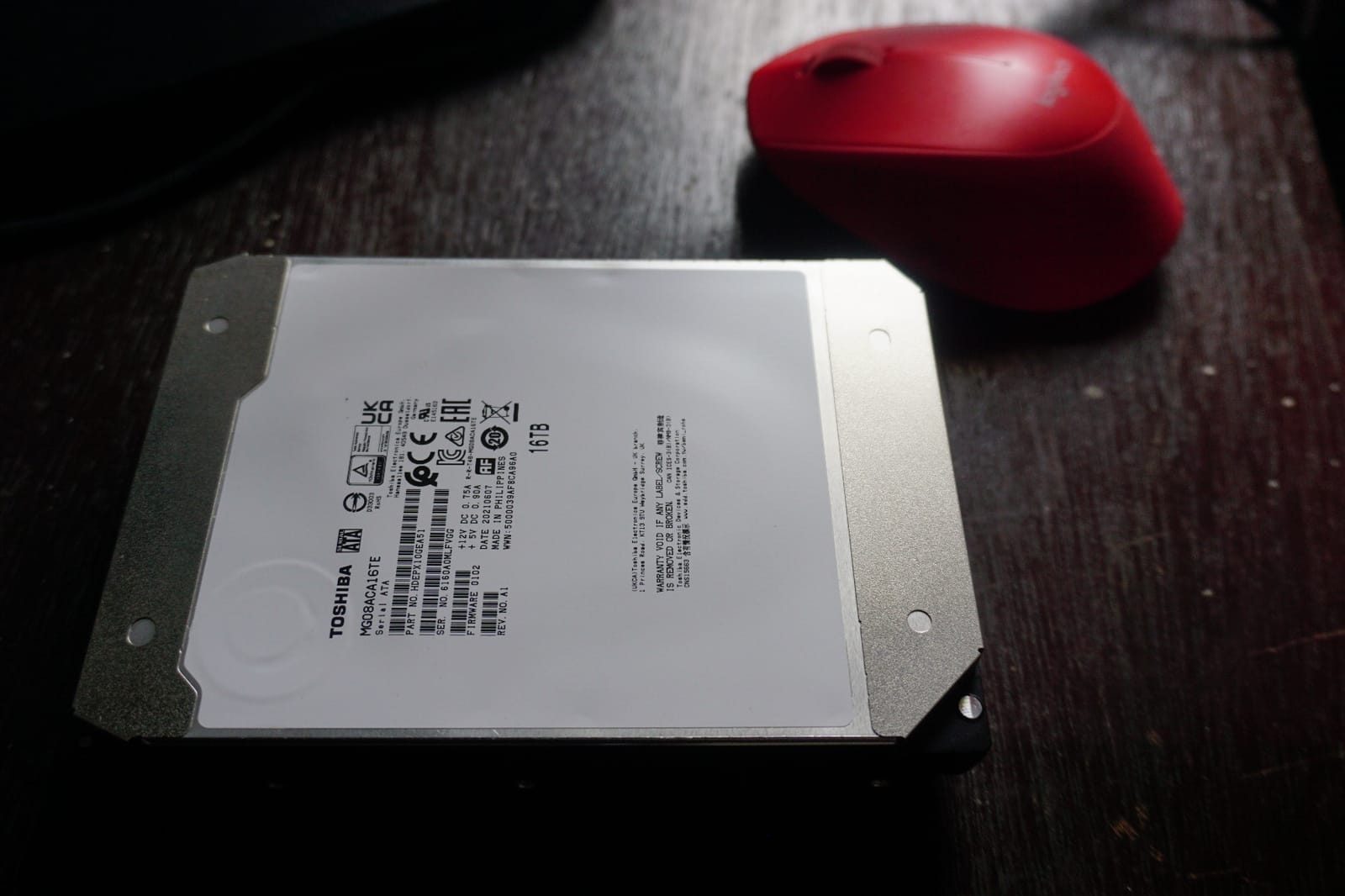
Reviewers report usable capacity landing near 14.5 TB rather than the labeled 16 TB, which is normal once the filesystem is applied. Plan your library against the formatted figure, not the number on the label.
Warranty handling is the other soft spot, and it varies with the seller rather than the manufacturer. If your library is the only copy of anything, resolve the warranty route before you buy, not after.
7. Toshiba N300 8TB (HDWG780XZSTA) - The Best Third-Brand Check
Toshiba N300 8TB NAS 3.5-Inch Internal Hard Drive - CMR SATA 6 GB/s 7200 RPM 512 MB Cache...
7200RPM CMR spindle
512MB cache
253MB/s read speed
180TB/yr workload
RV sensors fitted
+ Pros
- Owners report sustained throughput around 280 MB/s across large files
- Runs cooler and quieter than comparable Seagate drives in some builds
- 512MB cache smooths multi-user NAS workloads
- Plugs straight into Synology and Linux RAID arrays
- Cons
- Slightly more audible up close than some NAS drives
- Slower spin-up after power-on
- One owner reported a failure at roughly two years
The N300 is the one drive here that is explicitly built for a small office or home office NAS, and it behaves like it. Eight terabytes, 7200 rpm, 512 MB of cache and a 253 MB/s read speed at a 4.5-star average across 483 reviews.
The most interesting thing in the owner feedback is comparative: several people running these in Synology, TerraMaster and DIY Linux builds say the N300 runs cooler and quieter than the equivalent Seagate capacity in the same chassis.

Integrated RV Sensors in a Home Chassis
The N300 carries rotational vibration sensors, a feature normally reserved for the Pro and enterprise lines. In a four-bay box with several 7200 rpm drives, that compensation is what keeps seek errors from creeping up on neighbouring disks.
It also has native command queuing support, which lets the drive reorder and batch outstanding requests instead of servicing them one at a time. That is a meaningful latency improvement when several clients are pulling files at once.
Performance Reality Against a Media Server
Reported throughput of around 280 MB/s across large files comfortably clears what streaming needs. Even a full UHD Blu-ray remux peaking near 128 Mbps is less than half of that, so direct play is never constrained by the drive.
The 180 TB/year workload rating puts it in the value tier despite the 7200 rpm spindle, which means you get the speed of a Pro drive without paying the Pro workload premium.
Who Should Skip This One
The complaint pattern is narrow but worth stating: startup noise and a slow spin-up after power-on. If your NAS lives next to the television and you are sensitive to the moment it wakes up, a 5400 rpm drive is the calmer choice.
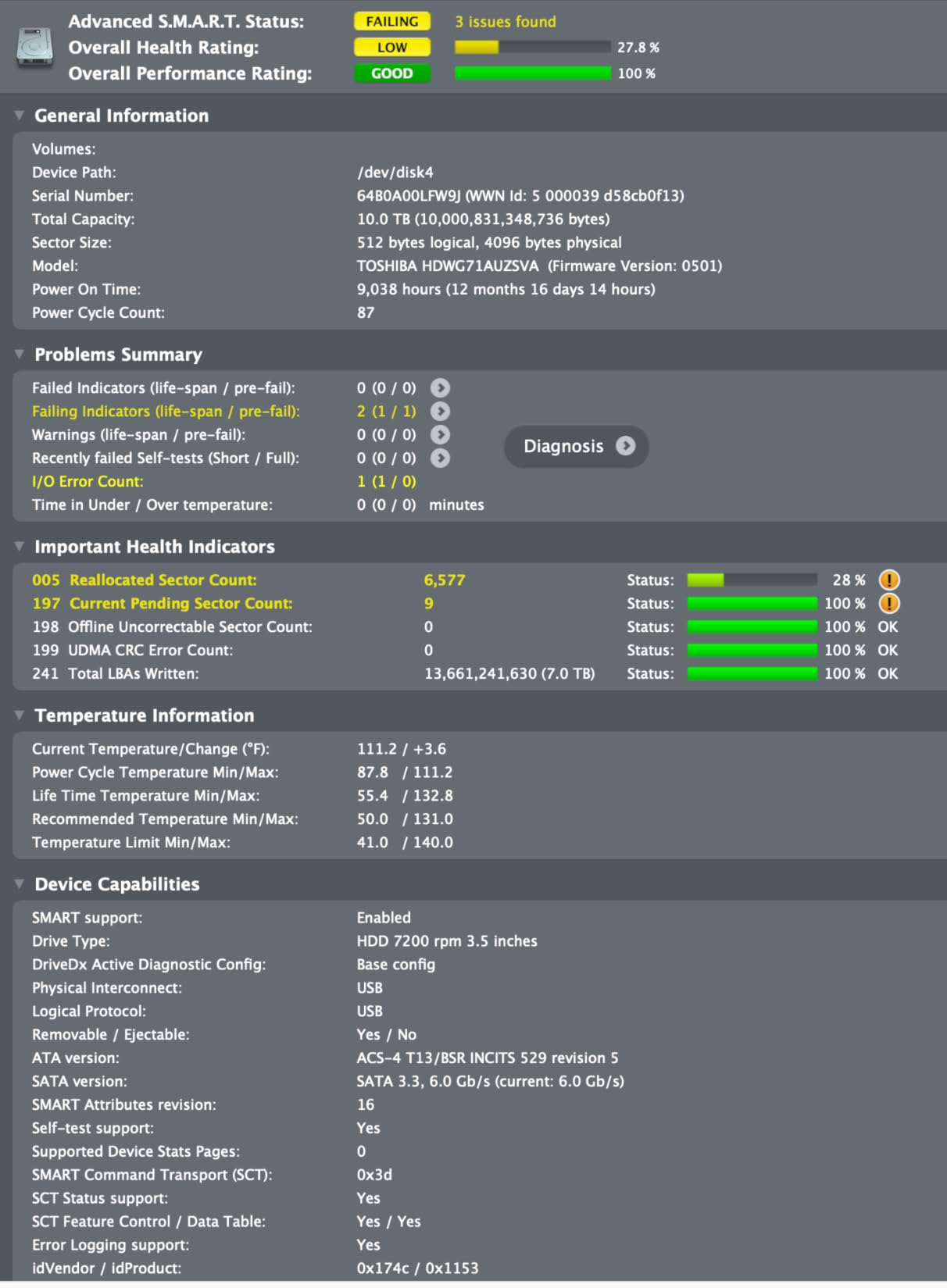
There is also one reported failure at roughly two years in service. Out of 483 reviews that is an ordinary rate and not a pattern, but it is a reminder that no model number guarantees anything.
8. Seagate IronWolf 16TB (ST16000VN001) - Maximum Capacity for One Bay
Seagate IronWolf 16TB NAS Internal Hard Drive HDD – CMR 3.5 Inch SATA 6GB/S 7200 RPM 256MB Cache...
7200RPM CMR spindle
256MB cache
210MB/s read speed
1M hours MTBF
3 year Rescue
+ Pros
- Sixteen terabytes in a single standard bay
- NAS-optimised firmware with built-in health management
- 210MB/s sequential throughput
- Three years of Rescue data recovery included
- Cons
- 4.1 star average with a 16 percent one-star share
- 3-year warranty against 5 years on IronWolf Pro
- 7200RPM mechanics add noise and heat at home
Sixteen terabytes is the most capacity you can put in one bay without moving to a specialist enterprise line, and for someone consolidating a decade of ripped media into a single array, that density is the whole argument.
The ST16000VN001 delivers 210 MB/s sequential throughput at 7200 rpm with 256 MB of cache and a one-million-hour MTBF rating. It is an eight-bay-and-under part with three years of Rescue data recovery included.
The Rebuild Time Problem With Very Large Disks
This is the argument against the biggest drive you can fit. A RAID rebuild reads the entire surviving array and writes the replacement data back. The bigger the failed disk, the longer the array is degraded and vulnerable to a second failure.
Two smaller drives rebuild faster and spread the risk across more units. If your library is the only copy of anything, that consideration should outrank density. If it is one of two copies, sixteen terabytes per bay is very hard to argue with.
Reading the Owner Feedback Carefully
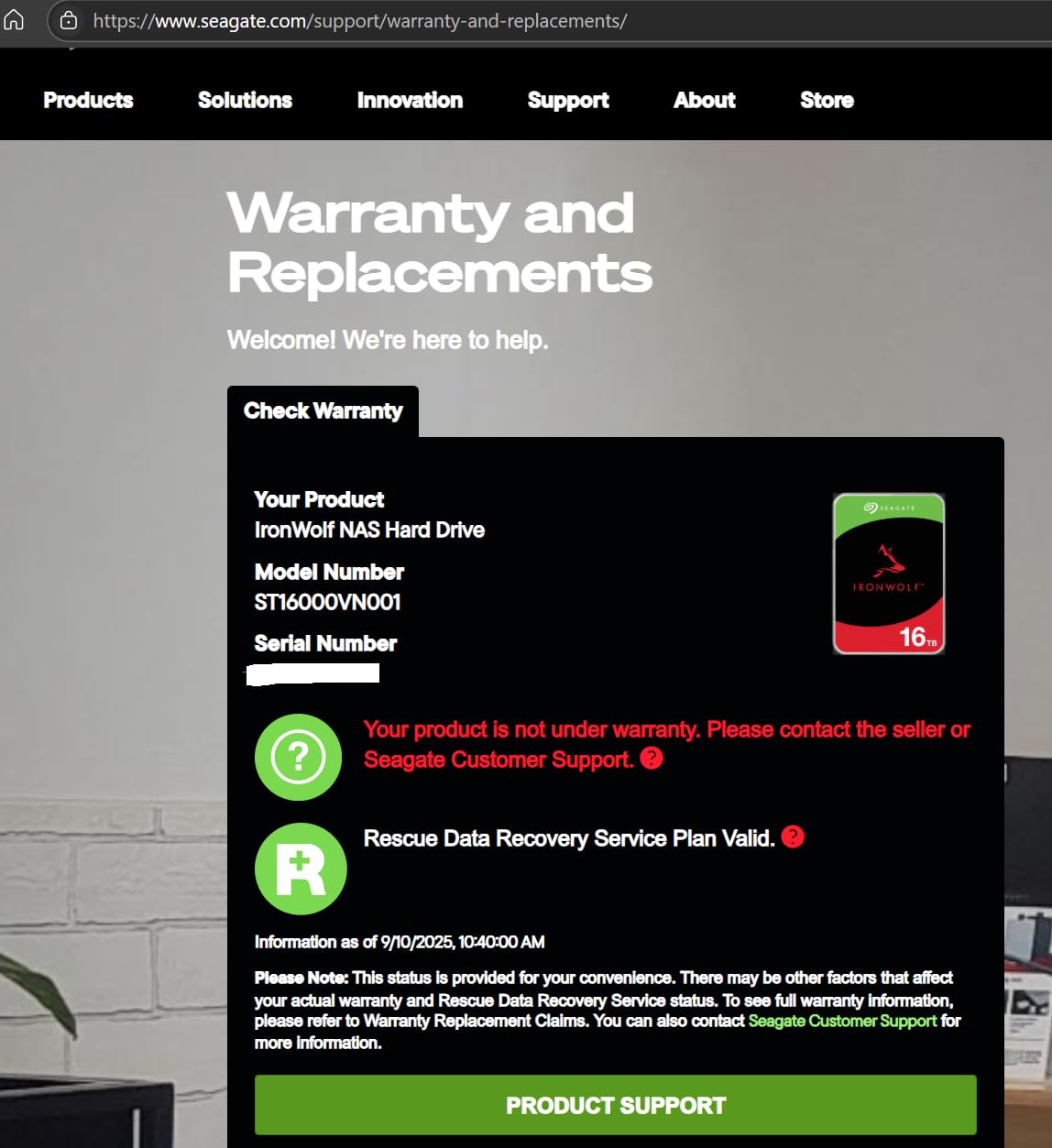
The 4.1-star average and 16 percent one-star share is the second-lowest here. People who keep them cite the capacity and the NAS firmware. Critics point at durability and the fact that the warranty is a year shorter than the Pro line.
That shorter warranty is the crux. Three years of coverage on a sixteen-terabyte drive holding irreplaceable media is thinner than most owners would like, and it is the main reason we rank the IronWolf Pro higher for large libraries.
7200 rpm in a Home Room
Like the other 7200 rpm drives here, this one produces more heat and acoustic output than a 5400 rpm equivalent. Four of them in a living-room-adjacent cabinet will be audible during seeks.
Nothing about that is a defect. It is the cost of the density, and it is worth paying if the alternative is running out of space. It is not worth paying if your server is a metre from where you sit.
9. MaxDigitalData 8TB 7200 RPM - The Cheapest Route to 8TB
MDD MAXDIGITALDATA MaxDigitalData 8TB 7200 RPM 256MB Cache SATA 6.0Gb/s 3.5inch Internal Hard Drive...
8TB capacity
7200RPM spindle
256MB cache
200MB/s read speed
SATA 6.0Gb/s
+ Pros
- One of the more affordable 8TB options available
- 200MB/s read speed handles 4K streaming
- Works across NAS RAID desktop and CCTV use
- Bare drive packaging keeps the cost down
- Cons
- Ships as a bare drive with no screws cables or accessories
- Must be formatted on the host before detection
- 4.1 stars with a 15 percent one-star share and an unfamiliar brand
- Reseller warranty rather than manufacturer
This is the budget corner of the roundup, and we are including it because cost per terabyte is a real constraint for a lot of people building a media library. Eight terabytes at 7200 rpm with 256 MB of cache and a 200 MB/s read speed, from a brand most buyers will not recognise.
Two hundred megabytes per second is more than enough for 4K streaming, and the drive is listed for NAS, RAID, desktop and CCTV duty. That flexibility is genuine.
What You Give Up Compared With a Branded NAS Drive
Three things. There is no bundled data recovery service, so a failure is an out-of-pocket event or a third-party lab. There is no NAS-specific health management built into the enclosure interface. And the warranty comes from the reseller, not the manufacturer, which means your remedy depends on a company you did not choose.
The cache generation story is worth revisiting here too. Buyers often assume a bigger cache number means a better drive for a NAS. It does not. What matters for a media server is CMR recording, acoustics and rebuild behaviour, none of which the cache figure predicts.
Practical Setup Notes Nobody Mentions
It ships as a bare drive. No screws, no cables, no tray. If you are filling a NAS you already own, check your screwdriver bit and your tray hardware before you commit to four of them.
It also needs to be formatted on the host system before detection, which means a first-boot step that branded drives handle more gracefully. Budget ten minutes and read the enclosure documentation before you start.
Where It Fits and Where It Does Not
For a secondary array, an expandable scratch library, or a machine where you already hold a verified second copy elsewhere, the price per terabyte here is hard to argue with.
For the only copy of your media, we would spend the difference. The 4.1-star average with a 15 percent one-star share tells you there is more variance in how these are received, and an unfamiliar brand with reseller-only warranty is the wrong combination for irreplaceable files.
How to Choose a NAS Drive for a Media Library
Five decisions account for almost every mistake we see. Work through them in order and the model number almost picks itself.
Always Buy CMR and Never SMR
CMR, conventional magnetic recording, writes tracks that sit side by side without overlapping. SMR, shingled magnetic recording, overlaps them, so any write forces neighbouring data to be rewritten. It is cheap to manufacture and catastrophic in a RAID array.
For a media server this is the one rule with no exceptions. During a rebuild an SMR drive can take days instead of hours, and drives have been reported dropping out mid-rebuild, which turns a single disk failure into a data-loss event. Check that the listing says CMR explicitly, and if the model number is not one you recognise, look it up before you buy rather than after.
Match the Drive Line to Your Bay Count
The standard framework runs like this. One and two-bay enclosures tolerate almost any 3.5-inch SATA drive. Three to eight bays is where the NAS lines earn their premium, because rotational vibration between neighbouring platters starts to matter. Eight bays and above is where Pro and enterprise lines with dedicated vibration compensation belong.
Most home media servers are two or four bays, which puts the entire value tier in play. Do not pay for vibration management you cannot use, and do not put a desktop drive in a four-bay RAID 5 array to save money.
How Much Storage a Media Library Actually Needs
Here is the math nobody publishes. A 1080p encode runs roughly 2 to 8 Mbps depending on quality. A full UHD Blu-ray remux peaks around 128 Mbps on the wire, and one remux works out to roughly 60 GB.
So a 4TB drive holds roughly 60 remuxes after formatting, or well over a thousand 1080p encodes. For a two-bay mirror that is about 120 4K remuxes with room for a second copy of anything critical. If your library is bigger than that, size the array in terabytes and divide by your bay count, keeping usable space around 70 to 80 percent of raw capacity once formatting is done.
Then decide mirror or RAIDZ. A two-bay mirror reads one drive to rebuild. A RAIDZ array reads every surviving drive, so a 16TB failure in an eight-bay RAIDZ 2 takes dramatically longer. If the library is your only copy, more and smaller drives are the safer structure.
Noise, Helium and Where the Box Lives
A media server is a living-room appliance, which makes acoustics a selection criterion rather than a footnote. A 5400 rpm NAS drive is measurably quieter during seeks than a 7200 rpm one, and helium-filled large-capacity designs run cooler and quieter than air-filled equivalents.
Two practical tips. Put the enclosure in a closet or an adjacent room if you can, and make sure there is airflow behind the drives, because warm drives seek slower and age faster. Monitoring the room keeps the box inside its comfort range, and a simple indoor gauge is the cheapest thing you can add to the shelf next to it. Our guide to home weather stations covers the readout side of that if you want the numbers on a screen.
Value Tier Versus Pro Tier, and Drive Lifespan
Standard Red Plus and IronWolf drives carry a 180 TB/year workload rating and a three-year warranty. Pro lines carry 300 TB/year or more, a five-year warranty, and vibration compensation. For a pure media library the value tier is correctly specced, because streaming writes almost nothing.
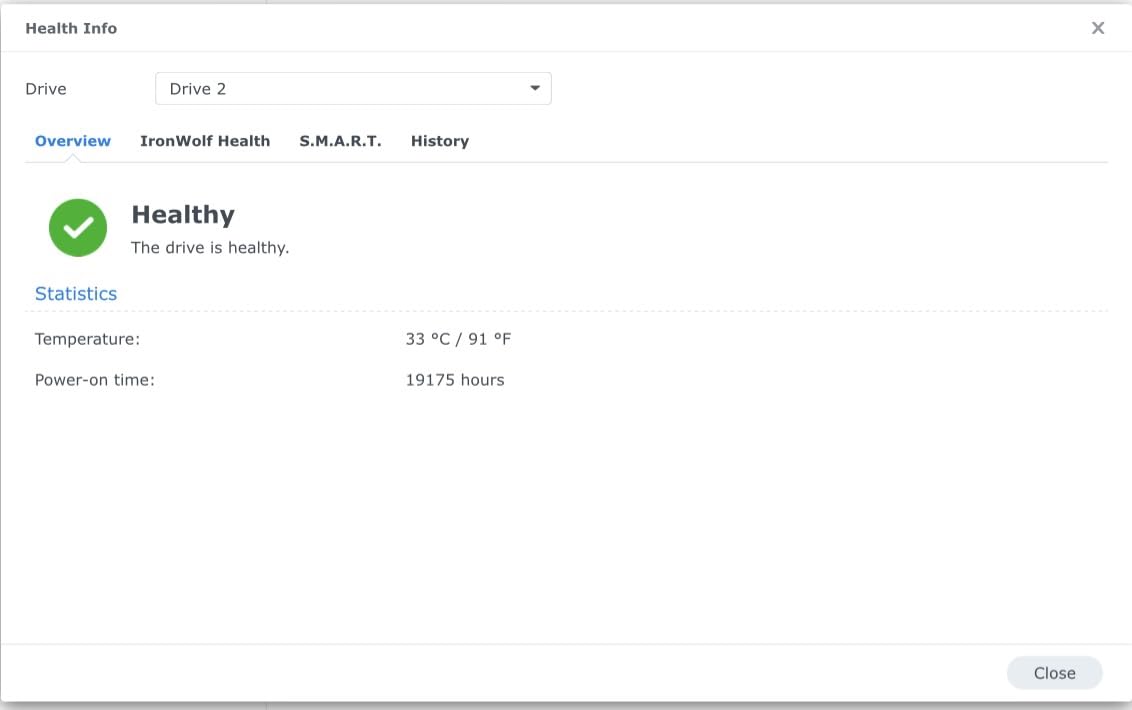
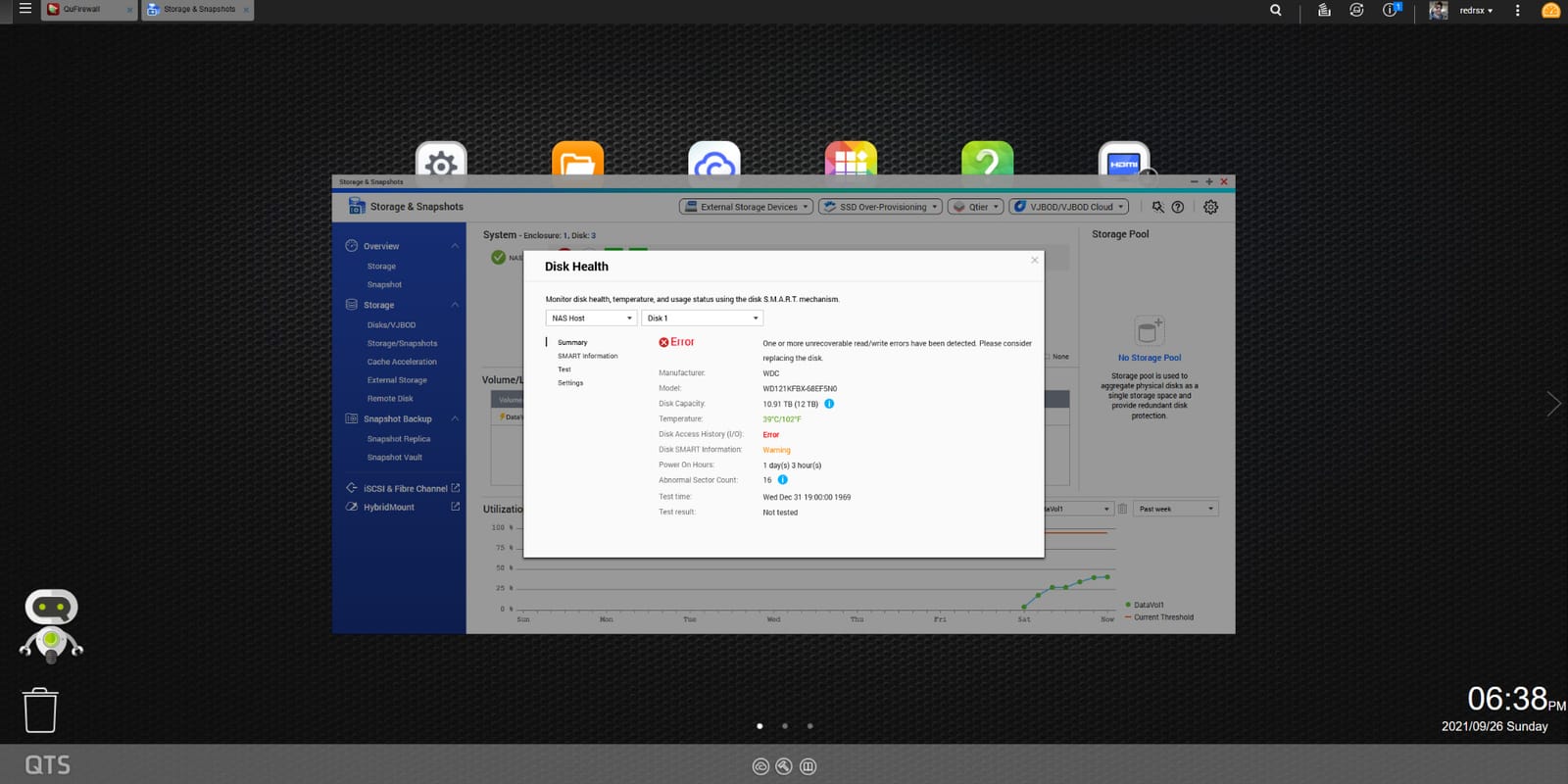
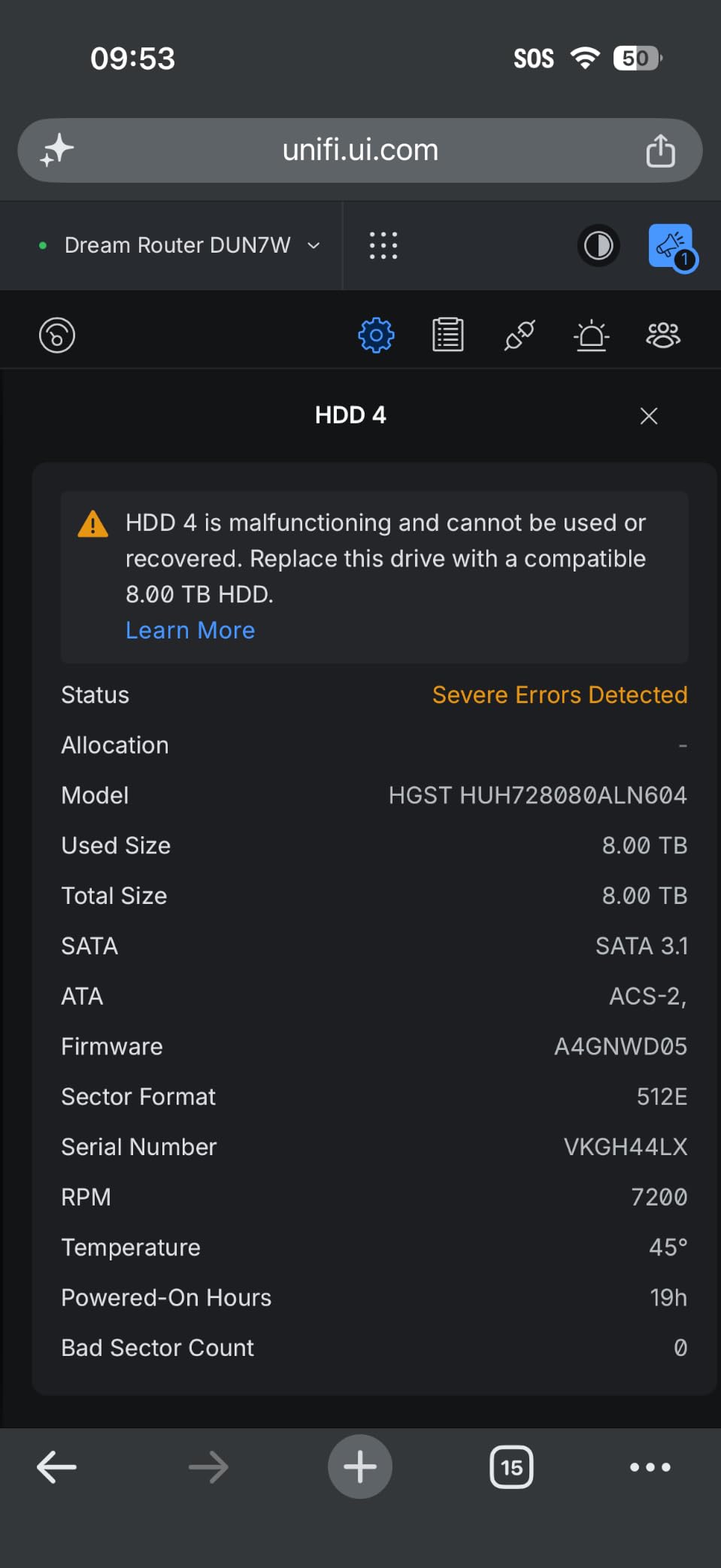
On lifespan, no spec sheet predicts a drive's service life and no vendor rating is a guarantee. What the numbers do tell you is that MTBF is a statistical average across a large fleet, not a lifetime. Plan on a replacement every few years, keep a second copy of anything irreplaceable, and check SMART attributes on a schedule rather than waiting for a drive to disappear from the interface.
One last thing to check before you buy: whether your enclosure locks you into branded disks. Some vendors now restrict third-party drives on newer models, and that constraint, not the drive itself, decides what you can fit. It is worth confirming against the enclosure documentation before you fill a basket.
Frequently Asked Questions
Can I put any hard drive in a NAS?
Any 3.5-inch SATA drive will usually mount in a NAS, but not every drive is a good idea inside an array. Desktop drives have no workload rating tuned for multi-bay use and no NAS-specific error recovery firmware, so they are more likely to drop out of a RAID rebuild. Always confirm the drive is CMR rather than SMR, and match the line to your bay count: standard NAS drives up to eight bays, Pro and enterprise lines above that.
Is a 4TB hard drive enough for a NAS?
For a two-bay home media server, yes. A full UHD Blu-ray remux is roughly 60 GB, so 4TB holds around 60 remuxes after formatting, and a mirrored pair holds about 120 with room to spare. For 1080p content the same capacity holds well over a thousand encodes. If you are building a 4K remux library or want a second copy of everything, 6TB to 12TB per bay is a better target.
How long will a hard drive last in a NAS?
No spec sheet predicts how long an individual drive will last, because MTBF is a statistical average across a large fleet rather than a promise about your disk. In practice, NAS-rated drives commonly serve several years of continuous service in home arrays, and failures cluster in either the first months or after several years of use. Keep a second copy of anything irreplaceable and check SMART attributes on a schedule instead of waiting for a failure.
Which is better for NAS use, Seagate IronWolf or WD Red Plus?
Both are excellent CMR choices and the honest answer is that they trade places depending on capacity. WD Red Plus models tend to sit in the quieter 5400 rpm class, which suits a living-room media server, while several IronWolf capacities run at 7200 rpm with more speed and more noise. Seagate also bundles Rescue data recovery services on both lines, which WD does not at the value tier. Choose on acoustics, capacity per bay and warranty length rather than on brand.
Are surveillance drives bad for a media library?
They are not built for the job. Surveillance drives such as the WD Purple and Seagate SkyHawk are optimised for continuous sequential video writes and sustained streaming workloads, not for the mixed read-heavy pattern of a Plex or Jellyfin library. They will work, but you give up workload ratings tuned to your use case and the array-specific error recovery firmware that keeps a rebuild from stalling. For a media server, stay inside the Red Plus, IronWolf or N300 lines.
Which NAS Drive Should You Buy for Your Media Server?
If you want one answer, buy the 12TB WD Red Plus. It is CMR, it is quiet at 5400 rpm, the 256 MB cache handles large remuxes without breaking stride, and the 180 TB/year workload rating comfortably covers a library that mostly reads. It is the default choice for a four-bay media box in 2026, and the review base behind it is the largest of any drive we tested.
If you are starting from nothing, the 4TB IronWolf is the cheapest sane way in, with three years of Rescue data recovery included. If your NAS lives where you can hear it, the 6TB WD Red Plus has the highest rating of the lot and stays civil acoustically.
Step up to the IronWolf Pro 14TB or the WD Red Pro 14TB when your bay count is genuinely large or your library is outgrowing the value tier. The Toshiba MG 16TB gives you the cheapest terabytes in the set if density is the priority. The N300 8TB is the smart third-brand option for a home NAS, and the IronWolf 16TB is there for anyone consolidating decades of rips.
Whatever you choose, confirm CMR before you pay, check the acoustic profile against wherever the box will live, and keep a second copy of anything you cannot re-rip. Then tell us your bay count, your enclosure and roughly how many terabytes your library holds, and we will narrow it to one drive.