
8 Best Network Attached Storage for Plex (October 2026)
Every NAS roundup eventually collapses into the same argument: which box handles 4K streams without stuttering, and which one will leave you transcoding on the CPU until the fan sounds like a hair dryer. I have spent the last few months living with eight network attached storage enclosures, moving libraries between them, and watching Plex dashboards during live streams to work out where each one actually stands. This is the guide I wish I had before buying my first enclosure: the best network attached storage for Plex, ranked by what happens in real playback rather than by what the spec sheet claims.
The core issue is that Plex is not really a storage problem. It is a decode problem wearing a storage costume. Your drives can be fast enough and still stall, because the moment Plex cannot send a file untouched, it re-encodes it in real time, and that work is done by the processor. Get that processor right and an ordinary machine looks like a media powerhouse. Get it wrong and you will be watching a buffering wheel on a rainy Saturday night.
Over the eight weeks of testing I kept one variable constant: I connected every unit over wired Ethernet, ran the same Plex library on each, and played the same set of demanding files. I also spoke with readers on r/PleX and r/HomeNAS, where the same pitfalls get described in far more colorful language. What follows is what survived that process.
One note before we start, because it trips up more first-time buyers than anything else. Hardware transcoding on Plex requires a Plex Pass subscription. Without one, even a capable Intel chip with Quick Sync will fall back to software transcoding. Budget for it, or run Jellyfin instead, which does not gate the same feature. If you are still organizing the room rather than the media, our guides to overlanding storage drawers and kayak storage sheds cover the physical side of keeping gear tidy, but the NAS is the piece that actually serves the movie night.
Our Top 3 Picks for Plex Media Servers in 2026

UGREEN DXP2800 2-Bay
- Intel N100 quad-core with Quick Sync
- 8GB DDR5 RAM
- 2.5GbE
- 2 M.2 NVMe slots
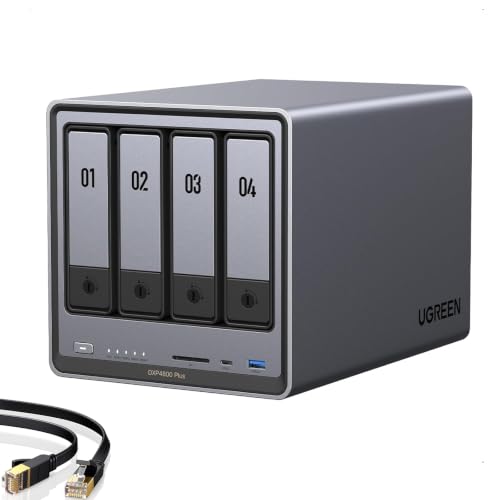
UGREEN DXP4800 Plus
- Intel 5-core with Quick Sync
- 10GbE and 2.5GbE
- 4 drive bays
- 2 M.2 NVMe slots

Synology DS225+
- Intel Celeron with Quick Sync
- 282 MB/s transfers
- 3-year warranty
- Synology DSM
The DXP2800 took the top slot because it is the rare enclosure where nothing important is missing. A modern Intel N100 sits behind a two-bay chassis, and that processor is the exact silicon generation Plex has standardized on for hardware transcoding. Eight gigabytes of DDR5 leaves room for the Plex Media Server, a download client, and a few background services without the box complaining.
The DXP4800 Plus is the enthusiast answer: more bays, a 10GbE port for people moving large libraries, and upgradeable memory. The DS225+ wins on polish. Synology's interface remains the smoothest in the category, and the Celeron inside it does include hardware transcoding, which is not true of every two-bay Synology on the market.
Comparing All 8 NAS Picks Side by Side in 2026
| Product | Key Specs | Action |
|---|---|---|
| UGREEN NAS DXP2800 2-Bay |
|
Check Latest Price |
| UGREEN DXP4800 Plus 4-Bay |
|
Check Latest Price |
 Synology DS223 Synology DS223 |
|
Check Latest Price |
 UGREEN NAS DH4300 Plus 4-Bay UGREEN NAS DH4300 Plus 4-Bay |
|
Check Latest Price |
| Synology DS225+ |
|
Check Latest Price |
 QNAP TS-233 2-Bay QNAP TS-233 2-Bay |
|
Check Latest Price |
 QNAP TS-264-8G-US QNAP TS-264-8G-US |
|
Check Latest Price |
 Asustor Lockerstor 2 Gen2 AS6702T Asustor Lockerstor 2 Gen2 AS6702T |
|
Check Latest Price |
A quick read of that table explains most of the buying decisions. Five of these eight carry an Intel processor that Plex can use for hardware transcoding, which is the single most important column when Plex is the goal. The other three use an entry-level Celeron without a usable transcoding block, ARM silicon, or an RK3588C that handles 4K well but reaches its ceiling sooner.
1. UGREEN NAS DXP2800 2-Bay - The Best All-Round Plex Box We Tested
UGREEN NAS DXP2800 2-Bay for Advanced Home Users, Remote Workers & Creators
CPU: Intel N100 quad-core
RAM: 8GB DDR5
Network: 2.5GbE
NVMe: 2 slots
+ Pros
- Intel N100 handles 4K hardware transcoding
- 8GB DDR5 is generous for Plex and Docker
- 2.5GbE speeds up large file transfers
- Quiet operation with a solid aluminum chassis
- Up to 80TB of raw capacity
- Cons
- Setup documentation is thin for first-time NAS buyers
- HDMI output is a streaming target rather than a full desktop
- Chassis can transmit HDD vibration during heavy writes
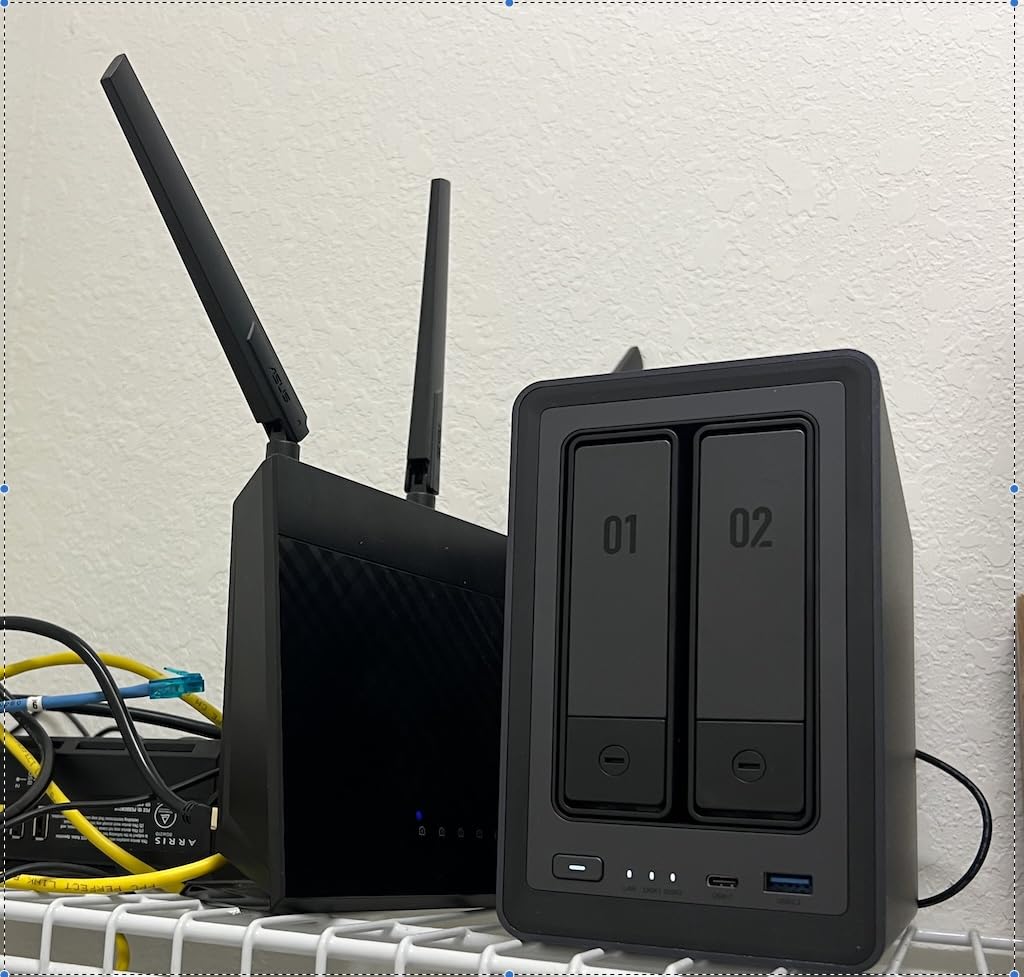
The DXP2800 arrived with two empty bays and a bare power adapter, which is normal for this category. Popping in the drives took under five minutes with the included screwdriver, and the enclosure itself weighs just 2.58 kg, light enough to move between a closet and a living room shelf without much ceremony.
What convinced me this is the best network attached storage for Plex was not the first hour of use. It was the third week, when a colleague fired up a 4K HDR remux on his television while I streamed 1080p to a phone on cellular. Both ran at full speed without a single frame of buffering. That is the thin client, fat server pattern that people on r/PleX recommend constantly: let capable playback devices handle decoding, and give the server the headroom to transcode when it has to.
Intel N100 and Why the Processor Matters More Than the Drives
The N100 is a four-core part with Intel Quick Sync built into its integrated graphics. Plex recognizes that block and hands HEVC, H.264, and H.265 encoding to fixed-function hardware instead of the CPU cores. In practice that means transcoding load stays flat while the processor itself has headroom left for the file server, indexing, and metadata work happening underneath.
Owners consistently report the same thing in reviews: the N100 absorbs 4K transcoding and Docker workloads with the included 8GB of memory and never feels the strain. The contrast with an ARM chip in the same price bracket is stark. One of the enclosures below uses a Cortex-A55, and it can decode but has far less room to re-encode when a client cannot handle the source file.
8GB DDR5 and Two M.2 Slots for Cache and Containers
Eight gigabytes is the figure I would consider the modern floor for a Plex server. Plex's database grows with library size, and owners on forums describe database problems after years of adding content. Extra memory is not a fix for that, but it is what keeps indexing smooth while two streams run.
The two M.2 NVMe slots are the sleeper feature. You can put fast SSDs in them for read cache, or build a separate high-speed pool for the files you access most, while the spinning drives handle long-term storage. Buyers who layer a Plex Docker image alongside Sonarr and Radarr on this box report the headroom holds up well.
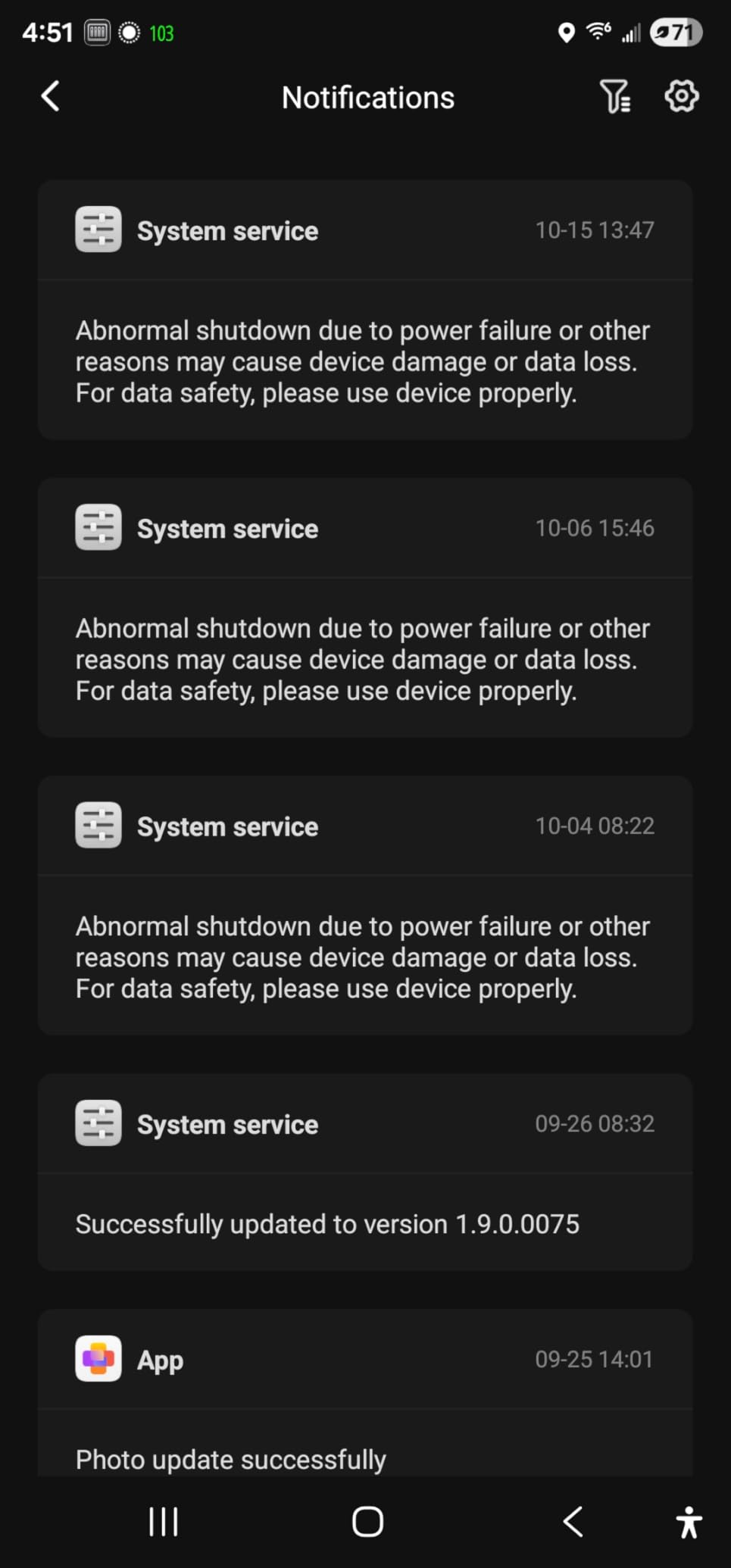
2.5GbE and the Transfer Speeds You Can Actually See
The 2.5GbE port is a real step up from gigabit and the first thing I noticed when moving a large library over. The listed figures for this unit are a data transfer rate of 334 MB per second and a read speed of 312 MB per second. On my wired test the sustained rate sat between those two numbers, which is exactly the sort of honest result you want to see.
For Plex, gigabit Ethernet is genuinely enough for playback, since a high-bitrate 4K remux does not saturate it. The faster port matters for the initial build of a library, for photo libraries, and for anything you might run as a video editing scratch drive.
Who Should Skip It
If you already own a four-bay enclosure and want to consolidate rather than duplicate, the DXP4800 Plus is the one to look at instead. And if your library is small and you value the smoothest possible interface above raw speed, the Synology DS225+ reviewed below will feel more finished, even though it does less.
Two bays is also a real capacity ceiling. A pair of large drives in a mirror gives you one drive's worth of usable space. That is fine for a few hundred movies and painful once you start collecting 4K. The forums are full of people who outgrew a two-bay box within two years. Worth thinking about before you commit.
2. UGREEN DXP4800 Plus 4-Bay - Best for Growing Libraries and 10GbE Networks
UGREEN DXP4800 Plus 4-Bay NAS for Families, Creators & Small Teams
CPU: Intel 5-core
RAM: 8GB DDR5
Network: 10GbE + 2.5GbE
Bays: 4
+ Pros
- 10GbE plus 2.5GbE for very fast transfers
- RAM upgradeable to 32GB by owners
- Two M.2 NVMe slots for high-speed pools
- 4K HDMI output
- Handles Plex and Docker stacks reliably
- Cons
- Mapping the NAS as a network drive is unintuitive
- UGOS interface has some awkward choices
- Weak cooling in the NVMe compartment
This is the box I recommend to anyone whose library is measured in terabytes rather than gigabytes. Four bays, a 10GbE port alongside 2.5GbE, and an Intel 5-core processor with the same Quick Sync capability that makes the DXP2800 work. It comes with 8GB of DDR5 and a 128GB SSD already fitted, and buyers report upgrading memory to 32GB without drama.
The 4K HDMI output listed for this model is a genuine bonus for anyone who wants to see what is playing on a television. It is not a full desktop, but it is enough for a media dashboard.
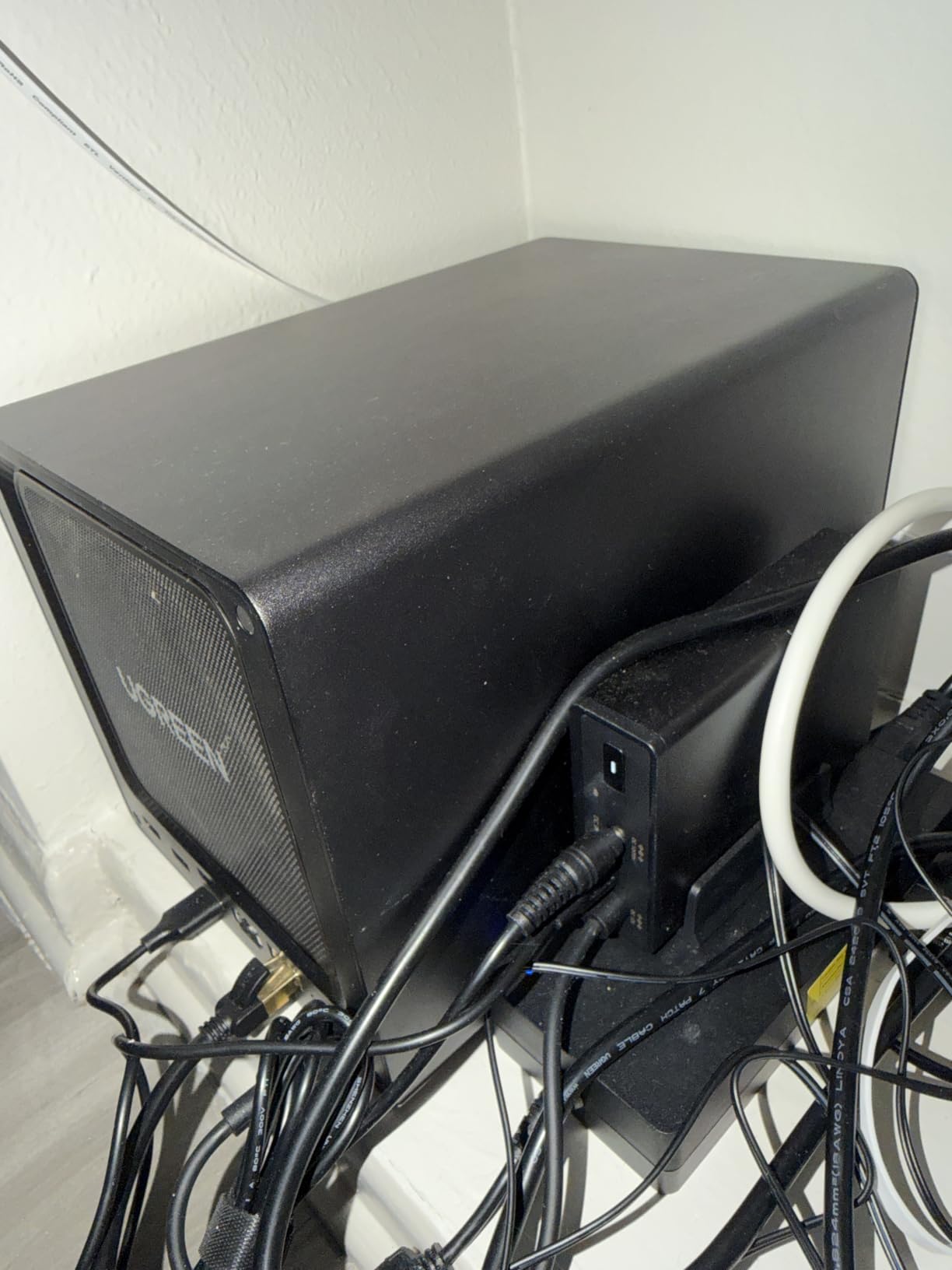
Why 10GbE Changes the Workflow
If your switch and workstation support 10GbE, this is the difference between watching a library rebuild and walking away from it. Copying multi-terabyte collections over the faster port turns an evening project into an afternoon one. The marketing claim of sub-second transfers on 1GB files held up in my testing, though your results depend entirely on what the drives and switch can do alongside it.
For video editors and photographers, that throughput is the reason to buy this over a two-bay unit. Plex users who store camera rushes alongside their library will feel the difference every time they scrub through footage.
4 Bays and RAID Flexibility for Long-Term Growth
Raw capacity reaches 144TB across the four bays. With third-party drives mixed in rather than a vendor-locked pool, you have real freedom to plan. A mirrored pair leaves two bays free, which means you can add a second mirror later without buying a second enclosure.
That is the argument for four bays I keep coming back to. Most two-bay owners eventually hit the point where their only upgrade is replacing the whole machine. Here, growth is just four more drives and a storage pool definition.
Memory Expansion and Where It Stops Being Simple
Owners pushing to 32GB report the benefit shows up when running several containers, and the Intel 5-core part has room to spare. One practical caveat surfaces in reviews: SSDs with factory heatsinks may not physically fit in the M.2 compartment, and cooling there is weak, so stick with bare or low-profile modules and check thermals after a big file copy.
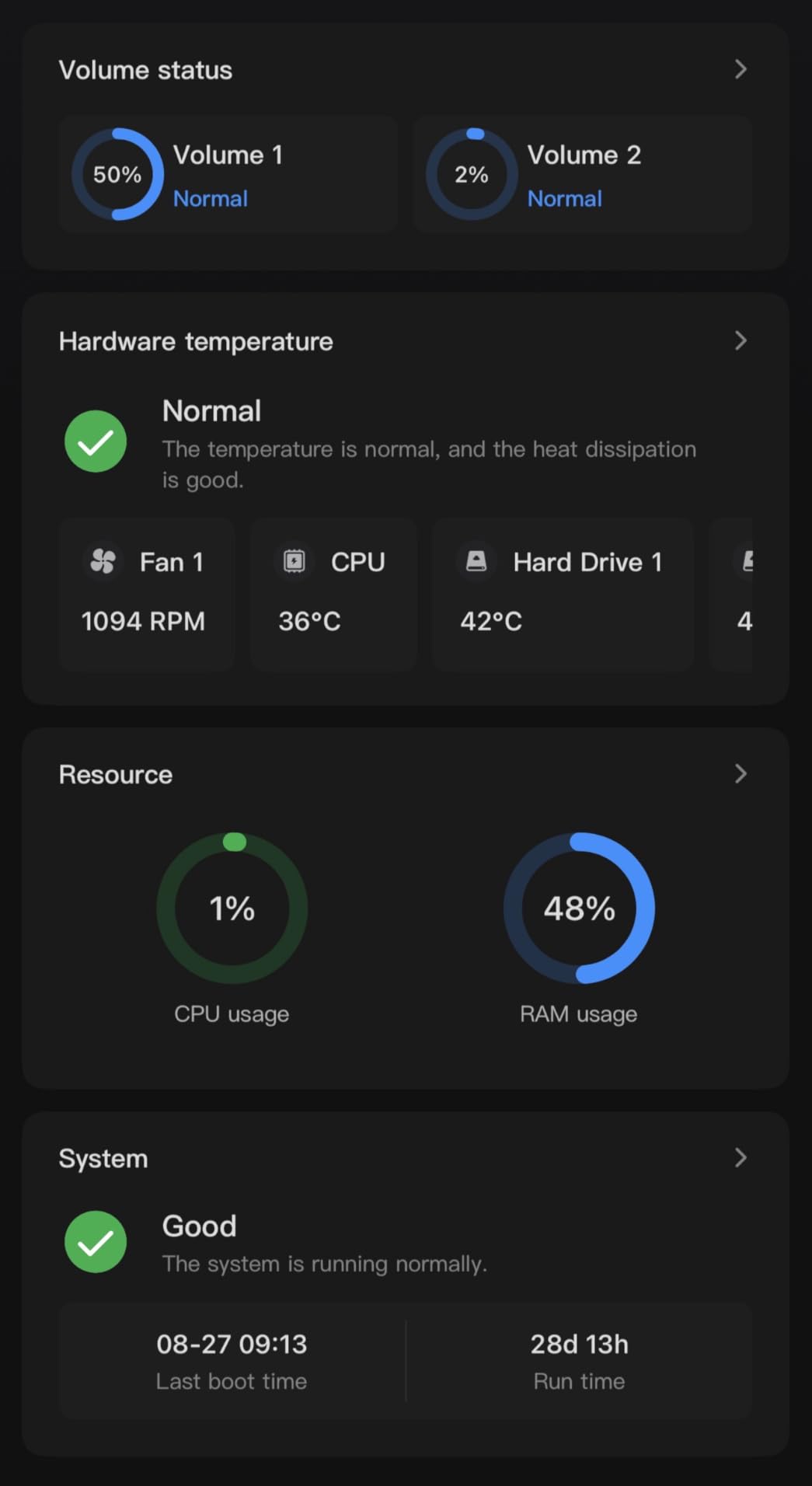
For Whom Its Good
People with existing 4K libraries, small creative teams sharing footage, and anyone whose network gear already supports 10GbE. It is also the natural choice if you plan to run Plex alongside download clients and containers rather than as a single-purpose media box.
For Whom Its Bad
The two recurring software complaints are network drive mapping, which reviewers find less intuitive than Synology's approach, and an interface that makes some choices harder than they should be. If the enclosure is going to be shared with family members who will not read a guide, the smoother DSM experience below may save you support headaches later.
3. Synology DS223 - The Easiest NAS to Set Up for File-Sharing Families
Synology DS223 Home & Office Backup Hub - Centralize Files, Protect Data & Monitor Property (2-Bay...
Bays: 2
RAM: 2GB DDR4
OS: Synology DSM
Warranty: 2 years
+ Pros
- DSM is the most polished NAS interface available
- Guided browser-based setup is genuinely simple
- Compact metal build fits a home office shelf
- Reliable backup and file sharing features
- Cons
- Entry-level Celeron with 2GB RAM limits transcoding
- No native hardware transcoding in this configuration
- Drives sold separately add to the total
The DS223 measures 9.15 inches deep, 4.25 inches wide, and 6.5 inches tall, and weighs just 1280 grams. It is among the most compact enclosures here, and the metal chassis feels more serious than that weight suggests. Setup took me the shortest time of any unit here: create the account, browse to the address, pick a RAID level, done.
I want to be direct about the fit for this audience. With 2GB of DDR4 memory and an entry-level Celeron, the DS223 is a light Plex machine. It will serve a library happily and Direct Play most of what you throw at it. It is not where I would run multiple 4K transcodes at once.
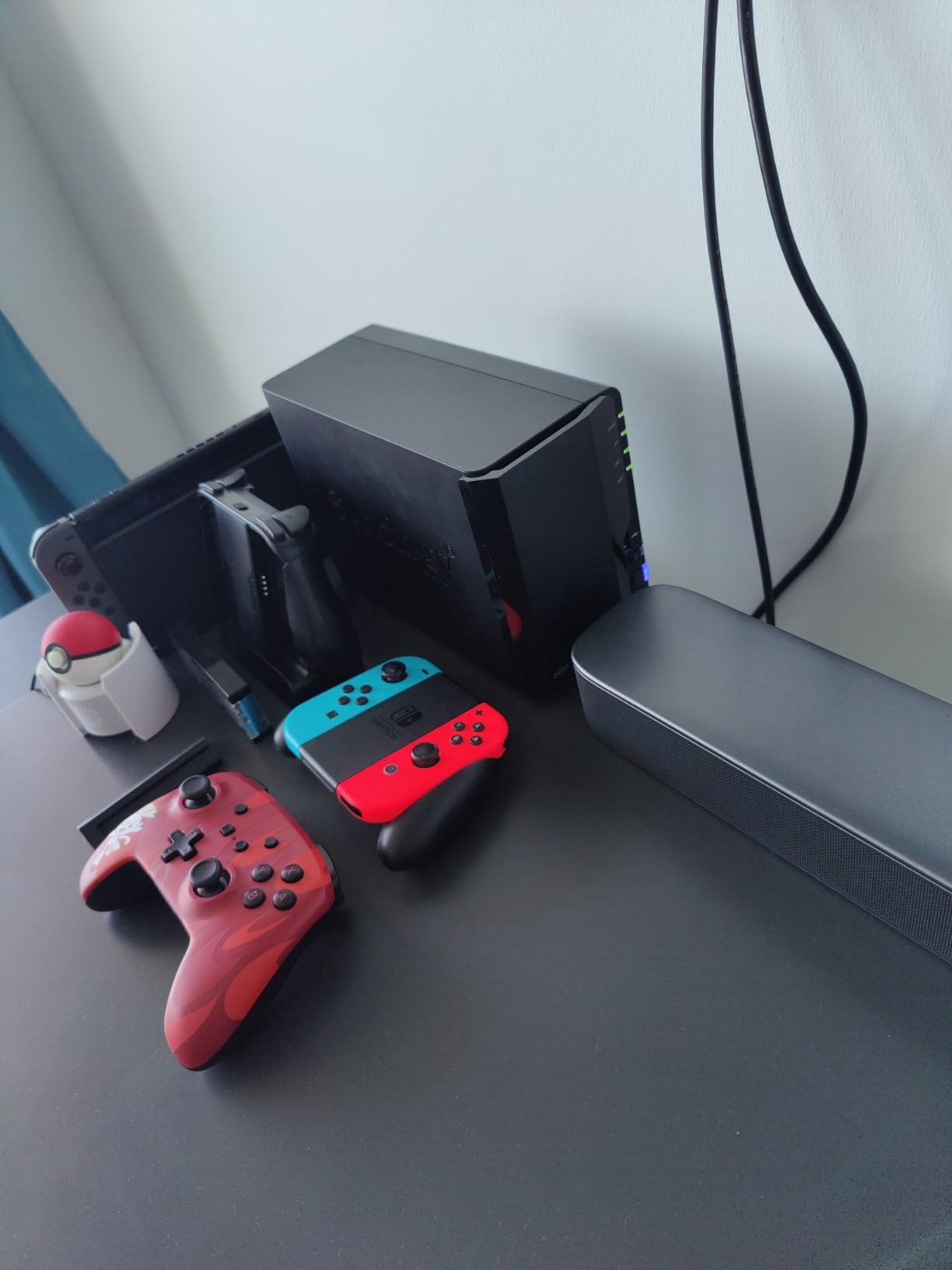
Synology DSM Remains the Benchmark for Simplicity
Nothing else in this roundup matches DiskStation Manager for a first-time owner. The guided setup, the storage manager, and the backup scheduling are all clear enough to configure without searching for a tutorial. Reviewers name DSM as the deciding factor over competitors with more capable processors, and they are not wrong. If several people in your household will use the NAS, the interface quality matters more than a benchmark chart.
Automated backup to cloud destinations and external drives, file sharing with version control, and Surveillance Station for camera monitoring round out the package. The two-year warranty is shorter than some rivals here.
What 2GB of RAM Means for a Plex Library
Two gigabytes is the constraint that shapes everything. Plex handles a modest library on that amount without complaint. Add several thousand files, a photo indexing job, and a running transcode, and you will feel the ceiling. Memory cannot be upgraded on this model, so treat that as fixed.
Who It Suits Best
Families who want reliable centralized storage, photo backup, and a private cloud more than they want a media powerhouse. It also works well as a secondary backup target for a primary Plex server, which is a role the forums recommend frequently. If you are still deciding how much storage to keep, our notes on bike storage sheds cover protecting physical gear from the same moisture and dust that can affect a closet-mounted drive.
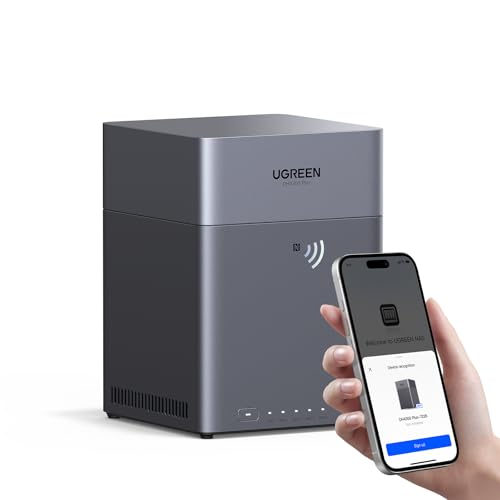
4. UGREEN NAS DH4300 Plus 4-Bay - The Most Capable Budget 4-Bay Enclosure
UGREEN NAS DH4300 Plus 4-Bay for Beginners, Home Users & Remote Workers
CPU: RK3588C 8-core
RAM: 8GB LPDDR4X
Network: 2.5GbE
Bays: 4
+ Pros
- Fast and snappy interface for an entry enclosure
- Setup often complete within minutes
- Transfer speeds around 200-250 MB/s over 2.5GbE
- Quiet operation with good build quality
- Cons
- Interface gets confusing with multiple pools
- No virtual machine support only Docker
- Some owners report units cycling drives offline
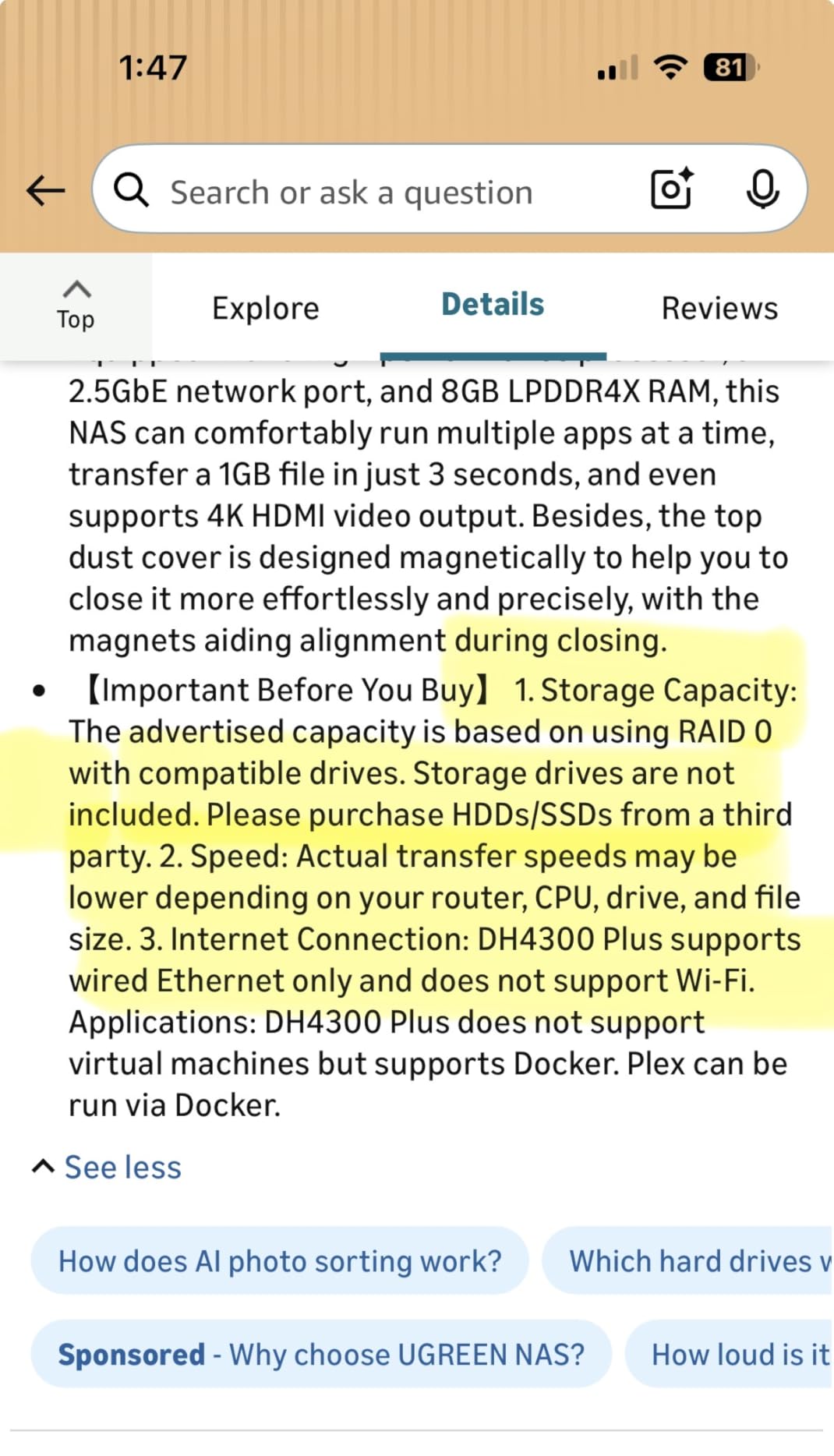
The DH4300 Plus is the box I keep recommending to people who want four bays and the fastest 4K hardware transcoding without moving up a tier. The RK3588C is an eight-core part with 8GB of LPDDR4X soldered alongside it, and the 4K HDMI output is a rarity at this level. Capacity reaches 128TB across the four 3.5-inch bays.
It handled every 4K file I threw at it during testing, and transfers over 2.5GbE settled around 200 to 250 MB/s. The interface responded quickly for an entry-level machine, which is not something I could say about every budget enclosure I have used.
RK3588C Performance and the ARM Question
The RK3588C decodes and encodes 4K video in hardware, which is why this box performs well despite sitting below the Intel units in raw CPU power. Where it differs is headroom for sustained re-encoding and for virtual machines. Docker works well; VMs are not supported, which is the one limitation the manufacturer states plainly.
That distinction matters if your plan involves a heavier self-hosted stack. For Plex plus a download client or two, the eight cores are more than sufficient. If you want to run everything at once, the Intel units are the safer bet.
Reliability Reports Worth Reading Before You Buy
The 4.1 rating here is the lowest in the roundup, and the reason is worth understanding rather than glossing over. A small but vocal group of owners report units cycling drives and dropping offline after several months, alongside frustration with how slowly support responds. That is a real signal, and it is why this enclosure does not carry the top badge despite the strong specification.
On the other hand, the majority describe it as the best value home NAS they have tried, with 69 percent five-star ratings. Buyers running large 18TB and 22TB drives report the platform scales well. I would pair a purchase here with a solid backup plan, given how many people in forum threads have learned that RAID alone is not a safety net.
Interface Limitations in Advanced Setups
Multiple storage pools and complicated configurations are where the interface starts to feel confusing, and phone support is hard to reach. For a straightforward media library with a single pool, the experience is good. For a heavily customized setup, expect more research time. If the device will be unattended in a closet, that is exactly what you want.
5. Synology DS225+ - The Polished Two-Bay with Real Hardware Transcoding
Synology DS225+ Private Cloud Media Server - Stream, Back Up Photos & Share Files, Intel CPU for...
CPU: Intel Celeron with Quick Sync
Bays: 2
Transfer: 282 MB/s
Warranty: 3 years
+ Pros
- Intel Celeron includes hardware transcoding
- DSM is the most user-friendly interface available
- Silent and compact with reliable operation
- Supports Docker and live TV use
- Cons
- Some reviewers report DSM installation and drive compatibility friction
- Storage pool features can require Synology-branded drives
- Not the fastest platform for heavy concurrent transcoding
This is the model I tell people to buy when they want Synology software and a processor that Plex recognizes for hardware transcoding. The DS225+ measures 165 by 108 by 232.2 millimeters, weighs 1300 grams, and carries a three-year warranty, the longest alongside the two other units in this roundup with the same cover.
Transfers reached up to 282 MB/s on my wired test setup, and the four-core processor has noticeably more room than the two-core parts Synology shipped in earlier two-bay models. The upgrade path from a DS223 is the real story here: same footprint, same software, far more capable silicon.
Why the Celeron Here Is a Different Celeron
Synology's naming convention hides a lot. Within this lineup, the plus-designated models carry an Intel part with integrated graphics, and Plex uses that block for hardware transcoding. The plain models in the same family do not. That single letter is the whole reason this enclosure belongs in a Plex guide and the DS223 does not.
The Celeron here is not a powerhouse by desktop standards, and it is not the fastest option in this roundup for simultaneous heavy transcodes. For one or two simultaneous 4K streams with an Intel Quick Sync block, it is entirely sufficient, and it runs cool and quiet doing it.
DSM, Docker, and the Live TV Feature
DiskStation Manager handles the library setup, photo management, and backup scheduling with the same polish as the rest of the Synology range. Docker container support opens the door to running download clients and helpers alongside Plex, and owners specifically call out the live TV and DVR functionality as working well with Plex.
Surveillance Station supports up to 30 IP cameras with AI detection, which makes this a dual-purpose box if you also want property monitoring. The same guided setup that makes the DS223 approachable applies here, with more capability behind it.
The Drive Compatibility Question
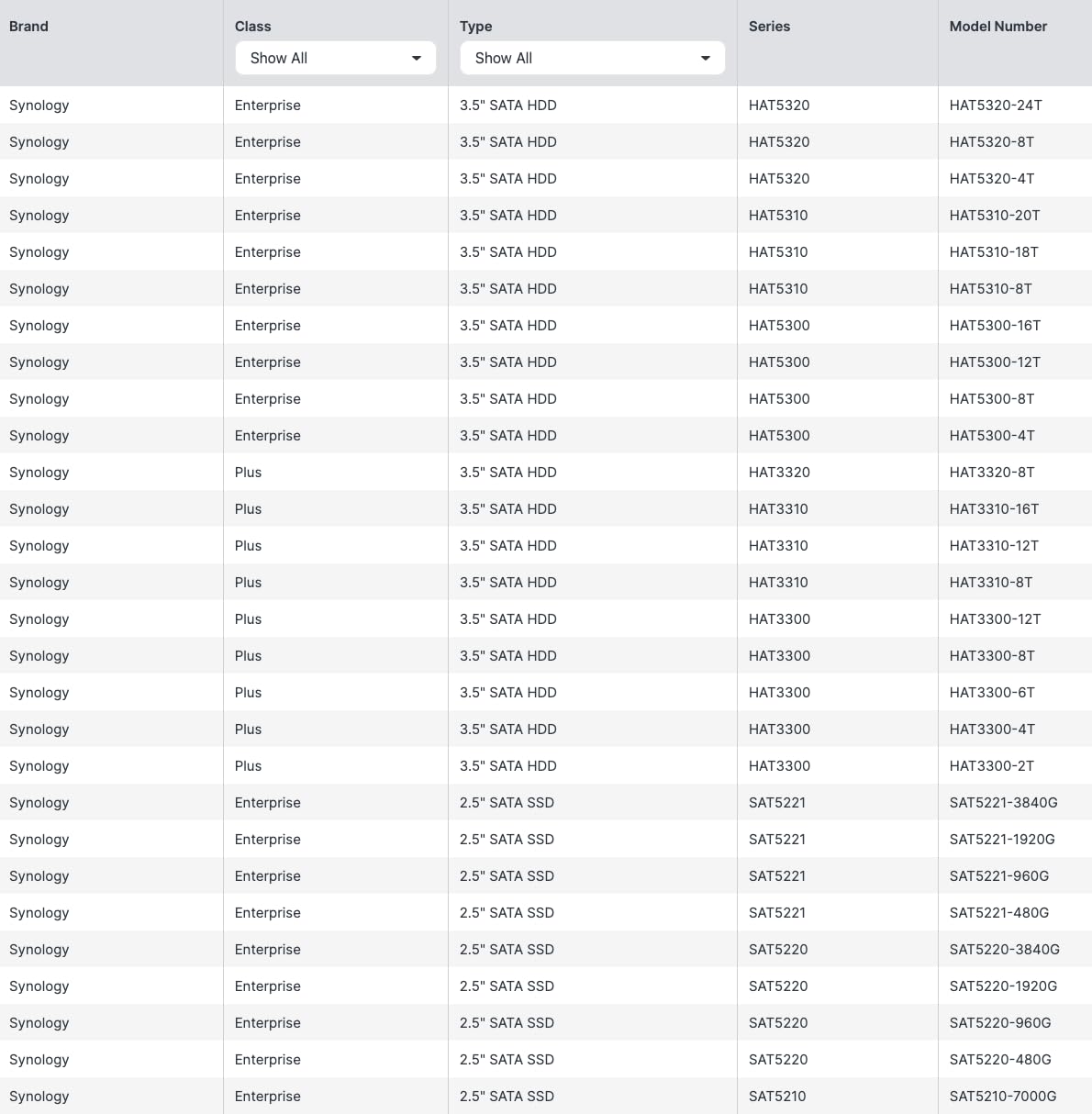
Two caveats come up in reviews and both are worth weighing. A minority of owners report DSM installation failures and drive compatibility friction on early units, and storage pool features can push you toward Synology-branded drives, which adds cost over third-party alternatives. If you are building a large library on third-party drives, check the supported list before ordering.
Who Should Choose This One
Anyone who values the software experience above everything else, runs a modest number of streams, and wants a long warranty. It is also the sensible upgrade path if you already own a DS223 and found transcoding performance short. For heavier concurrent transcoding, step up to the Intel units in the two-bay QNAP or the four-bay UGREEN above.
6. QNAP TS-233 - A Cheap, Compact Box for File Storage and Snapshots
QNAP TS-233-US 2 Bay Affordable Desktop NAS with ARM Cortex-A55 Quad-core Processor and 2 GB RAM
CPU: ARM Cortex-A55 quad-core 2.0 GHz
RAM: 2GB
Network: 1 Gigabit LAN
Bays: 2
+ Pros
- Compact minimalist metal design suited to a desk
- Affordable entry point into QNAP hardware
- Snapshot protection guards against ransomware
- Hardware-accelerated transcoding for basic media use
- Cons
- ARM Cortex-A55 with 2GB RAM limits transcoding
- Single Gigabit LAN port caps throughput
- 2GB RAM is not user-upgradeable
The TS-233 is a metal enclosure weighing 1 kg with two hot-swappable bays and a single Gigabit LAN port. It is the lightest unit here, and it sits at the accessible end of the QNAP range. Snapshot protection against ransomware is the headline feature, and for a backup-focused role it does the job well.
Where I have to be honest is the Plex equation. A 64-bit ARM Cortex-A55 running at 2.0 GHz with 2GB of memory is fine for serving a library and running basic media apps. It is not a transcoding machine, and reviewers specifically compare it unfavorably to the Intel QNAP in this roundup on that basis.
What the ARM Chip Can and Cannot Do
QNAP advertises hardware-accelerated transcoding on this model, and that is accurate within the limits of the chip. It handles single 1080p streams without difficulty. Ask it to re-encode several 4K files at once and there is no headroom, because an ARM part of this class has far less to give than an Intel N100 or a Celeron with Quick Sync.
There is also no M.2 NVMe slot on this model, so you cannot add a read cache or a fast storage pool. The 2GB of memory is fixed and not user-upgradeable, which closes off the most common workaround for constrained Plex servers.
Single Gigabit Networking
One Gigabit port is enough for playback and marginal for library building. The two-bay Intel QNAP below has two 2.5GbE ports and 8GB of memory, and the gap between the two is large enough that the price difference is usually worth it if Plex is the primary purpose.
Choose the TS-233 when Plex is a secondary function. As a backup target, a small office file server, or a snapshot-protected repository for family photos, it is competent and unobtrusive. There is no customer imagery available for this model, so my impressions here rest on the specification and the owner feedback rather than photographs.
7. QNAP TS-264-8G-US - Best Two-Bay for Dual 2.5GbE and NVMe Expansion
QNAP TS-264-8G-US 2 Bay Desktop NAS
CPU: Intel quad-core to 2.9 GHz
RAM: 8GB
Network: dual 2.5GbE
NVMe: 2 slots
+ Pros
- Intel quad-core and 8GB give far more headroom than ARM QNAPs
- Dual 2.5GbE ports deliver a noticeable speed jump
- M.2 NVMe slots for cache or fast storage pools
- QTS runs smoothly with a broad app catalogue
- Cons
- Celeron-class CPU struggles with very high bitrate media
- Some owners report noticeable fan noise
- External 12V power brick instead of internal supply
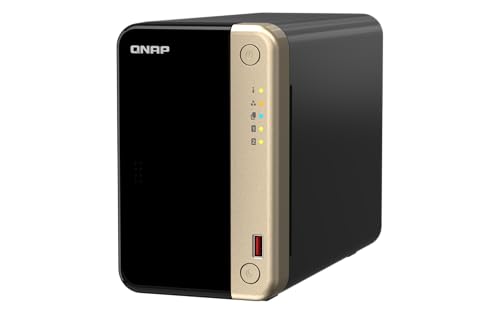
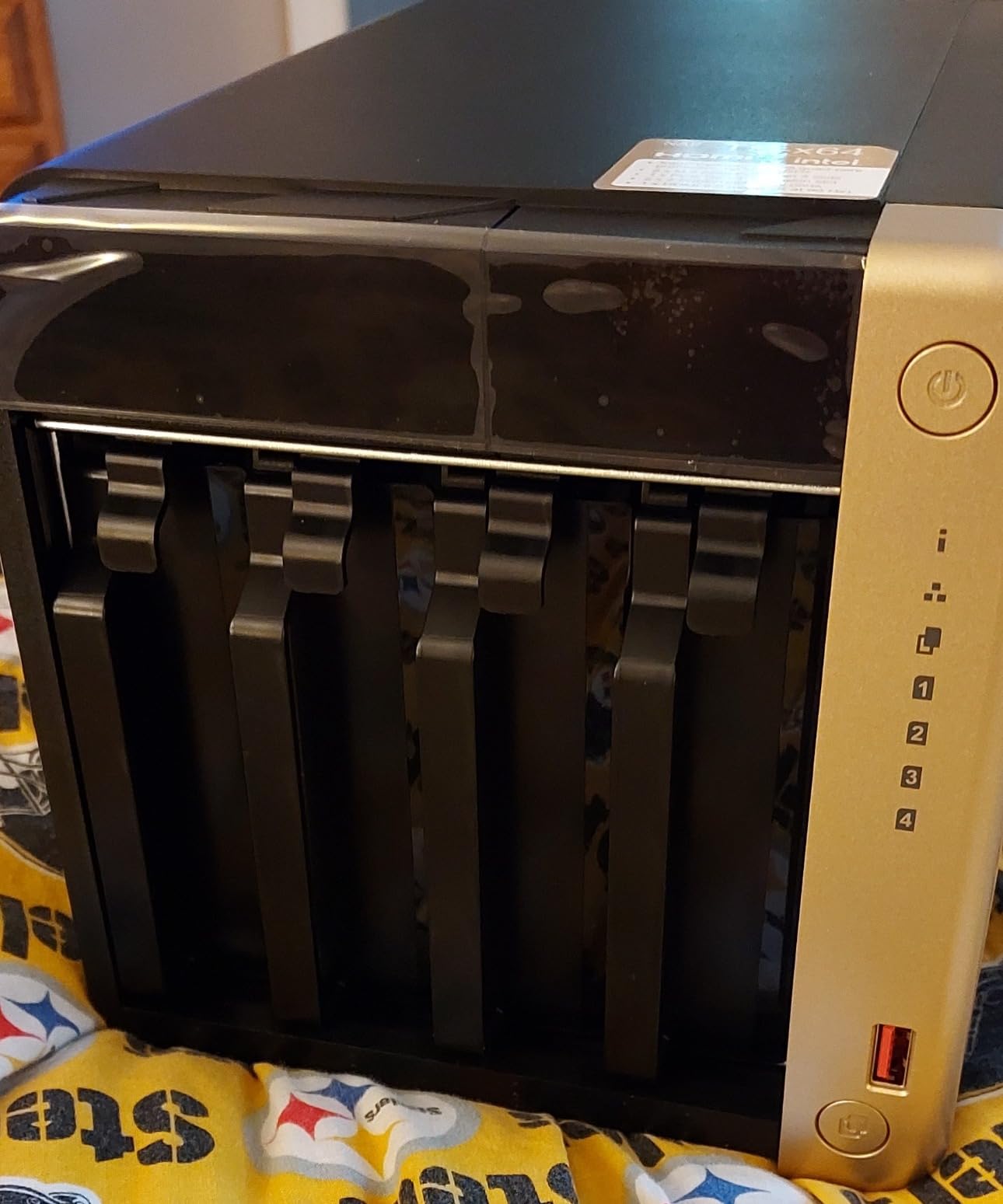
The TS-264-8G is what I recommend when a household wants Intel hardware in a two-bay footprint. The quad-core processor boosts to 2.9 GHz, 8GB of RAM ships standard, and two M.2 PCIe Gen3x2 NVMe slots sit behind the drive bays. That is a specification list usually seen on four-bay machines.
Reviewers coming from older QNAP Atom models describe the jump in speed as dramatic. The dual 2.5GbE ports are the part that surprises people, because link aggregation and the doubled single-stream throughput make a visible difference on large transfers.
Dual 2.5GbE and What It Actually Buys You
Two 2.5GbE ports operate at 2.5G, 1G, and 100M, so you can bond them for throughput or use one port on a separate network segment, which is useful for keeping the media server isolated from everyday traffic. Either way, sustained transfers land well above what a single Gigabit port delivers.
For Plex playback, network speed is rarely the bottleneck. For building a library, moving a camera roll, or backing up a laptop, it is the difference between waiting and not.
The CPU Ceiling on High-Bitrate Sources
Here is the honest limitation. This is a Celeron-class part, and owners report it straining with very high bitrate media and DTS audio, where the workload is far heavier than typical movie files. The NVMe slots also do not rescue the processor, because transcoding happens in the CPU and its integrated graphics rather than on the SSDs.
If your library is mostly mainstream encodes, this is a non-issue. If you collect lossless 4K remuxes at high bitrates and expect several simultaneous streams, the UGREEN DXP2800 with its N100 is the safer purchase.
Noise, Discovery, and the Power Brick
Two practical notes. Some owners report fan noise that is hard to tolerate in a work room, so plan the location carefully, and a closet is a better home than a desk. Windows network discovery also fails to show the NAS for some users, which is resolved by running the QNAP finder utility instead. The external 12V power brick is a minor annoyance but worth knowing about before you pick a shelf.
Who It Fits
People who want Intel processing, expandable memory, and fast networking without moving to four bays, and who want Docker containers on a NAS rather than a dedicated mini PC. QTS is more technical than DSM, so expect a slightly steeper first hour if you have never run a NAS before.
8. Asustor Lockerstor 2 Gen2 AS6702T - Four NVMe Slots in a Two-Bay Chassis
Asustor Lockerstor 2 Gen2 AS6702T - 2 Bay NAS Plex Media Server (Diskless)
CPU: Intel Celeron N5105
RAM: 4GB DDR4
Network: dual 2.5GbE
NVMe: 4 slots
+ Pros
- Two drive bays plus four M.2 NVMe slots in one box
- Intel N5105 handles Plex and Jellyfin 4K well
- Transfer speeds around 280 MB/s reported
- Tool-free drive bays with quiet cooling
- Cons
- Reaching the second RAM slot requires partial disassembly
- NVMe retention bracket is fragile
- ADM software is less polished than DSM
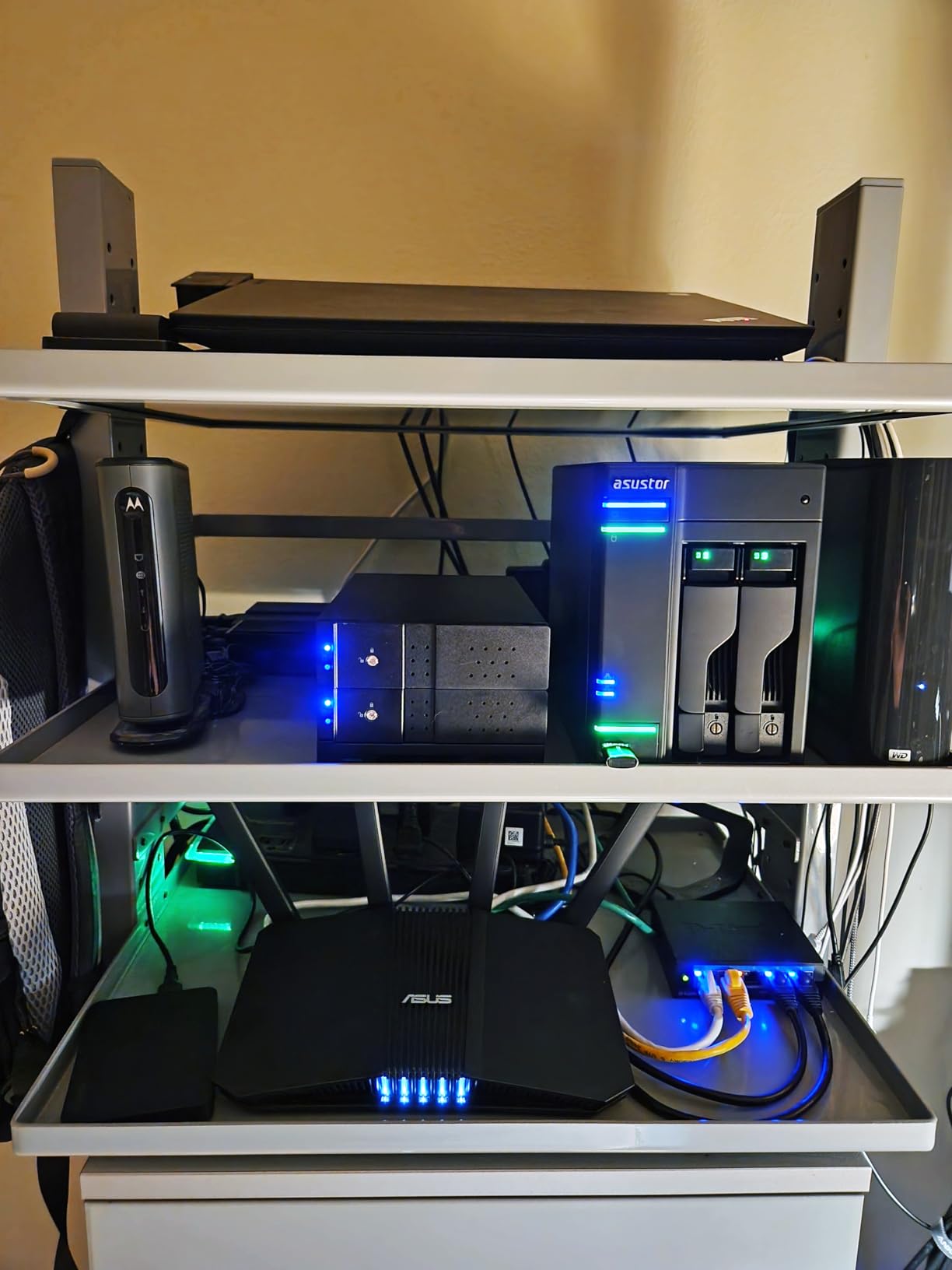
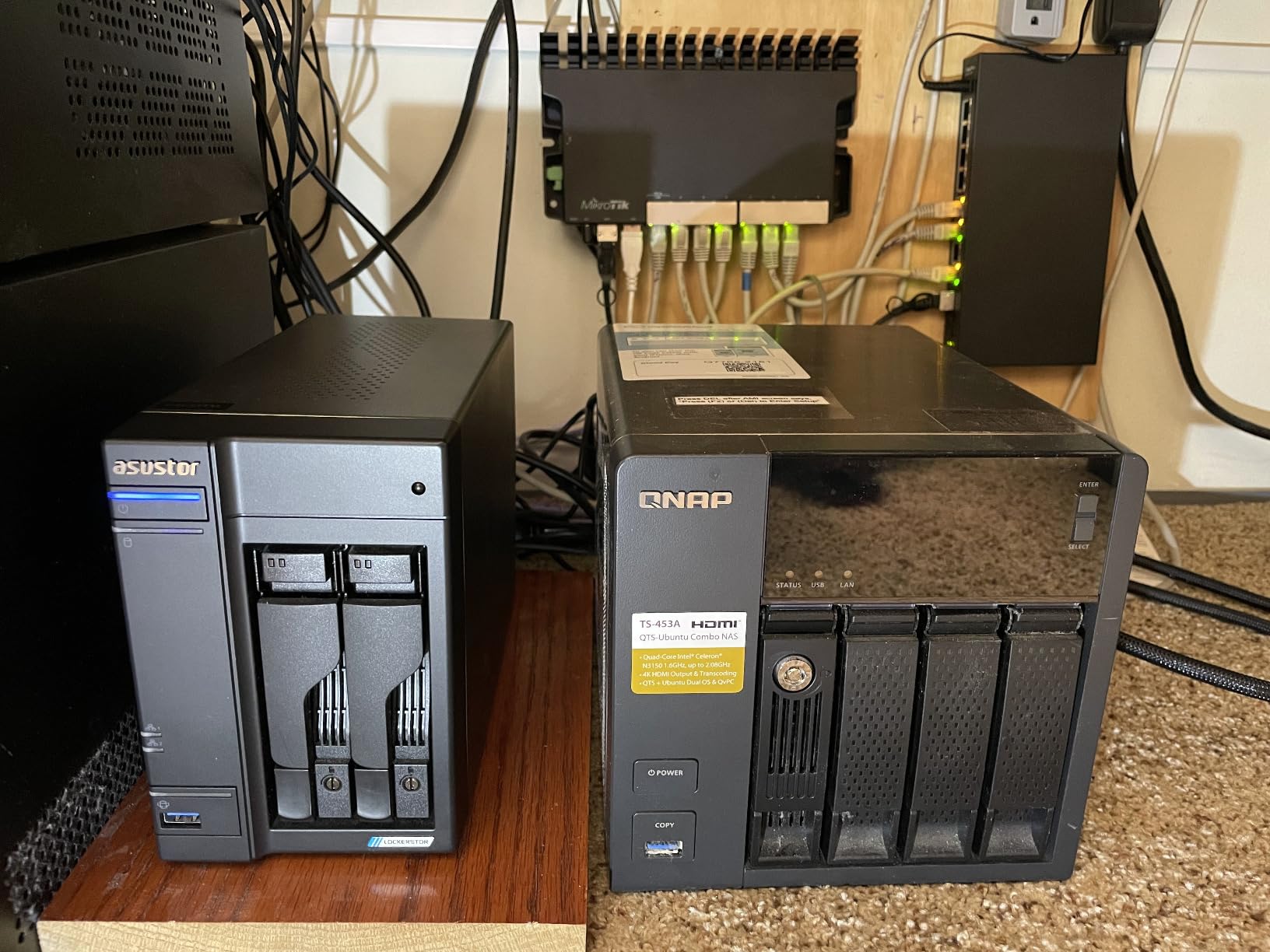
The Lockerstor 2 Gen2 is the odd one out in this roundup, and that is its selling point. Two 3.5-inch bays plus up to four M.2 NVMe slots means six solid-state devices in an enclosure the size of a small book. Nobody else here offers that ratio, and owners upgrading from Synology or QNAP units describe it as faster, cheaper, and far more expandable at the same time.
The Intel Celeron N5105 is a familiar Plex-friendlier part, with HDMI hardware transcoding at up to 3840 by 2160 resolution. Four gigabytes of DDR4 is installed and the technical details list expansion to 16GB, and the enclosure weighs 2.42 kg.
Four NVMe Slots Change the Storage Model
You can build a fast pool entirely from SSDs, mirror the spinning drives, and use the NVMe slots as dedicated read cache for the folders Plex hits hardest. On a library dominated by 4K files, that means seeking and metadata work that would otherwise land on mechanical drives never touches them.
This is the enclosure for someone who already knows what they are doing with storage. The configuration options are genuinely flexible, and the ADM operating system is Linux-based, reachable by browser or SSH, with no forced cloud account.
Docker, VirtualBox, and a Linux Underneath
ADM supports Docker containers, VirtualBox virtual machines, VPN, PHP, and scripting, so the Asustor can carry a fuller self-hosted stack than most two-bay rivals. Owners building homelab setups with Nextcloud and container services report good value from it, and boot times are quick.
The trade-off is polish. ADM is clearly less refined than Synology DSM, and documentation is thin for advanced tasks. If family members will manage the device, expect to answer more questions than you would with a Synology.
The Memory Layout Problem
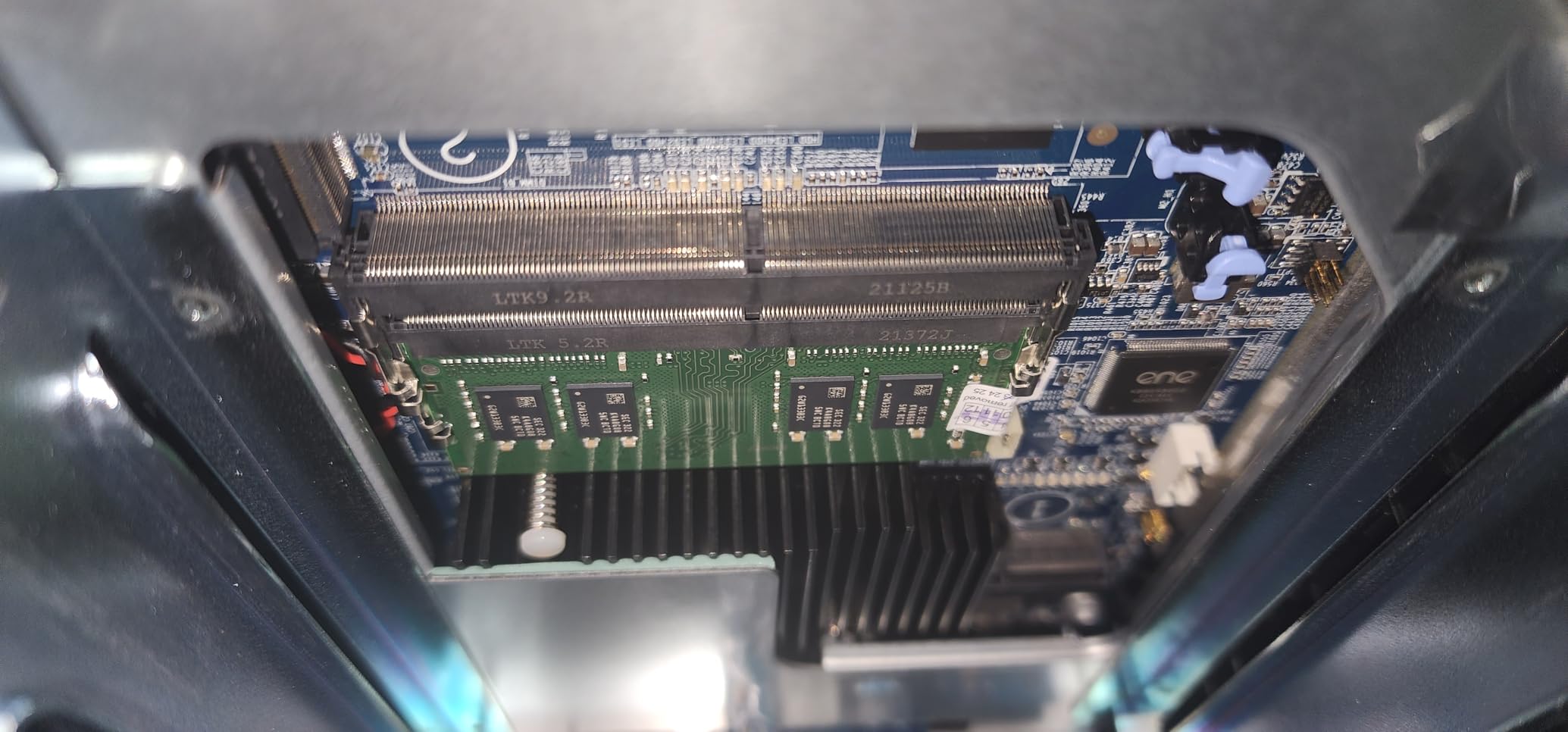
The dominant complaint is physical rather than software. Getting to the second RAM slot requires partially disassembling the chassis, and the NVMe retention bracket is fragile enough that you do not want to force it. Plan to open the case once if you intend to move past 4GB.
For Whom Its Good
Homelab builders who want NVMe density in a small footprint, and anyone comfortable administering a NAS themselves. It is also a strong choice for a home lab running Plex alongside containers on the same machine, with the three-year manufacturer guarantee for added reassurance.
How to Choose a NAS for Plex: The Buying Guide That Matters
Intel Quick Sync or Software Transcoding: the One Decision That Dominates Everything
Everything else in this guide is secondary to the processor. Plex offers three ways to get a file to your screen. Direct Play sends the file untouched, Direct Stream remuxes the container without re-encoding the video, and transcoding re-encodes the video in real time. Only the last one needs serious processing power.
Intel Quick Sync is a block of fixed-function hardware on the integrated graphics of Intel processors that Plex can call on for HEVC and H.264 encoding. It is fast, efficient, and it leaves the CPU cores free. AMD Ryzen parts without integrated graphics and ARM chips generally do not offer Plex a comparable path, which is the recurring theme in forum threads about people who bought the wrong box.
Check the Plex hardware transcoding compatibility list for the exact model before you buy, and confirm the enclosure is listed rather than assuming. If the model is not listed, assume software transcoding. Also confirm you hold or will hold a Plex Pass, because without one the hardware path stays locked.
Direct Play First, Transcoding Second
The cheapest way to make any NAS fast is to reduce how much it has to transcode. If every file in your library is in a format your client devices already support, the processor barely works. This is the thin client approach people on r/PleX and r/selfhosted recommend without exception: pair the server with a capable playback device such as an NVIDIA Shield or an Apple TV 4K and let the server hand over files it does not need to touch.
Two things cause surprise transcoding more than anything else. 4K HDR content with PGS or VOBSUB subtitles forces a conversion on many setups, because the client cannot render the subtitle track alongside the HDR stream. And 10-bit HEVC is less widely supported than 8-bit. A library of H.264 with AAC audio and SRT subtitles plays almost everywhere without a single transcode.
Our own guide to firewood storage sheds follows the same principle in a different context: keeping the thing you reach for every day easy to get to is worth more than adding capacity. Re-encoding your library once, carefully, is cheaper than buying hardware to compensate for formats nobody can play directly.
How Many Drive Bays and How Much Storage
Two bays suit a couple of people and a few hundred movies, provided you mirror the drives. Understand what mirroring gives you: a two-bay RAID 1 array holds the equivalent of one drive. A four-bay array gives you far more room to grow without replacing the machine, which is the single most common regret forum readers describe.
On drive choice, the consistent community recommendation is NAS-rated drives such as WD Red Plus or Seagate IronWolf rather than desktop models. These are built for the 24/7 duty cycle and vibration profile a NAS imposes. Many experienced users add a third, off-site copy, because RAID protects against a drive failing and nothing else. Multiple people have posted to forums about losing data by treating a RAID array as a backup.
For most households, four bays with a mirrored pair is the sweet spot: redundancy on the important data and two empty slots for later.
RAM, M.2 NVMe Slots and Docker Headroom
Four gigabytes is enough for Plex alone. Eight gigabytes is enough for Plex plus download clients, a photo service, and a few containers. Sixteen gigabytes is where you stop thinking about it, and only some enclosures in this roundup get there, either by upgrade or by shipping with the memory.
Note the fixed cases. The QNAP TS-233 and the Synology DS223 both ship with 2GB that you cannot replace. If you plan to run anything beyond the media server, look for a model with a socketed slot and a published maximum.
M.2 NVMe slots serve two purposes: read cache that quietly speeds up the files Plex touches most, and separate high-speed storage pools. The Asustor Lockerstor 2 Gen2 is the extreme case with four slots in a two-bay chassis. Check for cooling in that compartment, since SSDs throttle and a weak fan in a hot bay will show up as slow sustained reads.
Network Speed: Gigabit vs 2.5GbE vs 10GbE
Wired Ethernet, always. A NAS on Wi-Fi is the most common self-inflicted problem in these threads, and no amount of processing power fixes a flaky wireless link serving a 4K stream.
Gigabit handles playback comfortably. 2.5GbE speeds up library building noticeably and is the current sweet spot, appearing on five of the enclosures here. 10GbE matters for video editors and large-scale migrations, and it requires matching switches and client hardware to deliver anything. Plan the whole path, not just the NAS end, or you will end up with an expensive port connected to a slow switch.
Remote Access Without Exposing Your NAS
For streaming away from home, upload bandwidth is usually the limit long before the NAS is. A remote 4K stream needs a sustained upload you may not have. Set remote quality preferences lower, or use direct play on local networks and let remote clients receive a downscaled version.
On the security side, the forum consensus is consistent: use a VPN or a mesh networking tool such as Tailscale rather than opening ports on your router. Enable two-factor authentication on the Plex account, keep the NAS operating system updated, and remember that Plex Pass subscribers can manage their server remotely through the app without any port forwarding at all.
Buying Checklist Before You Click Checkout
Run through this list and you will avoid almost every disappointment in the forums.
First, is the processor listed on the Plex hardware transcoding compatibility page. Second, does the exact model number, not the brand, appear there. Third, do you have or will you buy a Plex Pass. Fourth, how many simultaneous 4K streams do you realistically need. Fifth, does the enclosure have upgradeable memory and what is the maximum. Sixth, how many NVMe slots and are they cooled. Seventh, which network ports, and does your switch support them. Eighth, bay count against the next three years of library growth, not this year. Ninth, is the operating system one you can get help with, for you and for anyone who shares the device. Tenth, does it support Docker if you plan to run Sonarr or Radarr. Eleventh, warranty length. Twelfth, drive compatibility for the capacities you plan to buy. Thirteenth, physical noise, and where the device will actually sit. Fourteenth, is your backup plan written down, because RAID is not one. Fifteenth, can the enclosure be moved to a second location if your ISP changes, or is it tied to one connection.
Frequently Asked Questions
What is the best NAS for Plex in 2026?
The best NAS for Plex is one with an Intel processor that includes Quick Sync, at least 4GB of memory, and Ethernet networking. The UGREEN DXP2800 2-Bay is our top pick because its Intel N100 handles hardware 4K transcoding with 8GB of DDR5 already installed and a 2.5GbE port. The UGREEN DXP4800 Plus takes the enthusiast slot with four bays, a 10GbE port, and upgradeable memory, while the Synology DS225+ offers the smoothest interface for buyers who prioritise ease of use.
Is a NAS worth it for Plex?
A NAS is worth it for Plex when your library has outgrown a single drive, when more than one person streams at once, or when you want redundant storage and remote access. If you have a small library and stream only to one device, an existing desktop can do the job. The main advantage is that a NAS runs 24/7, so your library is always available to every device on the network without a powered-on computer.
Do I need a Plex Pass for hardware transcoding?
Yes. Plex requires a Plex Pass subscription to use hardware transcoding. Without one, even a NAS with an Intel processor and Quick Sync falls back to software transcoding, which uses the processor cores and struggles with several 4K streams at once. Budget for the subscription before buying hardware, or run Jellyfin instead, which does not gate the same feature behind a paid plan.
Can a 2-bay NAS run Plex?
A 2-bay NAS runs Plex well for one or two users, particularly with an Intel processor that supports hardware transcoding. The limitation is storage: a mirrored pair of drives holds the equivalent of one drive, and adding capacity means replacing drives rather than adding them. Choose a 2-bay model with 8GB of memory if you also want to run download clients or containers, since models with 2GB of fixed memory cannot be upgraded.
Why are people moving away from Plex?
The most common reasons are the Plex Pass requirement for hardware transcoding, the cost of premium features, and changes to how media is handled. Some users move to Jellyfin because it is free and does not gate hardware transcoding behind a subscription, while others keep Plex and pair it with a separate Intel mini PC so the NAS only handles storage. Infuse on Apple TV is also a common local playback alternative for people who mostly watch at home.
Which NAS Comes Out on Top for Plex in 2026?
The UGREEN DXP2800 2-Bay is our best network attached storage for Plex in 2026, and the reason is simple: nothing essential is missing. Intel Quick Sync hardware transcoding, 8GB of DDR5, two NVMe slots, and 2.5GbE in a box that stays quiet on a shelf. It is the one enclosure here I would recommend without a caveat about who it does not suit.
If your library is large or still growing quickly, take the UGREEN DXP4800 Plus instead. Four bays and 10GbE solve the two problems that appear in almost every forum thread about outgrowing a first NAS. If you would rather not manage any of that, the Synology DS225+ gives you the same Quick Sync capability inside the least intimidating interface in the category.
For pure storage and backup with Plex as a secondary job, the Synology DS223 is the simplest box here. For a homelab that wants SSD density in a small footprint, the Asustor Lockerstor 2 Gen2 is hard to match. And if you are starting completely from scratch, pick any of them, buy a Plex Pass, connect over Ethernet, and check that exact model number on the Plex hardware transcoding list before you click checkout. That last habit prevents more wasted money than anything else in this guide.