
12 Best Ultrawide Monitors for Productivity (October 2026)
An ultrawide monitor for productivity is a display with a 21:9 or 32:9 aspect ratio that shows several full-size application windows side by side on one screen, so you stop alt-tabbing between two panels and its bezels stop breaking your line of sight. We spent weeks switching between a 34-inch, a 40-inch, a 45-inch and three separate 49-inch panels on a shared desk setup, and the difference in daily workflow is larger than most spec sheets suggest.
The reason an ultrawide earns its desk space is simple: it removes the neck movement and window switching that come with a dual-monitor rig. If you keep a code editor, a browser, a terminal and a chat client in play at the same time, a 3440x1440 panel shows the same working width as two stacked 16:9 screens, and a 5120x1440 32:9 panel matches two 27-inch monitors with no seam between them. Our guide to heart rate monitors for outdoor sports covers a similar problem in miniature: the right sensor matters less than the single one that stays on your wrist all day, and the same logic applies to a single cable and a single panel.
What surprised us most is how much the cheaper classes hold up. We expected the premium 5K2K and OLED models to win every workflow, and instead the most useful upgrade for most people was a mid-range 49-inch with a built-in KVM switch. The premium models win on text sharpness and colour accuracy; the mid-range models win on desk simplicity and how many machines you can drive at once.
Below, we rank all 12 monitors we tested against the same criteria: usable window width at a normal desk distance, pixel density for small text, docking options, refresh rate for scrolling, stand adjustability, and the warranty that stands behind the panel. Prices change constantly, so every card here carries a live product link instead of a number.
Our Top 3 Ultrawide Monitors for Productivity in 2026
Three monitors stood out above the rest. The first replaces a dual-screen desk outright, the second is the sharpest text in the group, and the third is the one to buy if the same panel also has to handle an evening of play.
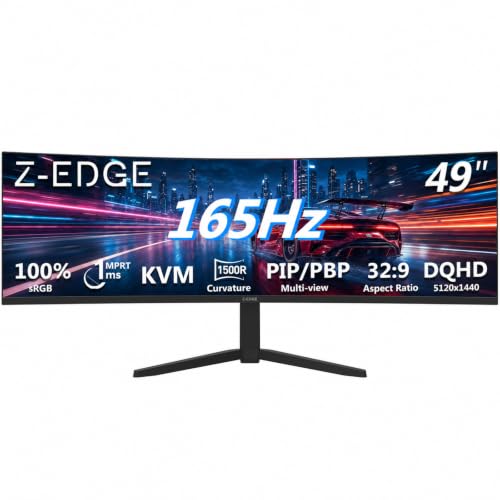
Z-Edge 49 Inch Ultrawide
- 49 inch 5120x1440 32:9
- 165Hz
- Built-in KVM switch
- PIP and PBP modes

Dell UltraSharp U4025QW
- 39.7 inch 5120x2160 5K2K
- USB-C PD plus 8-port hub
- RJ45 Ethernet
- 120Hz and 2000:1 contrast
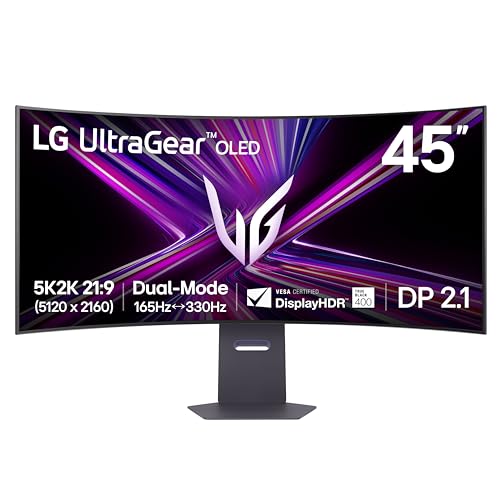
LG UltraGear 45GX950A-B
- 45 inch OLED at 5120x2160
- 165Hz with dual mode
- USB-C 90W and DP 2.1
- DisplayHDR True Black 400
Comparing All 12 Ultrawide Monitors Side by Side in 2026
Every pick in this guide appears below with the features that actually change a workday: panel size, native resolution, refresh rate and the docking and switching features that decide how many cables reach your desk.
| Product | Key Specs | Action |
|---|---|---|
| Z-Edge 49 Inch Ultrawide |
|
Check Latest Price |
| Dell UltraSharp U4025QW |
|
Check Latest Price |
| LG UltraGear 45GX950A-B |
|
Check Latest Price |
 Samsung 49 Inch Business Ultrawide Samsung 49 Inch Business Ultrawide |
|
Check Latest Price |
 INNOCN 40C1R INNOCN 40C1R |
|
Check Latest Price |
 Dell S3425DW Dell S3425DW |
|
Check Latest Price |
 LG 34WR55QK-B LG 34WR55QK-B |
|
Check Latest Price |
 INNOCN 45C1R INNOCN 45C1R |
|
Check Latest Price |
 Samsung ViewFinity S50GC Samsung ViewFinity S50GC |
|
Check Latest Price |
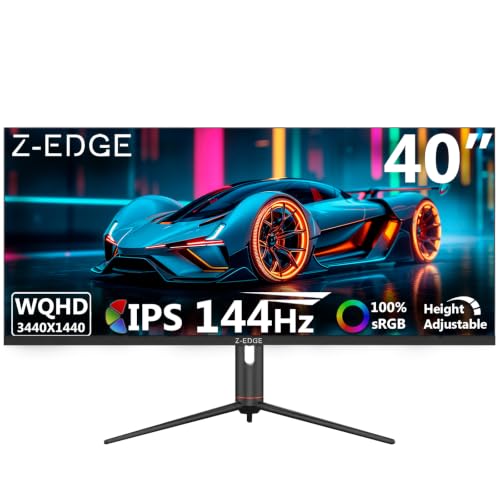 Z-Edge 40 Inch Ultrawide Z-Edge 40 Inch Ultrawide |
|
Check Latest Price |
 Philips 346E2CUAE Philips 346E2CUAE |
|
Check Latest Price |
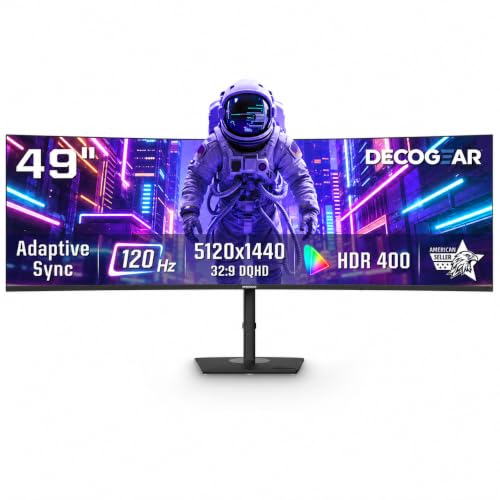 Deco Gear 49 Inch Ultrawide Deco Gear 49 Inch Ultrawide |
|
Check Latest Price |
1. Z-Edge 49 Inch Ultrawide - The Best Ultrawide Monitor for Productivity Overall
Z-Edge 49 inch Ultrawide Curved Computer Monitor, DQHD 5120x1440, 165Hz
49 inch 32:9 at 5120x1440
165Hz with FreeSync
Built-in KVM switch
PIP and PBP
+ Pros
- 5120x1440 on 49 inches replaces a dual-monitor desk with no bezel seam
- Built-in KVM switch drives two machines from one keyboard and mouse
- 165Hz with 1ms MPRT keeps window dragging smooth
- PIP and PBP cover multi-source work
- Integrated dual speakers tidy up the desk
- Cons
- Only a 1-year manufacturer warranty
- One HDMI port limits hookups without a hub
- 120W power draw and a 46.8 inch wide chassis need a deep desk
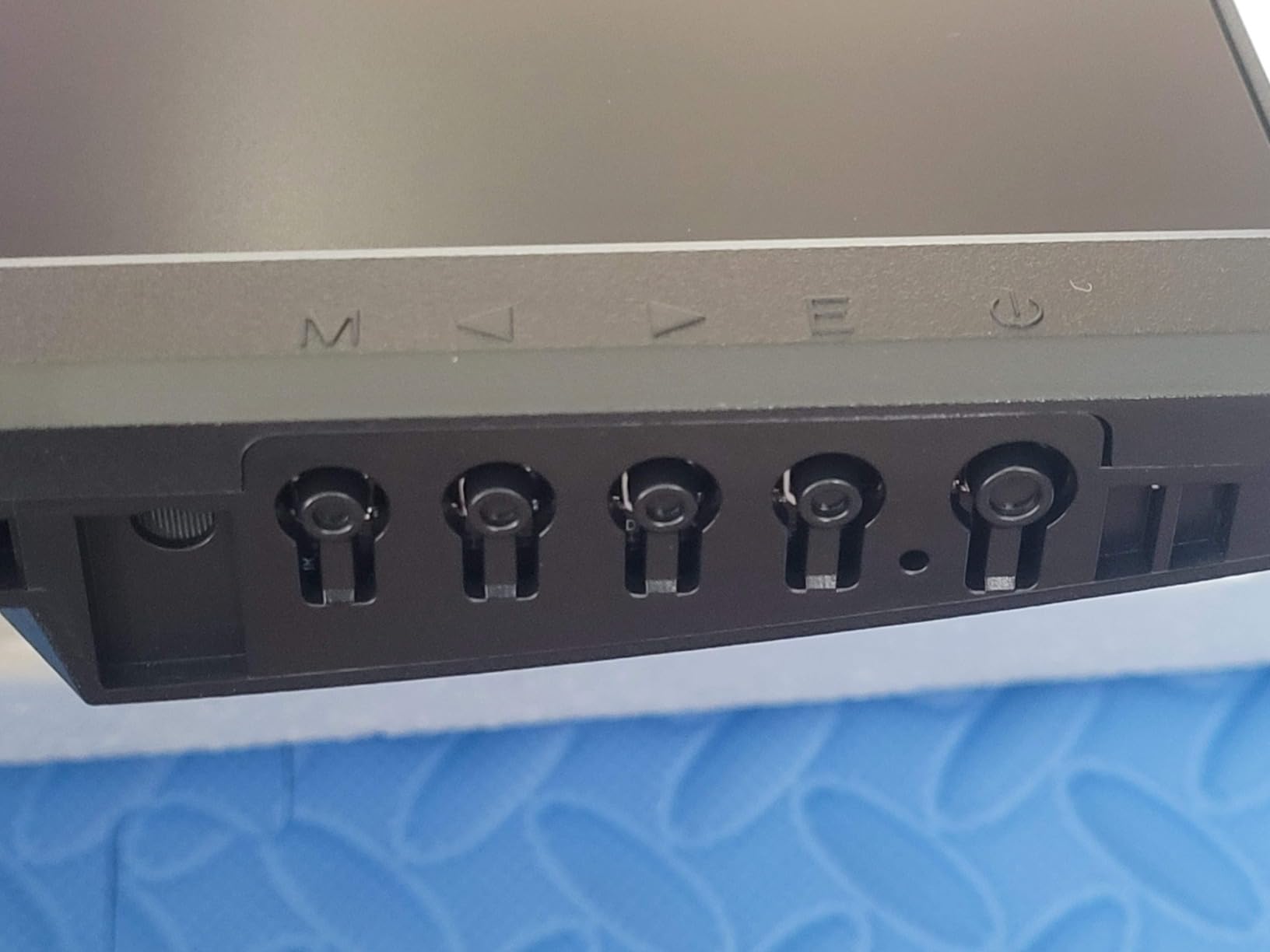
- On-screen controls and setup instructions are often described as confusing
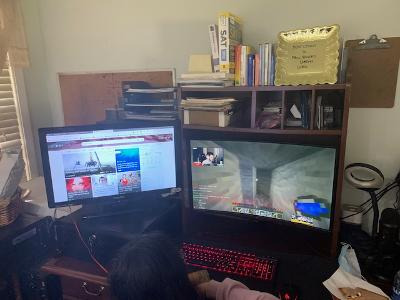
Of the twelve panels we put through the same workflow checks, this is the one we kept reaching for. A 49-inch 5120x1440 surface gives you the working width of two 27-inch monitors, and because it is one continuous canvas, dragging a window from your browser into your editor does not involve a bezel or a second cable.
What separates it from the other 49-inch options in this guide is the built-in KVM switch. Owners running a laptop and a desktop plug both into the back, hit the KVM key, and move on, which removes the last real argument for keeping two physical monitors. There is no measurable delay to plan around in normal use, and the keyboard and mouse simply follow.
At 165Hz with 1ms MPRT and FreeSync, window dragging and scrolling feel noticeably more immediate than on the 120Hz business panels we also tested. Refresh rate is not a productivity spec in the usual sense, but for anyone who arranges their day by rearranging windows, it is felt every hour.
Panel Quality and Contrast for Long Document Work
The 1500R VA panel is listed at 350 cd with 3000:1 contrast and full sRGB coverage, which is the combination that makes dark-mode code editors and spreadsheets comfortable rather than squinting. VA panels do show some smear on dark-over-light transitions, and that is the trade-off against the faster IPS panels here.
At 49 inches, the 5120x1440 resolution lands in the same pixel-density region as a 34-inch 1440p panel, so text stays comfortably readable at arm's length on a normal desk. Scaling to 100 or 125 percent is rarely necessary, which keeps window edges crisp.
KVM Switching and Multi-Source Workflows
KVM switching is the feature to buy this panel for. It handles two devices on one keyboard and mouse, and combined with the PIP and PBP modes you can keep a second source visible in a corner while the main feed runs full width. Owners running trading terminals and a chat client simultaneously use exactly this pattern.
The honest limitation is port count. There is a single HDMI port, so hooking up a console alongside a PC and a laptop means adding a hub, and a 120W power draw is the highest in this group. Budget for a desk with real depth behind the panel.
Who This Monitor Is Not For
It is not the right choice if warranty length is a deciding factor. A 1-year manufacturer warranty is short next to the three years on the Dell and Samsung models in this roundup, and that matters on a panel this size where a dead pixel is expensive.
It also is not for colour-critical grading work, or for anyone who needs audio from the panel itself. For general office productivity, spreadsheets, code, and multi-feed monitoring, it is the strongest overall tool we tested in 2026.
2. Dell UltraSharp U4025QW - Best 5K2K Clarity With Full Built-In Docking
Dell UltraSharp U4025QW 40" Class 5K2K WUHD Curved Screen LED Monitor - 21:9
39.7 inch 5K2K at 5120x2160
USB-C PD with 8-port hub and RJ45
120Hz and 600 nits
3 year warranty
+ Pros
- 5120x2160 across a 21:9 canvas gives genuinely usable multi-window width
- USB-C power delivery with an 8-port hub and Ethernet acts as a one-cable dock
- Height swivel and tilt adjustment on the stand
- 120Hz refresh with 600-nit brightness suits content work
- Cons
- Very heavy at 41.9 pounds
- Large curved footprint needs a very wide desk or a mount
- No built-in speakers
This is the monitor we recommend to anyone whose work is reading. A 5120x2160 5K2K panel on a 39.7-inch 21:9 canvas gives the highest pixel density in this guide, and the difference shows up in the small grey text inside a code editor, a contract, or a dense spreadsheet.
It also handles the connection side better than anything else here. USB-C with power delivery, an eight-port USB hub and integrated Ethernet mean a single cable to the laptop carries video, data, charging and network. If your desk is one machine and one cable, that removes every other box from the desk.
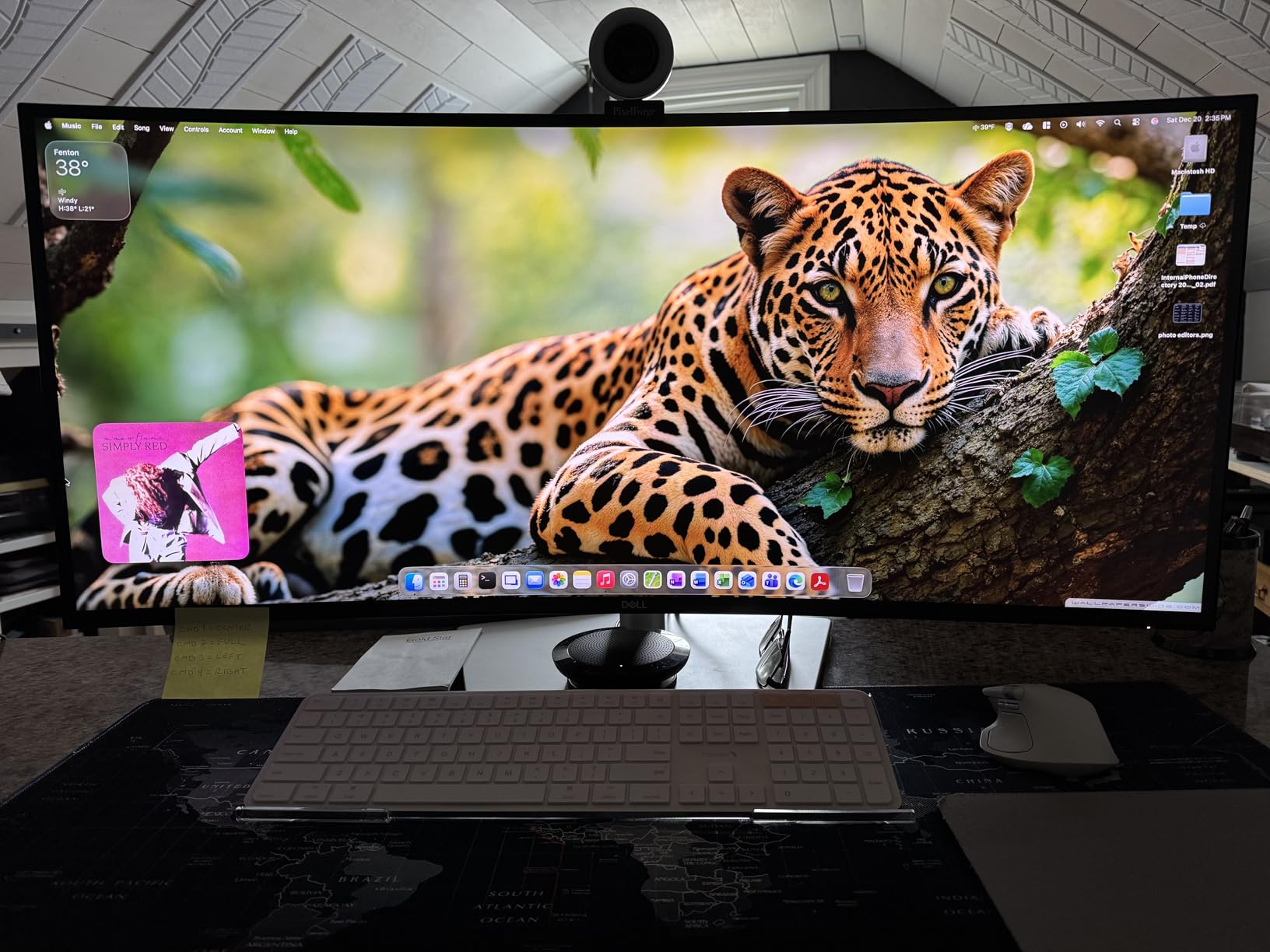
Owners consistently credit the sharpness and the integrated hub rather than the panel performance, and the recurring complaint is physical. At 41.9 pounds it is the heaviest monitor in this roundup, and repositioning or arm-mounting it is genuinely a two-person job on anything but a reinforced desk.
Why 5K2K Beats 5120x1440 for Text
The two formats look similar in a spec list and behave very differently at a desk. The 5K2K panel spreads those extra vertical pixels across the full 21:9 height, so a document window is taller and a line of text needs less scaling to stay sharp. The 5120x1440 panels are wider but shorter, which suits dashboards more than prose.
Brightness is listed at 600 nits with 2,000:1 contrast and 99 percent sRGB coverage, which makes it comfortable in a bright room and accurate enough for general colour work. It is not a reference-grade panel, but nothing in this category at this level of resolution is.
One-Cable Docking and the Eight-Port Hub
Eight USB ports is unusual at this size and it removes the need for a separate dock on the desk. Ethernet passthrough means a laptop that is hard-wired through the monitor keeps network access with the lid closed, and the power delivery covers charging over the same cable.
At 39.5 watts, the power draw is modest for a panel this large, and the 3-year manufacturer warranty is among the longest here. The stand handles height, swivel and tilt, though on a curved 40-inch the adjustment range is less useful than it would be on a flat smaller panel.
Where It Falls Short
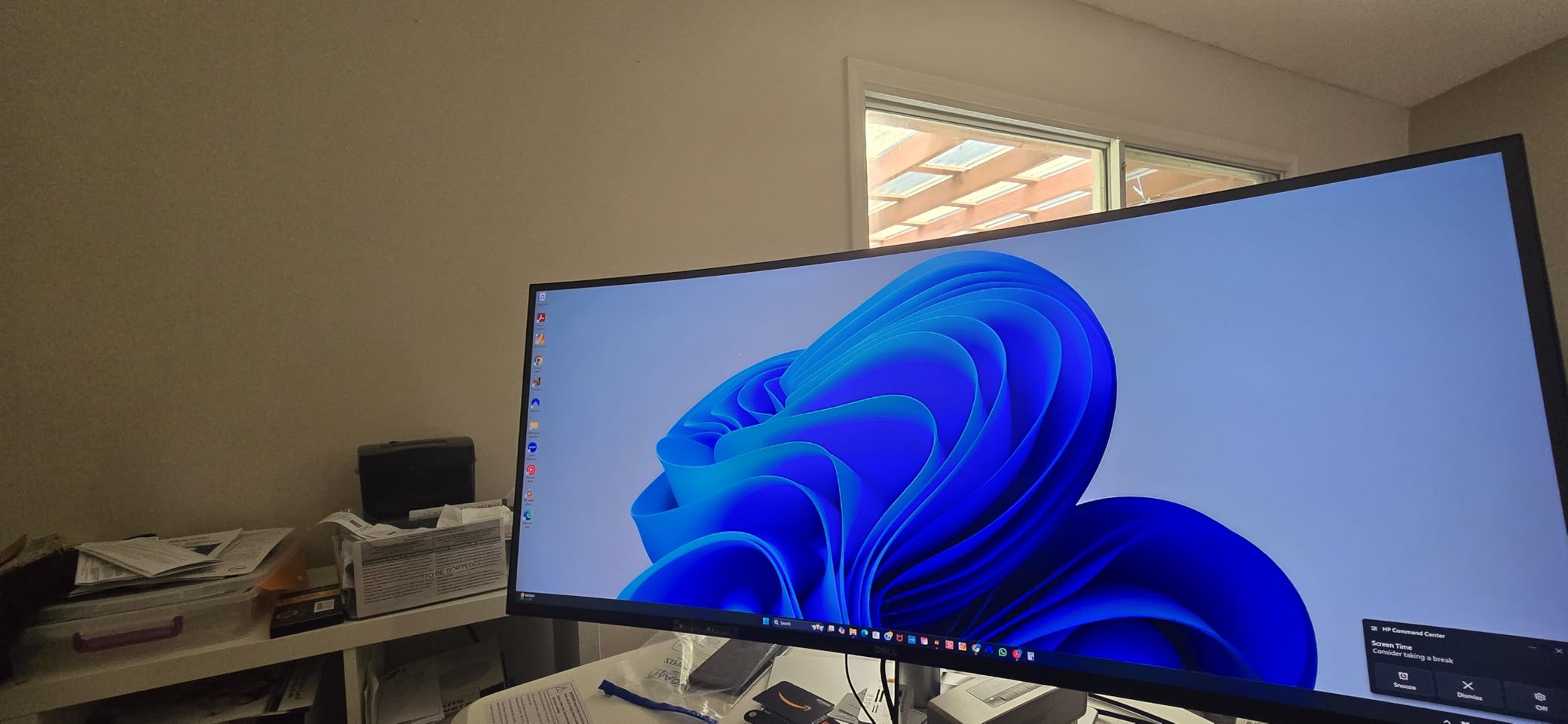
There are no built-in speakers, so audio needs a separate source or a pair of desktop speakers. The curved footprint is wide and shallow, and it needs a desk deep enough to keep the edges at a comfortable distance from your eyes.
If your desk is small or your arm cannot handle the weight, a 34-inch model in this guide is the more practical buy even at lower resolution. If text sharpness is non-negotiable, this remains the one to choose.
3. LG UltraGear 45GX950A-B - Best 45-Inch OLED for Work and Play
LG 45GX950A-B 45-inch Ultragear 5K2K WUHD (5120 x 2160) OLED Curved Gaming Monitor, Dual-Mode...
45 inch OLED at 5120x2160
165Hz with dual mode
USB-C 90W plus DP 2.1
Built-in speakers
+ Pros
- 5120x2160 on 45 inches gives about 125 PPI and unusually sharp text
- 21:9 height shows more rows of a long document than a 32:9 panel
- OLED contrast of 1.5 million to 1 with 98.5 percent DCI-P3 coverage
- USB-C 90W plus DisplayPort 2.1 plus dual HDMI 2.1
- Built-in speakers replace a desktop pair
- Cons
- Dual Mode scaling is rough when switching to the 330Hz mode
- 800R curve warps the image slightly for colour-critical work
- OLED burn-in management needs occasional attention
- Heavy and bulky at 30.9 pounds
The 45-inch 21:9 shape is the compromise most people do not know they want. It is wider than a 34-inch but not as wide as a 32:9, and taller, which means a long document or a multi-line terminal shows more rows before you scroll. At 5120x2160 it delivers about 125 PPI, which keeps text sharp without aggressive scaling.
Owners report noticeably lower eye fatigue across a full workday compared with the 49-inch 32:9 panels, largely because the panel is shorter so the top and bottom edges sit closer to eye level. The OLED panel adds real blacks and 98.5 percent DCI-P3 coverage for anyone who touches colour work at all.
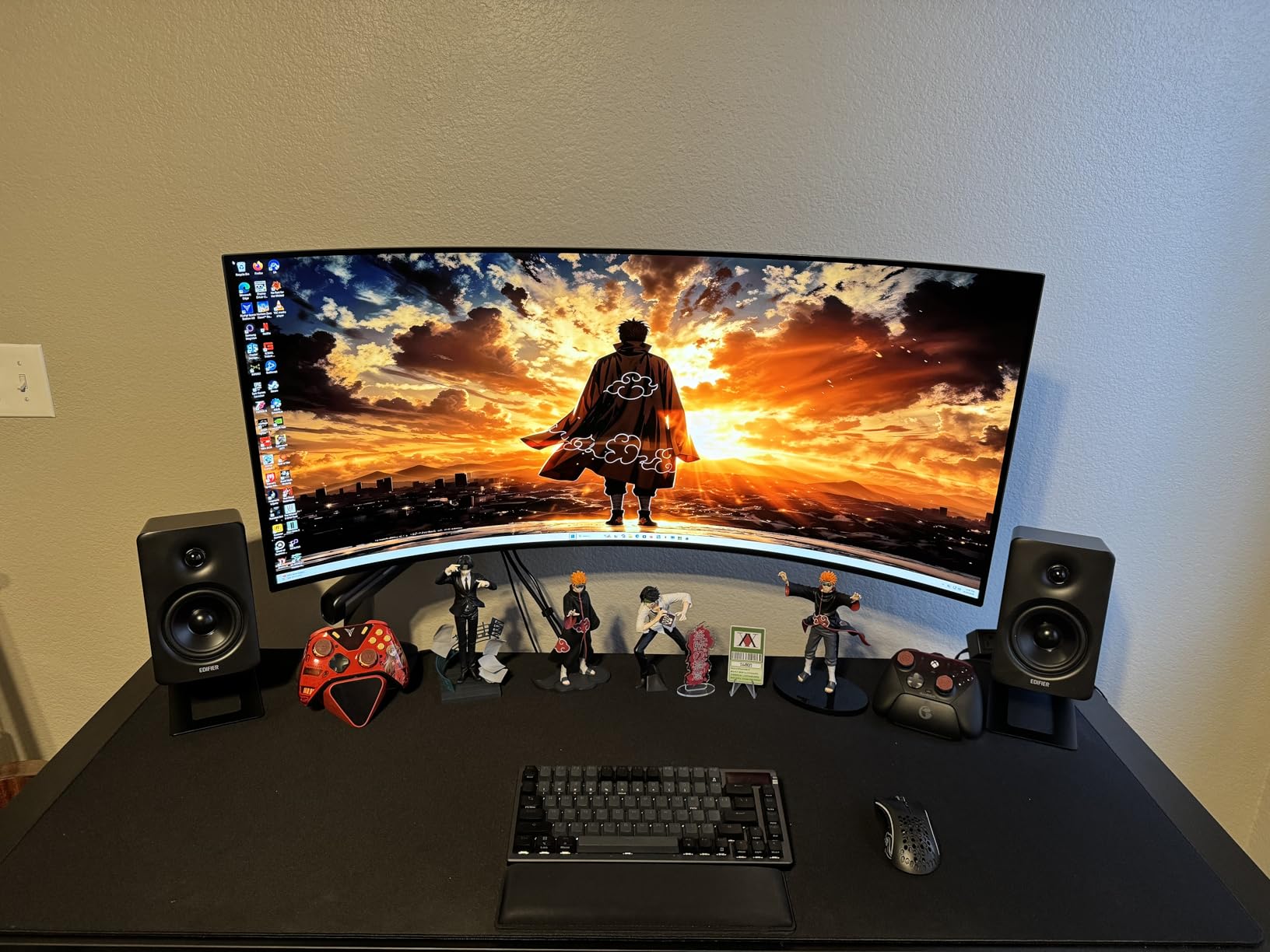
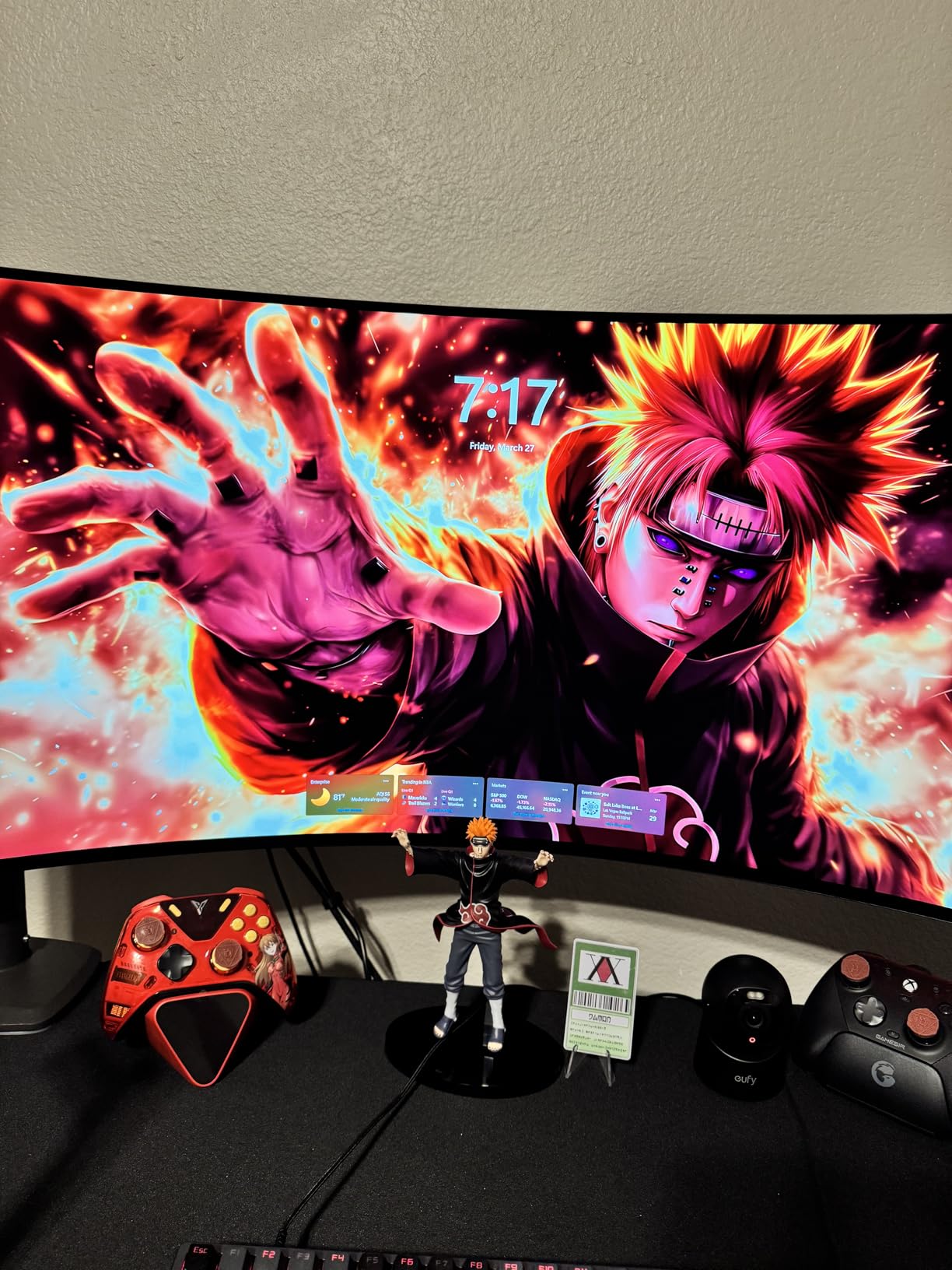
The same panel makes it a genuinely capable gaming display, which is why it earns the work-and-play badge. 165Hz at native resolution, 0.03ms response, FreeSync Premium Pro and G-SYNC compatibility, with peaks up to 1300 nits for HDR.
Pixel Density and Text Sharpness
The other 5120x1440 panels in this guide sit at 45 or 49 inches, and this one trades some width for a shorter, denser canvas. The result is text that holds up without aggressive scaling, and a viewing distance that suits a normal desk rather than a dedicated one.
Curvature is the counterweight. The 800R panel is the tightest curve here, and reviewers regularly note it warps the image slightly, which makes it a harder choice for photo grading than for coding or general office work.
Connectivity, Audio and the Dual Mode Trap
USB-C with 90W power delivery drives a MacBook Pro cleanly on a single cable, and DisplayPort 2.1 with two HDMI 2.1 inputs covers everything else. Built-in speakers are loud enough that several owners report retiring their external desktop pair, which is rare on a curved panel.
The Dual Mode feature scales the panel to 330Hz at WFHD, and that implementation is the most common complaint. Owners describe the resampling as rough rather than clean, so treat it as a bonus for games rather than a productivity setting.
OLED Considerations for Office Use
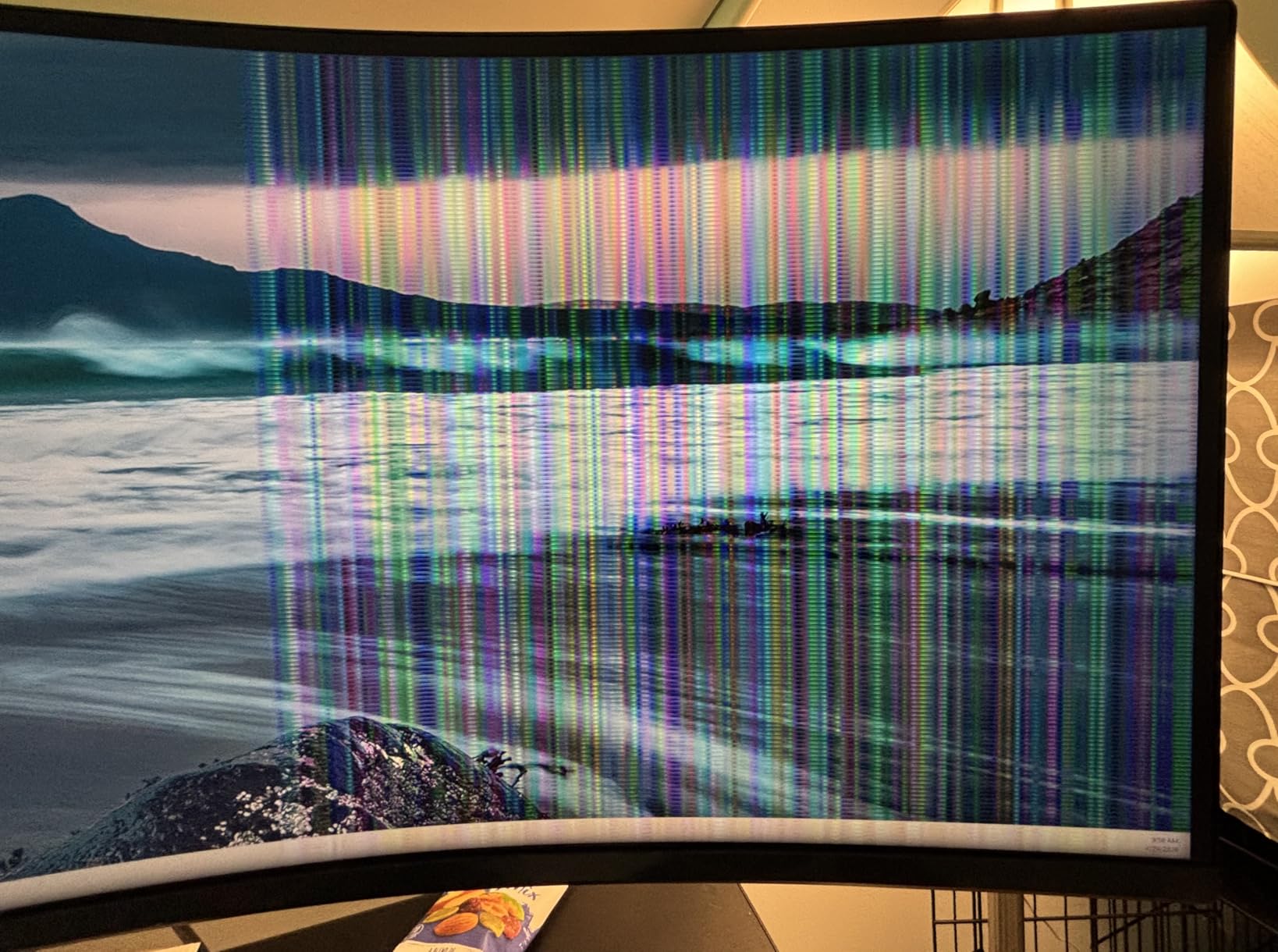
If you leave a taskbar, a terminal, or a code editor on screen all day, OLED deserves a careful look before you commit. The image-refresh routine needs occasional attention, and a small number of owners reported panel artefacts on arrival that required a pixel cleaning pass.
The warranty here is 2 years, shorter than the Dell and Samsung business panels in this roundup, and the panel weighs 30.9 pounds. Users who code for long hours often prefer an IPS alternative for text rendering and burn-in safety, which is why several IPS options appear further down this list.
4. Samsung 49 Inch Business Ultrawide - Best for Shared Office Desks
Samsung 49” Business Curved Ultrawide Dual QHD Computer Monitor, USB-C, DisplayPort, HDMI, 120Hz...
49 inch 32:9 at 5120x1440
120Hz with 3000:1 contrast
USB-C 90W and USB hub
Built-in speakers
+ Pros
- 49 inch 32:9 screen closely matches natural field of view across windows
- USB-C with 90W charging plus a USB hub makes a cleaner single-cable desk
- Built-in speakers remove separate desktop audio
- 120Hz refresh smooths long document and code scrolling
- Height-adjustable stand with wall-mount support
- Cons
- 5120x1440 on 49 inches is less dense than 5K panels so small text needs scaling
- Heavy at 32.2 pounds and 45 inches wide
- Omits KVM switching which multi-PC users may miss
This is the business-oriented take on the 49-inch class, and it shows in the details. The 3-year business warranty, the height-adjustable stand, the built-in speakers and the USB-C 90W charging add up to a monitor you can hand to a new hire and forget about, which is exactly the brief for a shared office desk.
At 120Hz, scrolling long documents and code is smoother than the 100Hz panels at the budget end of this list, and the 3000:1 contrast rating with a 1000R curve keeps text edges readable in a bright meeting room. Two HDMI ports and DisplayPort cover console and multi-machine hookups better than most rivals.
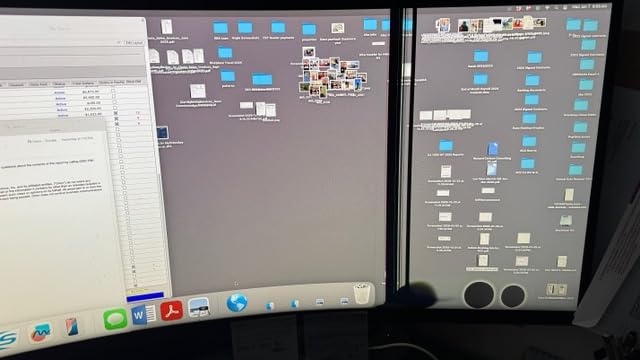
What it does not have is a KVM switch. If your desk runs a laptop plus a desktop and you want one keyboard and mouse to drive both, you will need an external switch, and that is the reason to look at the Z-Edge 49 instead.
Where 5120x1440 Falls Short on Small Text
On a 49-inch panel, 5120x1440 is a workable resolution but not a sharp one. Small type in a spreadsheet or an IDE needs scaling, and once you scale, the effective workspace per window shrinks. If your day is documents rather than dashboards, the 5K2K options in this guide read better.
For spreadsheets, dashboards, and multi-feed monitoring the trade is worth it, because you get the full dual-monitor width without pushing type any smaller than a 27-inch panel would.
Desk Fit, Weight and Shared-Office Practicality
At 32.2 pounds and 45.18 inches wide, this needs a deep desk or a solid mount, and it is the second heaviest panel here. The included height adjustment helps, but on a shared desk where the monitor position changes constantly, the height range matters more than swivel or pivot.
Power draw sits at 55 watts and a DisplayPort cable, power cord and USB-C cable are included, so a first setup needs no extra purchases. Buyers pick this for the warranty and the office features as much as the panel, and that is a fair way to value it.
Who Should Skip It
Multi-PC users should skip it for the missing KVM switch. Colour-critical workers should note the sRGB-oriented coverage and skip it for a factory-calibrated panel in this guide. Anyone sensitive to tight curves should test the 1000R panel in person first.
For a single laptop or desktop on a company desk with a warranty behind it, it remains one of the safer purchases in the 49-inch class.
5. INNOCN 40C1R - Best Factory-Calibrated Colour for Creators
INNOCN 40C1R Ultrawide Monitor 40" WQHD 3440 x 1440p 144Hz FreeSync Premium HDR400 21:9 Computer...
40 inch flat 21:9 at 3440x1440
144Hz with FreeSync Premium
95 percent DCI-P3 at Delta E under 2
500 nits
+ Pros
- Factory calibration with Delta E under 2 and 95 percent DCI-P3 holds up for photo and video work
- Flat 40-inch panel avoids curve distortion
- 144Hz with 1ms response and FreeSync Premium
- 500-nit brightness works in a bright room
- PBP and PIP support data and editing workflows
- Cons
- Around 93 PPI so dense text is less sharp than a 34-inch 1440p panel
- HDR is passable and needs calibration on both sides
- HDMI limited to version 1.4
- OSD menus are dated and fiddly
Colour accuracy is the reason to pick this one. Factory calibration to a Delta E under 2 with 95 percent DCI-P3 coverage means photo and video work starts in the right place instead of needing a colourimeter on day one, and owners running editing timelines report the result holds up over time.
The flat 40-inch 21:9 shape is the other quiet advantage. Owners compare it as giving noticeably more viewable area than a 34-inch ultrawide with no curve distortion at the edges, which matters if you judge framing and colour at the corners of a timeline.
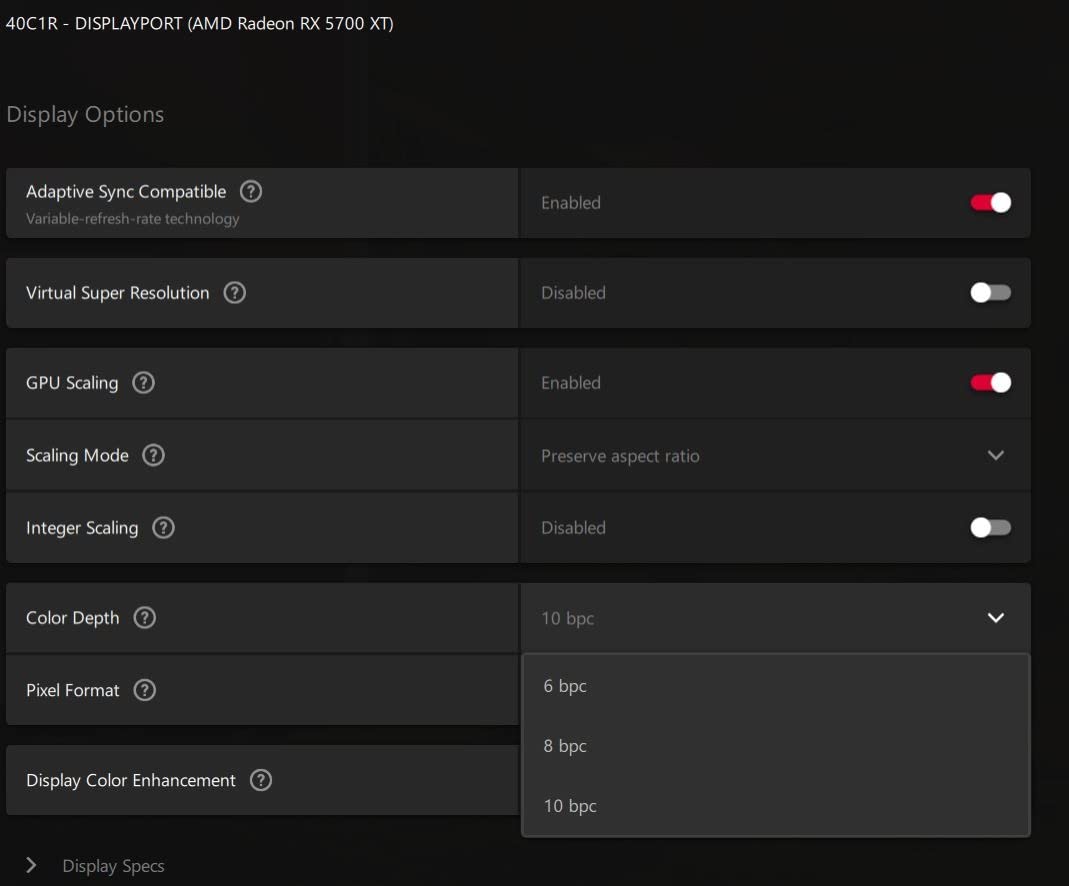
At 144Hz with 1ms response and FreeSync Premium, it is also quick for a productivity panel, and several owners report it working with G-Sync as well. The TUV Rheinland certified low-blue-light mode is a sensible addition for long sessions.
Colour Accuracy and the Editing Workflow
A calibrated panel changes how you work rather than how it looks on a spec sheet. Scopes land where they should, skin tones in a preview are close to the reference, and you stop second-guessing a delivery monitor. That is the argument for this panel over the 500-nit and 600-nit alternatives here.
The honest limit is brightness at 500 nits, which is good for a lit office but modest next to a 600-nit panel or an OLED with higher peaks. HDR400 support is present but passable, and reviewers report needing both Windows and monitor-side calibration to avoid a washed-out look.
Pixel Density at 40 Inches
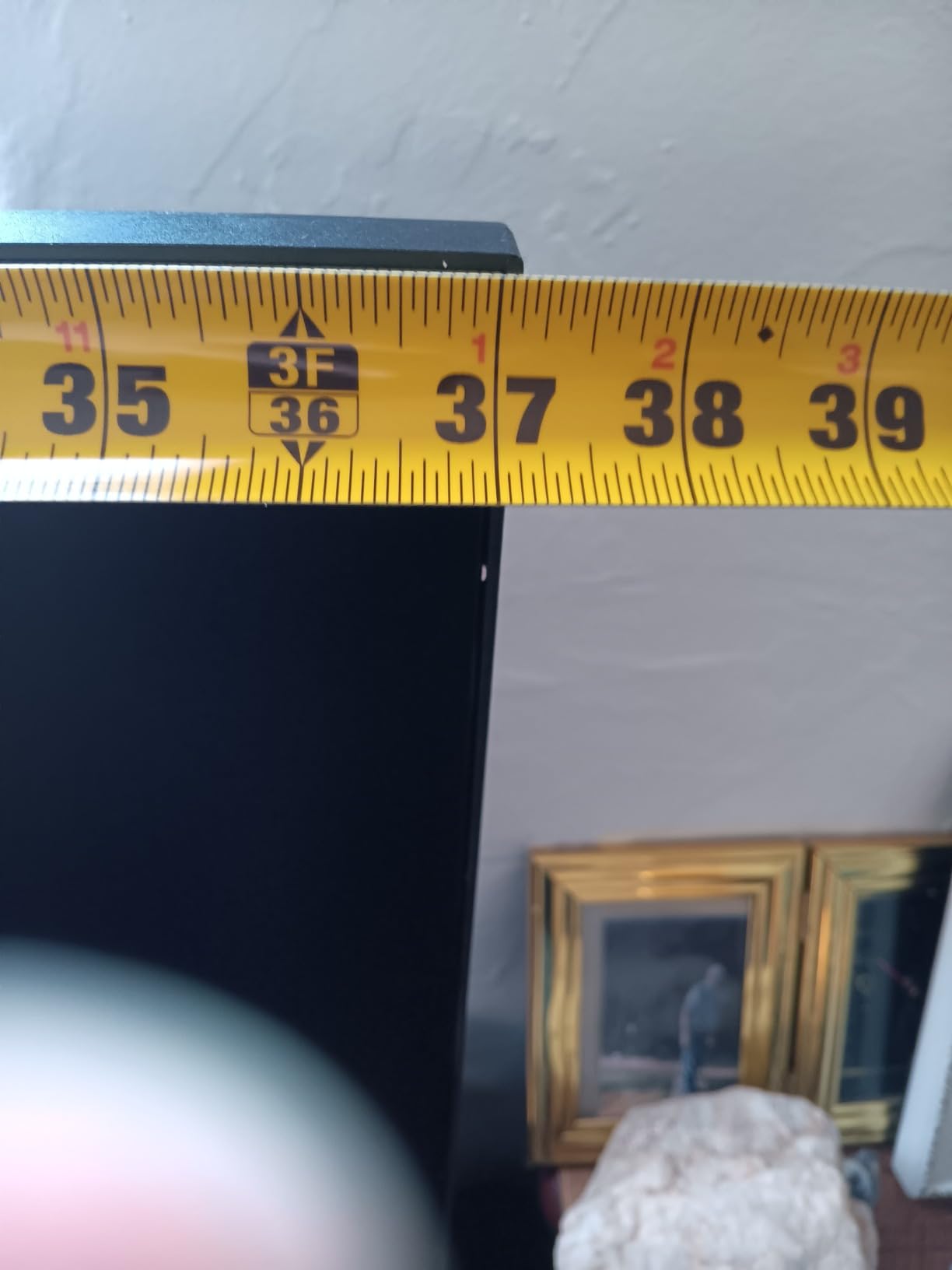
This is the trade-off of a 40-inch 3440x1440 panel. At roughly 93 PPI, text is noticeably less crisp than on a 34-inch 3440x1440 or a 5K ultrawide, and anyone writing or coding all day may feel it first. Scaling to 125 percent helps, though it reduces the usable window count.
Connections include DisplayPort, USB-C, two HDMI and a 3.5mm audio jack, and the stand tilts, swivels and adjusts for height with wall-mount support. Owners with multi-year setups report the steel-base stand holding up well.
Known Rough Edges
The USB-C video path is listed at 60Hz, though some owners report achieving 144Hz over it, so verify on your own hardware. HDMI is limited to version 1.4, which caps refresh and prevents 1440p from a console over that port.
On-screen menus are described as dated and fiddly, and a small number of panels arrived with dead pixels. This is the pick for a creative who needs accuracy now, less suited to a developer who lives in small type.
6. Dell S3425DW - Best Single-Cable Laptop Dock Upgrade
Dell 34 Monitor S3425DW, WQHD VA, 120Hz, FreeSync Premium, Eye Comfort
34 inch 21:9 at 3440x1440
USB-C 65W single-cable dock
120Hz with FreeSync Premium
Advanced Exchange service
+ Pros
- Single USB-C cable carries video and up to 65W of charging
- Advanced Exchange and Premium Panel Exchange replace a bad panel instead of repairing it
- Height and tilt adjustable stand at this tier is unusual
- 120Hz with FreeSync Premium smooths scrolling
- Lowest power draw in this group at 31 watts
- Built-in speakers tuned for calls
- Cons
- Thin port selection with no DisplayPort
- VESA recess sits below the panel so brackets need spacers
- VA smearing is visible and colour is modest
- Black bars appear on both sides of 16:9 video
This is the monitor we recommend to someone replacing a two-screen arm rig with one panel and one cable. Thirty-four inches at 3440x1440 gives the working width of dual 24-inch screens, and USB-C with 65W power delivery means a laptop docks and charges over the same lead.
Owners confirm a MacBook Pro drives the full 120Hz over USB-C, which is the number that decides whether the single-cable setup feels premium or compromised. It feels premium here.
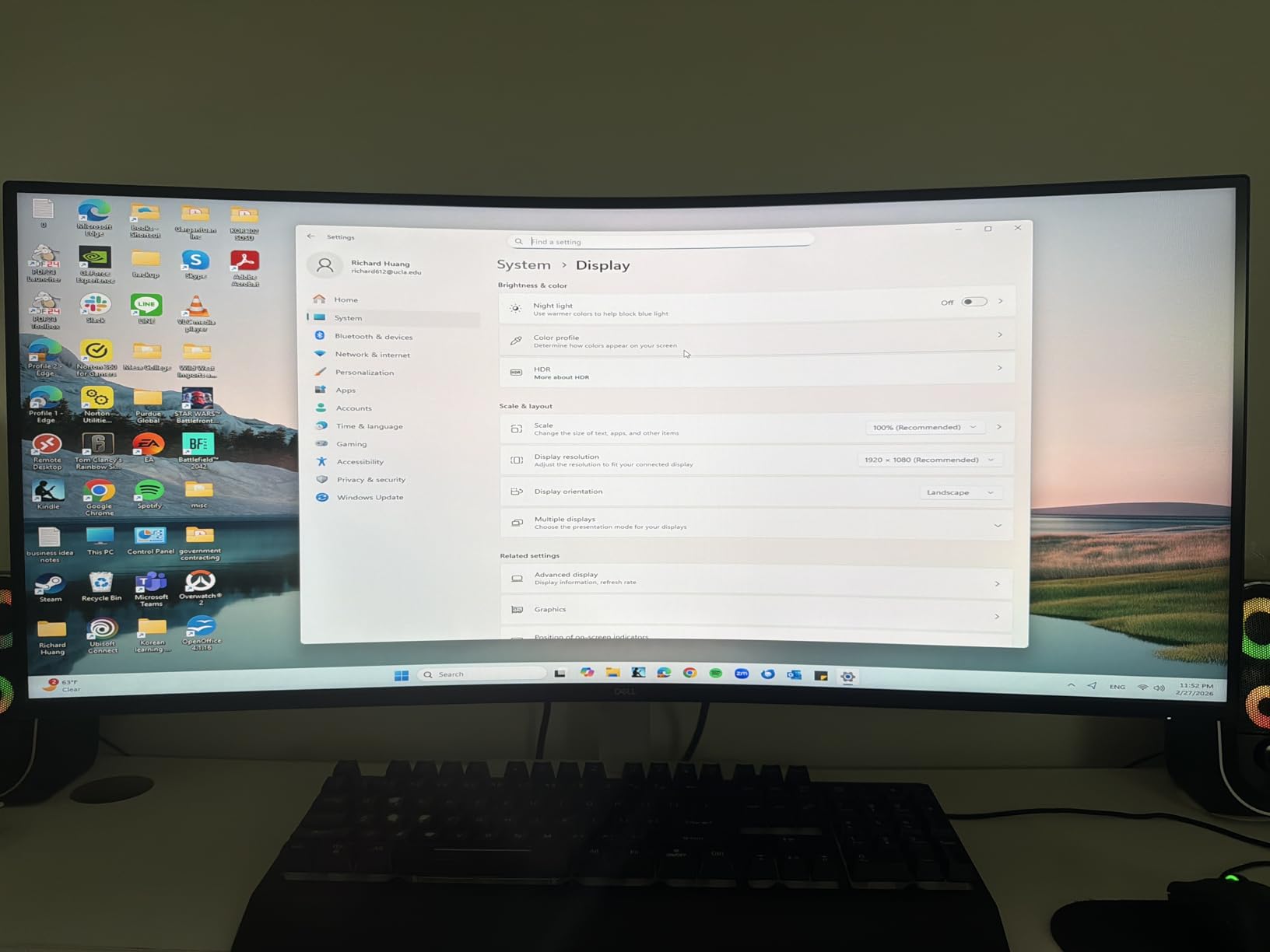
The warranty is the quiet strength. One-year Advanced Exchange Service with Premium Panel Exchange means a faulty panel is swapped rather than repaired, and owners report the process being handled well. For a display you stare at all day, that policy carries real weight.
Why 34 Inches Is the Everyday Answer
A 34-inch 21:9 panel is the widest class that fits a normal desk without a mounting arm, and the resolution keeps pixel density in the range where 100 percent scaling still looks sharp. Split into two halves you get two near-16:9 workspaces, which is why it converts former dual-monitor users so easily.
For most home offices, this is the balance point. Bigger panels give more width and demand a bigger desk; smaller panels fit anywhere and stop short of replacing a dual setup.
Connectivity Limits Worth Knowing Before You Buy
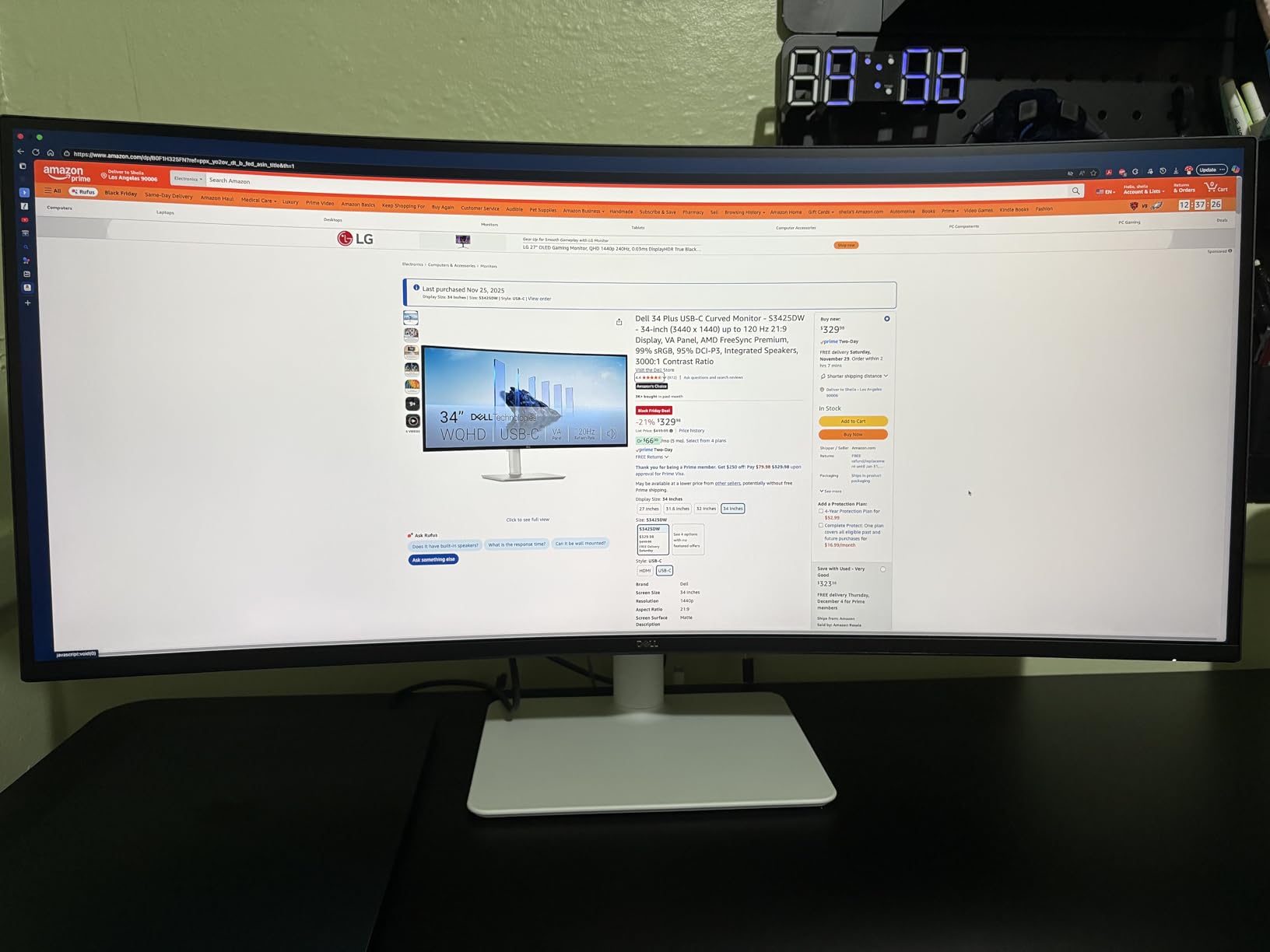
The port selection is the compromise. Two HDMI, USB-C and four USB-A is enough for a laptop plus peripherals, but there is no DisplayPort, so adding a desktop later means an adapter. Plan your inputs before you commit.
The VESA mount recess sits about a quarter-inch below the panel, which means arm brackets need spacers to sit flush. That is a small detail that turns into a Friday evening project if you discover it after the monitor arrives.
Trade-offs on the Panel
VA smearing shows on high-contrast transitions, and colour is weaker than older higher-end Dell models, so this is not the panel for grading. Sixteen-by-nine video also produces black bars on both sides, which is unavoidable at this aspect ratio.
A small number of owners reported a stand that would not hold the panel level and one report of sound distortion over HDMI. ComfortView Plus reduces blue light output to 35 percent or less, which helps on a full workday.
7. LG 34WR55QK-B - Best 34-Inch for Long Document Sessions
LG 34WR55QK-B 34-inch UltraWide WQHD (3440 x 1440) Curved Computer Monitor, 100Hz, 5ms, HDR...
34 inch 21:9 at 3440x1440
USB-C 65W with Picture-by-Picture
Reader Mode blue light filter
Height and tilt stand
+ Pros
- USB-C with up to 65W power delivery charges a laptop over one cable
- OnScreen Control makes split-screen and Picture-by-Picture layouts a mouse-click job
- Reader Mode reduces blue light for long reading sessions
- Height and tilt adjustable stand with a three-side borderless design
- Connectivity includes 2 HDMI plus DisplayPort plus 3 USB and a headphone jack
- Cons
- Shared across three 34-inch models here so scrolling is less fluid than 120Hz or 165Hz rivals
- VA panel smears on dark-over-light transitions
- Only a 1-year parts and labour warranty
- HDR10 support is modest
If your day is reading, this is the 34-inch to buy. Reader Mode reduces blue light output for long document sessions, and the matte 3440x1440 VA panel at 3000:1 contrast keeps text edges defined without the reflections a glossy finish would add in a bright room.
The 4.6 average rating here comes with a set of features aimed squarely at business use. OnScreen Control turns split-screen layouts into a mouse-click job, and Picture-by-Picture shows two input sources at once, which is useful for a laptop plus a desktop or for cross-referencing two documents.
USB-C with up to 65W power delivery handles the laptop, and the port count is generous for the 34-inch class here with two HDMI, DisplayPort, three USB and a headphone jack.
Reader Mode and Eye Comfort Over a Full Day
Long-session comfort comes down to three things: text sharpness at native scaling, low blue light, and a panel that does not shimmer. This one covers the first two well, and the matte finish helps with the third in bright offices. The TUV-style eye comfort features here are simple toggles rather than automatic sensors.
Eye comfort is not a reason to pick a 49-inch, and that is worth saying plainly. A shorter panel keeps the bottom edge near your natural gaze line, which reduces the neck angle you hold all day.
Where the 100Hz Ceiling Bites
One hundred hertz is the joint slowest refresh rate in this roundup, and it is the main reason this monitor does not win outright. Window dragging and fast scrolling are visibly less fluid than on the 120Hz and 165Hz panels here, and the gap is obvious once you have used one.
For a reader who mostly stares at a document, it is an acceptable compromise. For someone who rearranges windows constantly, the Dell S3425DW is the better buy for the same class of desk.
Everyday Practicality
At 15.2 pounds this is one of the lighter ultrawides in the guide, and the 38W power draw sits near the bottom of the range here, which suits a home office running the monitor long hours. The height- and tilt-adjustable stand with wall-mount support keeps the desk tidy.
The one-year parts and labour warranty is the weakest support in this price class, and buyers who keep monitors for a decade often prefer longer coverage. Otherwise, this is a quiet, well-connected 34-inch for reading-heavy work.
8. INNOCN 45C1R - Best Port Selection Including RJ45 Ethernet
INNOCN 45C1R 45" 5K2K 5120 x 1440p Ultrawide Curved Gaming Monitor, R1500, HDR400, USB Type-C 90W...
45 inch 32:9 at 5120x1440
120Hz with 1ms response
USB-C 90W plus RJ45 Ethernet
Built-in speaker
+ Pros
- 5120x1440 across 45 inches divides cleanly into three or four columns
- Port set adds RJ45 Ethernet plus USB-B plus USB-C power delivery
- Height tilt and swivel adjustable stand
- PIP and PBP for two sources at once
- Built-in speaker avoids separate desktop audio
- Cons
- Some panels arrived with dead pixel clusters and a few developed coloured lines
- On-screen controls are clunky for PIP and colour changes
- DisplayPort will not wake from sleep with a Mac Mini unless Auto Power is off
- 1-year warranty and repeated support complaints
The 45-inch 32:9 shape sits between the 40-inch and 49-inch classes, and this panel is the most flexible divider in this guide. Owners report splitting 5120x1440 into three or four columns for code, documents and communication apps, which is a layout a 34-inch cannot reach and a 49-inch does not need.
What sets it apart is the port set: DisplayPort 1.4, two HDMI 2.1, USB-C with up to 90W power delivery, USB-A, USB-B, an RJ45 Ethernet port and a 3.5mm audio jack. Hard-wired networking through the monitor is unusual in this category and useful for a laptop that spends its day connected.
At 120Hz with 1ms response and G-Sync compatible adaptive sync, the panel stays responsive, and HDR400 with 99 percent sRGB and 3000:1 contrast is a solid all-round specification for office and light editing work.
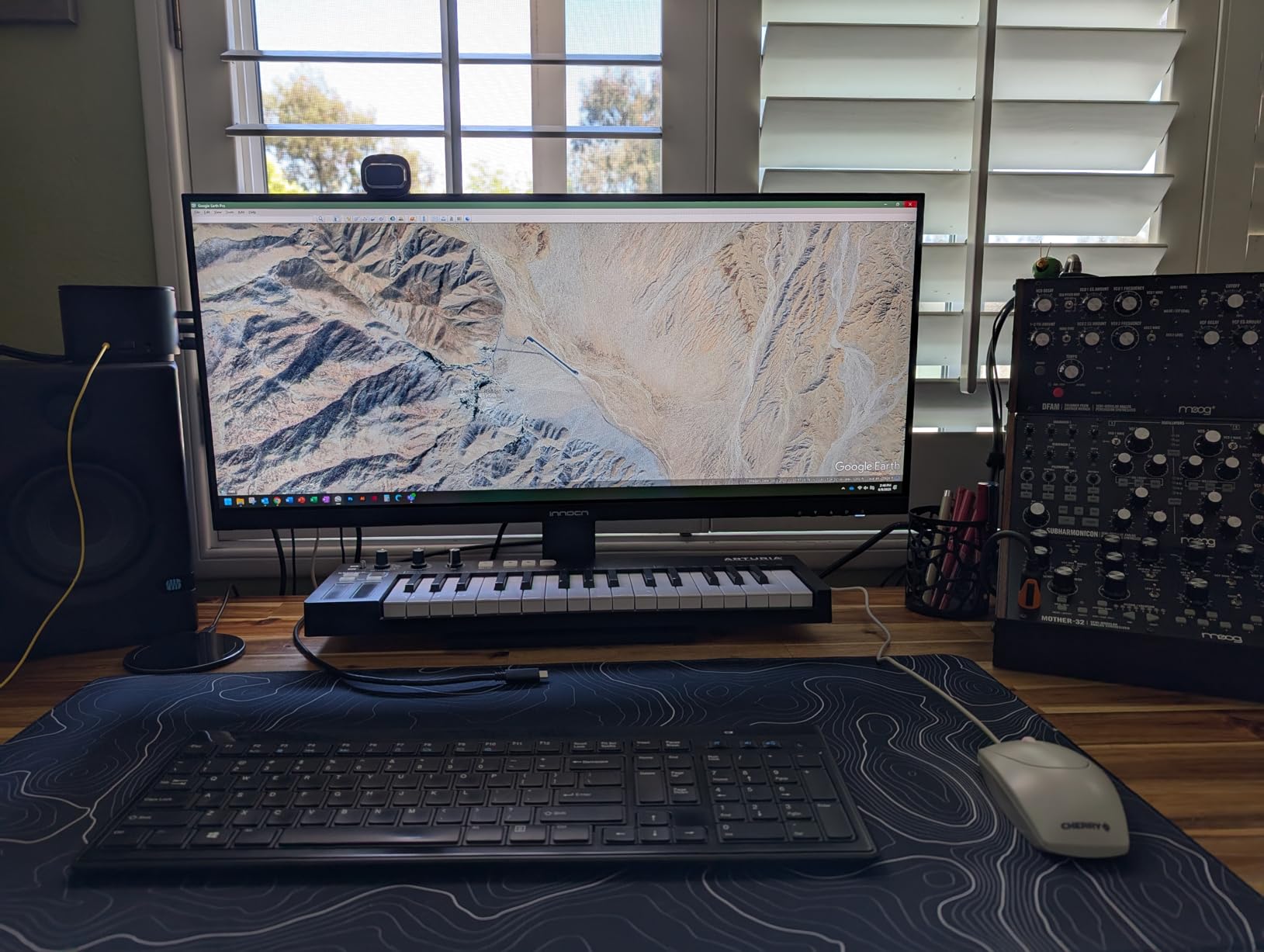
Three-Column and Four-Column Workflows
The reason a 45-inch 32:9 exists is column division. A 3440-pixel half at 50 percent scale gives you a readable 16:9 workspace, which means two documents plus a code editor fit side by side without shrinking anything. Adding a third column usually means accepting narrower windows, which works for chat and dashboards.
Buyers most satisfied with this panel treat it as a single-screen workstation replacement for two 27-inch monitors. The curved 1500R panel helps the edges stay at a comfortable distance without distorting the centre.
Connectivity as the Feature
USB-C at 90W handles a demanding laptop, and the RJ45 port removes the need for a separate dongle when the machine is at the desk all day. Two HDMI 2.1 ports mean a console or a second machine connects without a hub, which is more than most 45-inch rivals offer.
A built-in speaker removes the last piece of desk clutter, and PIP and PBP let a second source sit alongside the main one for cross-referencing. The stand tilts, swivels and adjusts for height.
Quality Control and the OSD
This is where the rating is earned back. Owners report dead pixel clusters on some panels, and a few describe coloured lines appearing after a few months of use. On-screen controls are consistently described as clunky, especially for PIP and colour mode changes.
There is also a practical quirk: the DisplayPort input will not wake the panel from sleep alongside a Mac Mini unless Auto Power is disabled in the menu. The 1-year warranty and after-sales support attract repeated complaints, so buy it with that in mind.
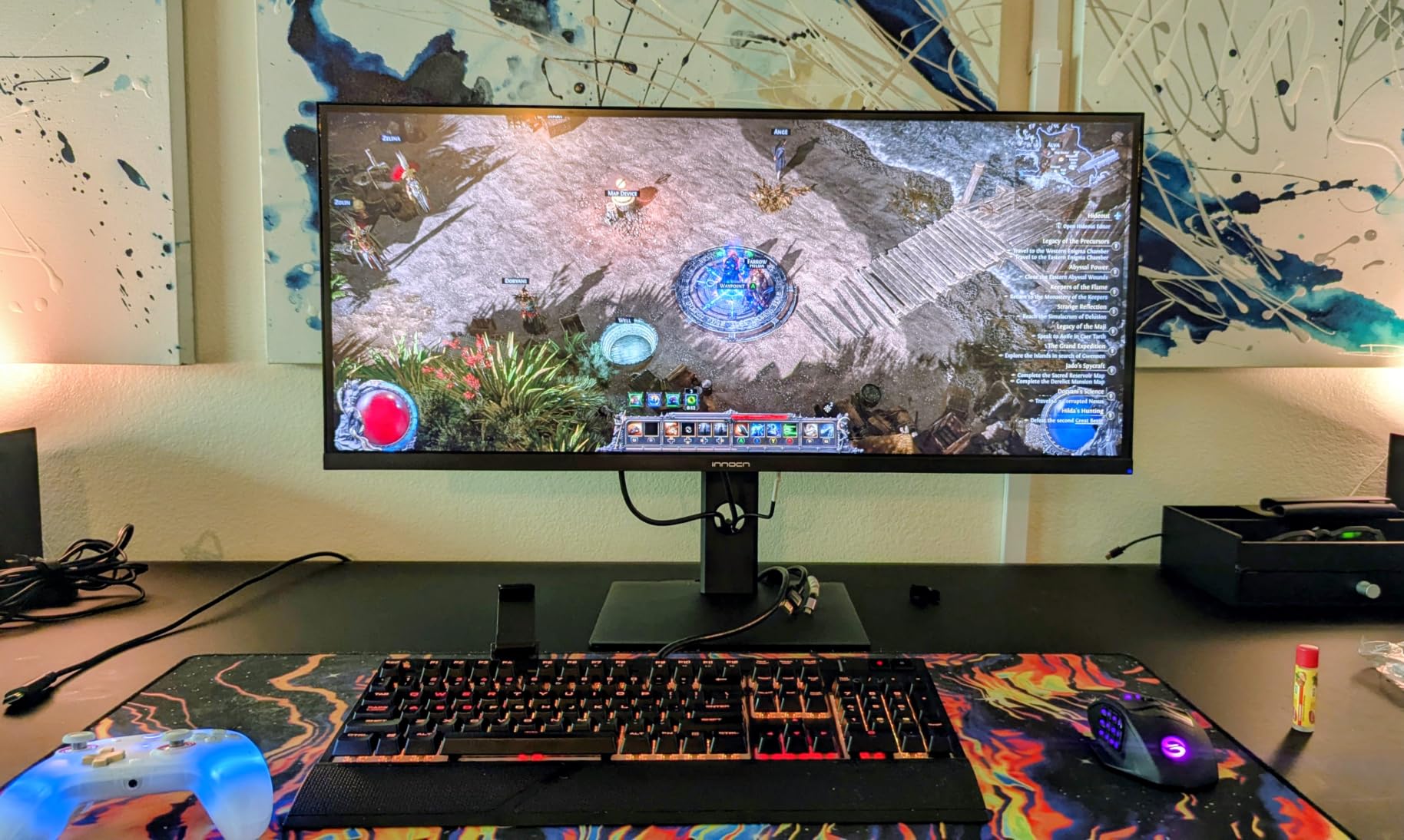
9. Samsung ViewFinity S50GC - The Budget Way Into 21:9 Work
SAMSUNG 34" ViewFinity S50GC Series Ultra-WQHD Monitor, 100Hz, 5ms, HDR10, AMD FreeSync, Eye Care...
34 inch 21:9 at 3440x1440
PBP and PIP multi-input
Ambient light sensor with Eye Saver Mode
10.8 lb chassis
+ Pros
- Simple route to a real 3440x1440 21:9 workspace
- PBP shows two inputs at native resolution side by side
- Ambient light sensor plus Eye Saver Mode and Flicker Free for long sessions
- Lightest chassis in the group at 10.8 pounds with a 50W draw
- Automatically scales different input resolutions including 1080p
- Cons
- No USB-C so no single-cable docking or pass-through charging
- 100Hz refresh rate limits smoothness
- Colour gamut is only 72 percent sRGB
- PIP is described as janky and stand adjustment is limited
This is the most straightforward way to move from a 16:9 screen to a genuine 21:9 workspace, and it carries the largest review base in this roundup at more than a thousand entries. That volume of owner feedback is itself useful, because the trade-offs show up repeatedly and none of them are hidden.
The panel is 34 inches at 3440x1440 on a matte VA LCD with 3000:1 contrast. PBP shows two sources at native resolution side by side, which is a genuinely useful productivity feature, and the monitor auto-scales different input resolutions including 1080p from a console.
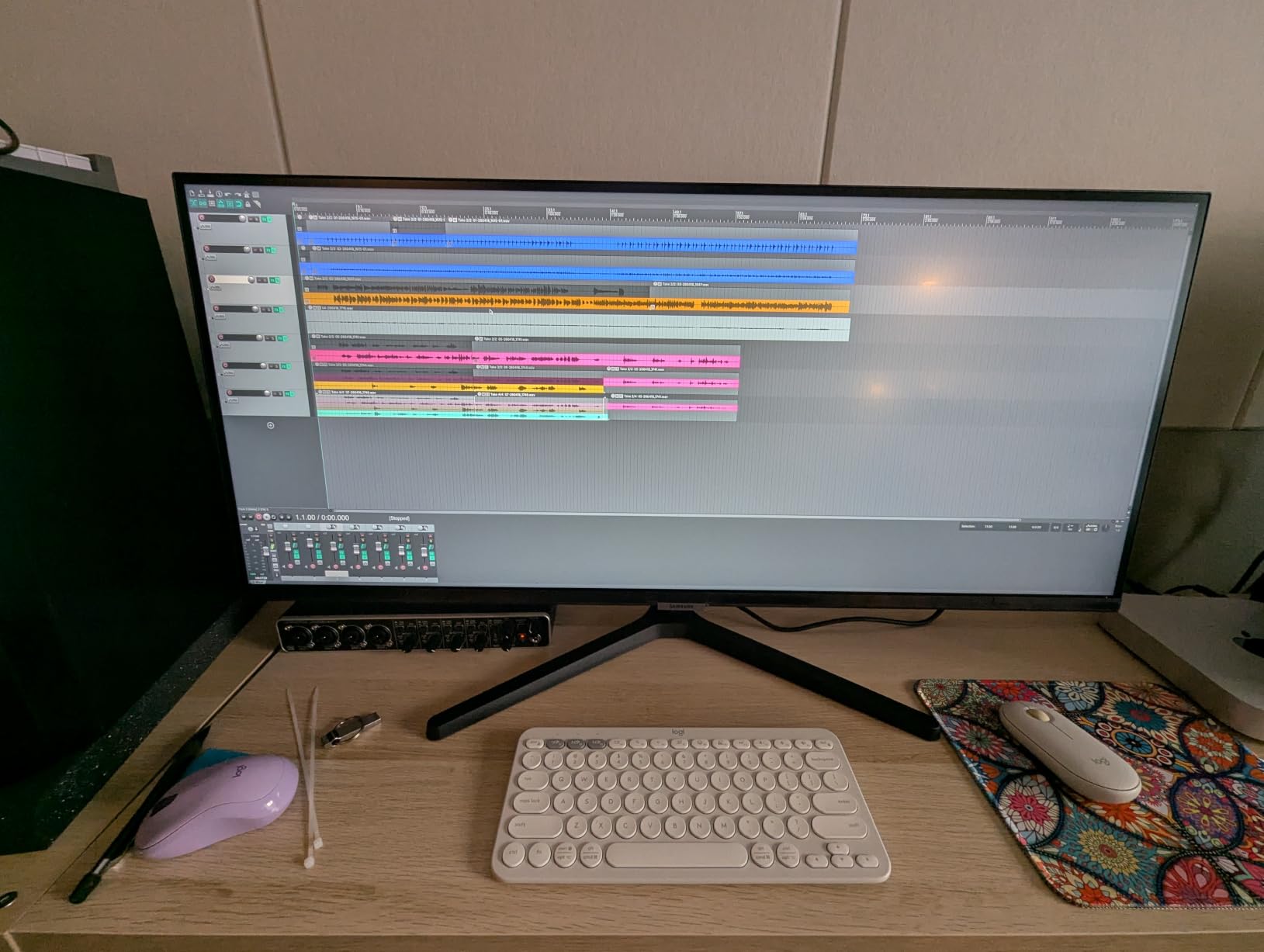
Eye Care Features and Automatic Brightness
TUV-certified Intelligent Eye Care covers three things: an ambient light sensor that adjusts brightness on its own, Eye Saver Mode for blue light reduction, and Flicker Free dimming. On a screen you stare at for a full workday, that set is more useful than it sounds, and the automatic brightness is the feature owners mention first.
The 72 percent sRGB colour gamut is the specification to accept or reject. It is fine for documents, browsing and spreadsheets, and unsuitable for any colour-critical work, so photo and video editors should look elsewhere in this guide.
The Missing USB-C and the 100Hz Limit
There is no USB-C, which means no single-cable laptop docking and no pass-through charging. You will run a separate charger and a separate video cable, and that is the single biggest reason to step up a class if you work from a laptop.
One hundred hertz is the joint slowest here. Scrolling is still perfectly usable, and the panel is only 10.8 pounds, so it moves easily and runs cool at 50 watts. Several owners recommend adding a monitor arm because the included stand offers limited adjustment.
Who This Is For
It is for a first ultrawide, a shared family office, or a student moving up from a laptop screen without changing how they work. Owners describe it as a direct route to the bezel-free width of a 3440x1440 panel and a starting point for three-column layouts.
The 1-year manufacturer warranty is short, and the on-screen display and touch toggle controls take time to get used to.
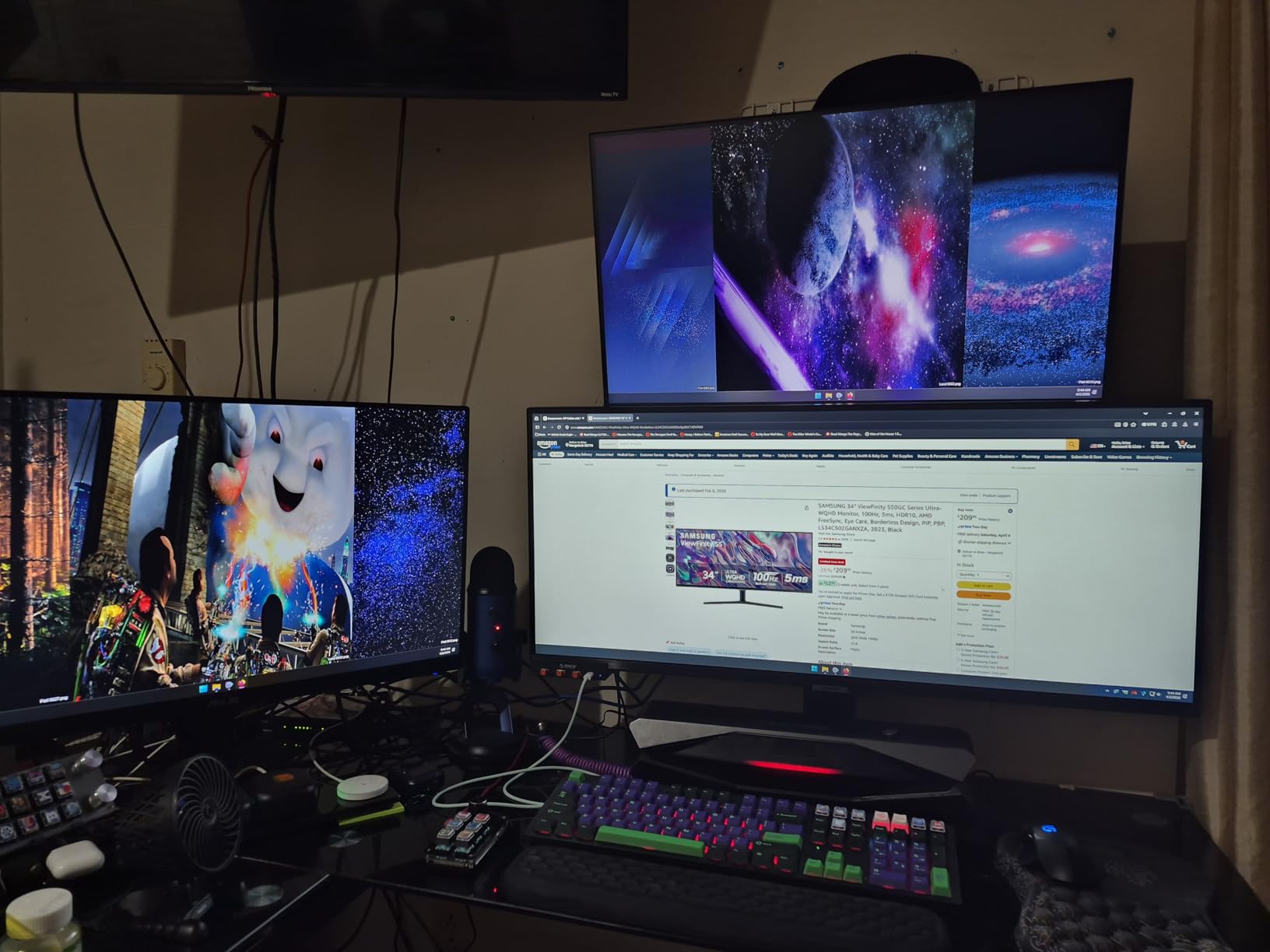
10. Z-Edge 40 Inch Ultrawide - Best Split-Screen 40-Inch Value
Z-Edge 40 inch Ultrawide Gaming Monitor, WQHD 1440P 144Hz, IPS PC Screen
40 inch 21:9 at 3440x1440 IPS
144Hz over DisplayPort
PIP and PBP split-screen
Adjustable stand
+ Pros
- 40-inch 3440x1440 IPS keeps 178 degree viewing angles and consistent colour
- PIP and PBP let two sources share the ultrawide canvas
- Stand adjusts for height plus tilt plus swivel across 4 positions
- Built-in dual speakers remove desk clutter
- Complete gaming OSD suite with crosshair and magnifier and timer
- Cons
- A small number of owners report the panel locking up or failing after a few months
- Bundled stand and DisplayPort cable drew complaints including intermittent no-signal
- Only a 1-year warranty which is shorter than Dell or Samsung or LG
A 40-inch flat 21:9 IPS panel is an unusual shape and a useful one. It sits wider than a 34-inch while staying flat, which keeps text geometry honest across the whole surface, and the IPS panel holds 178-degree viewing angles so the edges of a wide document stay readable when you lean back.
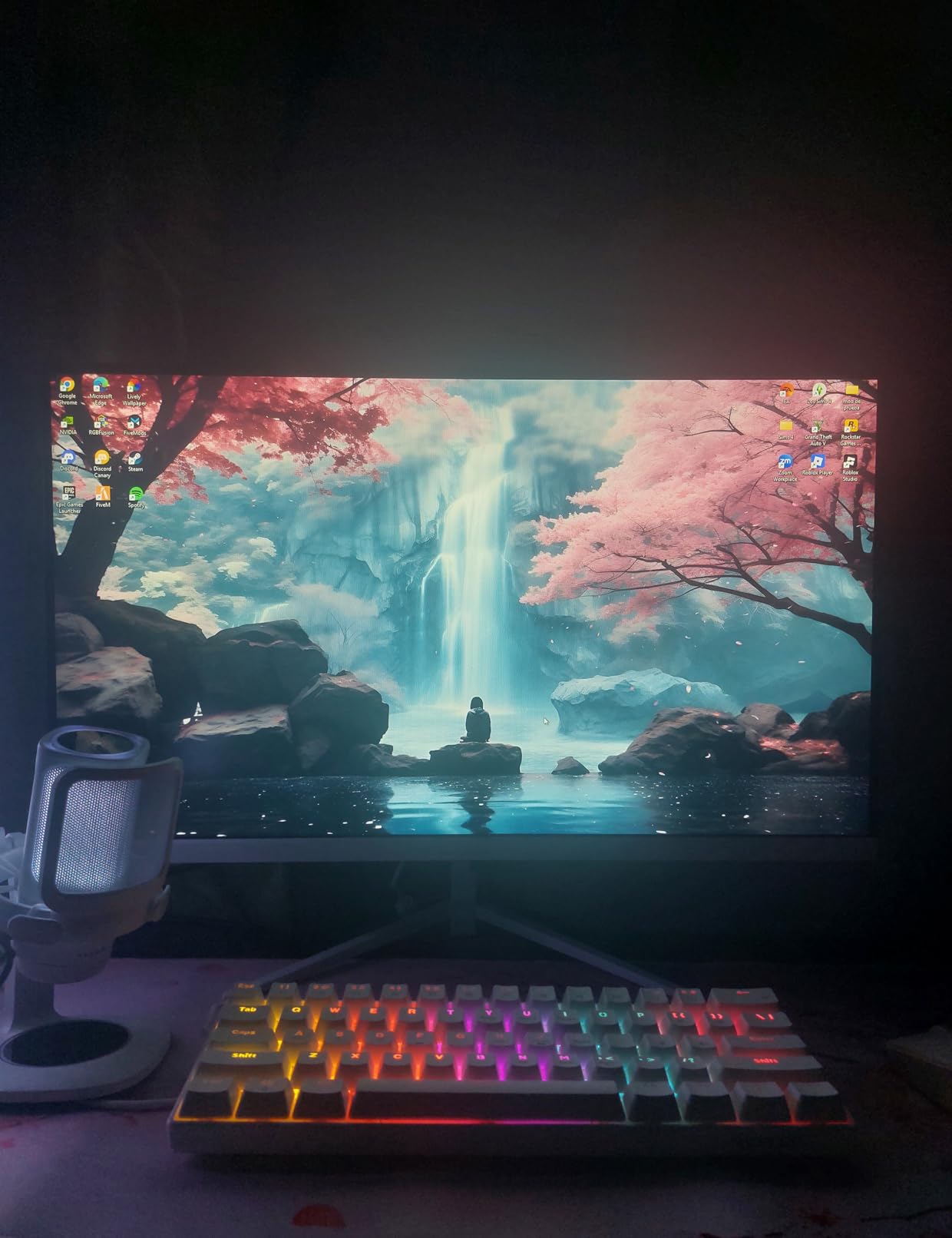
The productivity story is PIP and PBP. Two sources can share the canvas, which works for a laptop plus a desktop, or for keeping a reference document beside your main window. The adjustable stand offers height, tilt and swivel across four height positions, and built-in dual speakers remove a pair of desktop boxes from the desk.
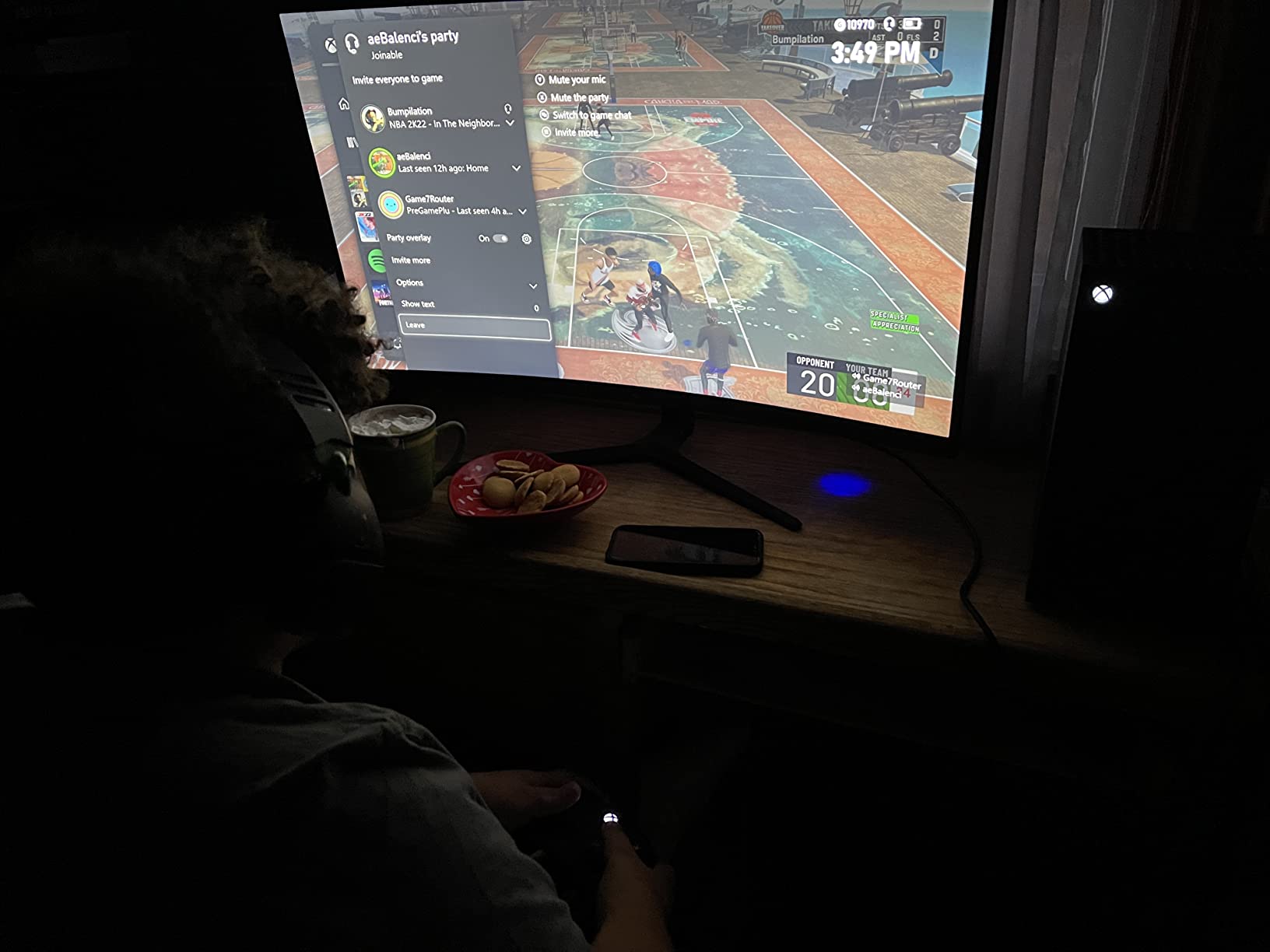
At 144Hz over DisplayPort with 1ms response and FreeSync, it is also a capable gaming panel, and the on-screen display suite is unusually complete with a crosshair, magnifier, shadow balance, refresh-rate readout and timer.
IPS Text Behaviour and Viewing Angles
IPS is the panel type most people reading all day should prefer. Dark smearing on scrolling text is minimal compared with the VA panels in this roundup, and the wide viewing angles mean a colleague leaning over your shoulder can read the same screen you do. Brightness is listed at 350 cd with 100 percent sRGB coverage.
The contrast ratio of 1200:1 is among the lowest in this guide, which shows in dark rooms with dark interfaces. A brighter room suits it better, and for a lit desk at 350 cd that is rarely the trade you will notice.
Split-Screen Workflows and the OSD
PIP and PBP are the features that turn a wide monitor into a two-machine workstation, and this panel supports both. At 3440x1440, two windows at roughly half width still land near 16:9 proportions, so neither source feels letterboxed.
Connectivity covers HDMI, DisplayPort and USB-C for data and display, with one USB port. There is no power delivery rating, so this is not a one-cable laptop solution; treat the USB-C port as an input and data path.
Reliability Reports Worth Reading
This is where the 1-year warranty matters. A small number of owners report the panel locking up or failing after a few months, and the bundled stand and DisplayPort cable drew complaints, including intermittent no-signal at boot from the shipped cable.
Value sentiment is strong regardless, and EU spare-part availability is listed at 2 years, which is a point in its favour. Check the panel early with a colour test so any early defect surfaces while returns are simple.
11. Philips 346E2CUAE - Best Warranty Coverage in the Set
Philips 34 Inch Curved Computer Monitor UWQHD 100Hz USB-C PD VA, 346E2CUAE
34 inch 21:9 at 3440x1440
USB-C power delivery plus 4-port hub
121.3 percent sRGB
4 year warranty
+ Pros
- One USB-C cable carries video and charges the laptop
- Four USB 3.1 ports make it a usable peripheral hub
- 4-year manufacturer warranty plus 4-year EU spare-part availability
- Curved 1500R VA panel with wide colour coverage
- VESA mount support and frameless design suit arm mounting
- Cons
- Among the slowest refresh rates here at 100Hz
- Glossy finish picks up reflections in bright rooms
- VA panel shows dark smearing on high-contrast transitions
- Heavier than expected at 27.8 pounds with swivel-only listed adjustment
The reason to look at this panel is paperwork. A 4-year manufacturer warranty with 4-year EU spare-part availability is the longest coverage in this roundup, and for a display you may keep for a decade, a replacement path that long changes how you think about the purchase.
USB-C power delivery handles a laptop over a single cable, and four USB 3.1 ports turn the panel into a workable hub for peripherals, so a compact desk setup does not need a separate dock. The frameless design and VESA mount support suit an arm mount, which is a sensible move on a curved panel of this size.
Colour Coverage for General Creative Work
Ultra Wide-Color technology is quoted at up to 121.3 percent sRGB and 99.5 percent NTSC, which is unusually wide for a VA panel in this class. It is not a calibrated panel, so it is not a substitute for a reference display, but it handles photo sorting and general design work well.
Brightness is listed at 300 cd, which suits a normally lit room. The glossy finish is the practical issue: it picks up reflections from windows and overhead lights, so repositioning the screen a few degrees is often enough to make it comfortable.
The 100Hz Ceiling and the Glossy Panel
One hundred hertz is among the slowest here, and it shows in scrolling and window dragging compared with the 120Hz and 165Hz panels in the same guide. Adaptive Sync and 1ms MPRT keep motion clean, but the frame rate ceiling is the limit.
VA smearing on high-contrast transitions is the other known cost, most visible when a dark terminal sits beside a bright document. It is a fair trade for the warranty and the hub at this level.
Physical Practicality
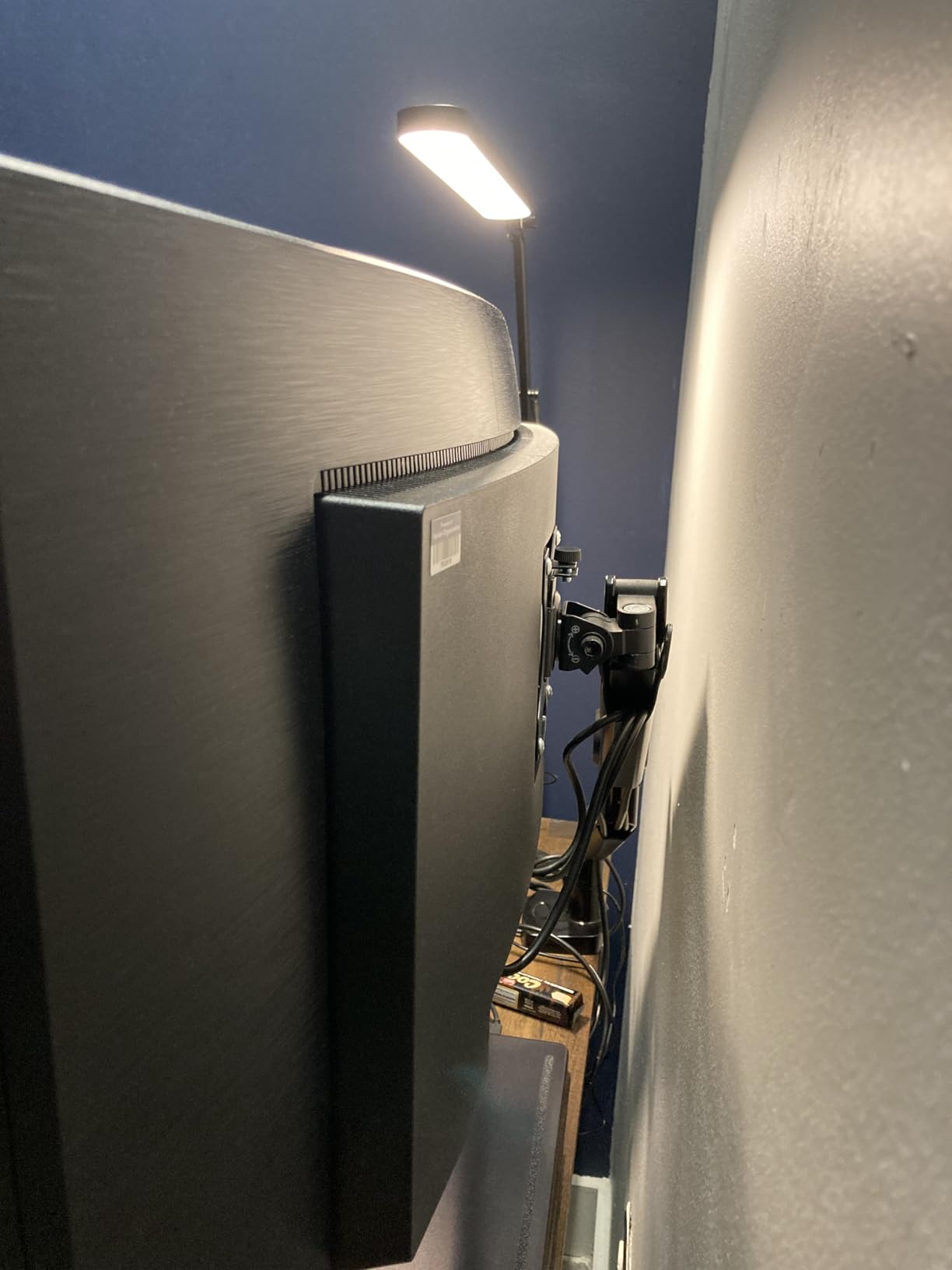
At 27.8 pounds, this is heavier than most 34-inch panels and lighter than the 45- and 49-inch models here, so it needs a stand that can hold it steady or a properly rated arm. Only swivel adjustment is listed among the stand options, so height is fixed.
Power draw is 31.81 watts, among the lowest in this roundup, and a 4-year spare-part window means a control board failure is not the end of the monitor. That long-term support is why we rate it highly despite the slow refresh rate.
12. Deco Gear 49 Inch - Best Budget 49-Inch with KVM Switching
Deco Gear 49 Inch Curved Ultrawide Monitor, 5120x1440 Dual QHD 32:9 1500R VA Display, HDR400, 120Hz...
49 inch 32:9 at 5120x1440
Built-in KVM switch
USB-C 65W power delivery
120Hz with adaptive sync
+ Pros
- Replaces a dual-monitor setup with one bezel-free 5120x1440 canvas
- Built-in KVM switch plus 65W USB-C covers a two-laptop workstation
- PIP and PBP for cross-referencing documents or feeds
- 120Hz with 1ms MPRT and adaptive sync
- Stand adjusts for height plus tilt plus swivel
- Cons
- Carries a 4.2 average with more one-star reviews about build and support
- No built-in speakers
- 46.7 inch wide chassis and 105W power draw need a deep desk
The value case here is simple: a 49-inch 5120x1440 canvas with a built-in KVM switch and 65W USB-C charging, at a tier well below the business 49-inch panels in this guide. If you want to drive two machines from one keyboard and mouse without buying a separate switch, that combination is rare at this level.
PIP and PBP let two sources sit side by side for cross-referencing documents or monitoring feeds, and 120Hz with 1ms MPRT and adaptive sync keeps the workspace responsive when you drag windows between them.
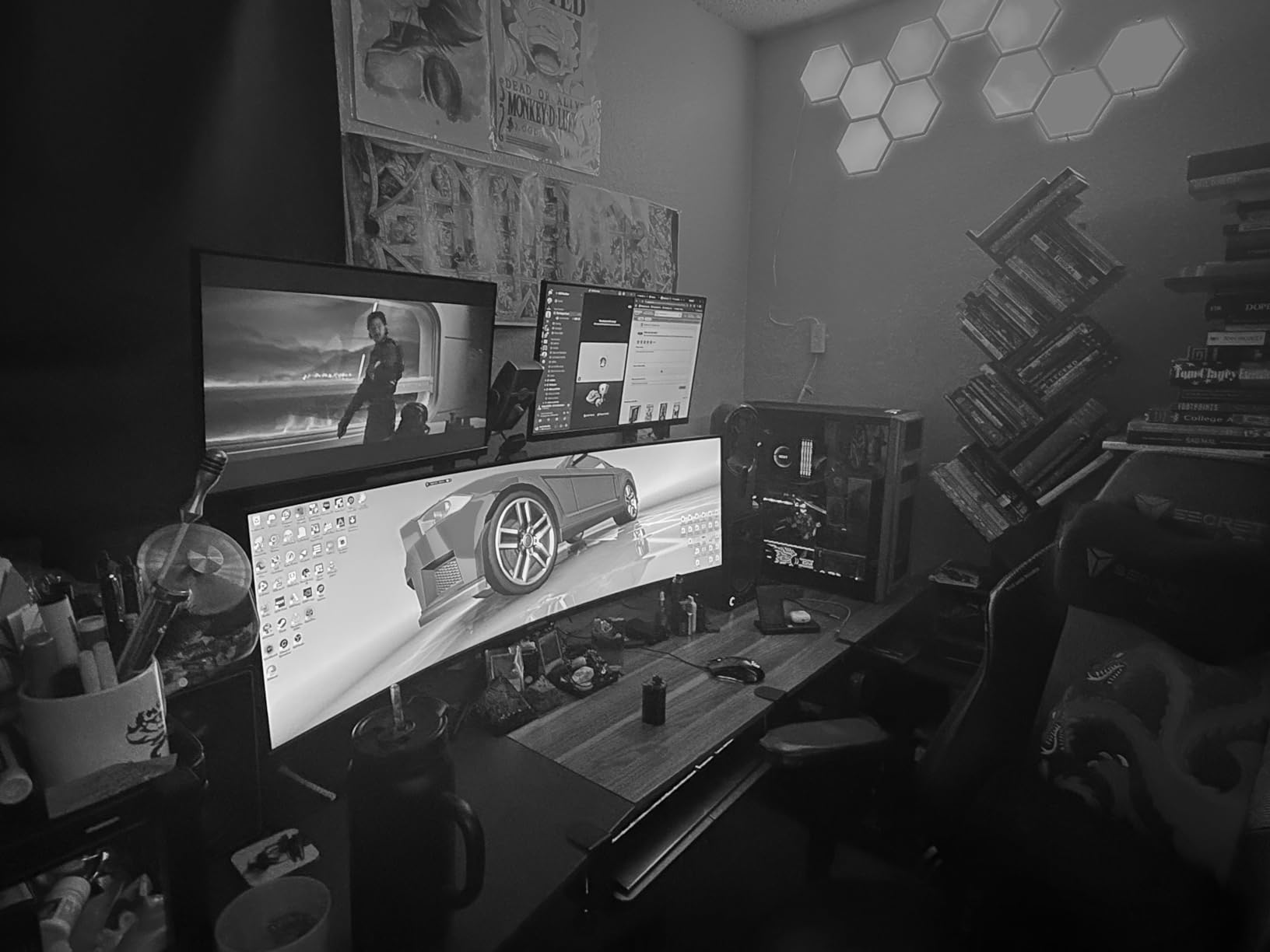
HDR400 with full sRGB coverage and 3000:1 contrast is a reasonable specification sheet, and the height, tilt and swivel stand means it can be positioned properly rather than kept at a factory angle.
Two-Laptop Workstation Setup
The combination that makes this panel interesting is a KVM switch plus 65W power delivery on the same USB-C port. Two laptops can be connected, both charging, with one keyboard and mouse driving either of them, which suits a partner-and-client desk or a self-employed setup with a work and a personal machine.
Connectivity includes two HDMI, DisplayPort, USB-C, USB-A, USB-B and audio out, which is a generous port count for the class. It is enough to avoid a hub for a typical two-machine desk.
Build and Support Concerns
This carries a 4.2 average that ties for the lowest in our roundup, and the critical reviews cluster on build quality and support responsiveness rather than the panel. A young brand means fewer long-term failure reports, and also less long-term evidence.
There are no built-in speakers, so a complete desk needs external audio, and at 46.7 inches wide with a 105W power draw it demands a deep desk surface. Budget for those two facts before you order.
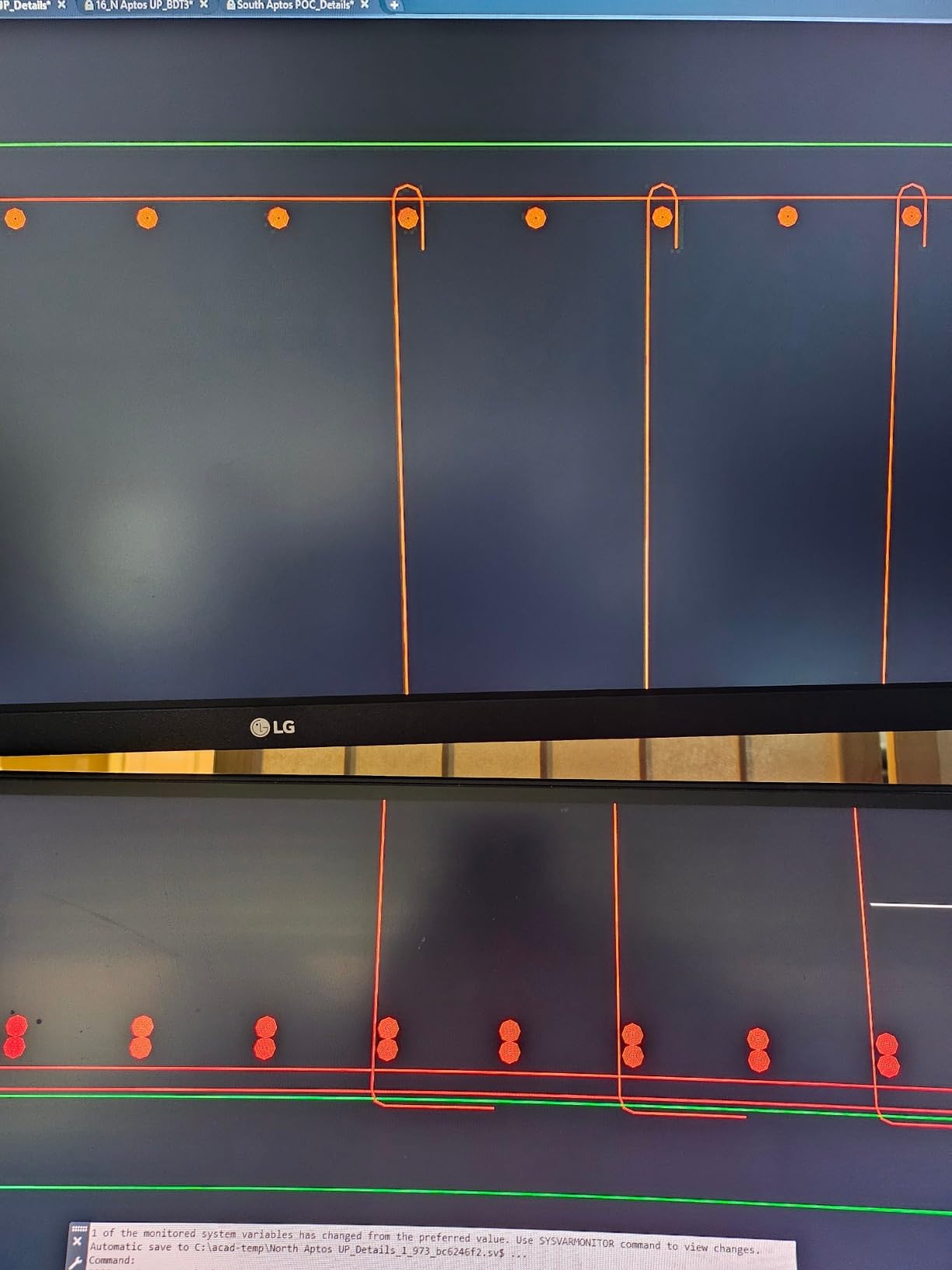
Who Should Choose It
Choose it if your priority is width and machine-switching at a lower outlay than the business 49-inch options here. The 3000:1 contrast and full sRGB coverage suit documents, spreadsheets and dashboards.
Skip it if you need long-term support, colour-critical accuracy, or audio from the monitor. On warranty length and brand maturity, the Samsung and Dell 49-inch and 40-inch picks in this guide carry stronger coverage.
How to Choose an Ultrawide Monitor for Work
The specs that matter for productivity differ from the specs that matter for games. Here is the decision framework we used to rank the twelve panels above, in the order we would work through it.
21:9 or 32:9: Which Aspect Ratio Fits Your Work
A 21:9 panel is about 1.3 times wider than a 16:9 screen of the same height, so it behaves like a familiar monitor with extra width. A 32:9 super ultrawide is closer to two 16:9 monitors of equal height, which is the shape that genuinely replaces a dual-screen desk without shrinking anything.
The practical test is what you keep on screen. Documents, code and long lists work well on 21:9 because you gain width without losing height. Dashboards, market data, timeline editors and anything that wants three or four equal columns wants 32:9, where each column can still hold a full-height window.
Screen Size and Pixel Density for Text Clarity
Pixel density is the number that decides whether text is comfortable, and it is the specification most buyers in this category overlook. A 34-inch 3440x1440 panel and a 49-inch 5120x1440 panel land in a similar density range, so both can be used at 100 percent scaling with crisp type. A 40-inch 3440x1440 panel spreads the same pixels over more inches and lands nearer 93 PPI, where small text needs scaling to stay comfortable.
The 45-inch 5120x2160 panel in this guide reaches about 125 PPI, and the Dell UltraSharp 40-inch goes higher still at roughly 140 PPI because it uses the same extra vertical resolution on a smaller canvas. When you read for a living, that gap is worth more than any refresh rate on this list.
USB-C Power Delivery and Single-Cable Docking
USB-C with power delivery is now close to a requirement on a productivity monitor. A single cable to a laptop that carries video, data, charging and sometimes network turns a laptop into a desktop with one connector to unplug at the end of the day. In this roundup, delivery ratings range from 65W on several 34-inch models to 90W on the Samsung 49-inch, the LG 45-inch OLED and the INNOCN 45-inch.
Integrated Ethernet is rarer and more useful than it sounds. A wired network connection through the monitor keeps a laptop online with the lid closed and removes a dongle from the desk, which the Dell UltraSharp U4025QW and the INNOCN 45C1R both provide.
KVM Switching and Picture-by-Picture
A KVM switch lets one keyboard and mouse drive two computers, which matters the moment you run a laptop plus a desktop. In this guide, the Z-Edge 49-inch and the Deco Gear 49-inch include one, and the rest rely on Picture-by-Picture or an external switch.
Picture-by-Picture shows two inputs on one panel, and most of these monitors support it. One gotcha is rarely mentioned: entering PBP on some models drops the refresh rate, so check the on-screen display after enabling it rather than assuming you are still running at full speed. A refresh-rate readout in the OSD, which the Z-Edge 40-inch includes, makes this easy to verify.
Panel Type, Refresh Rate and Eye Comfort
IPS panels render text cleanly with wide viewing angles and low smearing, which is why they remain a sensible default for office work. VA panels deliver deeper contrast, often quoted at 3000:1, but smear on dark-over-light transitions. QD-OLED and other OLED panels give the best contrast and colour alongside the sharpest text, at the cost of burn-in management routines that some people find disruptive during long sessions.
On refresh rate, office work does not need the highest numbers. Sixty hertz is workable, one hundred feels dated, and 120Hz is the productivity sweet spot because window dragging and scrolling feel immediate without pushing power draw and cost up. Two hundred and forty hertz adds nothing for document work.
For eye comfort, treat blue light reduction and flicker-free dimming as basic requirements rather than features, and pay more attention to panel height than to any of them. A shorter panel keeps the bottom edge closer to your natural gaze line, which is why many long-session users in the owner reviews prefer a 34-inch or 45-inch to a 49-inch.
If you are also tracking other daily signals through wearable devices, our guide to portable baby monitors for camping covers the same principle of one dependable device you actually keep on, rather than juggling several.
Desk Fit, Weight and Mounting Checklist
Before you order anything above 40 inches, measure your desk. A 49-inch panel is around 46 to 47 inches wide with its stand, so you need a desk close to 48 inches across and at least 22 inches deep to sit at a sensible distance. The 40-inch and 45-inch models are more forgiving but still wider than a typical 48-inch desk with a monitor arm already fitted.
Weight is the second check. Panels in this guide run from 10.8 pounds to 41.9 pounds, and anything above 30 pounds should go on a properly rated arm or a reinforced desk. If you intend to mount one, check the VESA pattern and be aware that some mounts need spacers because the recess sits below the panel, as it does on the Dell S3425DW.
Third, check your scaling plan. A 49-inch at 5120x1440 usually runs at 100 percent, a 34-inch at 3440x1440 often wants 125 percent for comfort, and a 40-inch at 3440x1440 falls between. Set this up before the monitor arrives and you will avoid a week of squinting.
Frequently Asked Questions
Is an ultrawide monitor good for productivity?
Yes, for work that involves several windows at once. A 21:9 or 32:9 panel replaces a dual-monitor setup with one continuous canvas, so you stop alt-tabbing and stop turning your head between screens. Developers, traders, data analysts, video editors and remote workers benefit most. People who work on one document at a time gain less.
Which is better, a 34-inch ultrawide monitor or a 49-inch ultrawide monitor?
A 34-inch ultrawide fits a normal desk and gives roughly 34 percent more horizontal width than a 16:9 screen of the same height, while keeping enough pixel density for sharp text. A 49-inch 32:9 panel matches two 27-inch monitors and holds three or four full-height columns, but needs a desk close to 48 inches wide and at least 22 inches deep. Choose 34 inches for a standard desk, 49 inches for a dedicated one.
Can ultrawide monitors replace dual monitors?
Usually, yes. A 34-inch 3440x1440 panel covers the working width of two 24-inch screens, and a 49-inch 5120x1440 panel matches two 27-inch monitors with no bezel seam. The trade-off is vertical space: each half of a 32:9 panel is shorter than a standalone 16:9 monitor, so very tall documents and terminal windows feel tighter.
Is 3440x1440 considered 2K or 4K?
3440x1440 is generally called WQHD, UWQHD or 2K, and it is not 4K. It has about 4.95 million pixels against roughly 8.3 million in a 3840x2160 4K display. That is why 3440x1440 works well at 34 inches, where pixel density stays high enough for sharp text at 100 percent scaling.
What desk size do I need for a 49-inch ultrawide?
Plan for a desk close to 48 inches wide and at least 22 to 24 inches deep. A 49-inch panel is roughly 46 to 47 inches across with its stand, and it needs depth so the curved edges sit at a comfortable distance. Panels in the 49-inch class also weigh 24 to 32 pounds, so use a properly rated arm or a reinforced desk.
Is a 34-inch monitor too big for work?
No. A 34-inch 21:9 panel is wider than a 16:9 screen but the same height, so it fits a standard desk and replaces two 24-inch monitors. It is the class most home offices settle on. If you sit close to the screen or share a desk, choose a 34-inch model with height adjustment, and check that your viewing distance is around 24 inches.
Final Verdict: Which Ultrawide Monitor You Should Buy in 2026
If you want one screen to replace two and you run more than one machine, the Z-Edge 49-inch is our pick: 5120x1440 at 165Hz with a built-in KVM switch is the combination we found hardest to improve on. If you read and write all day and text sharpness decides your comfort, the Dell UltraSharp U4025QW gives you 5K2K detail and the most complete one-cable hub in the group.
For a standard desk, the Dell S3425DW is the easiest upgrade from a dual-screen arm rig, and the LG 34WR55QK-B is the quieter option for reading-heavy work. The LG UltraGear 45GX950A-B is the one to buy if the same panel also has to handle an evening of play, and the INNOCN 40C1R is the pick when colour accuracy matters more than pixel density.
Whatever you choose, measure the desk first, decide whether you need one machine or two, and check the refresh rate before you buy. Those three decisions settle nearly every trade-off in this guide, and they are why our best ultrawide monitors for productivity picks stay consistent as 2026 runs on.